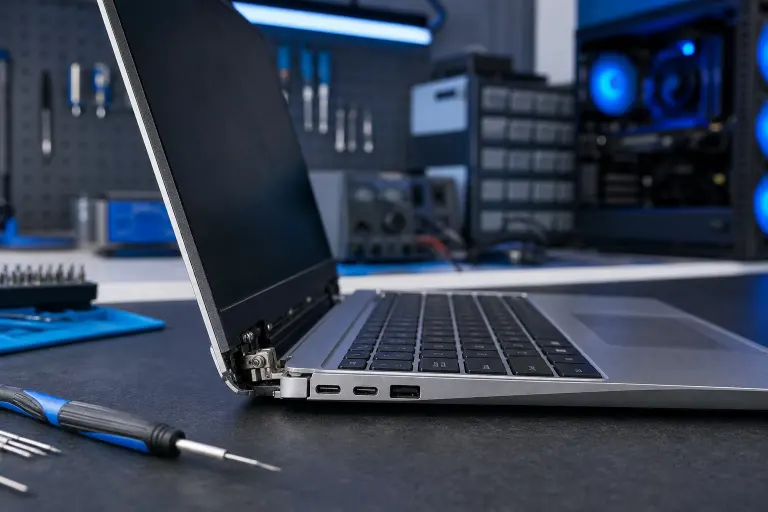
Laptop Hinge Loose or Broken? What It Means and What to Do
TL;DR: A wobbly laptop hinge usually means worn friction pads, a cracked hinge bracket, or stripped mounting screws. Left alone, it gets worse fast and can damage your screen or internal cables. Assess the damage first, then decide whether a tighten-and-monitor approach is enough or whether the laptop needs professional repair.
What you need
- A clean, well-lit surface
- A small Phillips-head screwdriver (size #0 or #1)
- A flashlight or a phone with a torch
- Five to ten minutes to inspect the hinge area carefully
- Photos of any visible cracks before you touch anything
Step 1: Identify which type of hinge problem you have
Not all loose hinges are equal. Before you do anything, open and close the lid slowly and watch what happens.
Symptom checklist:
| Symptom | Likely cause | Urgency |
|---|---|---|
| Lid wobbles but closes fine | Worn friction pad or loose screw | Low, monitor it |
| Lid drifts open on its own | Friction pad is worn out | Medium, replace soon |
| Crunching or cracking sound | Broken plastic bracket or cracked hinge | High, stop using immediately |
| Screen flickers when lid moves | Damaged display cable inside hinge | High, stop using immediately |
| Lid leans to one side | One hinge is broken, other still works | High, stop using immediately |
| Palmrest or bezel is cracking near hinge | Hinge pulled free of chassis | High, stop using immediately |
If you see the "High" category, stop opening and closing the lid. Every extra movement risks snapping the display cable or cracking the screen.
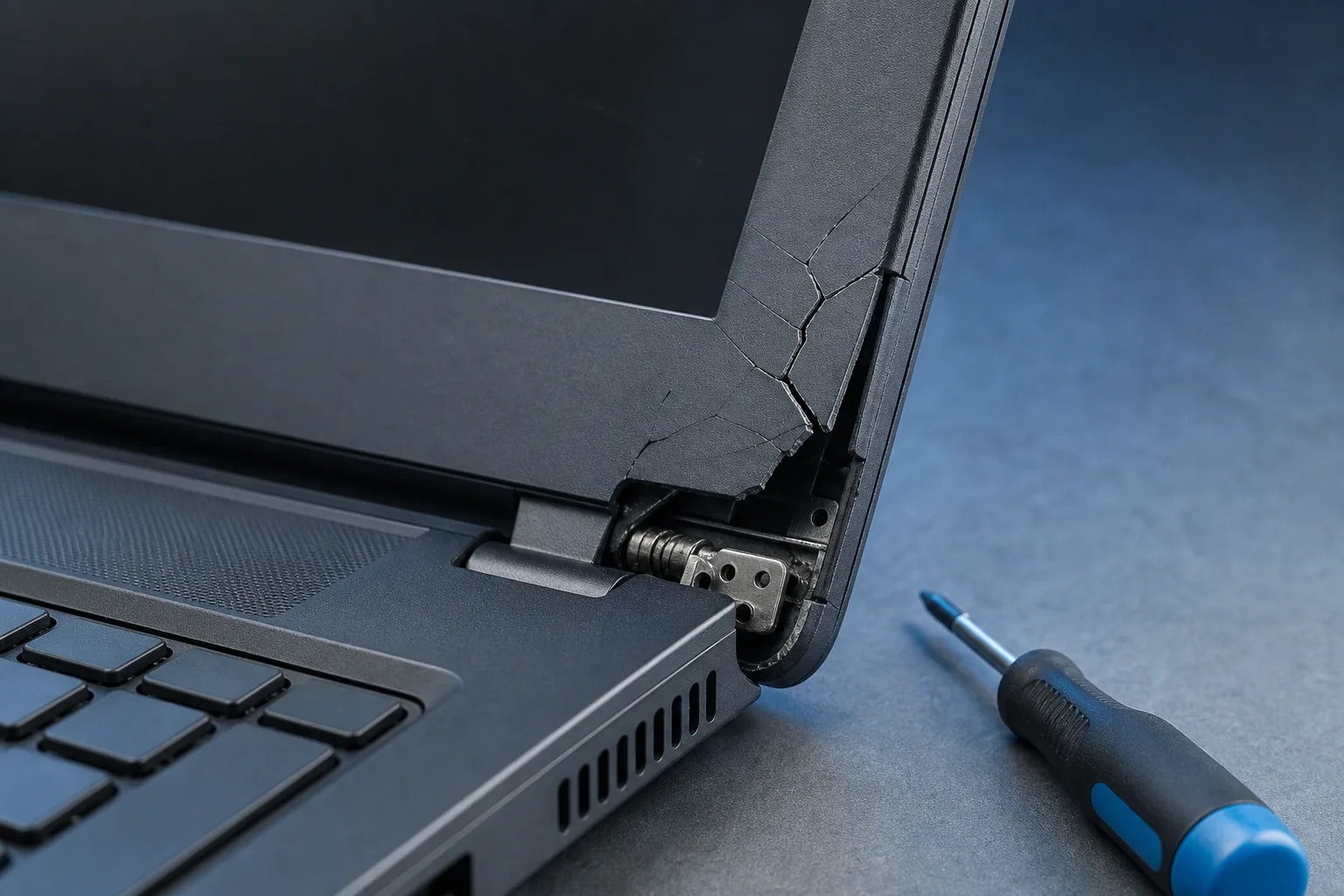
Step 2: Look for visible damage around the hinge
With the laptop open at a comfortable angle (around 90 degrees), shine your flashlight where the hinge meets the back of the screen and where it meets the body of the laptop.
Look for:
- Cracks in the plastic bezel running away from the hinge
- The hinge bracket visibly pulling away from the chassis
- Stripped or missing screws in the hinge barrel
- Bent metal on the hinge arms
Take photos of anything you spot. This helps a technician quote accurately and helps you track whether the damage is spreading.
Step 3: Check whether loose screws are the whole problem
Some hinges feel loose simply because the screws that anchor the hinge to the chassis have vibrated loose over time. This is the best-case scenario.
To check:
- Power down completely and unplug the laptop.
- Look for exposed screws on the hinge barrel itself. On some laptops these are visible without removing the bottom cover; on others they are hidden under rubber plugs or require disassembly.
- If screws are accessible and visibly loose, snug them gently. Do not overtighten. Laptop screws are small and the threads strip easily.
- Open and close the lid a few times. If the wobble is gone and no cracking sound appears, monitor it for a week.
If the screws are tight and the wobble remains, the friction mechanism or the bracket itself is the problem.
Computer acting up? Get a real diagnosis. Book a diagnostic
Step 4: Understand what a worn friction mechanism means
Inside each hinge is a friction clutch, basically a metal-on-metal or metal-on-nylon assembly that creates resistance. When that wears out, the lid has no resistance and flops open or closed freely.
Replacing the friction clutch usually means buying a replacement hinge assembly specific to your laptop model and swapping it in. This requires:
- Removing the bottom cover
- Removing the display bezel
- Disconnecting the display cable
- Unbolting the old hinge and bolting in the new one
That is a reasonable DIY job on some consumer laptops if you are comfortable with small screwdrivers and prying plastic. It is a risky DIY job on ultrabooks, MacBooks, and any laptop where the display cable runs directly through the hinge barrel, because tearing that cable means a much more expensive repair.
Step 5: Decide: DIY or professional repair?
Use this to guide your decision.
Self-repair may be reasonable if:
- The only problem is a loose screw that is accessible without full disassembly
- You can find the exact replacement hinge part for your model
- Your laptop has a standard plastic chassis with a removable bottom panel
- You have done laptop disassembly before or are comfortable following a teardown guide on iFixit
Get professional help if:
- The plastic chassis or display bezel is already cracked
- The display cable may be damaged (screen flicker when moving the lid)
- Your laptop is a MacBook, ultrabook, or 2-in-1 with a complex hinge
- You cannot find the correct replacement part
- The hinge has fully separated from the chassis
A cracked chassis is particularly important. A new hinge screwed into cracked plastic will just pull out again. A shop can reinforce or replace the chassis section at the same time.
Common mistakes
Continuing to use a visibly broken hinge. Every open-and-close cycle adds stress. A cracked bezel becomes a fully separated lid. A strained cable becomes a dead display.
Using glue as a fix. Epoxy or super glue on a hinge area is almost always a temporary mask, not a fix. It can also bond parts together that a technician needs to separate, making the real repair more expensive.
Buying the wrong hinge part. Laptop hinges are model-specific. Even within the same product family, the hinge may differ by screen size or production year. Confirm the exact part number before ordering.
Over-tightening screws. Laptop chassis threads are soft. Stripping them turns a simple fix into a more involved repair.
Waiting too long. Hinge problems get more expensive the longer they run. A loose screw is a cheap fix. A snapped display cable is not.
Bottom line
A loose laptop hinge is a mechanical problem that follows a predictable path: loose screw, worn friction, cracked bracket, cracked chassis, damaged cable. The earlier you catch it, the simpler and cheaper the fix.
If your hinge is just slightly wobbly with no cracks or cable symptoms, check the screws and monitor it. If you see cracking, hear crunching, or notice screen flicker when you move the lid, stop using the laptop and get it looked at.
Fix My PC Store offers laptop repair at 10140 Okeechobee Blvd, Suite B, West Palm Beach. Initial checks are free for most standard in-store repairs, and the team will explain the scope and cost before any work begins. Call 561-819-9999 or book an appointment Monday through Friday 9 a.m. to 6 p.m. or Saturday 9 a.m. to 5 p.m.
Computer acting up? Get a real diagnosis.
Fix My PC Store has repaired thousands of machines across West Palm Beach. Honest pricing, no upsell games, and a free diagnostic for new customers with our email coupon.