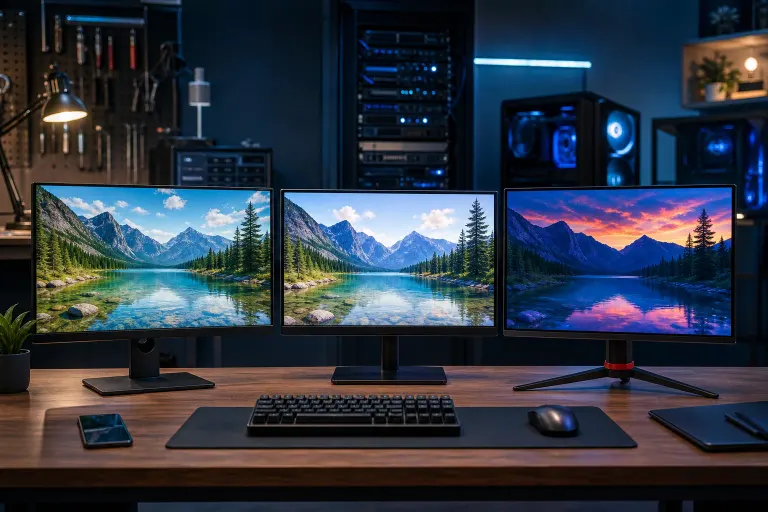
IPS vs VA vs TN Panel: Which Monitor Is Right for You?
TL;DR: IPS is the all-around best choice for most people. VA gives you deeper blacks if contrast matters more than color precision. TN is only worth it if you need the absolute fastest response time and are on a tight budget. Pick based on your primary use case, not marketing buzzwords.
At a Glance
| Feature | IPS | VA | TN |
|---|---|---|---|
| Color accuracy | Excellent | Good | Mediocre |
| Viewing angles | Wide (178°) | Moderate | Narrow |
| Contrast ratio | Moderate (~1000:1) | High (2000-6000:1) | Low (~700:1) |
| Response time | Fast (1-4ms GtG) | Slower (2-8ms GtG) | Fastest (<1ms GtG) |
| Price (entry level) | Mid-range | Mid-range | Cheapest |
| Best for | Work, content creation, most gaming | Movies, dark environments, simulation games | Budget competitive gaming |
Numbers above are representative ranges. Actual specs vary by model and manufacturer.
IPS: The Safe Default for Almost Everyone
IPS (In-Plane Switching) panels produce consistent, accurate color across the full screen regardless of where you sit. That wide viewing angle matters more than you might think, especially on ultrawide setups where your eyes are not always dead center.
For gaming, modern IPS panels have closed the response-time gap significantly. Many high-refresh IPS monitors hit 1ms gray-to-gray response times, which is fast enough for 99% of players. If you are pushing frames in a competitive shooter and running at 240Hz or above, IPS keeps up just fine.
The one real weakness is contrast. IPS panels typically top out around 1000:1 contrast ratio. In a dark room watching a movie or playing a moody RPG, blacks can look washed out compared to VA. Some premium models use Mini-LED backlighting to compensate, but that adds cost.
IPS is the right call if: you do color-sensitive work (photo editing, graphic design, video), you game across multiple genres, or you share the screen with someone sitting off to the side.
VA: The Contrast King
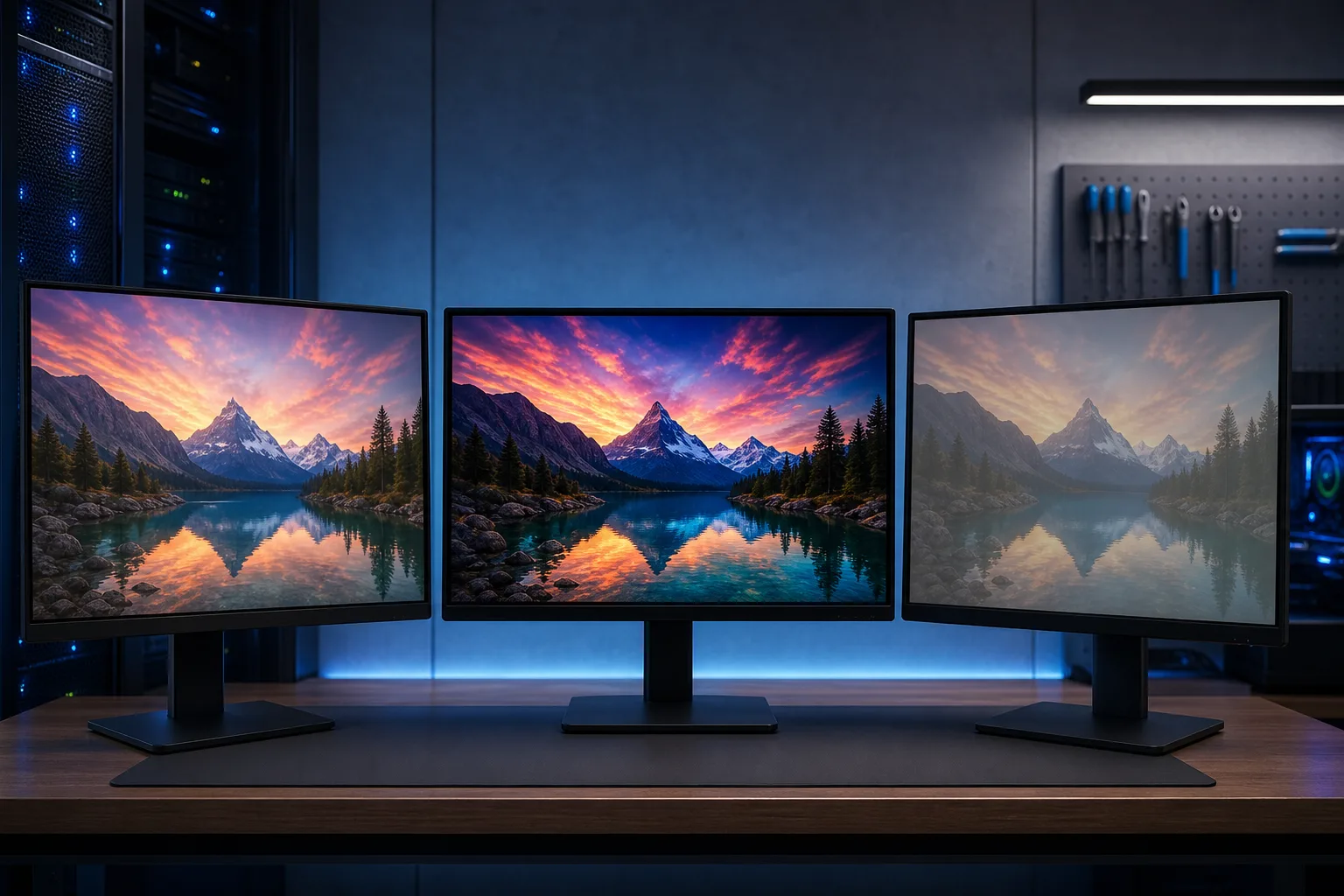
VA (Vertical Alignment) panels produce contrast ratios that IPS simply cannot match. A mid-range VA panel at 3000:1 contrast will make dark scenes look genuinely dark, not a muddy gray.
That payoff comes with a tradeoff. VA panels have historically suffered from "smearing" on fast-moving objects, caused by slower pixel transitions. The effect shows up most obviously in dark scenes with motion, which is a frustrating irony given VA's strength there. Many newer VA panels have improved significantly, but it is worth checking response-time measurements from independent reviewers before buying.
Viewing angles on VA are noticeably narrower than IPS. Colors and contrast shift as you move off-axis. On a single monitor at arm's length, centered in front of you, this is rarely a problem. On a large curved ultrawide, edge-viewing can look a bit different.
VA is the right call if: you watch a lot of movies, play atmospheric single-player games in a darker room, or need good contrast without paying Mini-LED IPS prices.
Ready to build a rig that actually rips? Start your build
TN: Fast but Limited
TN (Twisted Nematic) panels were the dominant choice for competitive gaming for years because they offered the lowest response times and highest refresh rates at the lowest prices. That edge has eroded.
Today's IPS panels at 240Hz and 360Hz match or beat TN on refresh rate, and they look dramatically better. TN panels have poor viewing angles (colors and brightness shift noticeably even from slight vertical movement) and color reproduction that looks flat compared to IPS or VA.
The remaining argument for TN is price. A budget 144Hz TN monitor can still cost noticeably less than an equivalent IPS. If you are building a first gaming setup on a strict budget and frames-per-second is your only priority, a quality TN panel from a reputable brand gets the job done.
TN is the right call if: you are on a tight budget, you play competitive esports titles where max refresh rate is everything, and color quality is genuinely not a concern.
The Refresh Rate Angle: Does Panel Type Even Matter?
Here is a question worth asking: if you are running a high-end GPU pushing 200+ FPS in a competitive title, does panel type affect your performance more than refresh rate does?
Short answer: refresh rate and response time matter most for competitive play. Panel type shapes your visual experience everywhere else. A 360Hz TN panel will feel snappier in a fast-paced shooter than a 60Hz IPS. But a 165Hz IPS will feel smoother than a 144Hz TN for the same shooter, and it will look WAY better the moment you switch to literally anything else.
For a custom gaming build where you want that full-experience payoff, IPS at 165Hz-240Hz is the sweet spot most builders land on. Curious what a proper gaming setup looks like start to finish? The custom gaming PC builder at Fix My PC Store walks you through component choices including display pairing.
Verdict
For most people in most situations, IPS wins. It is not even close for work, creative tasks, or mixed-use setups.
VA earns a real recommendation for anyone who values deep blacks and watches a lot of content in a darker room. Just verify the specific model's response time before buying.
TN is a niche pick now. Legitimate for budget competitive gaming. Otherwise, spend a little more for IPS.
If you are building or upgrading a gaming rig in the West Palm Beach area and want to talk through the full picture including GPU, resolution, and monitor pairing, swing by Fix My PC Store at 10140 Okeechobee Blvd, Suite B, or call 561-819-9999. Hours are Monday through Friday 9 a.m. to 6 p.m. and Saturday 9 a.m. to 5 p.m.
Ready to build a rig that actually rips?
Custom gaming PCs built and tuned by people who game. Tell us your budget and target frame rate.