Why Is My Gaming PC Detecting My Headset but Producing No Audio?
TL;DR: Detection and audio output are two separate Windows processes. Your headset shows up because Windows found the hardware, but sound is blocked somewhere between the default playback device setting and the driver or hardware layer. Work through the diagnostic sequence below to pinpoint the break.
What Happened
Windows detects audio devices through a USB or audio controller handshake. The moment your headset is enumerated in Device Manager, Windows marks it as "connected." That is it. Detection does not mean the audio stack is actually routing sound through the device.
The path from a game's audio engine to your ears goes through several layers: the application, Windows Audio service, the audio driver, the playback device selection, and finally the physical hardware. Any one of those layers can silently fail while Device Manager still shows a green checkmark.
Common culprits in roughly the order they bite gamers:
- Wrong default playback device. Windows defaulted to your monitor's HDMI audio or your motherboard's rear jack instead of the headset.
- Volume mixer muted at app level. The game is muted in the Windows Volume Mixer while system sounds play fine elsewhere.
- Driver installed but not functioning. The driver loaded but threw an error code Windows is not surfacing obviously.
- Exclusive mode conflict. Another app claimed exclusive control of the audio device and the game cannot break in.
- USB power or port issue. A USB headset is detected on a low-power port but cannot sustain full operation.
- Physical fault. The headset hardware is genuinely broken even though the USB or 3.5 mm controller chip still responds.
Why It Matters
This exact symptom, detected but silent, tricks a lot of people into assuming a hardware failure immediately. That means they buy a replacement headset before ruling out a ten-second settings fix. On the other side, some people reinstall Windows chasing a software ghost when the jack or USB port is actually dead.
Getting the diagnostic order right saves money and time.
Ready to build a rig that actually rips? Start your build
What We Don't Know Yet
Microsoft has not documented every edge case where the Windows Audio Session API (WASAPI) silently drops a device that is physically present. Some users on Windows 11 24H2 have reported intermittent audio routing regressions after cumulative updates, but root causes are still being tracked by the community. If your issue started right after a Windows Update, that context matters.
Similarly, motherboard-specific audio chipsets (Realtek, Creative, etc.) can have driver conflicts that are not reflected in Device Manager at all.
What To Do About It
Run through this sequence in order. Stop the moment sound returns.
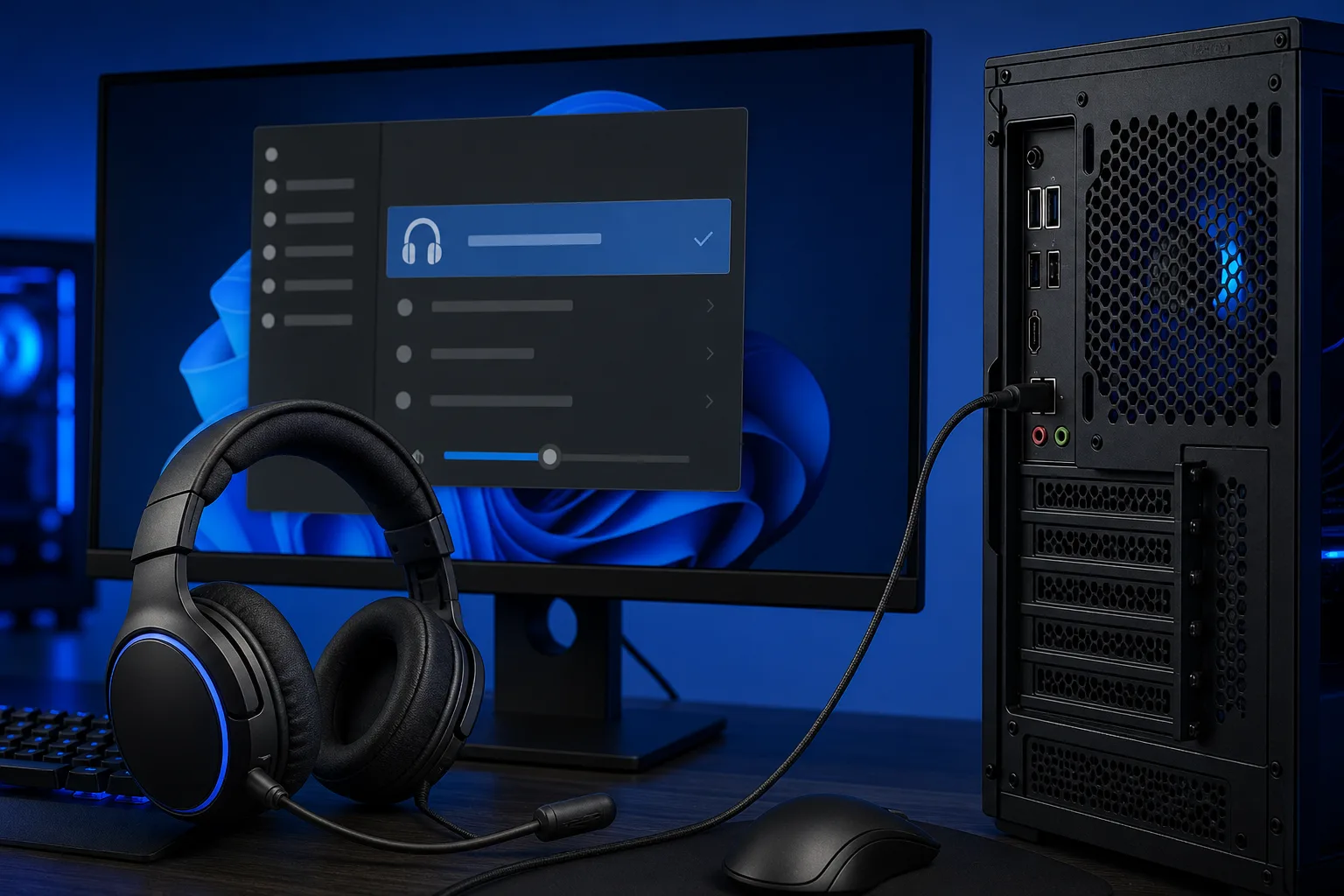
Step 1: Set the headset as the default playback device. Right-click the speaker icon in the system tray, open Sound Settings, go to the Output section, and confirm your headset is selected. On Windows 11 this lives under System, Sound, then Choose where to play audio. If another device is listed, switch to your headset now.
Step 2: Check the Volume Mixer. Search "Volume Mixer" in the Start menu. Look for the specific game or app. If it shows zero or muted, raise it. This is a separate fader from your master volume.
Step 3: Restart the Windows Audio service.
Press Win + R, type services.msc, find Windows Audio, right-click, and choose Restart. Also restart Windows Audio Endpoint Builder. This clears soft driver hangs without a full reboot.
Step 4: Disable exclusive mode. In Sound Settings, open your headset's properties, go to the Advanced tab, and uncheck "Allow applications to take exclusive control of this device." Relaunch the game.
Step 5: Reinstall or roll back the audio driver. In Device Manager, expand Sound, video and game controllers. Right-click your audio device and choose Update Driver, then search manually. If a recent Windows Update pushed a new driver, try Roll Back Driver. For USB headsets with dedicated software (like SteelSeries GG, Corsair iCUE, or HyperX NGENUITY), uninstall the companion app completely and reinstall fresh.
Step 6: Swap USB ports or test the jack. Move a USB headset to a port directly on the motherboard's rear I/O, not a front-panel header. Front-panel audio headers are frequently wired incorrectly in budget cases. For 3.5 mm headsets, test the same headset on a phone to confirm the hardware is good.
Step 7: Test in another app. If the headset works in Discord but not in-game, the problem is the game's audio settings, not Windows. Check the in-game audio output device selector. Many games let you choose the output device independently of Windows.
Decision Table: Where the Break Is
| Symptom | Likely Cause |
|---|---|
| No sound in any app | Wrong default device or dead driver |
| Sound in some apps, not the game | Game audio settings or exclusive mode conflict |
| Sound on reboot, then it stops | Exclusive mode conflict or driver hang |
| USB headset detected then drops | Low-power USB port or power management setting |
| Works on phone, silent on PC | Software or port issue on the PC side |
| Dead in all tests | Hardware fault on headset or jack |
If you have worked through every step and the headset still shows as detected but produces zero sound, you are either dealing with a corrupted audio stack or a hardware fault at the port or headset level. At that point a quick in-store check is faster than chasing it further solo.
Fix My PC Store on Okeechobee Blvd in West Palm Beach offers free initial checks on most standard repairs. Bring the headset and the PC (or just the PC if you have another headset to test with) and the team can confirm whether the fault is in the machine or the peripheral. You can also try remote support if you want eyes on the software side first. To book a time, head to /contact.
Building a rig that actually delivers clean audio from the start? The custom gaming PC builder walks you through motherboard audio options and USB header quality before you buy.
Ready to build a rig that actually rips?
Custom gaming PCs built and tuned by people who game. Tell us your budget and target frame rate.