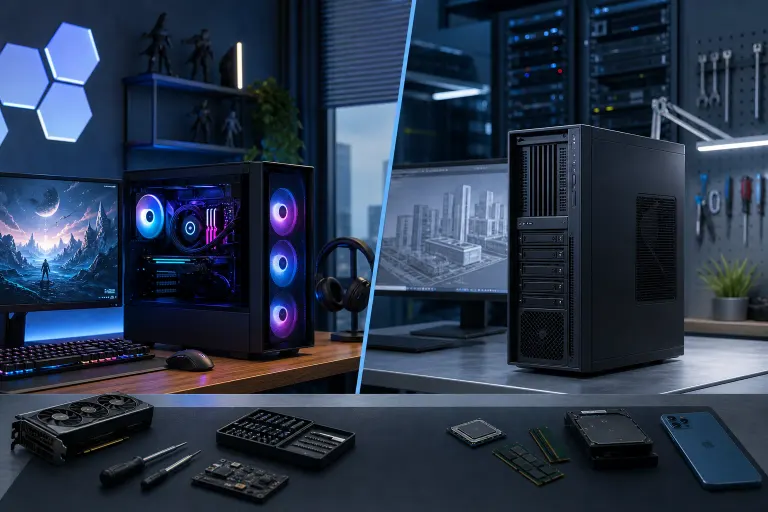
Gaming PC vs Workstation: What Creatives Should Buy
TL;DR: For most creative pros (video editors, 3D artists, photographers, streamers), a well-built gaming PC with a beefy GPU and tons of RAM crushes it for way less money than a "real" workstation. True workstations earn their keep only when you need ECC memory, certified pro drivers, or you're running massive datasets that can't tolerate a single bit-flip error. Let's gear up and find out which lane fits your workload.
At a Glance
| Factor | Gaming PC | Workstation |
|---|---|---|
| GPU | GeForce RTX (great for rendering, gaming, AI) | Quadro/RTX A-series (certified drivers, ECC VRAM options) |
| CPU | High clock speed, great single-core (Ryzen/Core i-series) | High core count, Xeon/Threadripper Pro |
| Memory | Fast, non-ECC, budget-friendly | ECC RAM, error-correcting, pricier |
| Cost | Lower for the same raw horsepower | 30-70% more for "certified" stability |
| Best for | Video editing, 3D, streaming, photo, indie VFX | CAD, medical imaging, massive simulation, mission-critical render farms |
| Upgrade path | Easy, cheap, DIY-friendly | Often locked to vendor parts |
What's Actually Different Under the Hood?
Here's the thing nobody at the big box store tells you: a "workstation" isn't some magic box with special creative powers. It's a gaming PC's cousin that swapped a few parts for certification and reliability instead of raw frames-per-second.
Workstation GPUs (think NVIDIA's RTX A-series or older Quadro line) run the same silicon as consumer GeForce cards a lot of the time. What you're actually paying extra for is:
- ISV-certified drivers. Software like SolidWorks, AutoCAD, or DaVinci Resolve Studio sometimes gets tested and blessed specifically against workstation drivers.
- ECC memory support. Error-correcting code RAM catches and fixes memory errors on the fly. Critical for scientific computing or a 40-hour simulation that can't afford a corrupted bit halfway through.
- Higher VRAM capacity on some SKUs, useful for absolutely massive scenes or datasets.
A gaming GPU, meanwhile, is tuned and priced for one thing: frames. And it turns out frames-per-second horsepower translates almost directly into render speed, encode speed, and viewport responsiveness for most creative work. Same CUDA cores, same tensor cores, same raw grunt, just without the certification tax.
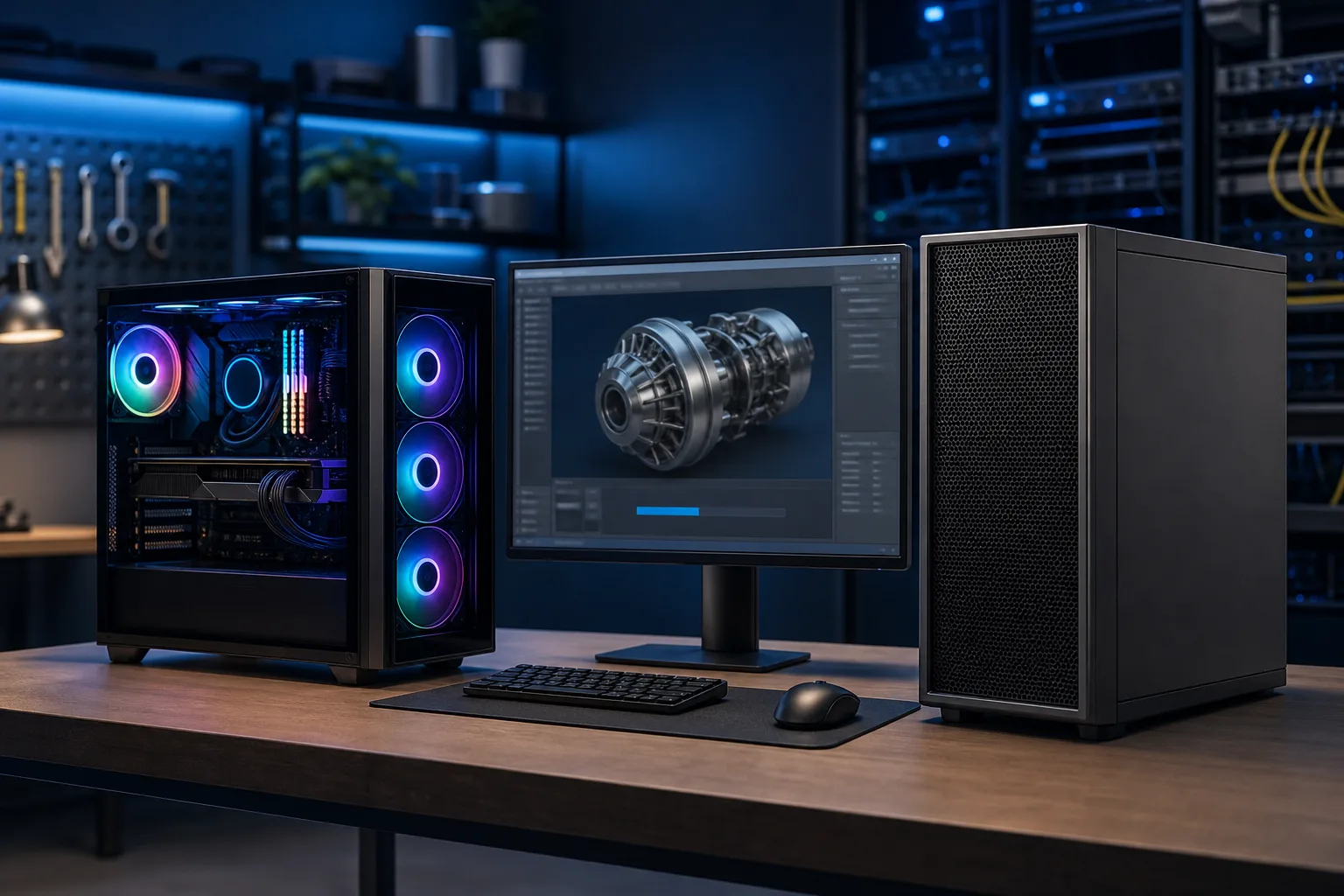
When a Gaming PC Wins for Creatives
If you're doing any of this, a gaming-focused build is probably your best dollar-for-dollar move:
Video editing and color grading. Premiere, DaVinci Resolve, Final Cut alternatives on Windows. GPU-accelerated effects, scrubbing 4K or 8K timelines, exporting H.264/H.265, these all lean hard on raw GPU compute and fast NVMe storage. A gaming RTX card with plenty of VRAM (12GB+) handles this beautifully.
3D modeling and motion graphics for freelance/indie work. Blender, Cinema 4D, After Effects. Render times scale almost linearly with CUDA core count and clock speed. You genuinely don't need ECC memory to model a character or render an ad spot. You need frames-per-second in the viewport and fast render passes, full stop.
Streaming and content creation. If you're recording gameplay, running OBS, and editing highlight reels, congratulations, you basically need a gaming PC anyway. Might as well build one that also crushes your creative work.
Photography and photo editing. Lightroom and Photoshop care more about single-core CPU speed, fast SSDs, and a decent chunk of RAM than anything workstation-specific. A gaming CPU with high clocks (Ryzen 7/9 or Core i7/i9) will fly through batch exports and AI-powered edits.
One more thing worth hyping: gaming PCs are dramatically easier to upgrade later. Swap the GPU in two years when the next generation drops, add RAM, throw in a bigger NVMe drive. You're not locked into a proprietary chassis or a vendor's approved parts list. That upgrade path alone saves creatives real money over a 4-5 year ownership cycle.
When a Real Workstation Actually Justifies the Price Tag
Don't let me talk you out of a workstation if your work genuinely needs one. Here's where the extra cost is legit:
CAD, engineering, and architecture. SolidWorks, Revit, and similar tools are often certified specifically against workstation GPU drivers. Running on unsupported hardware can occasionally cause weird viewport glitches or unsupported-configuration headaches with vendor support.
Medical imaging and scientific visualization. When a single flipped bit in a dataset could mean a misread scan or a botched simulation, ECC memory stops being a luxury and starts being a requirement.
Massive render farms and mission-critical pipelines. If downtime costs you client deliverables and thousands of dollars a day, the reliability and vendor support contracts that come with a certified workstation can be worth the premium. This overlaps more with business infrastructure than personal computing, honestly, closer to what we handle for clients through business IT and managed IT than a single desktop purchase.
Multi-user server-side rendering. If you're networking multiple machines into a render farm or shared storage pool, that's a networking and infrastructure conversation, not just a desktop spec sheet. That's a good time to loop in business networking support so the pipeline doesn't choke on file transfers.
Ready to build a rig that actually rips? Start your build
The Budget Reality Check
Let's talk real numbers without inventing anything specific, because pricing shifts constantly. Generally speaking, a workstation-certified GPU costs noticeably more than a gaming GPU with comparable core specs, sometimes by a wide margin. Add ECC RAM (which typically costs more per stick and requires motherboard support) and you're looking at a serious premium for a machine that, for 90% of creative workloads, won't outperform a well-tuned gaming rig doing the same job.,,,
Where should that saved money go instead? Frankly, into more VRAM, a faster NVMe drive for scratch disks and cache, or a second monitor. All three of those move the needle on actual daily editing speed way more than a certification sticker does.
Cooling, Noise, and Where You'll Actually Sit
Here's an underrated factor for creative pros: you're going to be sitting next to this machine for eight-plus hours a day, editing, rendering, grading color. Workstation towers built for server rooms are sometimes louder and hotter than a well-designed gaming case with good airflow and quiet fans.
A gaming build lets you dial in your own cooling setup. Want near-silent operation for voiceover recording? Go with larger, slower-spinning fans or an AIO liquid cooler. Want max thermal headroom for back-to-back 8K renders? Beef up the airflow and let those RGB fans actually earn their keep, not just look pretty (though let's be honest, a clean RGB setup while your render bar crawls to 100% never gets old).
Reliability and Local Support Matter More Than the Sticker
Whatever you build, the real risk to your creative business isn't picking gaming vs workstation, it's what happens when a part fails mid-project with a client deadline looming. That's where local support actually pays for itself. Fast diagnostics, real parts on hand, and someone who can get your machine back up without shipping it off for three weeks matters more than a driver certification you'll probably never notice.
If you're building from scratch, our custom gaming PC builder lets you spec a machine tuned for your specific creative workload instead of guessing off a spec sheet. And if something in your current rig is acting up (crashing during renders, thermal throttling, weird artifacts), get it looked at through computer repair before you assume you need an entirely new machine.
Verdict
For the overwhelming majority of creative professionals in South Florida, freelance editors, photographers, 3D artists, streamers, content creators, a well-specced gaming PC is the smarter buy. You get the same raw horsepower, way easier upgrades, and you pocket the savings to put toward more VRAM, faster storage, or a better monitor.
Only reach for a true workstation if your software is officially certified against workstation drivers, your work involves datasets where a single memory error is unacceptable, or you're running infrastructure that overlaps with business-critical uptime. In those cases, that's less a "which desktop" question and more a conversation with a business IT team about building out reliable infrastructure the right way.
Build smart, spend where it shows up in your output, and don't pay a certification tax you'll never actually use.
Ready to build a rig that actually rips?
Custom gaming PCs built and tuned by people who game. Tell us your budget and target frame rate.