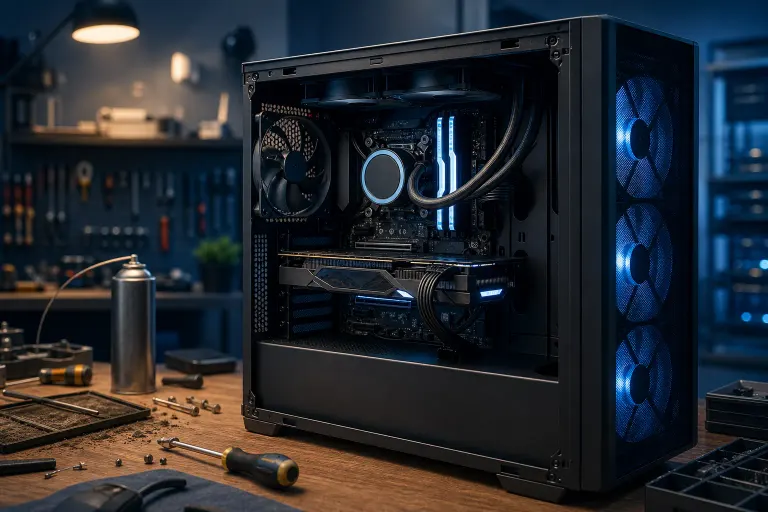
Why Is My Gaming PC Underperforming Despite Having Good Specs?
TL;DR: Good specs on paper don't mean good frames in practice. The usual suspects are thermal throttling, power delivery limits, misconfigured or mismatched RAM, driver and background software bloat, and a CPU/GPU pairing that's bottlenecked somewhere you're not looking. Run a proper diagnostic pass before you blame the silicon.
What Happened
You dropped real money on a rig. Top-tier GPU, a CPU that should chew through anything, plenty of RAM. And yet your frame rates are flat, stuttery, or just plain disappointing compared to what benchmarks online promised you.
This is one of the most common complaints we hear, and it's almost never "the parts are bad." It's almost always a configuration, thermal, or software issue sitting between you and the FPS you paid for. A 4090 throttled by bad airflow performs like a mid-range card. A 7800X3D hamstrung by RAM running at base JEDEC speeds loses serious headroom in CPU-bound games. The hardware isn't lying to you, it's being held back.
Why It Matters
Here's the thing gamers hate to hear: peak specs only matter if every part of the system lets them actually run at peak. Think of it like a race car with a monster engine but underinflated tires and a clogged air filter. The horsepower's there. It's just not getting to the pavement.
A few ways a strong build quietly loses frames:
- Thermal throttling. GPUs and CPUs downclock automatically when they hit temperature limits. If your case airflow is bad, your thermal paste is old, or your cooler is undersized for the chip, you're leaving performance on the table every single session.
- Power limits. Undersized or aging PSUs, or BIOS power limits set too conservatively, cap how hard your CPU or GPU can boost.
- RAM running at default speeds. A lot of boards don't auto-enable XMP/EXPO profiles. Your "good" RAM kit might be running at a fraction of its rated speed, which tanks 1% lows in CPU-heavy titles.
- CPU/GPU imbalance for your resolution. A monster CPU paired with a mid GPU at 4K won't bottleneck much. But the reverse, a beastly GPU paired with an older CPU, absolutely will.
- Background bloat. Overlays, RGB software, anti-cheat processes, browser tabs, and auto-updaters all steal CPU cycles and VRAM.
- Driver issues. Outdated or conflicting GPU drivers, especially after a Windows update, can quietly cap performance or cause stutter.
- Storage and game install problems. Slow or fragmented drives cause stutter in open-world titles even when GPU and CPU are fine.
Ignoring this stuff means you're running expensive hardware at partial throttle indefinitely. That's money not translating into frames, full stop.
Ready to build a rig that actually rips? Start your build
What We Don't Know Yet
Without seeing the actual rig, we can't say which of these is your specific culprit. Underperformance that shows up only in certain games points to driver or game-specific optimization issues. Underperformance across everything points to thermal, power, or RAM config. Stutter with normal average FPS usually means background processes or storage, not raw horsepower.
We also can't tell from here whether your case airflow, PSU wattage, or BIOS settings are actually the problem until someone opens things up and checks temps, clocks, and voltages under load. Overclocking or XMP instability can also masquerade as random performance drops rather than crashes, which makes it sneakier to diagnose at home.
What To Do About It
Run this sequence before assuming your hardware is underpowered:
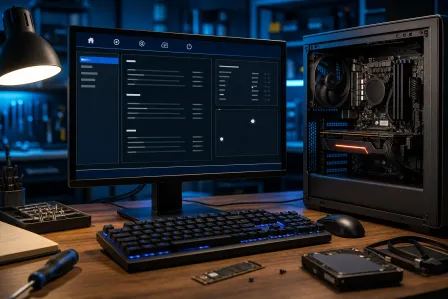
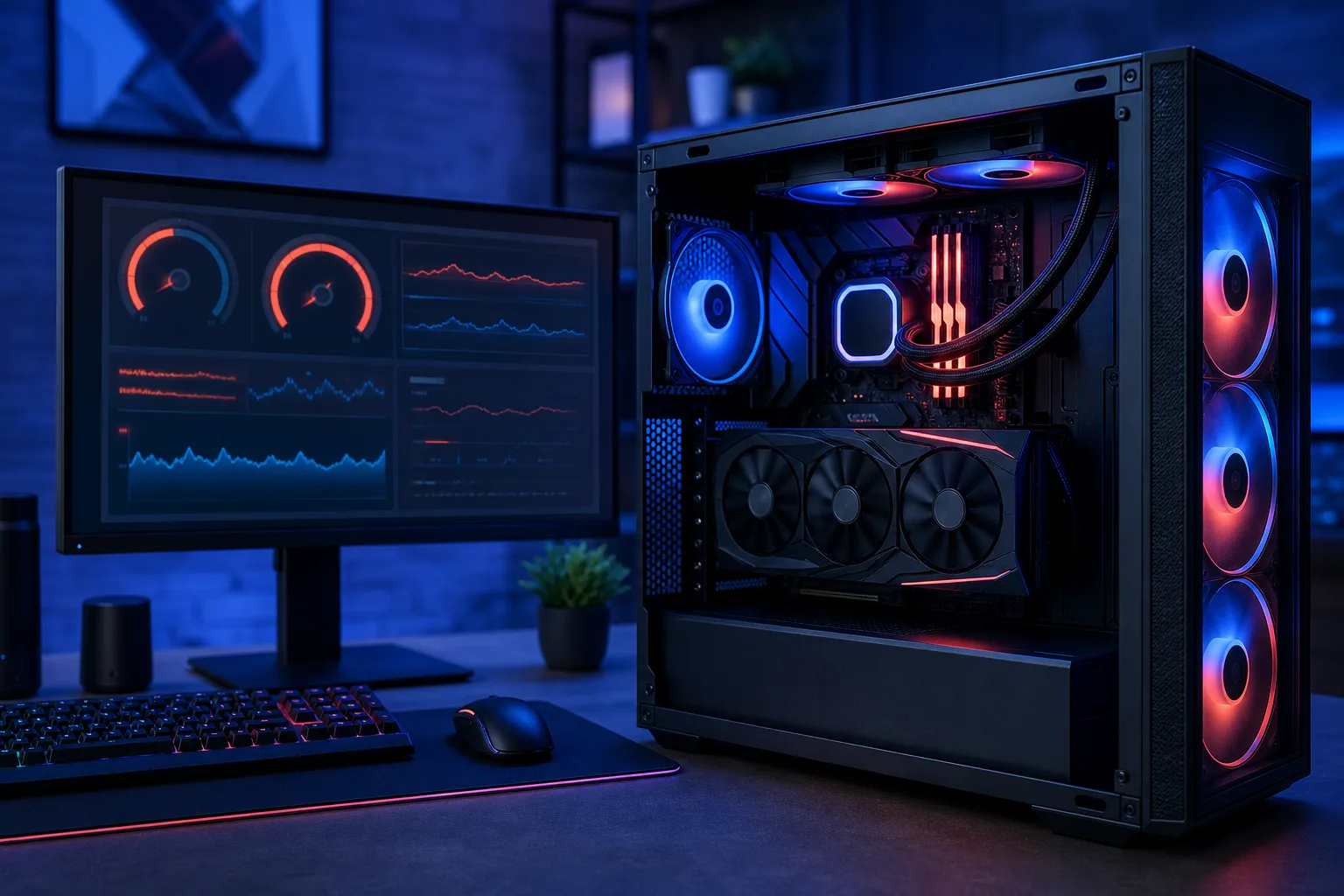
- Check temps and clocks under load. Use a monitoring tool during a demanding game and watch for GPU/CPU temps hitting thermal limits or clocks dropping mid-session.
- Confirm XMP/EXPO is enabled in BIOS. If your RAM is running at a lower-than-rated speed, enable the profile and retest.
- Check Task Manager for background hogs. Overlays, launchers, and browser tabs eating CPU or VRAM add up fast.
- Update GPU drivers through the manufacturer's tool, not just Windows Update. Clean-install if you've recently swapped GPU brands or had stutter start after an update.
- Check PSU wattage and age against your components' actual power draw, especially if you've upgraded the GPU since building the rig.
- Test at your actual resolution and settings against published benchmarks for your exact CPU/GPU combo. Some
Ready to build a rig that actually rips?
Custom gaming PCs built and tuned by people who game. Tell us your budget and target frame rate.