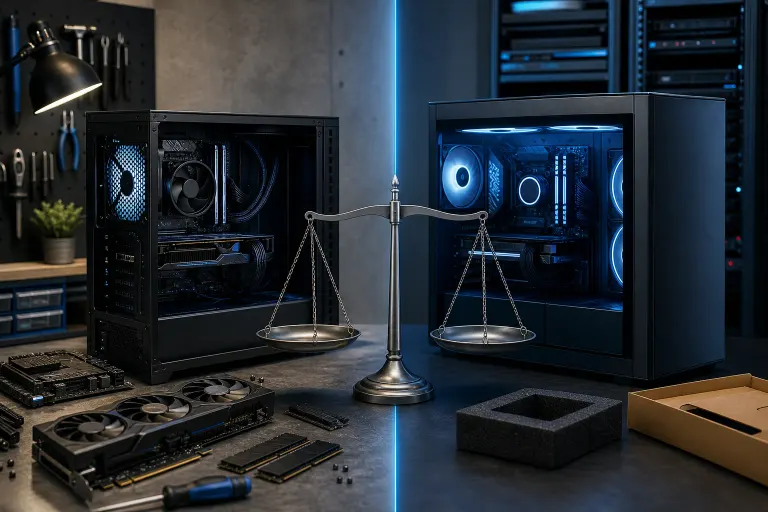
Gaming PC vs Prebuilt: What You Actually Give Up With Each Choice
TL;DR: Custom builds give you better price-per-frame and full upgrade control, but you carry the build responsibility yourself. Prebuilts trade some performance headroom and long-term flexibility for speed and a single-vendor warranty. Neither choice is objectively wrong. It depends on your budget, your timeline, and how much you want to own the process.
At a Glance
| Factor | Custom Build | Prebuilt |
|---|---|---|
| Price-per-frame | Better at most budget tiers | Usually worse; margins built in |
| Upgrade path | Full control | Sometimes limited by proprietary parts |
| Build complexity | You handle it | Zero assembly required |
| Warranty | Per-component warranties | Single-vendor coverage |
| Turnaround | Days to weeks (parts sourcing) | Ships or sells same day |
| RGB and overclock headroom | Sky is the limit | Often locked or restricted |
What You Give Up Going Custom
Building your own rig is not free effort. You are the integrator, the QA department, and the first-line support desk. If a part arrives DOA, you RMA it yourself. If the system is unstable after assembly, you debug it. That is real time and real stress.
Parts sourcing also takes longer than people expect. Waiting on a GPU restock or a specific motherboard SKU can stretch your timeline by weeks. If you need to game before a certain date, that lag hurts.
There is also a knowledge floor. Pairing a CPU to a compatible motherboard socket, matching RAM speed to EXPO or XMP profiles, knowing which CPU cooler clears your case, these are not hard concepts but they do require homework. Get one wrong and you are either returning parts or underperforming.
The good news: you give up almost nothing on performance. Dollar for dollar, a well-chosen custom build typically delivers more frames than a same-priced prebuilt because you are not paying a system integrator's margin.
Want help spec-ing a build without the guesswork? The custom gaming PC builder walks you through it.
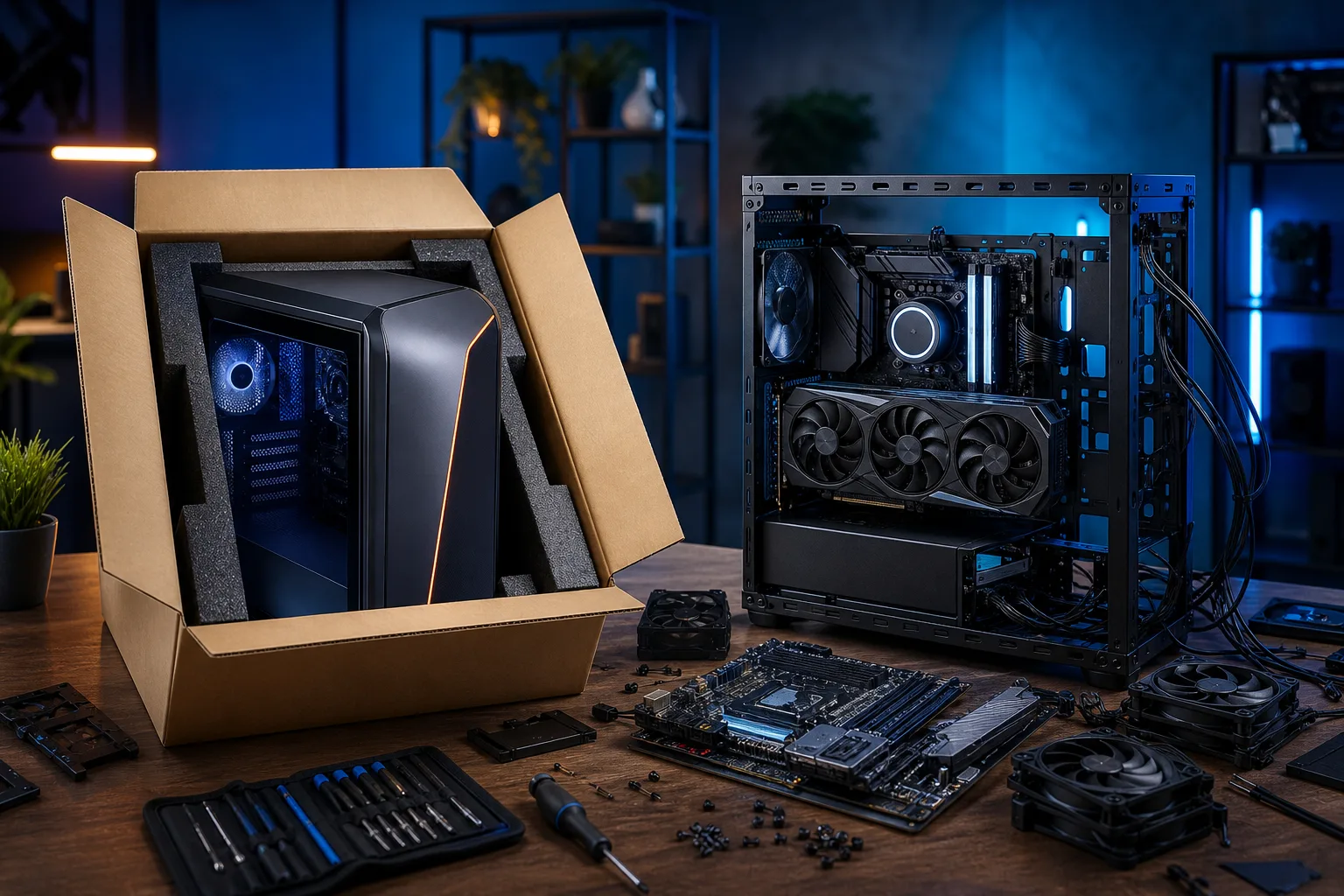
What You Give Up Going Prebuilt
Prebuilts are fast and convenient. Box arrives, you plug in power and display, you are gaming the same day. That is genuinely valuable if time or confidence is the constraint.
But the tradeoffs are real.
Proprietary parts. Some big-brand prebuilts use non-standard motherboard form factors, odd power connectors, or proprietary cases. When you want to drop in a new GPU two years from now, you may find your PSU connector is not standard ATX or your case has no room for a full-length card. Always check the specific model's internals before buying.
Thermal and power budget padding. Prebuilts often ship with a PSU that is correctly sized for the components at launch but leaves little headroom for a future GPU upgrade. A 500W unit is fine for today's mid-range card. It becomes a bottleneck the moment you want to step up.
Locked overclocking. Many prebuilts ship with XMP disabled in BIOS, or with a locked multiplier on the CPU. Your RAM might be rated for 5600 MHz but running at 4800 MHz because nobody flipped that switch. That is free performance sitting on the table. Some vendors void the warranty if you enter the BIOS and change anything.
Margin on components. At the $1,000 to $1,500 range, the performance gap between a prebuilt and an equivalent custom build can be meaningful. You might be looking at a step down in GPU tier, a slower storage option, or base-speed RAM that a builder would have upgraded for the same total cost.
The Tradeoffs Broken Down by Budget
Under $700: Prebuilts at this tier are often compromised in ways that are hard to see on a spec sheet: cheaper PSUs, slower storage, or a GPU from last generation. A custom build here can target exactly the right GPU for 1080p gaming and skip everything else. Advantage: custom.
$800 to $1,400: This is the most competitive prebuilt range. Several system integrators offer competitive specs here and include warranty support that casual builders appreciate. A custom build still wins on price-per-frame, but the gap narrows. If you are not confident in building, a reputable prebuilt in this range is a reasonable call.
$1,500 and above: At this level the custom build case becomes very strong again. You get to choose flagship-tier cooling, premium RGB, and headroom for overclocking. Prebuilts at this price often still compromise on the PSU or the case to protect margin. If you want to push frames or run an all-core overclock, build it yourself or have it built to spec.
Ready to build a rig that actually rips? Start your build
A Hypothetical Worked Example
Say your budget is $1,200 and your target is 1440p at high settings.
A typical prebuilt at that price might include a mid-tier GPU, 16 GB of DDR5 at rated speed (but XMP off by default), a 512 GB NVMe drive, and a 600W PSU with maybe 80+ Bronze efficiency.
A custom build at the same $1,200 might fit the same or a slightly better GPU by skipping the integrator's margin, pair it with 32 GB of DDR5 with XMP enabled, add a 1 TB NVMe, and include a 750W 80+ Gold PSU that leaves upgrade headroom. You also get to pick your own case for airflow and aesthetics.
The frame rate difference at 1440p between XMP-on and XMP-off RAM alone can be measurable in memory-bandwidth-sensitive titles, even before you account for the GPU tier gap.
When to Just Buy a Prebuilt Anyway
There are genuinely good reasons to go prebuilt.
- You need the machine fast and have no buffer time for parts shipping or troubleshooting.
- You have never built a PC and feel genuinely intimidated by the process.
- You want a single warranty contact for everything rather than managing five different manufacturer RMAs.
- You are buying for someone else who will not tolerate any setup complexity.
In those situations, prioritize brands that use standard ATX power supplies and standard cases. That single detail protects your upgrade path more than anything else on the spec sheet.
When to Build Custom (or Have One Built)
Go custom when you want the best frames-per-dollar, when you plan to overclock or push RAM speeds, when you have a specific aesthetic in mind (full RGB, custom loop, themed build), or when you are thinking two or three GPU generations ahead and want real upgrade headroom.
If you want the benefits of a custom build but do not want to physically assemble it, a local shop can build to your spec. Fix My PC Store handles custom builds for West Palm Beach and South Florida customers. Check the custom gaming PC builder to start a spec, or reach out directly to talk through what you actually need.
If something goes sideways post-build, gaming PC repair is also available.
Verdict
Custom builds win on price-per-frame, upgrade flexibility, and overclock headroom at almost every budget tier. Prebuilts win on speed, simplicity, and single-vendor warranty support.
The one thing you should never do: buy a prebuilt with a proprietary PSU or non-standard motherboard and assume you can upgrade it later without headaches. Check the internals first. That single habit saves more money than any other advice in this article.
Everything else is just deciding how much of the build process you want to own.
Ready to build a rig that actually rips?
Custom gaming PCs built and tuned by people who game. Tell us your budget and target frame rate.