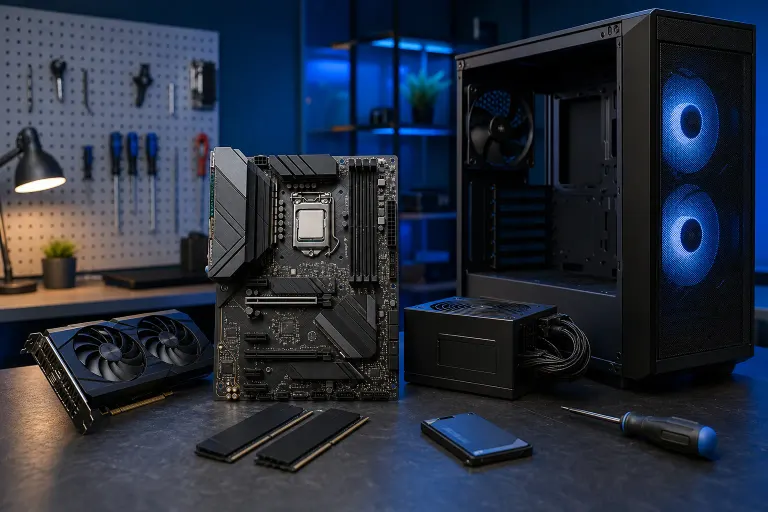
Gaming PC Part Order: What to Buy First When You're on a Budget
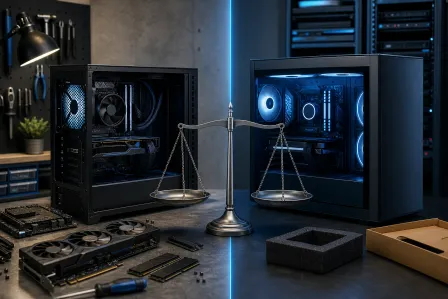
TL;DR: GPU first, then CPU and motherboard together, then RAM, storage, PSU, and case last. Buying in this order keeps your bottleneck thinking straight and avoids spending on parts you'll regret. Every dollar should push frames, not ego.
What You Need
- A target game or benchmark (your "north star" for performance goals)
- A rough total budget in mind before you spend anything
- PCPartPicker open in another tab to check compatibility as you go
- Patience, because spreading purchases over weeks or months is a real strategy
Step 1: Lock In Your GPU First
The GPU is the single biggest driver of gaming FPS. Full stop. Everything else feeds it or bottlenecks it, but no other component moves the needle on frame rate the way your graphics card does.
Set aside roughly 30-40% of your total budget here. On a tight build, that usually means looking at the current mid-range options from AMD or NVIDIA, not last generation's flagship that's still priced like it's new.
Why buy this first? Because the GPU market is volatile. Prices swing, stock disappears, and finding a deal often means acting when you see it. Know your target card, watch prices, and pull the trigger when it drops.
Decision table: GPU tier vs. expected 1080p gaming outcome
| Budget for GPU | Realistic 1080p FPS target (modern titles, medium-high settings) |
|---|---|
| Under $200 | 60+ FPS in most titles, some dips in demanding games |
| $200-$350 | Solid 60-100+ FPS, high settings in most games |
| $350-$500 | 100+ FPS consistently, high-ultra settings |
| $500+ | High refresh rate territory, 1440p capable |
These are rough ballpark ranges, not guarantees. Actual performance varies by game and driver maturity.
Step 2: CPU and Motherboard Together, Always
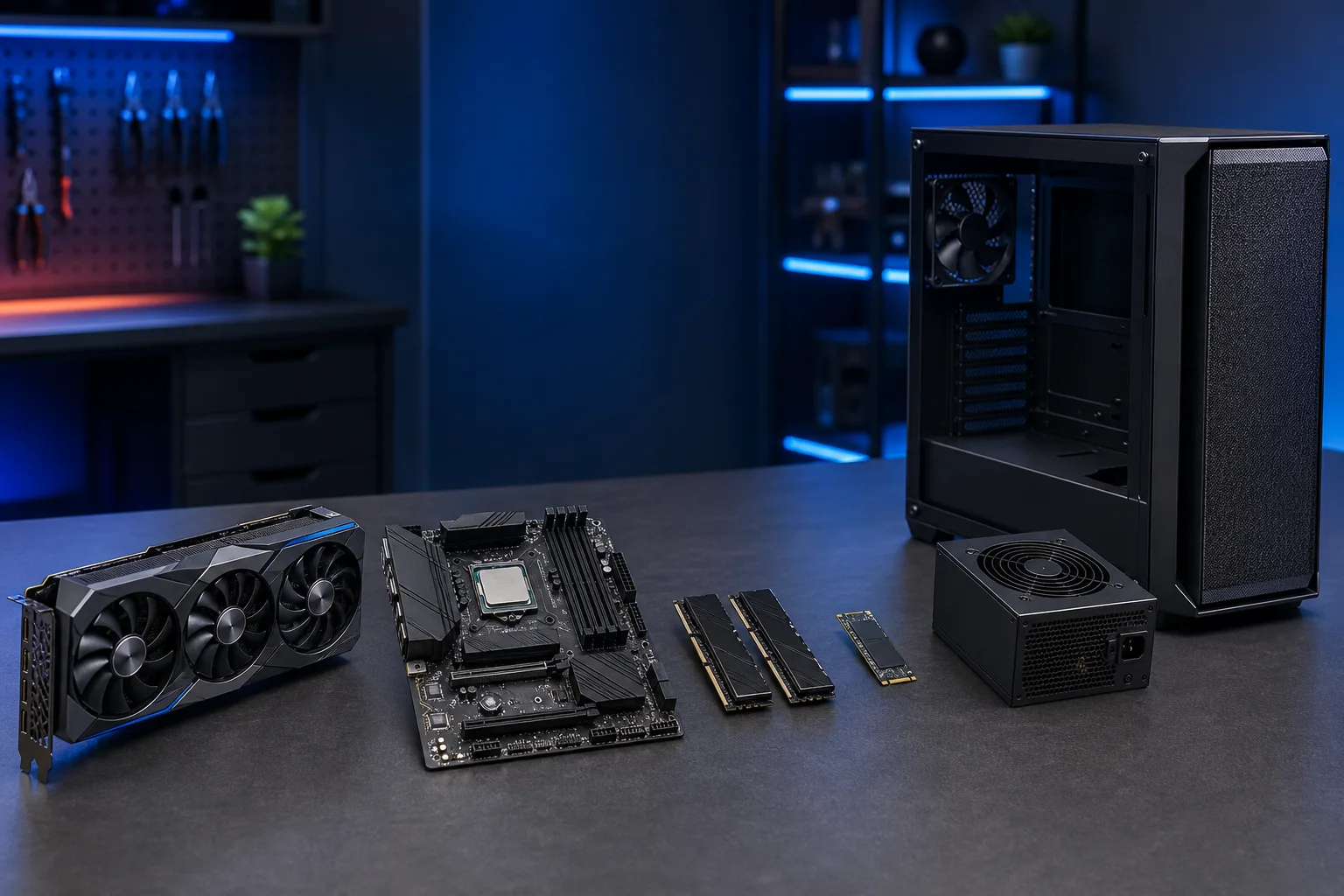
Never buy a CPU without knowing your motherboard, and never buy a motherboard without knowing your CPU. These two are married. Socket compatibility, chipset features, and BIOS update requirements all depend on the pairing.
On a budget, avoid overspending here. A mid-range CPU from AMD Ryzen or Intel Core will not bottleneck a mid-range GPU. You do not need a flagship processor to hit 100 FPS in most games. A 6-core or 8-core chip at a reasonable price point is the sweet spot for most budget builds right now.
Also check: does the motherboard you want require a BIOS update to support your CPU? Some newer processors need a flash before they'll POST on older board revisions. Fix My PC Store can walk you through compatibility if you're not sure.
Step 3: RAM, But Don't Overthink It
16 GB DDR5 (or DDR4 depending on your platform) is the practical minimum for gaming in 2025. 32 GB gives you headroom if you stream or run other apps while gaming.
Speed matters here, but not as much as capacity. A fast kit of 16 GB beats a slow kit of 8 GB every time. Check your motherboard's QVL (Qualified Vendor List) to avoid compatibility headaches.
DDR5 kits have dropped significantly in price. If your chosen platform supports it, it's worth the small premium for future flexibility.
Ready to build a rig that actually rips? Start your build
Step 4: Storage, Prioritized by Speed
Get an NVMe SSD as your primary drive. SATA SSDs are fine but slower, and HDDs as a primary game drive will hurt load times noticeably. A 1 TB NVMe is the practical starting point. Add a secondary drive later if you need more space.
Do not skip on storage to save $20. Boot times, shader compilation, and game load screens all run through your storage. It's not glamorous, but it's felt every session.
Step 5: Power Supply, Sized to Your GPU
Your PSU wattage should be calculated based on your GPU's TDP plus everything else in the system, with at least 20% headroom. A quality 650W-850W unit from a reputable brand covers most mid-range builds.
Do NOT cheap out here. A failing or underpowered PSU can kill other components. Stick to units with at least an 80 Plus Bronze rating from brands with a strong reputation for quality control. This is one area where saving $15 can cost you $500.
See also: the video Is Overclocking Worth It? covers power headroom in more detail.
Step 6: Case Last
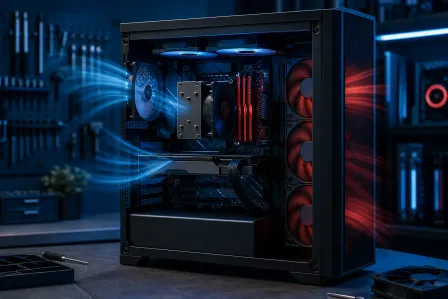
The case does almost nothing for gaming performance. Airflow matters for thermals, but a $60 mid-tower with decent fan placement beats a $200 showpiece with poor airflow.
Buy the case last because it's the easiest place to cut budget without sacrificing FPS. If you want RGB and glass panels, fine, but never compromise on GPU budget to afford a prettier box.
Common Mistakes
- Buying RAM before CPU/motherboard. If the board doesn't support your RAM speed or type, you've bought a paperweight.
- Picking a PSU by wattage alone. Brand and certification matter. An off-brand 750W can be less reliable than a quality 650W.
- Skipping the GPU entirely to "save up more." If you buy everything else first, you're stuck with no display output on most builds (unless your CPU has integrated graphics). Check this before you skip the GPU.
- Buying a case you can't return. Always check whether your GPU length and CPU cooler height fit before committing.
- Ignoring the platform upgrade path. A motherboard that supports only one CPU generation leaves no room to upgrade the processor later without replacing the board too.
Bottom Line
GPU first, CPU and motherboard as a locked pair, then RAM, storage, PSU, and case in that order. Each step feeds the next without locking you into a bad decision.
If you're staring at a parts list and not sure whether everything plays nicely together, bring it to Fix My PC Store or contact us before you buy. Catching a compatibility issue before checkout is free. Catching it after is a shipping label and two weeks of waiting.
Shop hours are Monday through Friday 9 a.m. to 6 p.m. and Saturday 9 a.m. to 5 p.m. at 10140 Okeechobee Blvd, Suite B, West Palm Beach. Call 561-819-9999 if you want to talk through your parts list before pulling the trigger.
Ready to build a rig that actually rips?
Custom gaming PCs built and tuned by people who game. Tell us your budget and target frame rate.