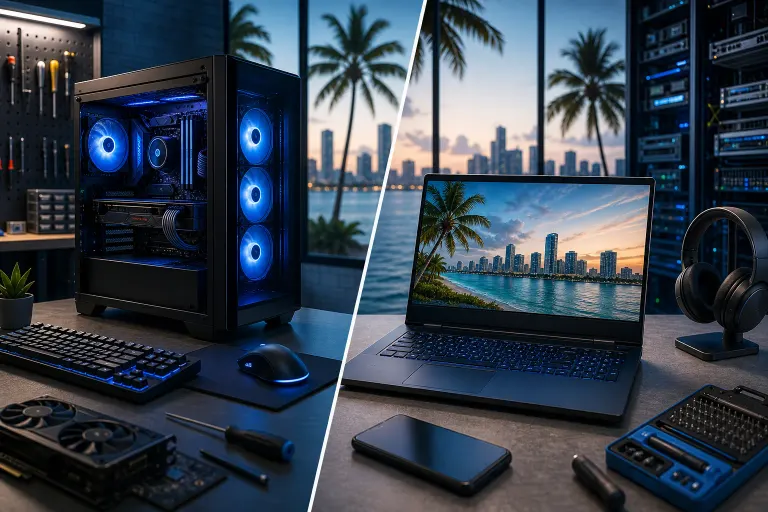
Gaming PC vs Laptop: What South Florida Gamers Need
TL;DR: If you want max frames per second per dollar and you're not hauling your rig anywhere, a desktop gaming PC wins, easy. If you need to game in different rooms, at a buddy's place, or you're tight on space in a South Florida apartment, a gaming laptop earns its premium. Heat and humidity down here make cooling and airflow a bigger deal than most buyers realize, on both platforms.
At a Glance
| Factor | Gaming Desktop | Gaming Laptop |
|---|---|---|
| FPS per dollar | Higher, often by a wide margin | Lower, you pay a portability tax |
| Upgradeability | GPU, CPU, RAM, storage all swappable | Mostly RAM/storage, sometimes nothing |
| Thermals in FL heat/humidity | Easier to manage with big fans/AC intake | Runs hotter, throttles faster |
| Portability | None, it's a tower | Full, LAN parties, travel, dorms |
| Repair cost long-term | Cheaper, parts are standard | Pricier, proprietary parts |
| Lifespan before major upgrade | 4-6 years with GPU swaps | 3-4 years typical |
| Power draw / AC bill impact | Higher, especially high-end GPUs | Lower, built for efficiency |
Frames Per Second: Where Desktops Absolutely Dominate
Let's talk numbers, because that's what actually matters when you're dropping frames in a firefight. A desktop with a mid-range GPU will smoke a laptop with the "same" GPU name on the box. Why? Laptop GPUs are power-limited and thermally capped to fit inside a chassis that's basically a hot pocket. A desktop RTX card can pull way more wattage and run cooler, so it just puts out more frames, consistently, without dipping every time a firefight kicks up the thermal load.
If you're chasing high refresh rate gaming, 144Hz, 240Hz, whatever your monitor can handle, desktops get you there for less cash. That's not a knock on laptops. It's just physics. Cramming desktop-tier performance into a 1.5-inch thick chassis means compromises, and those compromises show up as lower clocks and more throttling.
Want to see what a properly built rig looks like when someone actually cares about airflow and RGB flow together? Check out the Ryzen 9 9950X RGB monster build or the absolutely unhinged $27,000 Unreal Engine monster. Not saying you need to spend that much. I'm saying that's what happens when thermals and power aren't a limiting factor.
Heat and Humidity: The South Florida Wildcard
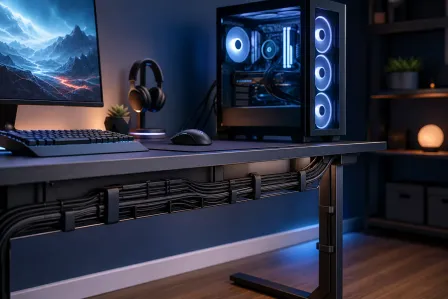
Here's the part a lot of national tech reviewers never mention because they're not sweating through July in Lake Worth. Our ambient temps and humidity are brutal on electronics. A desktop tower with good case airflow, sitting in an AC'd room, handles that fine. Big fans, more surface area, more room for heat to actually leave the case instead of pooling around your components.
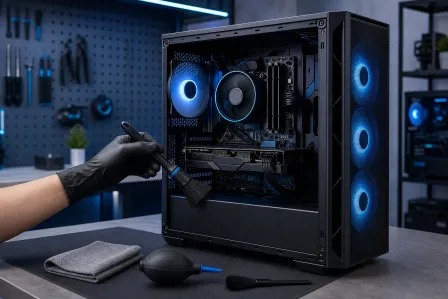
Laptops have it rougher. Thin chassis, tight tolerances, fans that can only move so much air through a slot the size of a candy bar. Add humidity into the mix and you get more dust buildup sticking to internals, more thermal paste degrading faster, and vents clogging quicker than they would in a drier climate. I've seen laptops in this area throttling hard after just a year or two because nobody ever cleaned out the intake.
If your gaming laptop has been sounding like a jet engine or randomly dropping frames mid-match, that's usually heat, not age. A cleaning and repaste can bring a lot of life back. That's bread and butter work for our laptop repair team, and it's way cheaper than replacing the whole machine.
Upgradeability: Desktop Flexibility vs Laptop Dead Ends
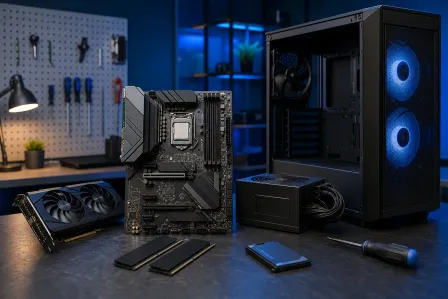
This is the sleeper factor people underestimate. Buy a desktop today, and in three years when a new GPU generation drops, you swap the graphics card and you're basically caught up again. Same with RAM, storage, even the CPU if you planned your motherboard right. A desktop is a platform you keep feeding, not a device you throw away.
Laptops? Most gaming laptops let you upgrade RAM and maybe swap an SSD. The GPU is soldered to the board on the vast majority of them. When it's outdated, it's outdated forever. There's no LEGO-brick swap-in for a better graphics chip. You're stuck riding out whatever performance you bought until you replace the entire machine.
If you're the type who wants to build something once and keep upgrading pieces over the years, rather than rebuying a whole system every generation, a desktop is the smarter long game. Our custom gaming PC builder walks you through picking parts that actually make sense for your budget and your games, no guesswork, no mismatched components that bottleneck each other.
Ready to build a rig that actually rips? Start your build
Portability: When the Laptop Actually Wins
I'm not going to pretend desktops win every category, because they don't. If you're a student bouncing between a dorm and home on the Treasure Coast, or you travel for work and still want to squeeze in ranked matches at the hotel, a tower isn't happening. A gaming laptop lets you take real horsepower with you, and honestly, mid and high-tier gaming laptops today run most competitive titles at solid frame rates without much drama.
LAN parties, showing off a build to friends, gaming poolside on the lanai (please, for the love of your components, don't actually do that near water), a laptop just fits a mobile lifestyle in a way a 40-pound tower never will.
Cost Over Time: The Real Math
Upfront price on a laptop and desktop with similar gaming performance often looks close. But total cost of ownership tells a different story. A desktop's parts are standardized. A failed power supply, a dead stick of RAM, a fried motherboard, these are commodity components that get swapped out affordably. Laptop repairs often mean proprietary parts, specialty labor, and sometimes a wait on parts sourcing because manufacturers don't exactly make DIY-friendly designs.
We see this constantly with computer repair work. A desktop GPU dies, we replace the card, done in a day usually. A laptop GPU dies, that's often a full motherboard replacement because it's soldered on, and depending on the model that repair can approach the cost of a new laptop entirely.
Power bills matter here too. South Florida electric rates plus AC running nonstop already isn't cheap. A high-end desktop GPU pulling serious wattage under load adds up over a summer of long gaming sessions. Laptops are built for efficiency first, so if your power bill anxiety is real, that's a point in the laptop column.
What About a Mac for Gaming?
Short answer: not really the platform for it. macOS has a limited game library compared to Windows, and even capable Apple Silicon Macs aren't the target platform most AAA titles are optimized for. If you're already a Mac person for work and want gaming too, most people end up running a separate Windows machine or a desktop rather than trying to force a Mac into gaming duty. If your Mac itself needs attention though, that's a different conversation, our Mac repair techs handle that side of things.
Verdict
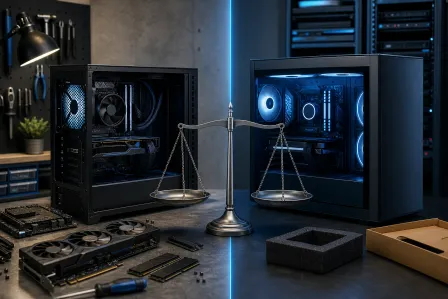
If you have a dedicated space at home and portability isn't a real requirement, buy the desktop. You get dramatically better frames per dollar, a machine that ages well because you can upgrade individual parts, and repair costs that won't make you wince. This is the smart pick for most South Florida gamers with a fixed setup, whether you're in a house in Jupiter or an apartment in downtown West Palm Beach with an AC vent nearby.
If you genuinely need to move your gaming setup between locations regularly, dorm to home, apartment to office, frequent travel, the laptop premium is worth paying. Just budget for more frequent cleanings given our humidity, and go in knowing the GPU you buy is the GPU you're stuck with.
Either way, don't guess on specs and get stuck with a bottlenecked system or an underpowered card that can't hit your monitor's refresh rate. Run through our gaming PC builder or hit us up directly through contact and we'll match hardware to your actual games and budget, not just whatever's on sale that week.
Ready to build a rig that actually rips?
Custom gaming PCs built and tuned by people who game. Tell us your budget and target frame rate.