Gaming PC Power Supply: How to Pick the Right Wattage
TL;DR: Add up your GPU and CPU power draw, pad it with headroom for spikes and future upgrades, then pick a PSU with an 80 Plus rating that matches. Most modern gaming rigs land somewhere between 650W and 1000W depending on the GPU. Guess wrong and you get random shutdowns, coil whine, or a dead system on launch day.
Let's talk about the most underrated part in your whole rig. Everybody obsesses over the GPU, the CPU, the RGB fans that make your case look like a rave. Nobody thinks about the power supply until it fails and takes something expensive down with it. That's a mistake. Your PSU is the heart of the build. Undersize it and your frame rates tank, your system reboots mid-raid, or worse, you fry a graphics card that cost more than your rent. Let's fix that before it happens.
What you need
- The exact model of your GPU and CPU (or the ones you're planning to buy)
- A power supply wattage calculator, either from a PSU manufacturer's site or a build tool
- Knowledge of how many drives, fans, and AIO pumps you're running
- An idea of whether you'll upgrade the GPU again in the next 2-3 years
- A tape measure if you're PSU-shopping for a small case (ATX vs SFX form factor matters)
- Your case's PSU clearance specification, especially if you have a front-mounted radiator or a compact case
- A quick look at the connector requirements for your graphics card, including whether it uses the newer 16-pin GPU power connector
If all this math sounds like a headache, our custom gaming PC builder does the wattage calculations for you based on the parts you pick. But if you like knowing the why behind the number, keep reading.
Step 1: Find your GPU's actual power draw
Your graphics card is the power hog of the whole system, no contest. A high-end card pulling 350-450W under full load is normal territory these days. Check the manufacturer's spec sheet, not some random forum post, for the card's rated TDP (thermal design power, basically how much heat/power it's built to handle).
Here's the part people miss: modern GPUs don't draw a flat number. They spike. Transient power spikes can hit 1.5x to 2x the rated TDP for a few milliseconds during heavy load. That's why a 450W-rated card can momentarily yank way more from your PSU. A cheap or undersized unit chokes on that spike and your system reboots, even though your average wattage looked fine on paper.
Manufacturer recommendations are a useful starting point, but they are not always the final answer. A GPU brand may recommend an 850W PSU for a card that averages 320W because it has to account for power spikes, unknown CPUs, overclocking, and the possibility that someone will pair the card with a bargain-bin power supply that cannot deliver its rated output cleanly. Treat that recommendation as a floor, not an automatic shopping list.
As a rough guide, lower-power cards often draw around 120-200W during gaming. Midrange cards commonly land in the 200-300W range. Upper-tier cards can sit between 300W and 450W, with flagship models pushing beyond that. Factory-overclocked versions can use more power than the reference version of the same GPU, so look up the exact card model, not just the chip name.
For example, if your GPU is rated at 250W, don't write down 250W and call it done. It may be fine in a well-built 650W system with a moderate CPU, but it also might be paired with a power-hungry processor, an AIO cooler, six RGB fans, and future upgrade plans. The rest of the build matters. The point is to understand the GPU is setting the tone for your PSU decision.
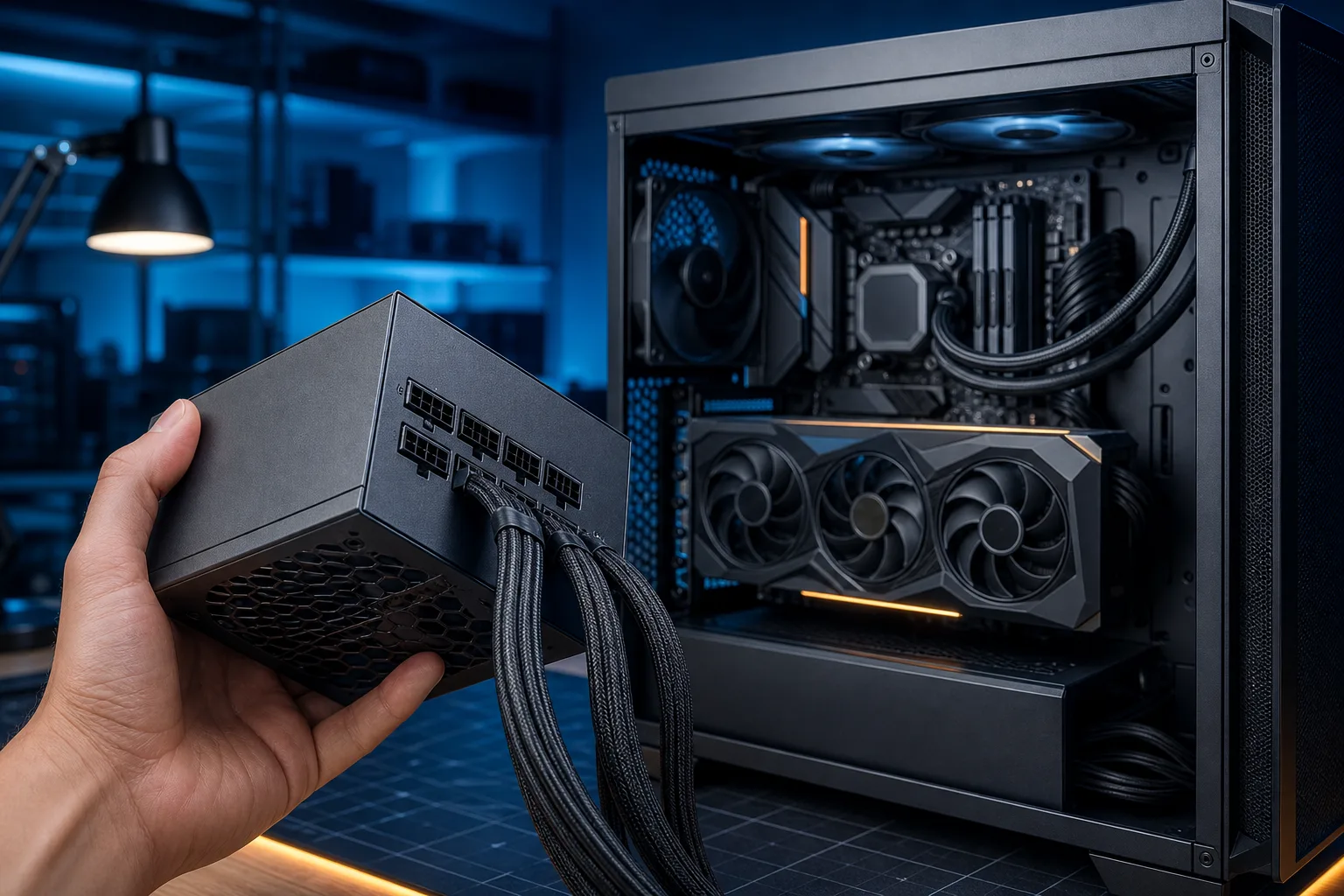
Also check the physical power connectors. Some cards use one or two traditional 8-pin PCIe connectors. Larger cards may need three or four. Newer high-end GPUs may use a 16-pin connector, often called 12VHPWR or 12V-2x6. If your GPU uses one of those, buying a modern ATX 3.0 or ATX 3.1 PSU with a native cable is usually cleaner and safer than relying on a multi-plug adapter stuffed into the side of your case.
Step 2: Add your CPU power draw
Your CPU is usually the second-biggest power draw, but the number on the box can be misleading. A processor labeled 65W does not necessarily stop at 65W. Under boost behavior, productivity loads, or unlocked motherboard settings, it can use significantly more than its advertised base power.
A mainstream gaming CPU might draw 65-125W while playing games, depending on the title and settings. A higher-end CPU can hit 150W or more under heavy workloads. Some enthusiast chips can pull 200W, 250W, or beyond when the motherboard allows aggressive boost limits. If you stream, render video, compile code, or run CPU-heavy simulation games, plan closer to the higher end of the range.
Gaming itself often does not max out both the CPU and GPU at the same time. That is why a system may look perfectly stable in one game, then crash during a shader compile, benchmark, or video export. PSU sizing is about handling worst-case conditions without relying on luck.
Let's use a practical example. Say you're building around a GPU that consumes 320W and a CPU that can pull 150W under boost. You are already at roughly 470W before counting the motherboard, memory, drives, fans, cooling pump, USB devices, and the fact that neither component draws power in a perfectly smooth line. That is not a 500W PSU build. It is usually a 750W build, and 850W may make more sense if you want quiet operation or a future GPU upgrade.
If you overclock, raise power limits, or run a CPU with aggressive automatic boost settings, add extra room. Overclocking is not just about the final clock speed. More voltage means more heat, and more heat means more power draw. Even “light” tuning can move a build from comfortable to borderline if the PSU was selected with no margin.
Step 3: Count the smaller stuff
The rest of your PC will not usually double your wattage requirement, but it absolutely counts. Motherboards, RAM, storage, case fans, RGB hubs, liquid-cooling pumps, USB accessories, and capture cards all pull power. Individually, most are small. Together, they are enough to matter when you're trying to choose between two PSU sizes.
A typical motherboard and memory setup may use 40-80W under load. A SATA SSD uses very little, often just a few watts. Hard drives need more, especially during spin-up, so a system packed with several HDDs deserves additional margin. Case fans may only use 2-5W each, while bigger RGB fans and fan hubs can add more. An AIO pump is usually modest, but it is still another constant load in the system.
Here is a reasonable quick estimate for common extras:
- Motherboard and RAM: 50-80W
- One or two NVMe or SATA SSDs: 5-15W total
- Each hard drive: 6-10W during normal operation, with higher startup draw
- Four to six case fans: 10-30W depending on size and RGB
- AIO cooler pump and fans: 10-25W
- RGB controllers, USB devices, capture cards, and accessories: 10-30W
For many gaming PCs, adding 75-100W on top of the CPU and GPU estimate is a safe, simple way to cover the supporting hardware. If you are building a storage-heavy workstation with multiple hard drives, a custom water loop with several pumps, or a pile of PCIe expansion cards, use a calculator and be more specific.
Don't forget external devices that draw power through USB. A basic mouse and keyboard barely matter. A powered VR headset, external hard drive, charging controller, webcam, and USB-powered microphone can add up. They will not normally dictate PSU wattage by themselves, but they can contribute to instability in a system that was already sized too tightly.
Ready to build a rig that actually rips? Start your build
Step 4: Add headroom, because real PCs are messy
Once you have your estimated system load, add headroom. For most gaming builds, 25-35% is the sweet spot. That gives your PSU room for transient spikes, component aging, warm room temperatures, extra drives, future upgrades, and the occasional game that pushes hardware harder than expected.
Why not just buy the exact wattage your calculator spits out? Because PSUs are generally happiest when they are not pinned near their maximum output all day. Running a quality 850W unit at 500-650W under gaming load is usually quieter and less stressful than running a 650W unit at 600W every night. The fan will often spin less aggressively, internal temperatures stay more manageable, and you have room if you install a more demanding GPU later.
A simple formula looks like this:
Estimated full-load wattage × 1.3 = target PSU wattage
If your parts estimate comes to 550W, multiply by 1.3 and you get 715W. Since power supplies come in standard sizes, that points to a 750W unit. If your estimate is 650W, a 850W unit is the sensible move. If you are buying a premium GPU or planning to upgrade within a year or two, going one size higher can save you from buying a second PSU later.
This does not mean bigger is always better. A 1600W unit for a 400W midrange build is unnecessary, expensive, and may not fit your case. The goal is not maximum wattage. The goal is a quality power supply with enough clean, reliable capacity for your actual hardware and realistic plans.
Step 5: Use these wattage ranges as a sanity check
Every build is different, but these ranges work as a fast reality check before you buy.
- 550W-650W: Entry-level to midrange gaming PCs with efficient GPUs and mainstream CPUs. Good for many systems using a GPU in the 150-250W range, assuming no extreme CPU power limits.
- 750W: The safe all-around choice for many modern gaming PCs. Great for a 250-350W GPU, a solid gaming CPU, several fans, SSDs, and normal upgrades.
- 850W: A smart target for high-end GPUs, power-hungry CPUs, factory-overclocked cards, or anyone who wants extra breathing room. It is also a good buy-once option for builders expecting to upgrade.
- 1000W: Common territory for flagship GPUs, top-end CPUs, serious overclocking, and systems with lots of storage or accessories. It can also make sense when the GPU manufacturer specifically recommends it.
- 1200W and above: Usually for extreme high-end builds, heavily tuned hardware, professional workloads, or systems with unusually large power demands. Most single-GPU gaming rigs do not need this much.
Here are three example builds to make that more concrete.
A budget 1080p build with a 180W GPU, a 90W CPU, one NVMe drive, and four fans may top out around 320-380W under a hard combined load. A quality 650W PSU is comfortable, quiet, and leaves room for a modest GPU upgrade.
A strong 1440p gaming build with a 300W GPU, a 150W CPU, an AIO cooler, multiple SSDs, and RGB fans may land around 550-620W in worst-case conditions. A 750W PSU can work if it is high quality, but 850W is the low-stress choice if the price difference is reasonable.
A high-end 4K build with a 450W GPU, a CPU that can draw 200W, several drives, and heavy cooling can approach 700W or more in combined workloads. That is where a quality 1000W ATX 3.0 or ATX 3.1 unit starts making real sense. You are not buying wattage for bragging rights; you are buying stability when the system suddenly demands it.
Step 6: Wattage is not quality
This is the part that saves expensive hardware. A no-name “1000W” PSU is not automatically better than a respected 750W unit. Cheap power supplies can exaggerate their ratings, use lower-quality components, deliver unstable voltage, or lack proper protection circuits. The label may say 1000W. That does not mean you should trust it with a high-end GPU.
Look for reputable manufacturers and well-reviewed models from established PSU lines. Check independent reviews when possible, especially reviews that test voltage regulation, ripple, noise, protections, and sustained load behavior. Brand names alone are not enough because even good brands sell entry-level and premium units.
At minimum, you want the common safety protections: over-current protection, over-voltage protection, under-voltage protection, short-circuit protection, over-power protection, and over-temperature protection. A quality PSU should shut down safely when something goes wrong instead of turning itself into a smoke machine.
The 80 Plus rating matters too, but understand what it means. It measures efficiency, not overall build quality. A Bronze unit can be excellent, and a Gold unit can still be poorly designed. Higher efficiency means less energy wasted as heat, which often translates to lower electricity use and quieter cooling. For most gaming PCs, 80 Plus Gold is a strong value target. Bronze is fine for tighter budgets from a trusted line. Platinum and Titanium are premium options that make more sense when you care deeply about efficiency, noise, or long-term power costs.
Step 7: Check cables, standards, and fit before checkout
Before you click buy, make sure the PSU can actually connect to everything in your build. Count the PCIe GPU connectors your graphics card needs. Check whether the PSU includes enough SATA power plugs for your drives and RGB hubs. Verify it has the CPU EPS connectors your motherboard expects, especially on higher-end boards that include an extra CPU power socket.
For newer GPUs with a 16-pin connector, prioritize a PSU with a native 12V-2x6 or 12VHPWR cable. It reduces cable clutter and avoids the awkward adapter situation where several 8-pin connectors need to be attached correctly. If you do use an adapter, make sure every required connector is plugged in and avoid sharply bending the cable right next to the GPU connector.
ATX 3.0 and ATX 3.1 units are worth considering for modern high-power GPU builds because they are designed to handle the transient behavior of newer graphics cards. You do not need to panic-replace a good existing PSU just because it is older, but if you are buying new, the newer standard is a sensible bit of future-proofing.
Form factor matters as well. Most standard cases use an ATX PSU. Small-form-factor cases may require SFX or SFX-L units. SFX power supplies can be excellent, but they are often more expensive and may use shorter or stiffer cables. Measure your case clearance, especially if a front radiator, drive cage, or cable bundle competes for space.
Finally, use only the modular cables that came with that exact PSU model. Modular PSU cables are not universally interchangeable, even when the plugs look identical. Mixing cables from another unit can damage components instantly. Label your old cables, keep them separate, and use the new set included in the box.
The bottom line
Pick your PSU after you pick your GPU and CPU, not before. Add the realistic draw of the rest of the system, then give yourself 25-35% headroom for spikes, heat, aging, and upgrades. For most current gaming PCs, 650W works for efficient midrange builds, 750W is the practical sweet spot, 850W is ideal for many high-end systems, and 1000W is the smart move for flagship hardware.
Do not cheap out on the one part connected to every other part. A good PSU will outlive several GPU upgrades, run quieter, protect your investment, and make your build boring in the best possible way: you press the power button, it works, and it stays working when the action gets intense.
Ready to build a rig that actually rips?
Custom gaming PCs built and tuned by people who game. Tell us your budget and target frame rate.