Gaming PC Monitor Setup: One Screen or Two for Better Performance?
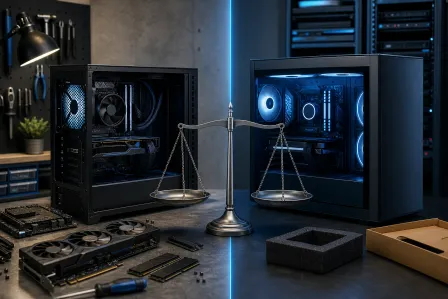
TL;DR: A single high-spec monitor is almost always the better play for pure gaming performance. Dual monitors shine when you need a browser, stream dashboard, or Discord visible while you play. Your GPU, refresh rate goals, and desk habits decide which wins for you.
At a Glance
| Factor | Single Monitor | Dual Monitor |
|---|---|---|
| GPU load | Lower, focused | Higher, split across outputs |
| FPS headroom | Maximum available | Reduced if second display is active |
| Immersion | High | Can be distracting |
| Multitasking | Limited | Strong |
| Desk space needed | Minimal | Significant |
| Cost to upgrade | One panel | Two panels plus arm or stand |
| Best for | Competitive, single-player | Streaming, content creation, casual |
How a Second Monitor Actually Hits Your GPU
Here is the part most people skip. Running a second display does not cost zero FPS. Even a desktop sitting idle on monitor two forces your GPU to push pixels to that output continuously. Depending on your driver settings and resolution on the secondary screen, you can lose anywhere from a few FPS to noticeably more on a mid-range card.
TechPowerUp's GPU-Z and MSI Afterburner can show you real-time VRAM usage. If your VRAM is already near its ceiling on one screen, adding a second monitor at 1080p or higher will push you over and cause stuttering. That is a real cost, not a myth.
The GPU overhead is much smaller on a high-end card like an RTX 4080 or 4090 than on a mid-range card like an RTX 4060. Know your hardware before you commit.
The Case for One Great Monitor
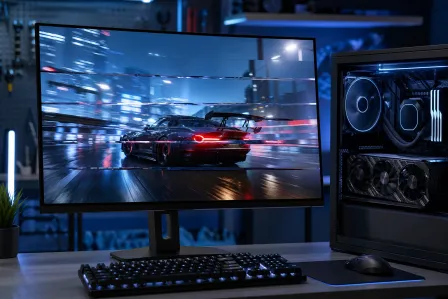
If your goal is maximum frames and minimum input lag, one monitor is the answer. All your GPU's output goes to a single panel. You can chase higher refresh rates (165Hz, 240Hz, 360Hz) without worrying about resource splitting. You can also run a larger, higher-resolution panel, like a 27-inch 1440p or a 32-inch 4K, and fill your field of view properly.
Competitive players in fast-paced shooters and fighting games almost universally run one monitor for this reason. Every millisecond and every frame counts, and nothing should pull your eye off the action.
Immersion is another real argument. Ultrawide monitors (21:9 or 32:9) give you the peripheral vision of a dual setup without the bezel gap in the middle of your screen. If you play open-world or racing games, an ultrawide single panel beats two monitors handily.
Ready to build a rig that actually rips? Start your build
The Case for Two Monitors
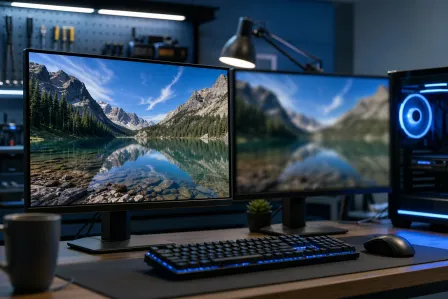
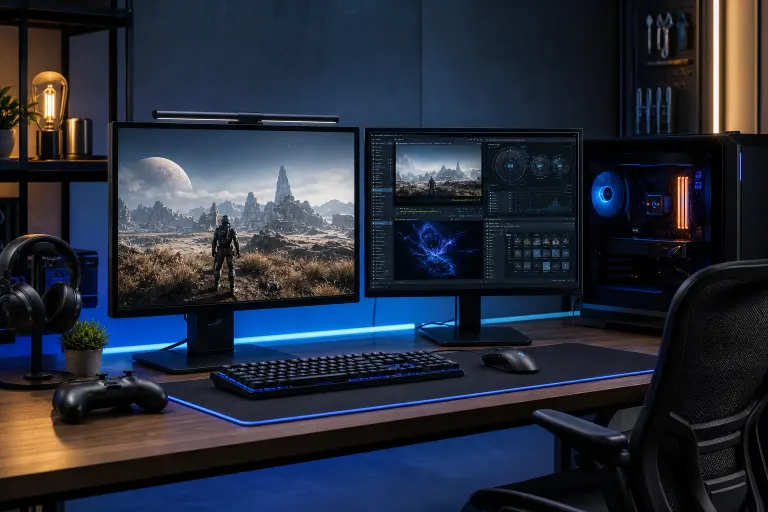
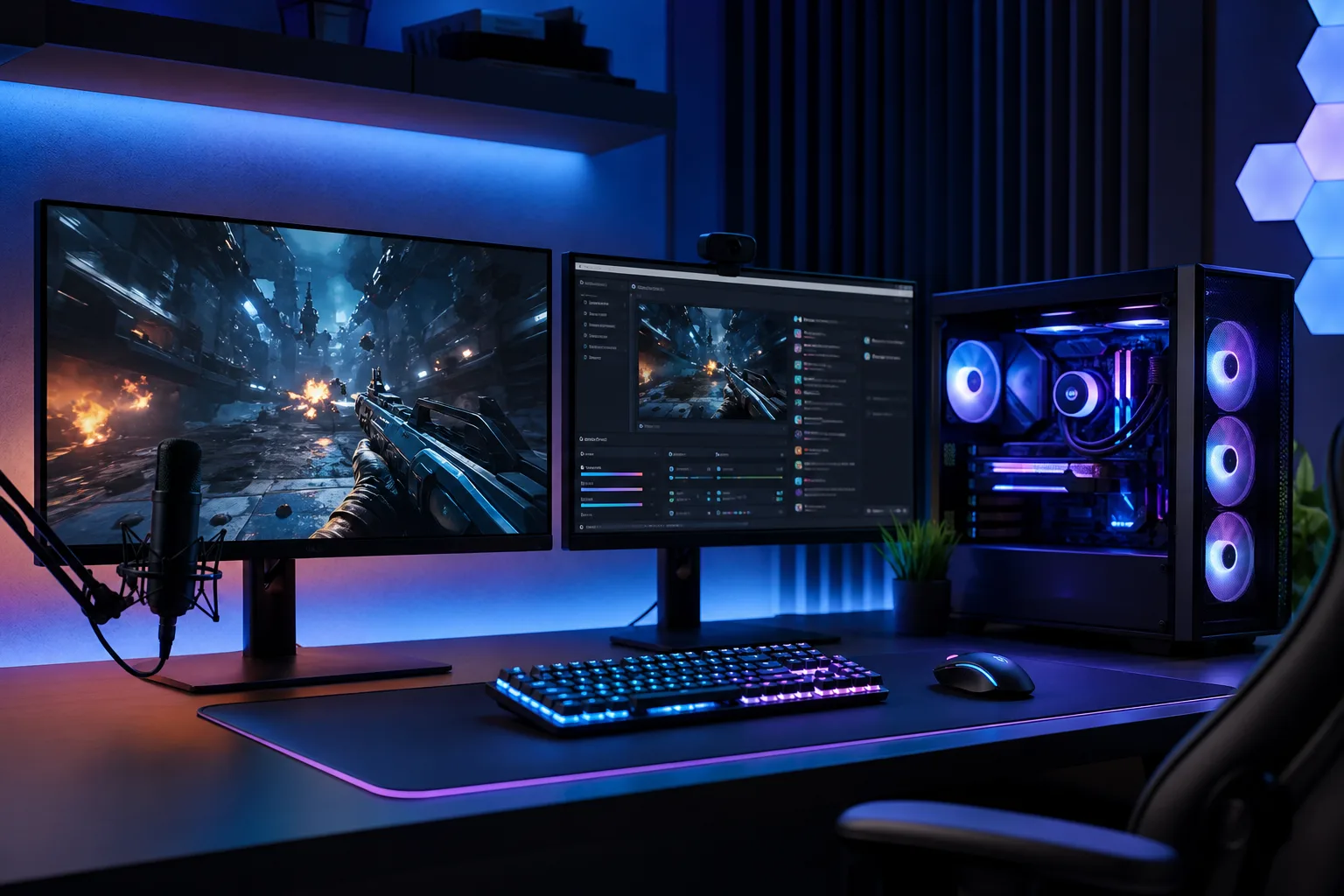
Streaming while gaming is where dual monitors earn their keep. Running OBS, your stream chat, or a browser on monitor two without alt-tabbing mid-game is genuinely useful. Content creators, Twitch streamers, and anyone who runs voice chat alongside a long play session will feel the quality-of-life difference immediately.
Dual monitors also make sense if you use your rig for work during the day and gaming at night. Spreadsheets, video editing timelines, and code windows all benefit from extra screen real estate. In that workflow, the gaming overhead on the second screen during off-hours is an acceptable tradeoff.
The key condition: your GPU needs headroom to spare. If you are already pushing your card hard to hit 144Hz at 1440p on one screen, a second screen will hurt. If you are cruising at 200+ FPS on a 165Hz panel with room to breathe, the impact is manageable.
Refresh Rate Mismatch: A Hidden Trap
Running two monitors at different refresh rates used to cause nasty frame pacing bugs in Windows. It is better now with NVIDIA and AMD driver updates, but mismatched refresh rates can still cause microstutter on the primary display in some game and driver combinations.
If you go dual monitor, try to match refresh rates, or at least keep the secondary display at 60Hz rather than something odd like 75Hz. Matching resolutions also reduces the chance of driver headaches. Check the Microsoft support documentation or your GPU vendor's release notes for current driver behavior on mixed refresh setups.
Decision Framework: Which Setup Is Yours?
Work through these questions in order.
- What GPU do you have? Mid-range (RTX 4060, RX 7600 or below): stick to one monitor to protect your FPS budget. High-end (RTX 4070 Super and above, RX 7800 XT and above): dual monitors are viable.
- What do you play? Competitive shooters, fighting games, or anything where reaction time is survival: one monitor. RPGs, open-world, simulators, strategy: dual monitors are fine.
- Do you stream or multitask? Yes: dual monitors add genuine value. No: a second screen is mostly distraction.
- What is your target refresh rate? Chasing 240Hz at 1080p? One monitor, no contest. Happy at 144Hz at 1440p with some FPS cushion? Dual is workable.
- Desk space? Two 27-inch monitors need real estate. An ultrawide single panel can be a smarter use of a smaller desk.
Verdict
For pure gaming performance, one well-chosen monitor wins every time. Put your budget into a higher refresh rate or resolution panel instead of a second screen. If streaming, content creation, or heavy multitasking is part of your daily rig life, and your GPU can handle it, a dual setup earns its place.
Not sure if your current card has the headroom for a dual setup? Or thinking about a new custom build that can handle both without compromise? Check out the custom gaming PC builder to spec a rig with the right GPU for your monitor goals. If your existing system is struggling with performance you cannot explain, computer repair diagnostics can help rule out hardware issues before you spend on new displays.
Ready to build a rig that actually rips?
Custom gaming PCs built and tuned by people who game. Tell us your budget and target frame rate.