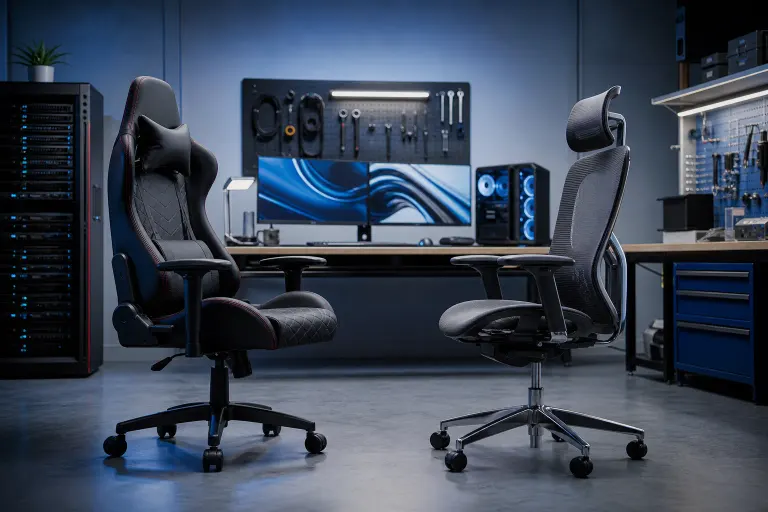
Gaming Chair vs Office Chair for Long Sessions: Real Differences
TL;DR: Office chairs from ergonomic-focused brands generally outperform gaming chairs for long sessions because they offer more precise adjustability and better lumbar support engineering. Gaming chairs win on aesthetics and often include recline features that suit casual or hybrid use. Your body type and session length should drive the decision, not the RGB trim.
At a Glance
| Feature | Gaming Chair | Ergonomic Office Chair |
|---|---|---|
| Lumbar support | Fixed pillow or fixed curve | Adjustable, often dynamic |
| Seat depth adjustment | Rare | Common on mid-to-high tier |
| Recline range | Wide, often 135-180 degrees | Moderate, tension-adjustable |
| Armrest adjustability | 4D common on mid-range | 4D common, more precise |
| Breathability | Usually PU leather, runs hot | Mesh options widely available |
| Aesthetic | Bold, sporty | Neutral, professional |
| Price for quality | Higher relative to ergonomics | More ergonomics per dollar |
How Lumbar Support Actually Works in Each Chair
This is where the real gap lives. Gaming chairs mostly use a separate lumbar pillow strapped to the backrest. You position it yourself, and it stays put. That sounds flexible, but a pillow pushing against your lower back at a fixed angle doesn't adapt when you shift positions, and you WILL shift positions over a long session.
Ergonomic office chairs, especially from brands like Herman Miller or Steelcase, build lumbar support into the chair's structure. The curve follows your spine, and higher-end models let you adjust the height and depth of that lumbar zone independently. That means support that tracks with you instead of fighting you.
For sessions under two hours, the difference is minor. Past three hours, it gets significant.
Seat Geometry and Why It Matters More Than You Think
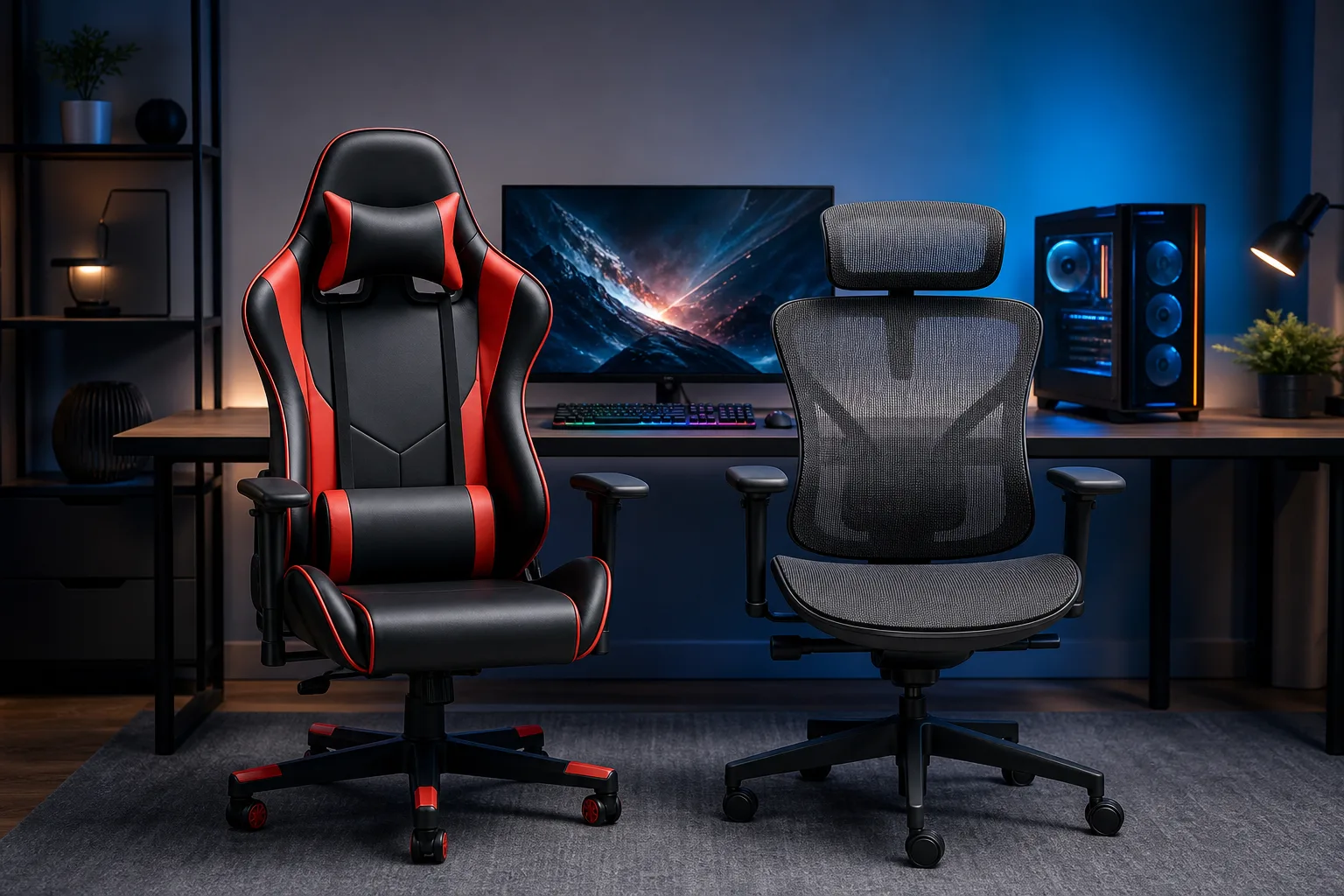
Gaming chairs typically have pronounced side bolsters, the raised wings on the seat and backrest. They look great and grip you in place, which feels secure. The tradeoff: if your hips are wider than the bolster spacing, those edges create pressure points over time. Smaller or average frames often fit well. Bigger frames can find gaming chairs genuinely uncomfortable by hour four.
Office chairs usually have flatter seats without aggressive bolstering. Less dramatic, but more universally accommodating. The important feature here is seat depth adjustment. Being able to slide the seat pan forward or back lets you dial in thigh support without edge pressure behind your knees. Many gaming chairs skip this entirely.
Recline and Posture Habits
Gaming chairs often recline far, sometimes flat. That sounds like a win for naps and casual gaming sessions, and it is. But a very aggressive recline while actively gaming or working pulls your neck forward toward the monitor, which creates strain. The sweet spot for active use is typically 100-110 degrees of recline, and both chair types can hit that.
The difference is in how tilt tension is managed. Good ergonomic chairs let you set resistance so the chair pushes back gently as you lean, keeping your core slightly engaged. Many gaming chairs lock recline at set angles rather than offering fluid tension. Neither is wrong, but fluid tension better supports posture over long sessions.
Ready to build a rig that actually rips? Start your build
Breathability and the South Florida Factor
Let's be real. If you're in West Palm Beach or anywhere in South Florida, you're fighting heat. PU leather and faux leather, which cover most gaming chairs under $400, trap heat fast. Mesh office chairs breathe significantly better. After an hour in a leather gaming chair with the AC running, your back will still feel it.
If you're buying a gaming chair and heat is a concern, look for ones with a mesh backrest. They exist but are less common in the gaming segment. If you're buying an office chair, full mesh is a legitimate reason to pay more.
Build Quality and What You're Actually Paying For
A $300 gaming chair and a $300 office chair are not equivalent. Gaming chairs spend more of that budget on materials like PU leather, stitching, and metal frames that look premium. Ergonomic office chairs at the same price tend to spend more on the mechanism, the part that controls recline, tilt, and adjustment. Mechanisms are expensive to engineer and cheap to ignore.
This doesn't mean all gaming chairs are bad builds. Some are genuinely solid. But if ergonomics are your priority, a $300 office chair from a brand focused on ergonomics will usually outlast and outperform a $300 gaming chair for pure seated comfort.
Who Should Actually Get a Gaming Chair
- You want a recline range for hybrid gaming and lounging
- You watch streams or play casually for 1-3 hour sessions
- Aesthetics matter to your setup, and that's a valid reason
- You fit the seat bolster dimensions comfortably
- You're pairing it with a custom rig and want the whole setup to look intentional
If you're building a new gaming PC and want the full setup dialed in, check out the custom gaming PC builder to spec your machine alongside your new chair decision.
Who Should Actually Get an Ergonomic Office Chair
- You sit for 4+ hours at a stretch regularly
- You have existing back, hip, or neck issues
- You run hot or live somewhere warm (South Florida is both)
- You need precise adjustability because your build doesn't match standard sizing
- You work and game from the same seat
Verdict
For long sessions, ergonomic office chairs win on measurable comfort metrics: better lumbar engineering, seat depth adjustment, and breathability. Gaming chairs win on aesthetics, recline range, and casual appeal.
If you're gaming 5+ hours a day or using one chair for work and play, the ergonomic office chair is the stronger call. If you're building a dedicated gaming station, session lengths are moderate, and the look matters to you, a quality gaming chair is a completely reasonable choice. Just try to sit in it before you buy, bolster fit is personal.
The chair matters less than the machine it's in front of. If you want to make sure the rig keeps up with your sessions, the custom gaming PC builder is a solid next step.
Ready to build a rig that actually rips?
Custom gaming PCs built and tuned by people who game. Tell us your budget and target frame rate.