Why Is My Desktop PC Beeping at Startup and Not Booting?
TL;DR: Startup beeps mean your PC failed its Power-On Self-Test (POST). The number and pattern of beeps map to a specific hardware problem, most often RAM, GPU, or a loose component. You can diagnose a lot of this yourself before spending a dime on repair.
What Happened
Every time your desktop powers on, the motherboard runs a quick hardware check called POST. If POST passes, you get one short beep (or silence on modern boards) and Windows loads. If POST fails, the board fires off a beep code and halts. No beep code, no boot.
The catch: beep code patterns are not universal. They depend on your motherboard's BIOS manufacturer, primarily AMI, Award/Phoenix, or the OEM version shipped in prebuilt machines like Dell or HP. Same beep pattern can mean totally different things across boards.
Finding your BIOS brand is step one. Check the splash screen that flashes on startup, the sticker on the motherboard itself, or your PC's manual.
Why It Matters
Beep codes are actually good news compared to a totally silent failure. They narrow the problem down to a hardware category before you've opened a single side panel.
Common beep code meanings by BIOS brand:
| Beep Pattern | AMI BIOS | Award BIOS |
|---|---|---|
| 1 short | POST passed (normal) | POST passed (normal) |
| 1 long, 2 short | Video/GPU error | Video/GPU error |
| 1 long, 3 short | Memory or video error (varies by AMI version; check your board manual) | Video/GPU error |
| 2 short | POST error, check display | CMOS error |
| 6 short | Keyboard controller error | Not a standard Award code |
| Repeating long beeps | Not a standard AMI code | RAM error |
| Continuous beeping | Not a standard AMI code; often a power, RAM or stuck-key issue (check your board manual) | Power or RAM issue (varies by board) |
| No beep, no boot | CPU, power, or dead board | CPU, power, or dead board |
Note: These meanings vary by board and BIOS version, so always confirm against your motherboard manual. Phoenix BIOS uses grouped codes (for example, 1-3-4-1) rather than the simple patterns above, and Dell and HP OEM BIOS use their own patterns. Check your model's support page for the exact reference.
The most common culprits Hardware Hank sees come through the door? In order: unseated or failed RAM, a dead or unseated GPU, a CPU seating issue, and occasionally a failing power supply that can't deliver stable voltage at POST.
Computer acting up? Get a real diagnosis. Book a diagnostic
What We Don't Know Yet
Beep codes tell you the hardware category, not the exact part. A "RAM error" beep could mean:
- A stick worked loose from its slot (vibration, thermal cycling)
- One stick failed completely
- A RAM slot on the motherboard is dead
- Incompatible RAM was recently installed
Similarly, a GPU beep could be a card that's just unseated, a dead card, or a PCIe slot issue. You won't know until you start swapping.
Also worth knowing: some modern motherboards skip beep codes entirely and use LED POST code displays instead. If your board has a small two-digit display on the edge, that number is your diagnostic signal, not the beep.
What to Do About It
Work through this sequence before assuming the worst. Each step costs nothing but time.
Step 1: Listen carefully and write it down. Count the beeps, note the pattern (short vs. long, pauses between groups). Then look up your BIOS brand's code chart. AMI's official reference and your motherboard manufacturer's support page are the right sources here.
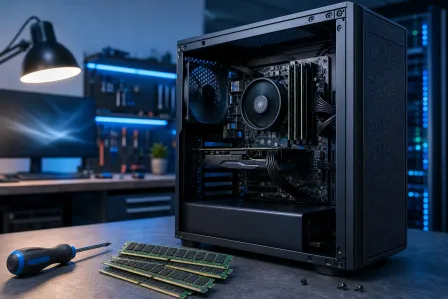
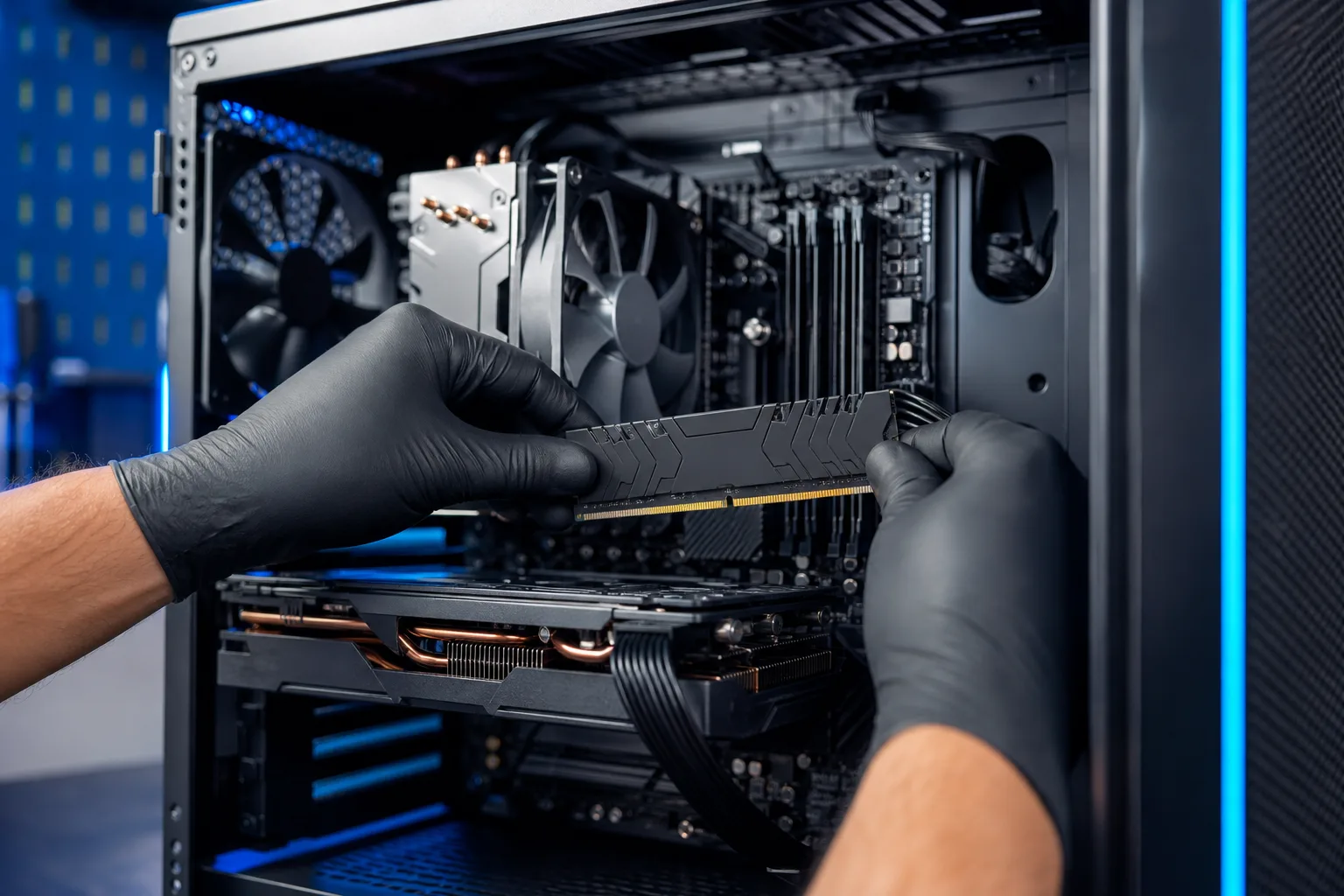
Step 2: Reseat the RAM. Power off, unplug from the wall, hold the power button 5 seconds to drain residual charge. Ground yourself first by touching the bare metal of the case or wearing an anti-static wrist strap, and handle modules by their edges. Pop the RAM sticks out, check for dust or oxidation on the gold contacts, and firmly reseat them. If you have two sticks, try booting with just one at a time in the primary slot (usually labeled A2 or DIMM1).
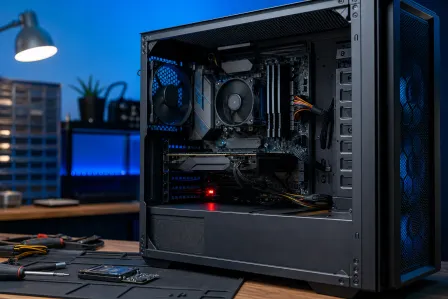
Step 3: Reseat the GPU. Same power-off drill, and the same grounding precaution: touch bare case metal or use an anti-static wrist strap, and hold the card by its edges. Remove the GPU from the PCIe slot, check the gold edge connector, and push it firmly back until the retention clip clicks. Make sure the power connectors are fully seated too.
Step 4: Check the CPU cooler and thermal contact. A CPU that overheats in seconds can trigger beeps or immediate shutdown. If the cooler is loose or the fan is dead, you may never make it past POST. Listen for the CPU fan spinning when you power on.
Step 5: Strip it down. Disconnect all non-essential hardware: extra drives, USB devices, secondary GPUs. Try booting with just CPU, one RAM stick, and GPU. This isolates whether a peripheral is dragging POST down.
Step 6: If you're still getting codes after all that, the failure is likely inside a component, not just a loose connection. RAM sticks can be swapped cheaply to test. GPUs and CPUs are another story.
If your build is a custom rig and you want to run through diagnostics without guessing, the team at Fix My PC Store on Okeechobee Blvd charges $60 for a diagnostic, credited toward the repair, or it is free with the coupon our website emails when you join the list. Bring the whole tower in. Advanced diagnostics fees, if needed, are disclosed before any work starts. Call ahead at 561-819-9999 or book a time online.
If you're dealing with a gaming rig specifically and are worried about component damage, check out gaming PC repair for more context on what's worth fixing vs. upgrading.
Remote support is NOT the right tool for this problem. POST failures are hardware issues that require hands on the machine.
Computer acting up? Get a real diagnosis.
Fix My PC Store has repaired thousands of machines across West Palm Beach. Honest pricing, no upsell games, and a free diagnostic for new customers with our email coupon.