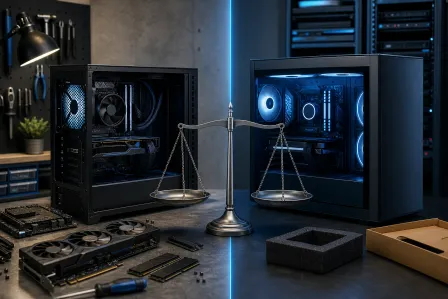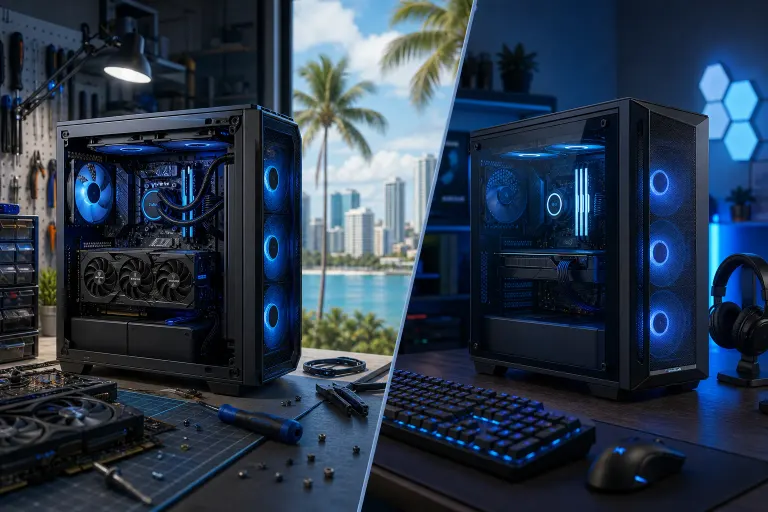
Custom Gaming PC vs Prebuilt: What Florida Gamers Should Pick
TL;DR: Prebuilts win on convenience and warranty simplicity, custom builds win on price-to-performance and upgrade path, and Florida's heat and humidity make cooling choices matter more than either camp usually admits. If you want max FPS per dollar and you're willing to spend a weekend on it, custom wins. If you want zero-hassle plug-and-play, a good prebuilt is fine, just budget extra for cooling.
At a Glance
| Factor | Custom Build | Prebuilt Desktop |
|---|---|---|
| Price-to-performance | Higher, you skip retail markup | Lower, you pay for assembly/branding |
| Component quality control | Full control, pick every part | Manufacturer picks, sometimes cuts corners on PSU/cooling |
| Warranty | Per-part, from each manufacturer | Single warranty, usually easier to claim |
| Upgrade path | Wide open, standard parts | Sometimes limited by proprietary cases/PSUs |
| Time to first boot | Hours to a weekend | Plug in and go |
| Florida heat/humidity handling | You choose the cooling, can overbuild it | Depends entirely on brand, varies a lot |
| Best for | Enthusiasts, long-term value, specific FPS targets | Buyers who want it done today, less DIY interest |
Let's get into why that table looks the way it does, because the details matter more than the summary.
The Price-to-Performance Gap Is Real, and It's Bigger Than People Think
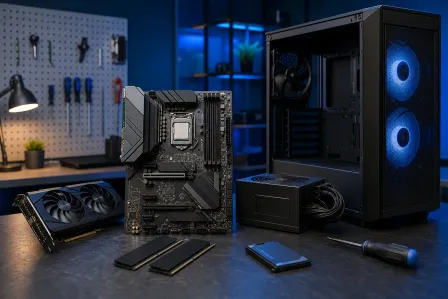
Here's the thing nobody tells you when you're staring at a prebuilt listing that says "RTX-ready gaming PC": you're paying for assembly labor, marketing, retail margin, and sometimes a case that looks cooler than it performs. When you build custom, every dollar goes into silicon. That's not a knock on prebuilts, it's just math.
A custom build with the same GPU and CPU as a name-brand prebuilt will often land 10-20% cheaper, or get you a tier higher GPU for the same money. That's the difference between 1080p high settings and 1440p ultra in a lot of titles. That's the difference between 75 FPS and 100+ FPS in something like Call of Duty or Fortnite at competitive settings.pip.frames-per-second gains like that aren't hype, they're literally what you're buying when you skip the middleman markup.pip.
The tradeoff? You have to know what you're buying. Pair a mismatched PSU with a power-hungry GPU and you'll get instability, not frames. If you're not sure your parts play nice together, that's worth sorting before you order anything, not after.
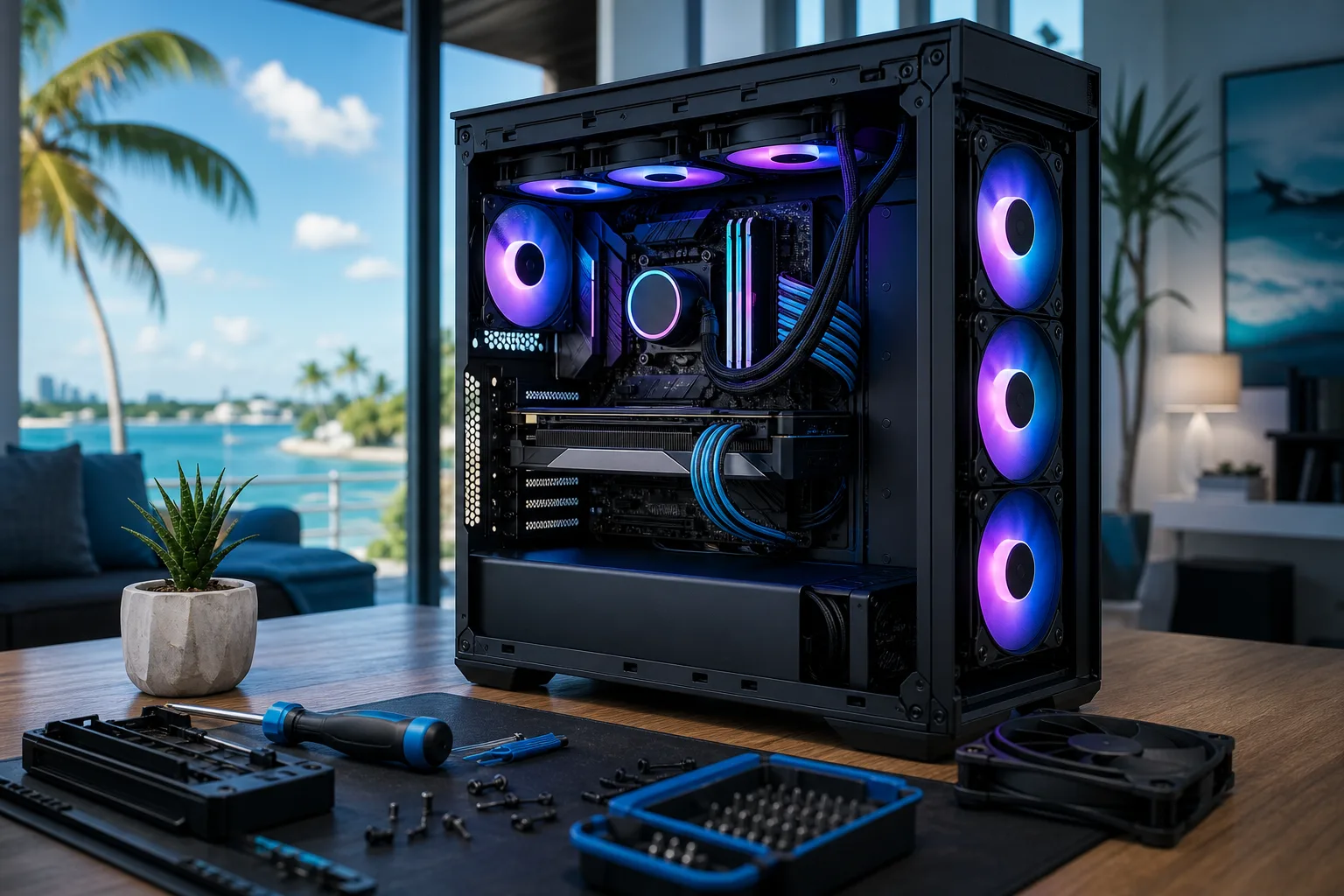
Component Quality: Where Prebuilts Quietly Cut Corners
This is the part that annoys me the most, not gonna lie. A lot of prebuilts spec a killer GPU and CPU on the box, then slap in a bargain-bin power supply or two case fans doing the work of four. Why? Because the sticker price is what sells, and most buyers don't check PSU wattage or airflow specs before checkout.
A weak PSU under a power-hungry card is a recipe for random shutdowns during intense gaming sessions, exactly when your GPU is pulling max wattage during a firefight. Cheap thermal paste application and undersized coolers mean your CPU throttles under load, which tanks your frame rate in CPU-heavy games even if your GPU is a beast.
With a custom build, you control every one of those decisions. You pick a PSU with headroom, you pick a cooler rated for your CPU's actual TDP, you pick a case with real airflow instead of glass panels and zero vents. That last part matters a lot more here than it does up north.
Florida Heat and Humidity Change the Cooling Equation
This is the piece a lot of national buying guides completely ignore, and it's genuinely important if you're gaming in South Florida. Even with AC running, ambient temps and humidity in Palm Beach and the Treasure Coast run higher than most of the country for most of the year. Your PC's internal temps start from a higher baseline before you even load up a game.
Higher ambient humidity also means more dust and grime buildup over time indoors, since AC systems are working overtime and pulling in more particulate. That gunk clogs fans and radiators faster than it would in a drier climate.
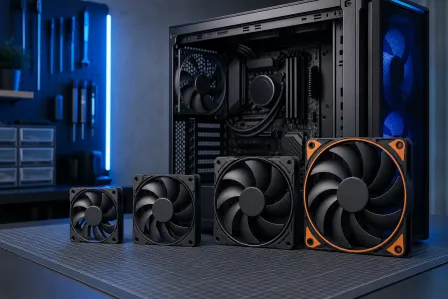
With a custom build, you can overbuild your cooling on purpose. Extra case fans, a beefier AIO or air cooler, a case with real mesh airflow instead of solid glass panels that trap heat. It costs a little more upfront and it's worth every penny when your GPU isn't throttling during a three-hour raid night in July.
With a prebuilt, you're stuck with whatever cooling the manufacturer decided was "enough." Some brands do this well. A lot don't, especially at lower price points where the cooler is an afterthought. If you go prebuilt, actually check the cooler spec and case airflow design before buying, not just the GPU model.
If your existing rig is already struggling with heat, that's usually fixable without a full rebuild. Computer repair diagnostics can tell you whether it's a dust and thermal paste issue or something that actually needs new hardware.
Ready to build a rig that actually rips? Start your build
Upgrade Path: This Is Where Custom Really Pulls Ahead Long-Term
Buy a custom build with a standard ATX case, standard PSU, standard motherboard form factor, and in two or three years when you want to drop in a new GPU, you just... drop in a new GPU. Standard parts, standard slots, no surprises.
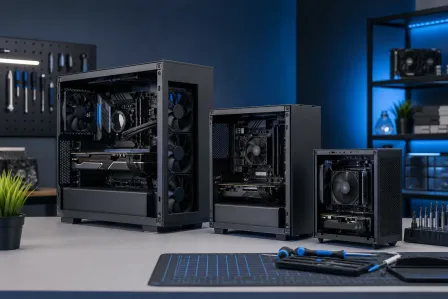
A lot of prebuilts use proprietary or space-constrained cases, non-standard PSU mounts, or motherboards that are hard to source replacements for. Manufacturers do this to hit a price point or a specific form factor, and it's not evil, but it does mean your upgrade options are narrower down the road. Some brands are better about this than others, so if you're set on prebuilt, ask specifically whether it uses standard ATX/mATX components before you buy.
This matters more than people think because GPUs are the part you'll want to upgrade most often as new titles push higher requirements. Locking yourself into a case that can't fit next-gen card lengths is a real regret two years from now.
Warranty and Support: Prebuilt's Actual Advantage
I'll give prebuilts their due here. One warranty, one company to call, one RMA process if something dies. That's genuinely simpler than juggling five different manufacturer warranties for your CPU, GPU, motherboard, RAM, and PSU separately, which is what you're dealing with on a custom build.
If something in your custom rig fails, you need to figure out which component is the culprit before you can even file a claim. That's not hard if you're comfortable with basic troubleshooting, but it's a real skill gap for first-time builders. This is exactly the kind of situation where getting a second set of eyes helps. If a build isn't posting or you're getting weird crashes and can't isolate which part is failing, remote support or an in-shop diagnostic can save you from returning the wrong part to the wrong company.
Time Investment: Be Honest With Yourself
Building a PC yourself takes real time. Researching compatible parts, reading reviews, watching a few teardown videos, actually assembling it, then troubleshooting if something doesn't boot on the first try. For a first build, budget a full weekend, easily more if you hit snags.
If that sounds fun to you, custom is a great fit and honestly kind of a blast once you get your hands dirty with cable management and RGB routing. If that sounds like a chore you have zero interest in, a quality prebuilt gets you gaming today with none of that.
There's also a middle path a lot of Florida buyers don't realize exists: working with a local shop that builds custom rigs to your spec, so you get the price-to-performance and part-selection benefits of custom without doing the wrenching yourself. That's basically the whole point of a proper custom gaming PC build, you tell us your budget and target FPS, we handle sourcing and assembly and make sure the thermals are dialed in for our climate specifically.
The RGB and Aesthetics Factor (Yes, It Actually Matters)
Look, I'm not going to pretend cosmetics don't matter, because for a lot of gamers they absolutely do. Custom builds let you pick your case, your fan colors, your cable sleeving, whether you want a tempered glass window showing off a fully synced RGB loop or a stealthy all-black tower with zero lighting. Prebuilts give you whatever aesthetic the manufacturer shipped that SKU with, take it or leave it.
This isn't just vanity either. A case with good cable management and airflow-focused design usually runs cooler than a cramped budget case stuffed with wiring, even at the same fan count. Form and function aren't fully separate here, they're connected more than people realize.
Verdict
If you're chasing max frames per dollar and don't mind a weekend project (or working with a local shop that builds to spec), custom wins outright. You get better components for the money, a cooling setup actually suited to Florida's heat and humidity, and an upgrade path that doesn't box you in two years from now.
If convenience is king and you want to game tonight with a single warranty to worry about, a well-specced prebuilt is a legitimate choice, just scrutinize the PSU wattage and cooler before you buy, not after your GPU starts thermal throttling in August.
Either path, don't skip the cooling conversation. It's the single most overlooked factor for gamers in this climate, and it's the difference between a rig that holds steady frame rates all summer and one that starts stuttering the second your AC can't quite keep up.
For reference on component specs and compatibility standards, Intel's product spec pages and AMD's official documentation are solid places to verify TDP and socket info before you buy anything, custom or otherwise.
Not sure which route fits your budget and games? Contact us or run through the custom gaming PC builder and we'll tell you straight whether custom or a specific prebuilt makes more sense for what you're actually trying to play.
Ready to build a rig that actually rips?
Custom gaming PCs built and tuned by people who game. Tell us your budget and target frame rate.