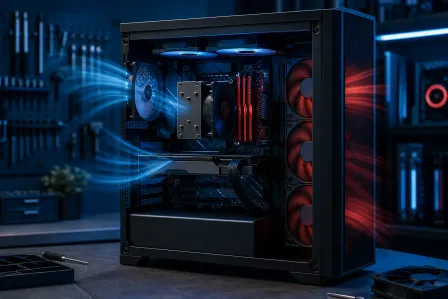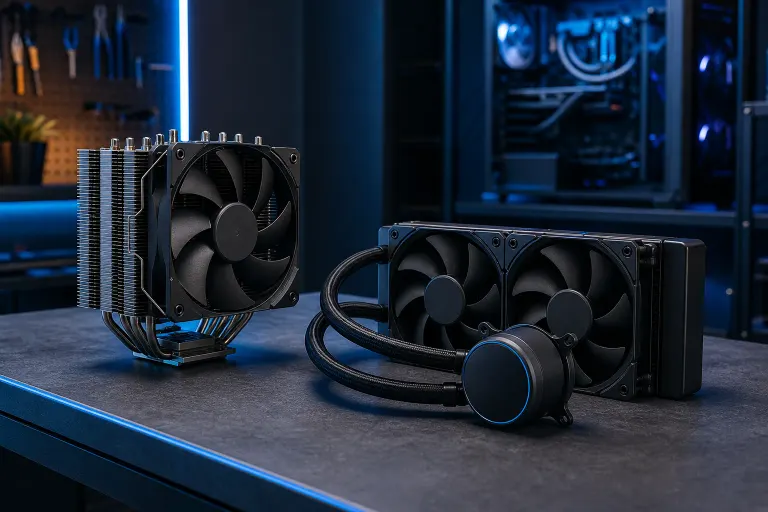
CPU Cooler Types Explained: Air vs Liquid for a Custom Gaming PC
TL;DR: Air coolers are reliable, cheaper, and easier to maintain. All-in-one (AIO) liquid coolers run quieter under sustained load and look spectacular with RGB, but cost more and add moving parts that can fail. For most gaming builds, a quality air tower beats a budget AIO. Only step up to a 240 mm or 360 mm AIO if you are running a high-TDP chip, overclocking hard, or working in a tight case with bad airflow.
At a Glance
| Factor | Tower Air Cooler | AIO Liquid Cooler |
|---|---|---|
| Upfront cost | Lower (roughly budget to mid-range) | Higher (mid to premium range) |
| Cooling performance | Excellent for most CPUs | Better sustained cooling for hot chips |
| Noise under load | Moderate to low | Lower at sustained load |
| Maintenance | Nearly zero | Pump and radiator need monitoring |
| Failure risk | Fans only | Pump, tubing, radiator, fans |
| Aesthetics | Industrial, some RGB options | Clean look, RGB pump head |
| Case compatibility | Needs CPU clearance height | Needs radiator mount space |
| Overclocking headroom | Good with dual-tower designs | Better for prolonged all-core boosts |
How Air Cooling Actually Works
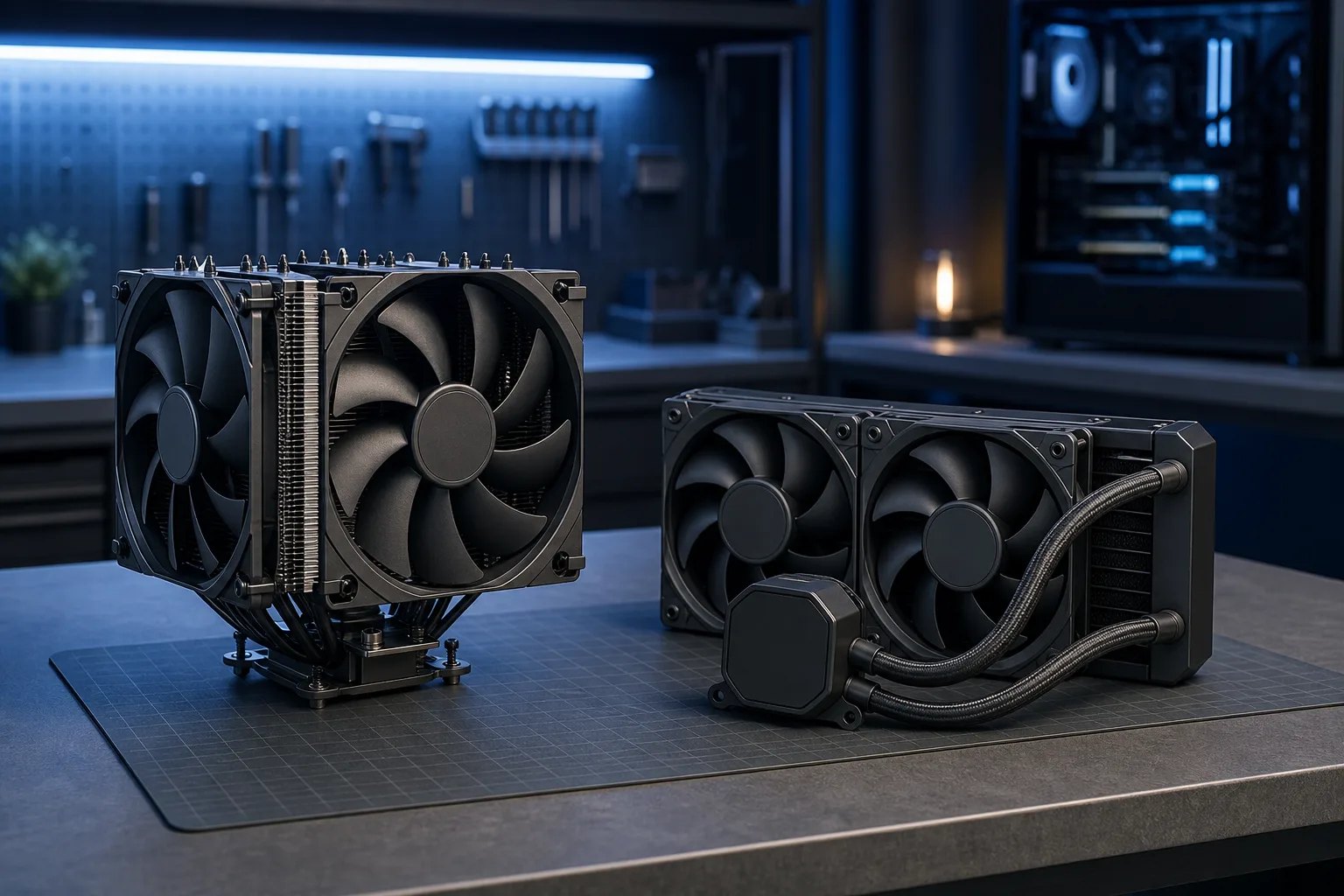
A tower air cooler uses a stack of aluminum or copper fins connected to heat pipes that draw heat off the CPU integrated heat spreader. One or two fans pull air through those fins and exhaust it toward the rear or top of the case.
The physics here are simple and proven. No pump, no coolant loop, no radiator hose. The only moving part is the fan, and a quality fan from a reputable brand can last a decade-plus.
Where air coolers win:
- Budget builds where every dollar goes toward GPU or RAM
- Mini-ITX or mATX cases with no radiator mount
- Builders who want set-and-forget reliability
- Chips with a TDP at or below 125 W that do not run extended all-core workloads
Where they hit a ceiling: Dual-tower coolers like the Noctua NH-D15 or DeepCool Assassin IV are genuinely competitive with 240 mm AIOs, but tall towers can block RAM slots and need serious case clearance, sometimes over 165 mm. Always check your case spec before ordering.
How AIO Liquid Cooling Actually Works
An all-in-one liquid cooler is a closed-loop system. A pump head sits on the CPU and pushes liquid through tubing to a radiator mounted at the case fan position. Fans on the radiator dissipate the heat, and the cooled liquid loops back.
Because a radiator has much more surface area than a fin stack, it can dump heat faster under sustained load. That matters for chips like the Intel Core i9-13900K or AMD Ryzen 9 7950X that throw 200+ watts at the cooler during all-core boosts.
Where AIOs win:
- High-TDP flagship CPUs under sustained gaming or streaming load
- Cases with excellent radiator mount options but limited CPU clearance height
- Builds where aesthetics matter, the RGB pump head looks CLEAN
- Aggressive overclocking where you want every degree of thermal headroom
Where they complicate things: Pump failure means immediate thermal shutdown or worse. Radiator leaks, while rare with reputable brands, do happen. Most AIOs carry a 3 to 6 year warranty, but you are adding failure points that a tower cooler simply does not have.
Ready to build a rig that actually rips? Start your build
The Overclocking Factor
If you are pushing an unlocked CPU beyond stock clocks, thermal headroom becomes your ceiling. Every 10 degrees Celsius you shave off the junction temperature can mean another 100 to 200 MHz of stable all-core boost, depending on the chip and silicon lottery result.
A 360 mm AIO genuinely outperforms most air coolers in sustained overclocked workloads. For a gaming session where the CPU spikes hard for a few seconds then backs off, the difference between a dual-tower air cooler and a 240 mm AIO is often just a few degrees, and that rarely translates to measurable FPS gains in practice.
Curious how overclocking decisions affect real build performance? Check out Is Overclocking Worth It? for a closer look.
Noise: The Real-World Picture
At idle, both types are usually inaudible. Under sustained load is where the difference shows.
A large air tower running at moderate fan speed can be quieter than a cheap AIO whose fans spin up to compensate for a small radiator. A premium 360 mm AIO running large, slow fans will be noticeably quieter than almost any air cooler at the same thermal load.
The lesson: radiator size matters more than the liquid vs air label. A 120 mm AIO with two tiny fans is not quieter than a Noctua NH-U12S. A 360 mm AIO with quality fans usually is.
Case Compatibility Checklist
Before you buy anything, run through this:
- Air cooler: Measure your case's max CPU cooler height clearance. Compare it to the cooler spec. Check whether the cooler overhangs your RAM slots, and whether your RAM has tall heatspreaders.
- AIO: Find every radiator mount in your case (top, front, rear). Match the radiator size (120, 240, 280, 360 mm) to what fits. Check that tubing length reaches the CPU socket from the radiator mount you plan to use.
- Both: Confirm your motherboard's socket is supported by the cooler's mounting kit. AM5, LGA1700, and LGA1851 all need different hardware.
Verdict
For the majority of West Palm Beach gaming builds running mainstream chips (Ryzen 5/7, Core i5/i7) at stock or mild overclock, a quality mid-range air tower delivers excellent cooling with zero maintenance headaches. SAVE the AIO for flagship chips, serious overclocks, or cases that physically cannot fit a tall tower.
If you are spec-ing out a full custom build and want expert eyes on your component list, the custom gaming PC builder is a great place to start. Already have a build running hot and want a second opinion? Stop by the shop at 10140 Okeechobee Blvd, Suite B, West Palm Beach, or reach out to book a time. Initial checks are free for most in-store visits.
See some of the extreme builds we have worked on for inspiration: RGB Monster Build or the Times Square Gaming PC.
Ready to build a rig that actually rips?
Custom gaming PCs built and tuned by people who game. Tell us your budget and target frame rate.