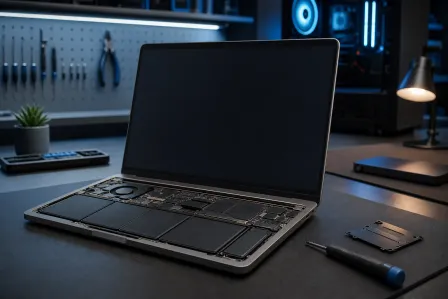
Best Hardware Upgrades for Faster PCs in 2025
Listen to this article
Is your PC feeling slow or unresponsive in 2025? Whether you’re a remote worker in West Palm Beach or a business owner in Palm Beach County, a well-timed hardware upgrade can deliver a dramatic increase in PC performance. In this detailed guide, we’ll cover the best hardware upgrades—like SSDs and RAM—that will give your computer the speed boost it needs. If you’re ready to explore the top upgrades, read on for expert advice grounded in the latest industry standards.
Why Upgrade Your PC Hardware in 2025?
Modern applications and operating systems such as Windows 10 and Windows 11 demand more from your computer than ever before. Outdated hardware can cause slow boot times, lagging programs, and even system crashes. Investing in a few key components can breathe new life into both desktops and laptops, delaying the need for a costly replacement. A professional upgrade can also improve security, stability, and device longevity.
The Most Impactful PC Upgrades in 2025
1. SSD (Solid State Drive): The #1 Speed Upgrade
The transition from traditional hard drives (HDDs) to Solid State Drives remains the most significant performance enhancement for most PCs. SSDs deliver far faster data access speeds and reliability compared to HDDs. Installing a SATA or, even better, an NVMe SSD will:
- Reduce boot and load times dramatically
- Decrease application launch delays
- Increase overall system responsiveness
Whether you use Windows 10 or Windows 11, upgrading to an SSD in 2025 ensures compatibility and maximizes productivity. Need help migrating from an old drive? Our data recovery team can assist with smooth, error-free transfers.
2. RAM (Memory): Essential for Smooth Multitasking
Insufficient RAM often results in slowdowns, freezing, or application crashes. Most modern users benefit from at least 16GB of RAM when running the latest software as of 2025. Adding or upgrading RAM allows your PC to:
- Run multiple applications simultaneously without slowdowns
- Improve performance in memory-intensive tasks (graphic design, video editing, gaming)
- Future-proof your device for heavier workloads
Our hardware specialists offer expert guidance on compatible and high-quality RAM kits for every major PC brand.
3. Graphics Card (GPU) for Power Users
While not always required for average users, upgrading your GPU offers major benefits for gaming, CAD, 3D rendering, and creative software (like Adobe Photoshop or DaVinci Resolve). A modern GPU reduces lag, improves graphics quality, and enhances productivity for professionals in technical or creative fields. If you’re looking for advice on GPU compatibility, driver installations, or even reliable virus cleaning (included with every virus removal consultation), our team can help you choose the right hardware.
4. CPU Upgrade: For Advanced Users and Workstations
The CPU remains the core of your PC’s performance. While a processor swap is more technical than SSD or RAM upgrades, it can be worthwhile for power users running demanding software. Ensure your motherboard supports the desired CPU to avoid extra expenses. Not sure how to check compatibility? Refer to Microsoft's CPU compatibility guide.
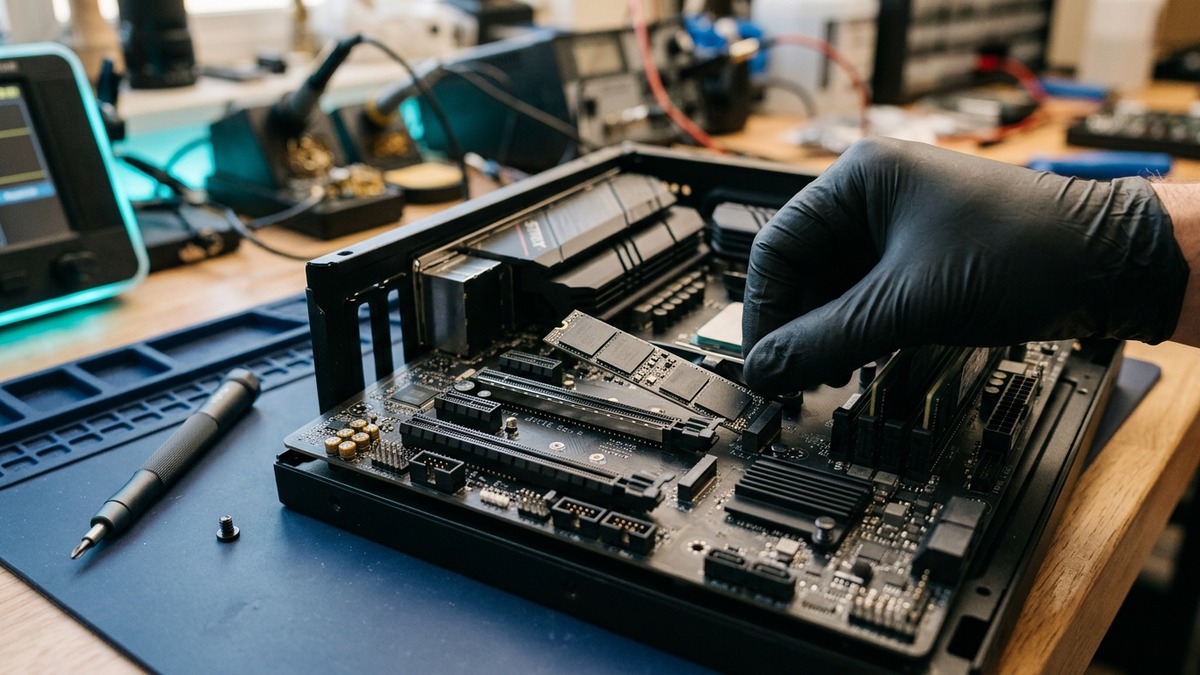
Technician installing an SSD drive to boost PC speed and performance in 2025, illustrating a professional hardware upgrade procedure.
Bonus Upgrades That Improve the PC Experience
- Wi-Fi 6 or 6E Network Cards: For blazing-fast internet and improved online stability.
- Better Power Supply (PSU): Essential when upgrading to high-performance GPUs or multiple drives.
- New Cooling Solutions: Prevents performance throttling from overheating.
PC Hardware Upgrade Installation: DIY or Professional Service?
While installing SSDs or RAM can be simple for technically minded users, professional services ensure every upgrade is completed safely and correctly. Mistakes with BIOS settings, static discharge, or compatibility can lead to data loss or hardware damage. Our remote support experts often help customers choose parts and walk them through basic upgrades.
For more advanced upgrades—involving CPUs, GPUs, or complex data migrations—the best results come from in-store, on-site, or remote support by certified pros.
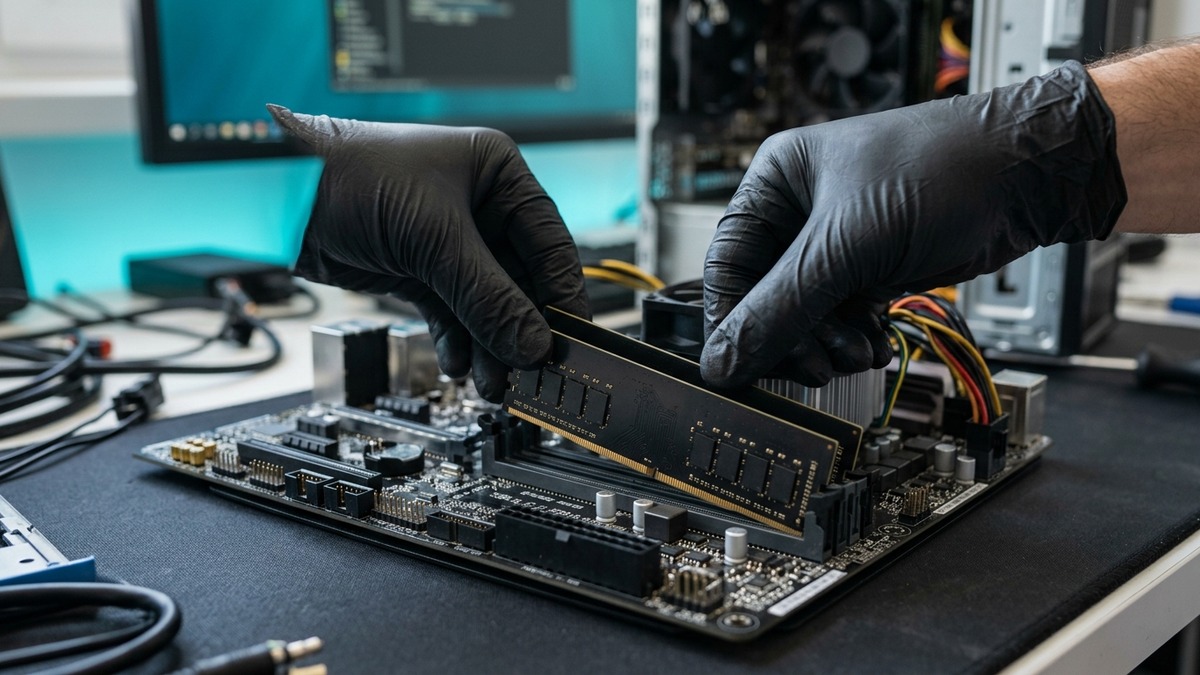
Close-up of RAM module being installed in a modern desktop computer during a memory upgrade for improved PC performance in 2025.
Protect Your Hardware Upgrades From Threats
After upgrading your PC, it’s crucial to protect your investment from malware and security threats. Comprehensive antivirus solutions and safe browsing habits are key. Check out the latest advice from Malwarebytes' blog for up-to-date security insights.
Serving West Palm Beach and Palm Beach County
Whether you're in West Palm Beach, Lake Worth, or Boca Raton, Fix My PC Store delivers computer repair and IT services across Palm Beach County. We offer expert consultations on choosing and installing the best hardware upgrades for your device, ensuring a seamless, hassle-free experience tailored to your needs.
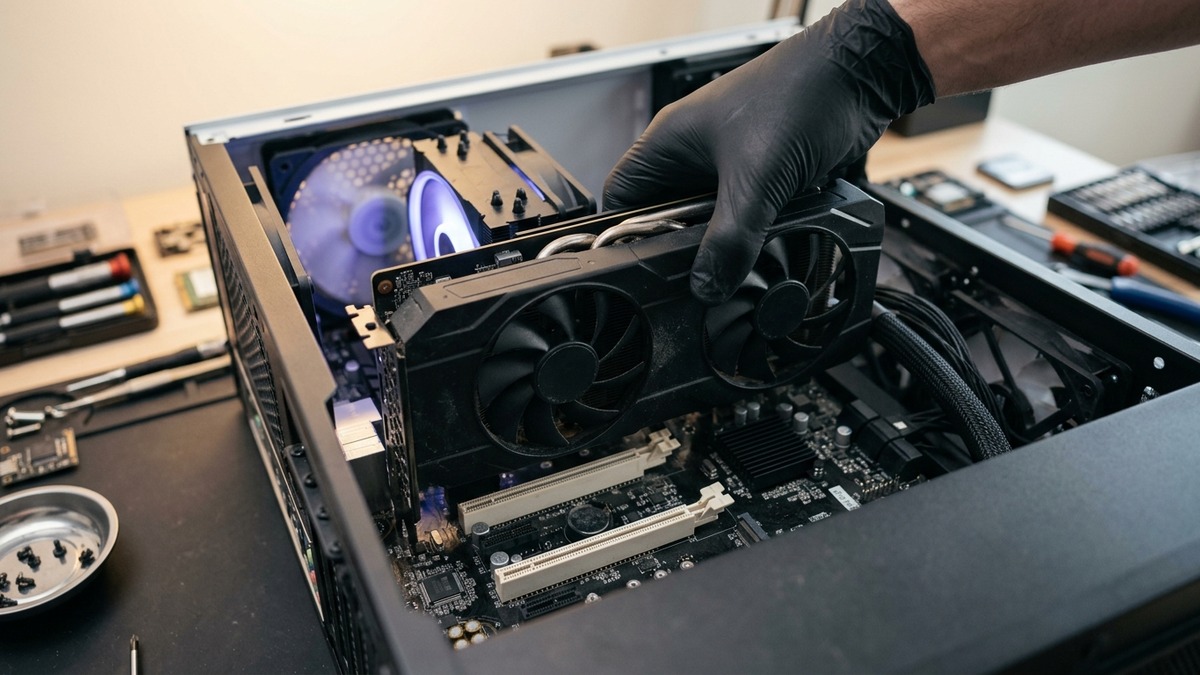
Professional technician upgrading a computer's graphics card for advanced performance and smooth multitasking in a 2025 PC.
Conclusion: Give Your PC a Fresh Start in 2025
Faster boot times, smoother multitasking, and improved reliability all start with the right hardware upgrades. If you're ready to boost your PC's performance with a new SSD, RAM, or other components, don't wait until your slow computer holds you back.
Need Expert Computer Support?
Get professional help from Palm Beach County's trusted computer repair specialists.
Get Help Today