5 Things to Check Before Buying a Used Gaming PC
TL;DR: Before buying a used gaming PC, stress-test the GPU, check thermals, verify RAM and storage health, confirm the OS is clean, and physically inspect for damage or sketchy repairs. Skip any one of these and you might be paying for someone else's problem.
Used gaming rigs can deliver serious FPS for a fraction of new-build prices. But the second-hand market is full of machines that were run hard, overclocked without proper cooling, or quietly swapped for cheaper parts before the sale. Five minutes of checks can save you hundreds of dollars and a mountain of frustration.
1. Stress-Test the GPU Right Now, Not Later
The GPU is the most expensive and most abused part of any gaming PC. Crypto mining, aggressive overclocking, years of sustained load at high temps, all of it shortens a card's life.
Ask the seller if you can run a free tool like FurMark or 3DMark for 10-15 minutes. Watch for:
- Artifacting (weird pixels, flickering, color blocks on screen)
- Unexpected crashes or driver errors
- GPU temps spiking above 90°C and not coming back down
If the seller won't let you run a stress test, that's your answer right there. Walk away.
Also check the GPU model in Task Manager or GPU-Z and confirm it matches what was advertised. Swapped cards are more common than you'd think.
2. Pull Up Thermals and Fan Behavior
A PC that overheats will throttle, crash, and eventually cook itself. Heat is the silent killer of used builds.
Download HWiNFO64 or open MSI Afterburner and watch temps at idle and under load. Red flags:
- CPU idle temps above 50°C (suggests dried-out thermal paste or a blocked cooler)
- Fans ramping to 100% immediately at light load
- Any fan that isn't spinning or is grinding
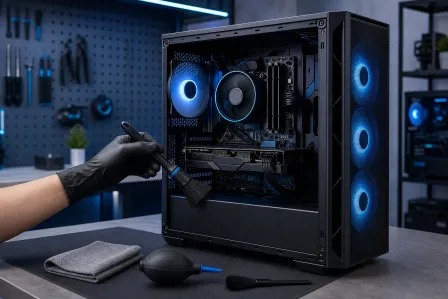
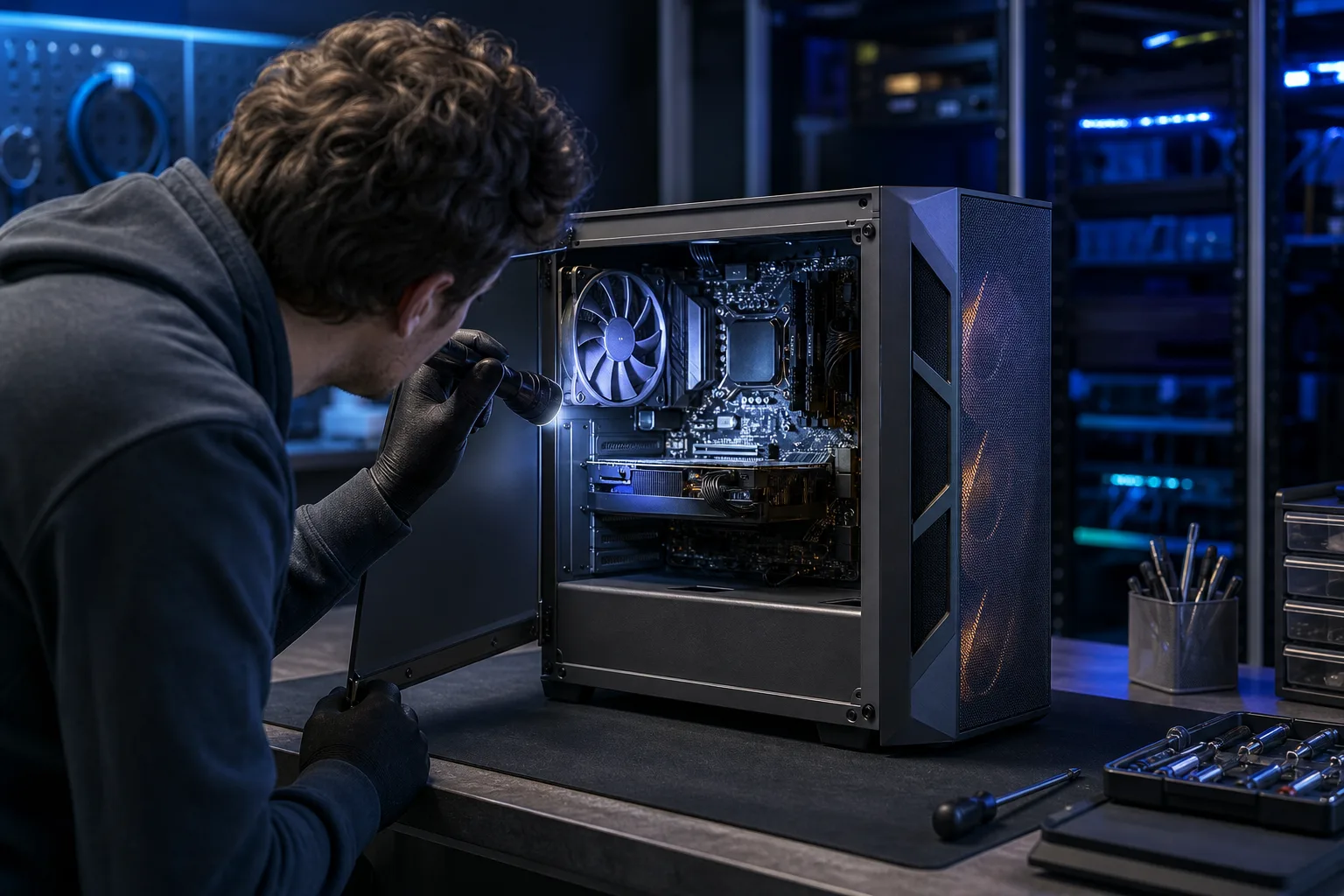
Pop the side panel if you can. Dust-packed radiators, missing fan screws, or zip ties holding a cooler in place are all signs of deferred maintenance.
3. Check RAM Slots and Run a Storage Health Scan
RAM issues can masquerade as all kinds of random crashes and BSODs. Open Task Manager, go to Performance, and confirm the installed RAM matches the listing. Also check that all slots are populated correctly for dual-channel operation, two sticks should show as dual-channel, not single.
For a quick RAM check, Windows Memory Diagnostic (built in) or MemTest86 on a USB drive will flag errors.
For storage, open CrystalDiskInfo (free, takes 30 seconds). You want:
- Status showing "Good" in green
- Reallocated sectors at zero or close to it
- SSD health above 80% if it shows percentage
A drive showing "Caution" or "Bad" is a data loss event waiting to happen.
Ready to build a rig that actually rips? Start your build
4. Boot Into Windows and Look for Signs of a Dirty OS
Malware, sketchy activation cracks, leftover mining software, and bloatware can all be lurking on a used machine. A fresh Windows install costs the seller nothing and signals they actually care about the condition of what they're selling.
Things to check:
- Is Windows activated legitimately? Go to Settings > System > Activation and look for a valid digital license.
- Run a quick scan with Malwarebytes Free right there on the machine if possible.
- Check Task Manager's Startup tab for unknown programs launching at boot.
- Look at installed apps for anything obviously sketchy, mining clients, RATs, or "optimizer" tools.
If you end up buying the machine anyway and it needs a clean OS install, that's a straightforward fix. The computer repair team at Fix My PC Store can handle that if you'd rather not do it yourself.
5. Physically Inspect for Damage, Franken-Parts, and Missing Hardware
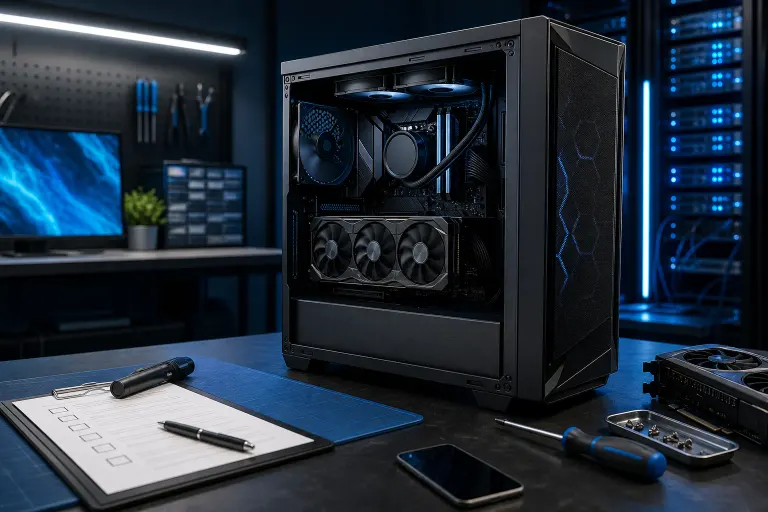
Open the case and actually look around. What you're checking:
- Bulging or leaking capacitors on the motherboard. These are small cylindrical components. Tops should be flat, not domed.
- Bent CPU socket pins (especially on AMD AM4/AM5 platforms). Straightening these is possible but annoying and risky.
- Mismatched or aftermarket parts that weren't in the listing. Wrong PSU brand, a different cooler than advertised, a GPU that doesn't match the listed model.
- Evidence of liquid cooling leaks: dried residue around fittings, staining on the motherboard, or a suspiciously empty reservoir.
- Cable management so bad it blocks airflow or has frayed cables touching the GPU fan.
Also check the rear I/O for broken USB ports, and physically seat any GPU or RAM that looks like it's not fully clicked in.
If you're not confident inspecting a build yourself, bring it in for a pre-purchase check or book a diagnostic before committing.
Bottom Line
A used gaming PC can be a genuinely great deal, especially with GPU prices still rough on the new market. But "great deal" and "untested gamble" look exactly the same from the outside. Run the stress test, pull the temps, scan the storage, check the OS, and inspect the hardware. If the seller rushes you or won't let you run software, that machine has something to hide.
Not sure what specs you actually need for the games you play? The custom gaming PC wizard at Fix My PC Store can help you figure out whether a used rig is worth the price or whether a new build hits harder for your budget.
Ready to build a rig that actually rips?
Custom gaming PCs built and tuned by people who game. Tell us your budget and target frame rate.