Why Is My Phone Taking Blurry Photos in Good Lighting
TL;DR: Blurry photos in good light almost always come down to one of four things: a dirty lens, autofocus misfiring, optical image stabilization failing, or a software bug. Clean the lens first. If that doesn't fix it, work through the steps below before assuming the camera hardware is dead.
What you need
- A microfiber cloth (or clean cotton t-shirt in a pinch)
- A well-lit static subject to test with
- A few minutes of patience
- Access to your phone's camera settings and app manager
Step 1: Clean the lens properly
This is the one everyone skips because it feels too obvious. Don't.
Phone lenses sit in your pocket with your keys, coins, and whatever else is in there. They collect skin oil from your fingertips every time you hold the phone up to shoot. That film scatters light before it even hits the sensor.
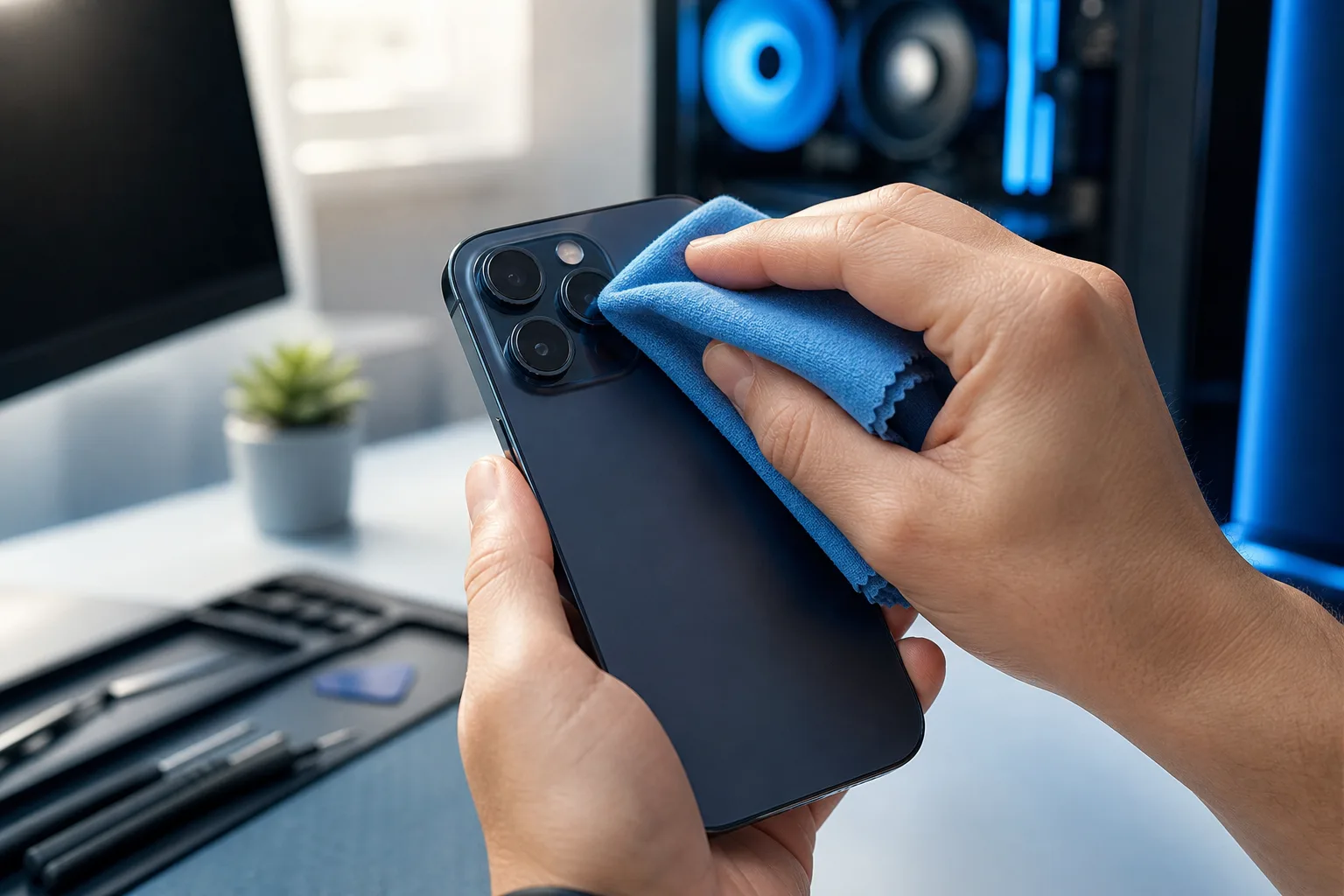
Wipe the lens with a clean microfiber cloth using a light circular motion. Do not use your shirt sleeve if it has any grit on it. Do not breathe on it and wipe, that just moves oil around.
Take a test shot at a static subject a few feet away. If sharpness improves noticeably, you found your culprit. (Seriously. I've seen people pay for camera repairs when a thirty-second wipe would have done it.)
Step 2: Rule out camera shake
Good lighting doesn't mean your camera isn't fighting motion blur. Fast-moving subjects, shooting in dim indoor light even when it feels bright to your eyes, and shaky hands all produce blur that has nothing to do with the lens.
To isolate this:
- Set your subject to something completely still, like a book on a table.
- Prop the phone against something solid or use both hands.
- Tap the subject on screen to set focus and exposure before shooting.
- Take the photo without moving your finger off the button abruptly.
If the still-subject shot is sharp but people shots are blurry, you're dealing with subject motion or camera shake, not a hardware defect.
Step 3: Check autofocus behavior
Modern phone cameras use phase-detection or contrast-detection autofocus. Both can misfire, especially when:
- You're shooting through glass (a window, a screen protector with bubbles, a cracked lens protector)
- The subject has very low contrast, think a white wall or a clear sky
- You're too close to the subject for the lens to lock
- The camera app is switching between lenses and getting confused mid-shot
What to do:
- Remove any cracked or bubbled screen protector covering the camera lens.
- Tap directly on the subject in the viewfinder to manually set the focus point.
- Back up slightly if you're shooting something up close.
- Try locking focus: on most phones, press and hold on the subject until you see an AE/AF lock indicator.
If the camera hunts back and forth and never locks, that's a sign the autofocus mechanism may be physically failing or the camera module is having a hardware issue.
Step 4: Test with a different camera app
Your phone's default camera app can develop bugs, especially after a software update. This is more common than manufacturers like to admit.
Download a reputable third-party camera app (Open Camera on Android is free and straightforward) and take the same test shot. If the third-party app produces sharper images, the problem is software, not hardware.
If both apps produce blurry results, you've narrowed it to the hardware or OS-level camera driver.
Cracked screen or a phone that won't hold a charge? Get a repair quote
Step 5: Clear the camera app cache and check for updates
On Android: Settings, Apps, Camera, Storage, Clear Cache. Do not clear data unless you want to reset all camera settings.
On iPhone: there's no manual cache clear for the camera. Instead, check Settings, General, iPhone Storage, and see if the camera app has a pending update. Restarting the phone often clears temporary camera issues on iOS.
Also check: is your phone storage nearly full? A phone with less than 1-2 GB free can struggle to write image files fast enough, causing artifacts that look like blur.
Step 6: Check optical image stabilization (OIS)
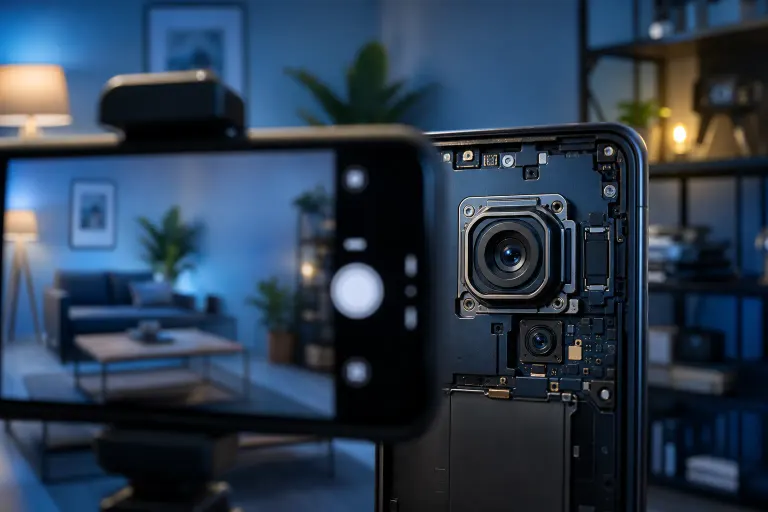
Many phones have OIS, a small mechanical gimbal inside the camera module that compensates for hand shake. If the OIS mechanism is damaged, it can actually make photos worse by compensating in the wrong direction.
A simple (rough) test: take a photo normally, then take one with the phone completely locked flat on a table using the self-timer. If the table shot is significantly sharper than the handheld shot, OIS may be malfunctioning.
A dropped phone is the most common cause of OIS failure. The mechanism is physically fragile.
Diagnostic decision table
| Symptom | Most likely cause | First fix |
|---|---|---|
| Blurry on all subjects, all distances | Dirty or scratched lens | Clean lens, check for scratches |
| Sharp on still subjects, blurry on people | Subject or camera motion | Use AE/AF lock, brace phone |
| Camera hunts and won't lock focus | Autofocus hardware failing | Try third-party app, inspect lens area |
| Blurry only on one lens (wide vs. zoom) | Specific module issue | Avoid that lens; needs hardware check |
| Worse handheld than on a flat surface | OIS failure | Physical inspection needed |
| Fixed after app cache clear or restart | Software/cache bug | Keep OS updated |
Common mistakes
Blaming the camera right away. Most blurry-photo complaints have a non-hardware fix. Work through software and cleaning steps before assuming you need a repair.
Using a cracked lens protector. A cracked tempered-glass lens protector introduces refraction and scattering. A lot of people don't notice the crack because it's small. Pull it off and test bare.
Shooting in what feels like good light but isn't. Indoor fluorescent and LED lighting looks bright to your eyes but is much dimmer than outdoor light. Your camera may be compensating with slower shutter speeds, causing motion blur. This is especially bad when shooting kids or pets indoors.
Ignoring storage. A phone with almost no free storage will have trouble writing large image files quickly. Clear some space and retest.
Assuming one bad photo means the camera is broken. Take ten shots of the same thing. If nine are sharp and one is blurry, that's normal variance. If all ten are blurry, that's a pattern worth investigating.
Bottom line
Blurry photos in good lighting are almost never the result of bad lighting. Clean the lens, rule out autofocus and OIS issues, and test with a different app before concluding anything is broken. If you've worked through every step here and the camera is still producing consistently soft images, the camera module likely has a physical problem, and at that point it's worth having it looked at by someone who can open it up.
If you're in West Palm Beach or the surrounding area and the phone needs hands-on attention, Fix My PC Store handles mobile device repairs at 10140 Okeechobee Blvd, Suite B. You can contact us or book a visit to get a diagnosis before committing to anything. Initial checks for most in-store repairs are free.
Cracked screen or a phone that won't hold a charge?
Bring it in. Most phone and tablet repairs are same-day, with parts that actually last.