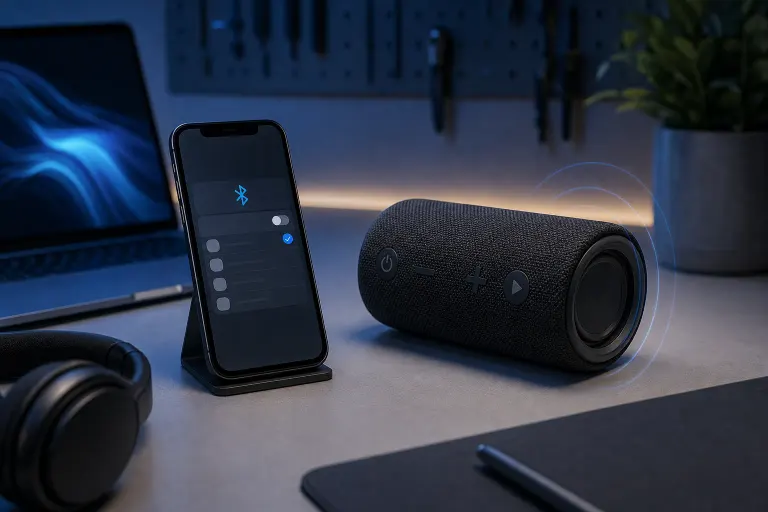
Phone Bluetooth Connected but Sound Still Comes From the Speaker: What's Going On
TL;DR: A Bluetooth connection showing "Connected" does not automatically mean audio is routed to that device. Your phone may have connected for calls only, the app may be ignoring the Bluetooth output, or the receiving device failed to register as an audio sink. Usually fixable in under two minutes without touching hardware.
What Happened
Bluetooth does multiple jobs, and your phone treats them as separate profiles. The two you care about here are HFP (Hands-Free Profile, for calls) and A2DP (Advanced Audio Distribution Profile, for music and media). Your phone can handshake on HFP and show "Connected" while A2DP never actually negotiated. Result: calls might work fine over the earpiece, but Spotify keeps blaring out of your phone speaker like it's 2003 at a bus stop.
There are a few other ways this breaks:
- The app locked its output. Some apps, especially navigation and fitness apps, pin audio to the phone speaker intentionally. They do this so you hear alerts even when headphones are disconnected. They do not always un-pin when you reconnect.
- The Bluetooth device was late. If you started playing audio before the headphones or speaker finished pairing, the phone grabbed the built-in speaker and stuck with it.
- A cached pairing went stale. Old pairing records sometimes negotiate the wrong profiles. The device says connected, but the audio profile handshake is quietly broken underneath.
- Volume on the Bluetooth device is at zero. (Yes, this happens more than anyone wants to admit.)
- The receiving device is not an audio sink. Some Bluetooth gadgets, fitness trackers being the common offender, pair for data only. They will never carry audio no matter what you do.
Why It Matters
This is not a trivial annoyance if you are driving. Playing audio through a car stereo via Bluetooth is one of the main reasons people use it, and a failed A2DP handshake means your navigation directions and phone calls are routing to different places. That is a distraction problem, not just an inconvenience.
It also matters because the fix is almost always software-side. People replace perfectly good earbuds or speakers chasing this problem. (Genuinely one of the more wasteful mistakes I see. The hardware is usually fine.)
Cracked screen or a phone that won't hold a charge? Get a repair quote
What We Don't Know Yet
If you have already done the obvious steps and it still misbehaves, the cause gets harder to pinpoint without knowing:
- Which app is playing audio and whether it has its own audio output settings
- Whether the Bluetooth device supports A2DP at all (check the spec sheet or manual)
- Whether the problem is app-specific or system-wide
- Whether a recent OS update changed audio routing behavior (both Android and iOS have done this)
Some OS updates quietly change how Bluetooth audio is prioritized. If this started after an update, that is a lead worth following before you blame the hardware.
What to Do About It
Work through this in order. Stop when it's fixed.
- Pause audio before connecting. Disconnect Bluetooth, stop playback completely, reconnect the device, then start audio again. This gives the phone a clean chance to pick the right output.
- Check the app's audio output setting. On iOS, tap the AirPlay icon inside the now-playing controls. On Android, pull down the media notification and look for a device selector. Switch it explicitly to your Bluetooth device.
- Forget and re-pair the device. Go into Bluetooth settings, forget the device entirely, and pair fresh. This clears the stale profile negotiation.
- Restart both devices. Not just the phone. Restart the Bluetooth speaker or headphones too. Some devices need a full power cycle to reset the A2DP stack.
- Check the Bluetooth device's volume independently. Some speakers have a hardware volume that is completely separate from your phone's volume slider.
- Test with a different app. If the problem only happens in one app, that app is overriding the output. Look in that app's settings for an audio output or playback device option.
- Check if the device supports A2DP. If you are pairing something like a smartwatch or a Bluetooth keyboard dongle and expecting audio, it is not going to happen. Those devices do not carry audio.
If all of that fails and the problem is on a phone that has taken physical damage, been submerged, or dropped recently, the Bluetooth antenna or the audio routing chip could have a hardware issue. At that point a diagnostic makes sense. You can bring it in to us at Fix My PC Store on Okeechobee Blvd in West Palm Beach, and the initial check on most standard repairs is free.
For business phones that need reliable Bluetooth audio for conference calls or fleet devices doing this consistently across multiple units, that is worth a conversation with someone handling your IT. See what managed IT support looks like if you are dealing with this at scale.
Cracked screen or a phone that won't hold a charge?
Bring it in. Most phone and tablet repairs are same-day, with parts that actually last.