Why Does My Wi-Fi Drop Every Night at the Same Time?
TL;DR: A Wi-Fi drop that happens on a schedule almost always has a scheduled cause. Router firmware, ISP maintenance windows, scheduled restarts, or neighboring interference are the usual suspects. Work through the steps below to isolate it before buying new hardware.
What You Need
- Access to your router's admin panel (usually 192.168.1.1 or 192.168.0.1 in a browser)
- A notepad or phone to log exact drop times for two or three nights
- A Wi-Fi analyzer app (free options: WiFi Analyzer on Android, Network Analyzer on iOS)
- Roughly 20-30 minutes across a couple of evenings
Step 1: Log the Drop Pattern Precisely
Write down the exact time the connection drops for at least two nights. Note what you were doing: streaming, gaming, video call, or idle. Also note which devices drop. If every device on the network loses connection, the issue is upstream of your devices. If only one device drops, the problem is that device, not the router.
This one step eliminates half the guesswork.
Step 2: Check Your Router's Scheduled Restart Setting
Many routers ship with a scheduled reboot enabled by default, often set to 2 or 3 AM, but sometimes earlier. Log into your router admin panel and look for:
- Administration > Reboot Schedule (common on ASUS routers)
- Advanced > Reboot (Netgear)
- System Tools > Reboot (TP-Link)
If a scheduled reboot is set, that is almost certainly your culprit. Disable it or change the time to a window that does not affect you. A reboot itself is fine periodically. You just want it happening at 4 AM, not 9 PM.
Step 3: Check Your ISP's Maintenance Window
Internet providers often push firmware updates or run network maintenance late at night. Unlike your router reboot (which takes 60-90 seconds), an ISP maintenance window can cause outages lasting several minutes.
Call your ISP or check their status page and ask specifically whether scheduled maintenance runs in your area. You can also check your modem's connection log if it has one. A pattern of upstream signal loss at the same hour is a strong indicator.
If the ISP confirms maintenance, ask whether the window can be changed. Some providers will accommodate the request.
Step 4: Check for Scheduled Tasks on the Network
Some devices trigger heavy network activity on a schedule, which can choke a router with limited RAM:
- Windows Update defaults to running overnight, sometimes around 10 PM or 2 AM depending on settings
- NAS or backup devices often run nightly sync jobs
- Smart home hubs can flood local networks during update cycles
Check your Windows Update active hours under Settings > Windows Update > Advanced Options. Push the maintenance window to a time you are not using the connection. Do the same for any NAS or cloud backup software.
Tired of IT that breaks at the worst time? Talk to our business IT team
Step 5: Scan for Channel Interference at Night
Neighbors come home, turn on their routers, and suddenly your 2.4 GHz channel is congested. Open a Wi-Fi analyzer app at the time the drop happens and look at which channels nearby networks are using.
Decision table: which band to use
| Situation | Best Band |
|---|---|
| Long range, older devices | 2.4 GHz, least-congested channel (1, 6, or 11) |
| Short range, high speed | 5 GHz (less congested, shorter reach) |
| Dense apartment building | 5 GHz or 6 GHz (Wi-Fi 6E) |
Log into your router and manually set the channel instead of leaving it on Auto. Most routers on Auto reassign channels occasionally, which can itself cause a brief drop.
Step 6: Check Router Temperature and Uptime
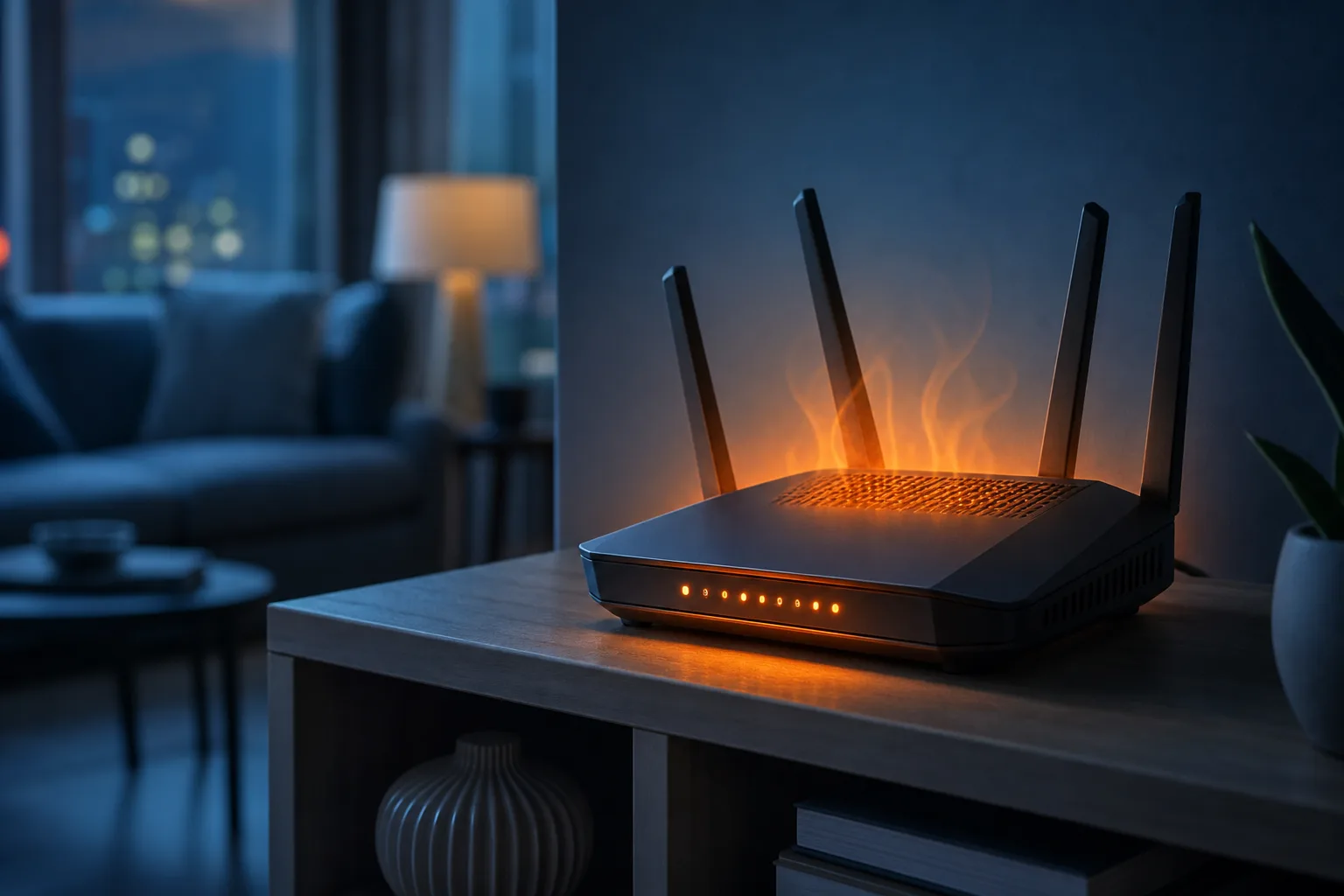
Routers that run 24/7 in a closed cabinet or on carpet can overheat as the day goes on. By evening, the router's processor throttles or the device crashes to protect itself. Symptoms: slowdowns before the drop, then full disconnect, then it recovers on its own.
Feel the router. If it is hot to the touch, move it somewhere with airflow. Elevate it slightly. Avoid placing it inside entertainment centers with doors. A router that runs all day should still be only warm, not hot.
Step 7: Update Router Firmware
Outdated firmware has known bugs, including memory leaks that get worse the longer the router has been running. The router may be stable for 20 hours and then fall over every night as memory fills up.
Check your router manufacturer's support page for the latest firmware version, or look inside the admin panel under Administration > Firmware Update. Apply the update, then monitor for a week.
Common Mistakes
- Rebooting the router manually and assuming it is fixed. If the cause is a scheduled trigger, the problem will return at the same time tomorrow.
- Blaming the ISP immediately. Most nightly drops are local, not upstream.
- Buying a new router before diagnosing. A new router with the same scheduled reboot setting or the same ISP maintenance window will drop at the same time.
- Ignoring the modem. If you have a separate modem and router, the modem can also reboot on a schedule or overheat. Check both.
Bottom Line
A nightly Wi-Fi drop is annoying precisely because it feels random but is not. Scheduled reboots and ISP maintenance windows are the most common causes and both take under five minutes to check. Work through the steps above in order before spending a cent on new hardware.
If you have gone through every step and the drops continue, the issue may be in your home's wiring, your modem's signal levels, or a router that is simply failing. For business networks where reliable connectivity is critical, Fix My PC Store's business networking support can help diagnose and stabilize the connection properly. For home users who want a second set of eyes remotely, remote support is a low-friction option.
Tired of IT that breaks at the worst time?
We run managed IT, backups, and security for South Florida businesses so you can stop thinking about it.