What Drains a Laptop Battery Fastest? Ranked and Explained
TL;DR
Screen brightness and display settings are the single biggest battery hog on most laptops, followed by background apps, cellular/Wi-Fi radios searching for signal, and CPU-hungry browser tabs. Some "battery killers" people obsess over, like closing apps constantly, barely move the needle. Here's the real ranking, worst to least offensive.
Every laptop owner has a theory about what's murdering their battery. Usually it's wrong. I've pulled up battery reports on more laptops than I can count at the shop, and the same culprits show up again and again, while the stuff people blame (looking at you, "too many browser tabs" folks) is often way down the list. Let's rank them properly, from the worst offenders to the ones you can stop worrying about.
1. Screen Brightness (The Undisputed Champion)
Your display is the single hungriest component in the whole machine. On most laptops, the screen can eat more power than the processor, especially with a bright, high-resolution panel running at max brightness in a sunlit Florida living room.
Here's the myth to bust: dimming your screen "a little" doesn't do much. You need to drop it meaningfully, like from 100% down to 50-60%, to see a real difference. Auto-brightness helps, but it's not magic either. If your laptop feels like it's dying twice as fast as it used to, check your brightness habits before you blame the battery itself.
If the screen looks dim no matter what you do, or brightness controls stop responding, that's a different problem and worth getting looked at through laptop repair.
2. Background Apps and Startup Bloat
This is the sneaky one. You close the window, but the app doesn't actually quit. It just sits in the background, syncing, checking for updates, waiting to notify you about something you don't care about. Multiply that by a dozen apps you installed once and forgot about, and you've got a battery leak with no obvious symptom except your laptop dying faster than it should.
Open your task manager (Windows) or Activity Monitor (Mac) and sort by resource usage. You'll usually find at least two or three apps that have no business running 24/7. Cloud sync tools, chat apps, and "helper" processes from software you barely use are the usual suspects.
3. Wi-Fi and Bluetooth Radios Working Overtime
Radios that are actively transmitting don't cost much. Radios that are constantly searching for a signal cost a lot. If you're on the edge of your home Wi-Fi range, or you're in a coffee shop with a weak connection, your laptop is working harder to maintain that link, and it shows up as battery drain.
Bluetooth is similar. A connected mouse or headphones sipping power is fine. But a Bluetooth radio left on with nothing paired, constantly scanning for devices, adds up over hours. If you're not using it, turn it off.
This matters even more for anyone working remotely and relying on shaky home internet. If your connection keeps dropping and your laptop keeps hunting for signal, it's worth a look at your setup, and if you're troubleshooting from home, remote support can often diagnose it without a shop visit.
4. Browser Tabs (But Not for the Reason You Think)
People love to blame "too many tabs." The truth is more specific: it's not the number of tabs, it's what's running in them. A dozen static news articles sitting idle cost almost nothing. One tab auto-playing a video, running an ad-heavy page with tracking scripts, or refreshing a live dashboard can burn more power than all your other tabs combined.
Check your browser's built-in task manager (Chrome and Edge both have one, buried in the menu). You'll usually find one or two tabs hogging way more CPU than the rest. Kill those specifically instead of nuking your whole browsing session out of paranoia.
5. High Performance Mode and Unnecessary GPU Use
Many laptops let you choose a performance profile, balanced, power saver, or high performance. High performance mode uncaps the CPU and, on laptops with a dedicated graphics card, can keep that GPU active even when you don't need it for anything demanding.
If you're just browsing, writing emails, or working in a spreadsheet, high performance mode is doing nothing for you except draining the battery faster. Save it for when you're actually editing video, gaming, or running something CPU-intensive. On battery power specifically, switch to balanced or power saver as your default.
Computer acting up? Get a real diagnosis. Book a diagnostic
6. An Aging or Degraded Battery
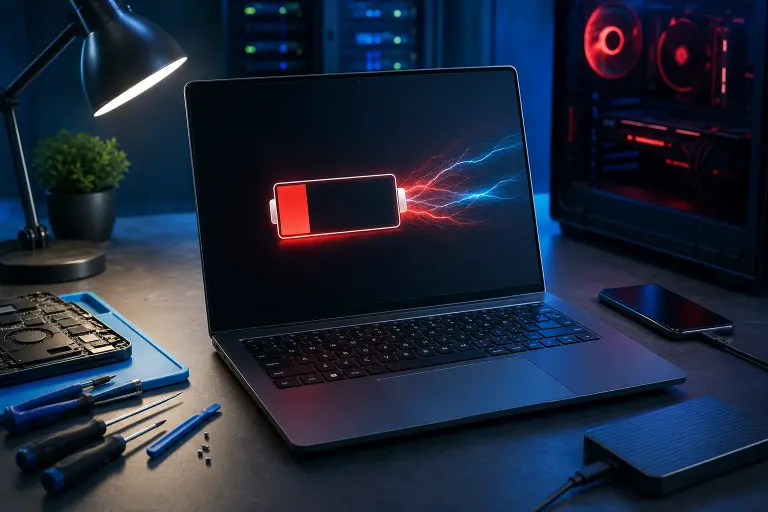
Sometimes the drain isn't about your habits at all. Batteries degrade. Every laptop battery has a finite number of charge cycles, and after a couple of years of daily use, its maximum capacity shrinks. A battery that used to hold an 8-hour charge might now only manage 3, no matter how careful you are with brightness or background apps.
Both Windows and Mac let you check battery health. On Windows, a battery report (run powercfg /batteryreport in command prompt) shows your original design capacity versus current full charge capacity. On Mac, System Settings shows battery health directly. If that number has dropped well below where it started, no software tweak is going to fix it. That's a hardware issue, and it's one of the most common reasons people bring laptops into our computer repair shop in West Palm Beach.
7. Heat (The Silent Multiplier)
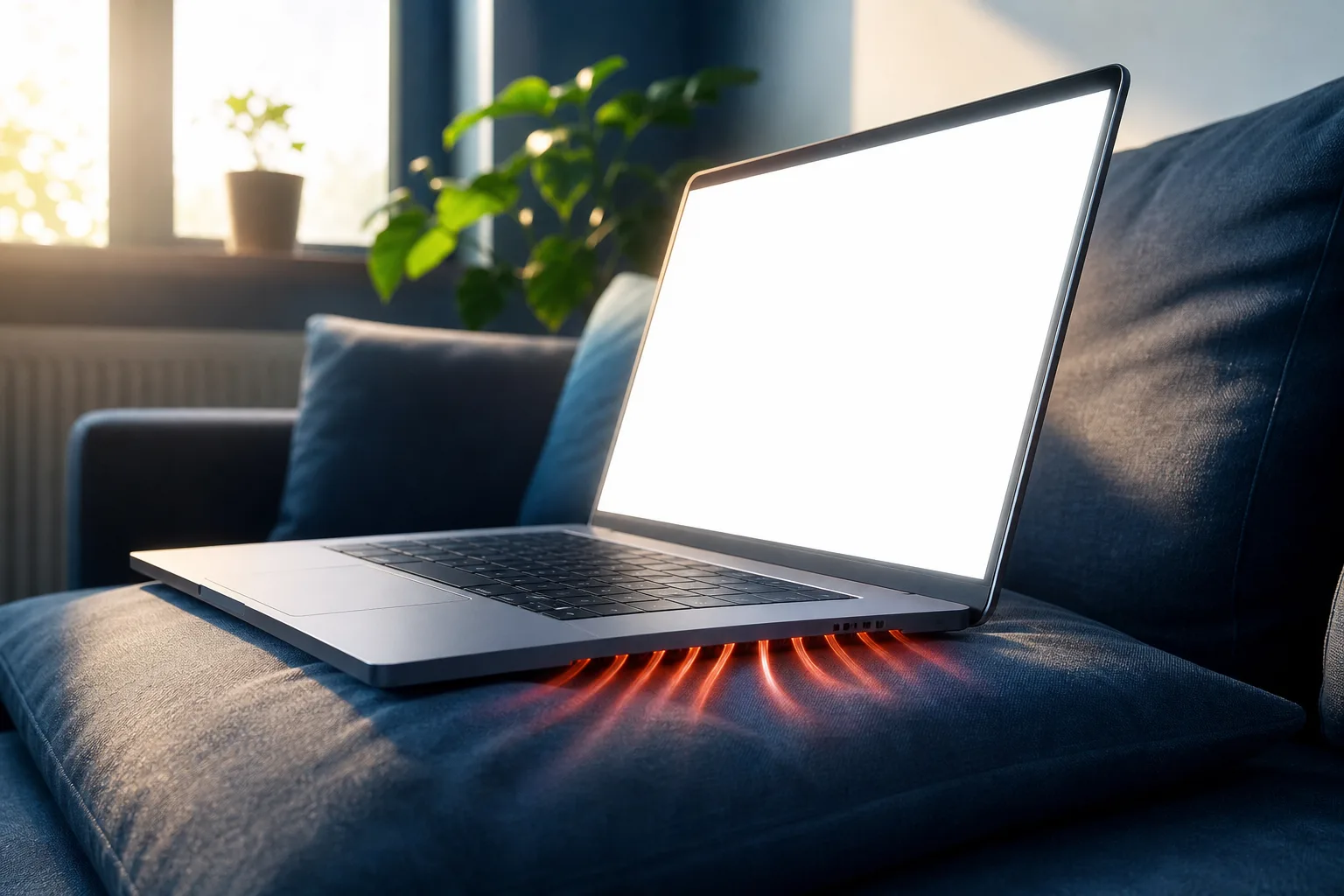
Heat doesn't directly drain the battery the way a bright screen does, but it makes everything else worse. A hot laptop forces the CPU and fans to work harder, which pulls more power, and it accelerates long-term battery degradation. If you're using your laptop on a bed, couch cushion, or your actual lap with the vents blocked, you're stacking two problems: faster drain right now, and a shorter battery lifespan down the road.
South Florida heat and humidity don't help either. A laptop bag left in a hot car, or a machine used near a sunny window all day, runs warmer than it should, and that heat load shows up in your battery stats over time.
8. External Devices and Peripherals
Anything plugged into your USB ports draws at least a little power, even when you're not actively using it. External hard drives, USB-powered lights, phone charging through your laptop, all of it adds up. It's rarely the main cause of bad battery life, but if you're already dealing with a degraded battery, unplugging unnecessary peripherals can buy you real extra minutes.
9. Software Updates You Keep Postponing
Here's an underrated one. Outdated operating systems and drivers sometimes have inefficient power management compared to current versions. Manufacturers regularly tune battery behavior in updates. If you've been hitting "remind me tomorrow" on updates for three months, you might be missing genuine efficiency improvements, not just security patches.
This is especially true for businesses running fleets of laptops. Inconsistent update schedules across a company mean inconsistent battery performance, on top of the security risk. If that sounds like your office, it's a good sign your managed IT situation needs a second look, since patch management is usually part of the package.
10. The Myth: Charging Habits and "Battery Memory"
I'll end on a myth, because it deserves to be ranked dead last, as in, basically doesn't matter for battery drain at all. Modern lithium-ion batteries don't have the "memory effect" older nickel-based batteries did. You don't need to fully drain your laptop before charging it. You don't need to unplug it at exactly 80% like it's a science experiment. Normal charging habits, plug in when it's low, unplug when it's full or whenever you want, are fine for the vast majority of people.
What actually shortens battery lifespan over years is heat, consistently charging to 100% and leaving it there for extended periods, and just age. Don't stress over the small stuff. Save your energy (pun intended) for fixing the bigger issues on this list.
Bottom line
If your laptop battery is draining faster than it used to, start with brightness and background apps, those two alone explain most complaints we hear. If you've already tightened those up and it's still bad, check your battery health report before assuming it's a settings problem. A battery that's physically degraded needs a physical fix, not another round of tweaking power settings. If you're in West Palm Beach or anywhere on the Treasure Coast and want an actual diagnosis instead of guesswork, book a repair and we'll pull the real numbers instead of speculating.
Computer acting up? Get a real diagnosis.
Fix My PC Store has repaired thousands of machines across West Palm Beach. Honest pricing, no upsell games, and a free diagnostic for new customers with our email coupon.