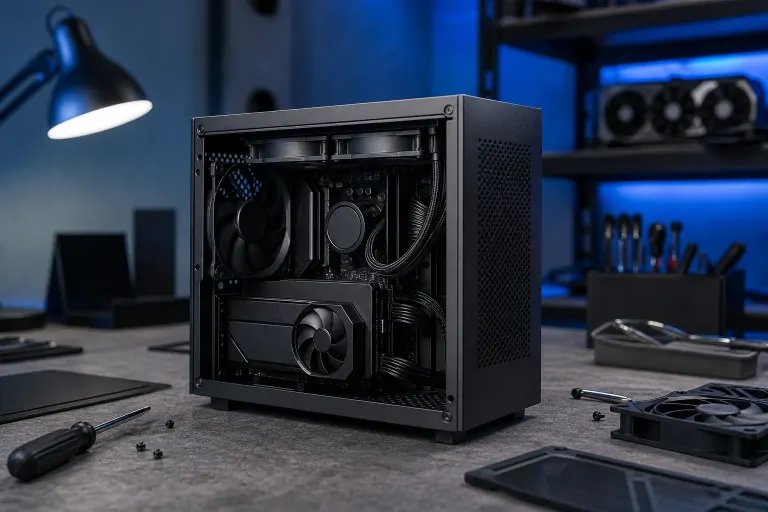
Small Form Factor Gaming PC: 7 Trade-Offs to Know Before You Build
TL;DR: A small form factor (SFF) gaming PC can absolutely deliver strong frame rates in a tiny footprint, but you pay for it in cooling headroom, noise, part compatibility, upgrade flexibility, and build difficulty. If you want the smallest possible box and you're okay with planning every part around the case, SFF is a blast. If you want easy upgrades and quiet, cool running with minimal fuss, a mid-tower is usually the smarter play.
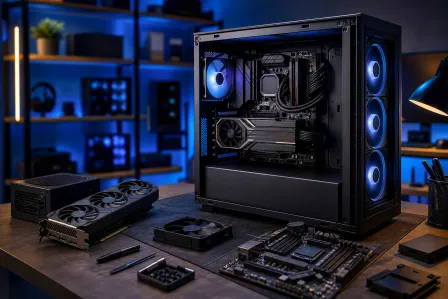
Small builds are everywhere right now, and honestly? They're gorgeous. A full gaming rig that fits on a bookshelf or next to your monitor feels like cheating. But here's the thing: shrinking the case doesn't shrink the physics. Heat still has to go somewhere. Cables still need room. Your GPU still has a physical length.
Here are the seven trade-offs worth weighing before you click "buy" on anything.
1. Cooling Gets Harder, and It Shapes Everything
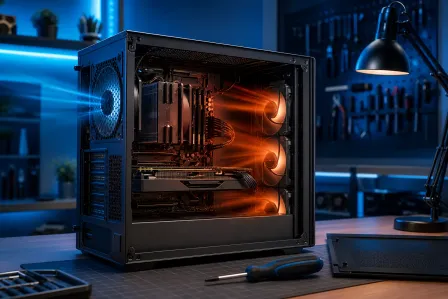
This is the big one. In a mid-tower, air flows through a big open space and heat has room to spread out. In a compact case, your CPU, GPU, and power supply are packed close together, and they all dump heat into a small volume of air.
What that means in practice:
- Smaller fans usually spin faster to move the same air, which means more noise.
- Hot parts heat their neighbors. A GPU exhausting into the CPU cooler's intake is a classic SFF headache.
- Thermal throttling is the risk. When a chip gets too hot, it slows itself down to protect itself. Your FPS dips and you wonder why a powerful build feels sluggish.
The fix is picking parts that run cooler by design, not just parts that benchmark highest. A slightly lower-tier GPU with better efficiency often beats a flagship that cooks itself in a tight box. Ask the FPS question honestly: would you rather have a peak number for ten minutes or steady frames for three hours?
2. Parts Compatibility Gets Picky
In a standard build, you can mix and match with a lot of freedom. In SFF, every part has to physically fit, and the tolerances are tight.
The usual compatibility checkpoints:
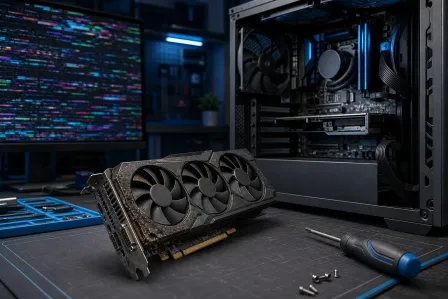
- GPU length, width, and thickness. Many compact cases list a max card length and a max slot thickness. A card that's too chunky simply won't close the panel.
- CPU cooler height. Tower coolers that fit easily in a big case can be too tall here. Low-profile air coolers or a compact liquid cooler may be your only options.
- Power supply format. Many SFF cases use SFX or SFX-L power supplies instead of the full-size ATX kind. These cost more per watt and have fewer choices.
- Motherboard size. Mini-ITX boards are common in the smallest builds, and they have fewer slots and fewer features than larger boards.
Before you buy anything, pick the case first, read its clearance specs, and build your parts list backward from there. Buying the GPU first and hoping a case will fit is how people end up returning hardware.
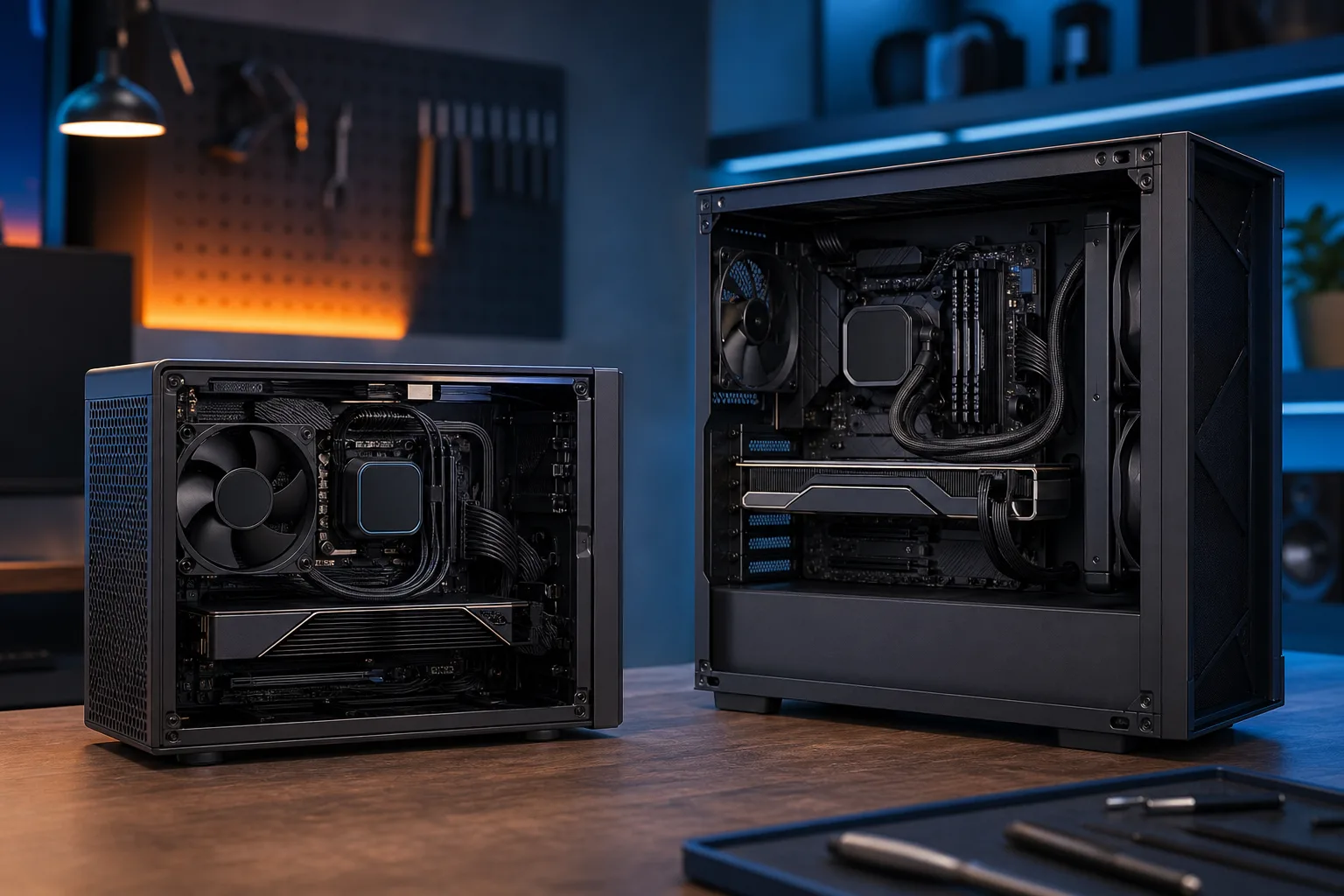
3. Noise Is a Real Trade-Off
Small fans plus tight airflow plus hot parts equals noise potential. It's not guaranteed, but it's the default risk if you don't plan for it.
Things that help:
- Choose efficient components that make less heat to begin with.
- Use quality fans and set a sensible fan curve instead of letting everything ramp to max.
- Consider modest power limits or undervolting on the GPU. This is a real technique where you trim the voltage a chip uses so it runs cooler with little performance loss. Results vary by chip, so treat it as something to test, not a promise.
If you're sensitive to fan whine or you game in a quiet room, weigh this seriously. A larger case with big, slow fans is quieter almost by default.
4. Upgrading Later Is Harder
One of the best things about a standard PC is swapping parts as your needs change. SFF narrows that path.
- GPU upgrades are limited by size. Next generation's card might be longer or thicker than your case allows.
- Power supply wattage is capped. SFX units top out lower than full-size ones, which can limit future high-power parts.
- Fewer slots and ports on Mini-ITX boards mean less room for add-in cards or extra storage.
If your plan is to build once and upgrade piece by piece for years, factor in that you may need to replace more at once, or accept that the case is the ceiling. If you tend to upgrade often, that's a point in favor of a bigger chassis. Planning ahead on resolution and refresh rate helps here too, and our post on 1440p vs 4K gaming PC build planning is a good companion for deciding how much GPU you actually need.
Ready to build a rig that actually rips? Start your build
5. Building Takes More Patience
Building in a compact case is a different skill from building in a mid-tower. There's less room for your hands, cable routing is tight, and the order you install parts in matters a lot.
Common SFF build gotchas:
- Install order. You may need to mount the CPU, cooler, and RAM before the motherboard goes in, and the power supply cables first.
- Cable management is structural. Bulky cables can block airflow or stop a panel from closing. Shorter, custom-length cables often help.
- Fan and radiator placement. Mounting the wrong way can choke airflow or collide with RAM.
None of this is impossible. It just rewards reading the case manual and watching a build walkthrough for that exact case first. If you'd rather skip the cable wrestling, our custom gaming PC builder can help you plan a parts list that actually fits.
6. Repairs and Maintenance Are Fussier
Dust is the quiet enemy of any PC, and compact cases give it less room to hide and more ways to hurt you. Tighter airflow paths clog faster, and a clogged filter on a hot, small system gets noticeable quickly.
What to plan for:
- Dust filters you can actually reach. Clean them regularly.
- Easy panel access. Some cases need a lot of disassembly just to get at one part.
- Troubleshooting is slower. Reseating RAM or swapping a drive can mean pulling half the system apart.
If something goes wrong, a methodical approach saves time. Start with the free stuff you can do at home: check that fans are spinning, clear dust, reseat connections, and watch temperatures in a monitoring tool while you game. If you suspect overheating or a failing part and don't want to risk damaging a tightly packed build, that's a reasonable time to get help. Our gaming PC repair team can look it over. A computer diagnostic at the shop is $60 and is credited toward the repair if you go ahead with it, and everything is explained and approved by you before work starts.
7. Cost Is Often Higher Per Performance
Small doesn't mean cheap. Compact cases, SFX power supplies, Mini-ITX boards, and low-profile coolers frequently carry a premium over their full-size equivalents. You're often paying more to get less raw expansion room.
A quick way to decide whether it's worth it:
| Priority | SFF is a good fit | A mid-tower is the better fit |
|---|---|---|
| Desk or shelf space | Very limited | Plenty of room |
| Looks and portability | Top priority | Nice to have |
| Quiet, cool operation | Willing to plan and tune | Want it by default |
| Long-term upgrades | Okay replacing more at once | Want to swap parts freely |
| Budget per FPS | Flexible | Tight |
| Build experience | Enjoy a tricky project | Want a smooth first build |
If most of your answers land in the left column, go small and enjoy it. If they land on the right, a mid-tower will probably make you happier and save you money.
A Quick SFF Pre-Build Checklist
Before you commit to parts, run through this:
- Pick the case first and write down its clearance limits.
- Choose a GPU that fits with margin to spare, not by a millimeter.
- Pick a CPU cooler that fits the height limit and suits your chip's heat output.
- Confirm the power supply format and that the wattage covers your parts.
- Plan airflow direction: where cool air enters, where hot air leaves.
- Decide your noise tolerance and choose efficient parts accordingly.
- Think about where you want to be in two years and whether the case allows it.
Bottom line
A small form factor gaming PC is a fantastic project if you love tidy hardware and don't mind planning. The trade-offs are real: tougher cooling, pickier parts, more noise risk, limited upgrades, fussier builds, and often a higher price. None of that is a dealbreaker. It just means SFF rewards research, and punishes impulse buying.
If you want help planning a compact build or sorting out a rig that's running hot, start with our custom gaming PC builder or contact the shop at 10140 Okeechobee Blvd, Suite B in West Palm Beach. We're open Monday through Friday 9 a.m. to 6 p.m. and Saturday 9 a.m. to 5 p.m.
Ready to build a rig that actually rips?
Custom gaming PCs built and tuned by people who game. Tell us your budget and target frame rate.