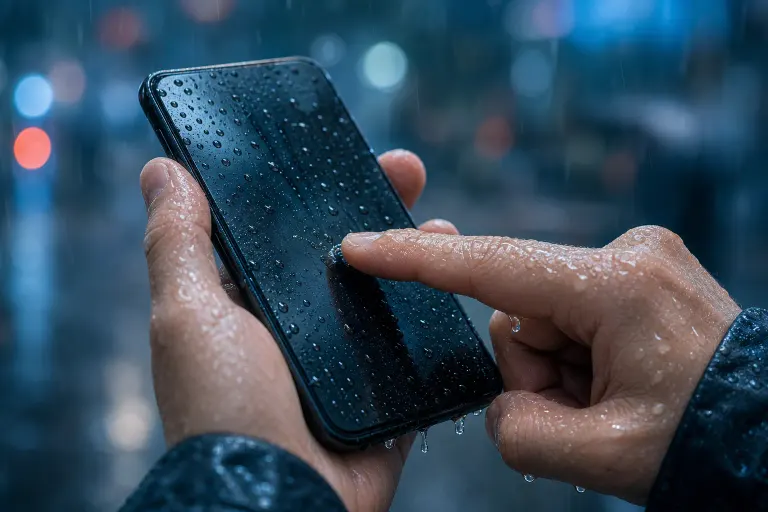
Why Is My Phone Touchscreen Unresponsive in the Rain or With Wet Hands?
TL;DR: Touchscreens rely on tiny electrical signals from your fingertips. Water mimics those signals, causing the screen to register phantom taps or ignore you completely. Drying the screen and your hands usually fixes it. Persistent unresponsiveness after liquid exposure may point to hardware damage.
What Happened
Your phone uses a capacitive touchscreen. The glass surface carries a faint electrical field. When your dry fingertip touches it, your body slightly disrupts that field, and the phone logs that as a tap.
Water is also electrically conductive. A wet finger, a raindrop, or a puddle on the screen all disturb the same electrical field, often in multiple spots at once. The sensor sees dozens of simultaneous "touches" it cannot interpret, so it either freezes, launches random apps, or ignores real input entirely.
This is expected behavior, not a defect. It is the physics of the sensor working exactly as designed.
Why It Matters
South Florida weather makes this a real daily problem. Afternoon thunderstorms, pool decks, boat rides, and sweaty summer hands all put water on screens constantly. Knowing the cause tells you whether the fix is a quick wipe or a repair appointment.
There is also a secondary risk: water that gets inside the phone, not just on the surface, can corrode the digitizer connector or the logic board. A screen that stays unresponsive after it dries is a warning sign worth taking seriously.
Cracked screen or a phone that won't hold a charge? Get a repair quote
What We Don't Know Yet
Not every phone responds to water the same way. Several factors are still device-specific:
- Water-resistance rating (IP rating). Phones rated IP67 or IP68 can survive brief submersion, but "water resistant" does not mean "works while wet." The touchscreen still misbehaves even on a fully sealed phone.
- Wet-touch modes. Some manufacturers (notably Samsung and a few others) have built software that tries to filter phantom water input. How well this works varies by model and software version, and it is not universal.
- Corrosion timeline. Internal moisture damage can appear hours or even days after exposure, so a phone that seems fine immediately after getting wet is not necessarily in the clear.
What to Do About It
Here is a simple diagnostic sequence to run through before assuming the worst.
Step 1: Dry everything first. Wipe the screen and your hands with a dry cloth. Do not blow compressed air directly into ports. Pat gently rather than rubbing, which can spread water into speaker grilles.
Step 2: Test with a completely dry finger. If the screen responds normally after drying, the sensor is fine. The water was the problem.
Step 3: Check for water in ports. iPhones and newer Android phones will often show a "liquid detected" warning. Heed it. Do not plug in a charger while liquid is present.
Step 4: If it stays unresponsive, power off. Leaving a wet phone powered on accelerates corrosion. Power it off, do not put it in rice (rice does not pull moisture from sealed cavities effectively and wastes time), and get it to a repair shop promptly.
Step 5: Note what changed. Did the screen crack recently? A cracked digitizer lets water in much faster. Does the phone get warm near the screen? That can signal a short.
Quick Decision Table
| Situation | Likely Cause | Next Step |
|---|---|---|
| Screen works after drying | Surface water only | No action needed |
| Screen stays frozen, phone is dry | Digitizer or connector issue | Professional check |
| "Liquid detected" warning persists | Water in port or housing | Power off, seek repair |
| Random phantom taps with no water | Software glitch or cracked screen | Restart first, then repair |
If your phone took a dunking or got caught in a downpour and now behaves strangely even when dry, that is the moment to stop troubleshooting at home and bring it in. Internal corrosion moves fast in Florida humidity.
Fix My PC Store handles mobile device repairs at 10140 Okeechobee Blvd, Suite B, West Palm Beach. Initial checks are free for most standard in-store repairs. You can also schedule a repair online if you want to skip the wait.
Cracked screen or a phone that won't hold a charge?
Bring it in. Most phone and tablet repairs are same-day, with parts that actually last.