Phone Speaker Crackling at High Volume: What Usually Causes It
TL;DR: Crackling at high volume is almost always a blown or partially torn speaker driver, debris packed into the grille, or audio processing pushing the hardware past its limits. Run the quick diagnostic below before assuming the worst. Some cases are fixable in minutes, others need a hardware swap.
What Happened
Your phone speaker crackles because something is preventing the driver cone from moving cleanly. At low volumes the problem hides. Crank it up and the distortion becomes obvious because the cone is vibrating harder and any flaw gets amplified.
There are three main culprits:
1. Physical damage to the speaker driver. The driver is a tiny cone attached to a voice coil. Drop your phone hard enough and that cone can tear, warp, or separate from the coil. Even a partial tear produces crackling that gets worse the louder you go.
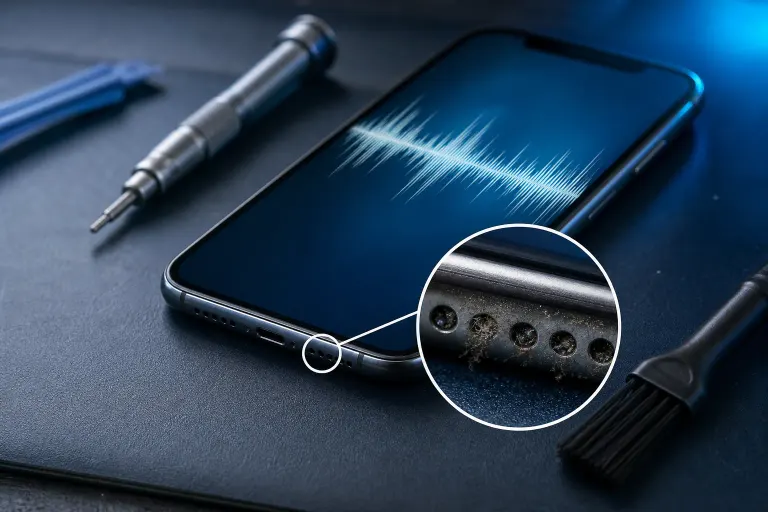
2. Debris in the speaker grille. Sand, lint, pocket dust, and yes, South Florida humidity can pack material into the grille mesh. Partial blockages cause uneven airflow, which makes the cone flutter and distort.
3. Software or audio processing issues. A bad equalizer setting, a corrupted audio driver (yes, phones have them), or an app routing audio incorrectly can overdrive the speaker digitally. This is less common but worth ruling out first because it costs nothing to fix.
Why It Matters
Ignoring the crackle usually makes it worse. A partially damaged driver cone that keeps flexing under stress will eventually tear completely. At that point you go from crackling audio to no audio.
Speaker grille debris also creates moisture traps in humid climates like Palm Beach County. That moisture speeds up corrosion on the voice coil and surrounding contacts.
The other thing worth knowing: phone speakers are not designed to run at maximum volume continuously. Most manufacturers tune peak volume to stay just inside the driver's safe range, but third-party apps and equalizer boosts can push output beyond those limits, accelerating wear.
Cracked screen or a phone that won't hold a charge? Get a repair quote
What We Don't Know Yet
Without inspecting the hardware directly, it is impossible to say whether the driver is fully blown or just partially damaged. Partial tears can sometimes stabilize if you stop stressing the speaker, but there is no reliable way to predict that from the outside.
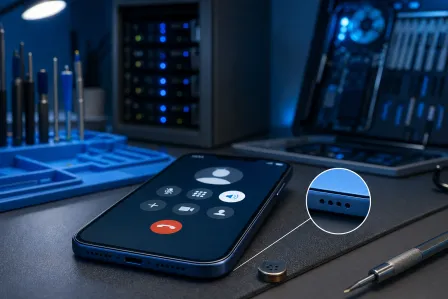
It is also worth noting that some phones use multiple speaker drivers (earpiece plus bottom-firing speaker for stereo). If the crackling only happens on one side or in one mode, that narrows it down to a specific driver, which may actually simplify the repair.
What to Do About It
Quick Diagnostic Sequence
Work through these steps in order before spending anything.
- Lower the volume to 60-70% and test. If the crackling stops entirely, the driver is probably intact and you are simply exceeding its comfortable range. Avoid max volume going forward.
- Check for a software cause. Disable any third-party equalizer apps. Reset your phone's sound settings to default. Play the same audio clip again at the same volume. If the crackle disappears, an audio processing setting was the problem.
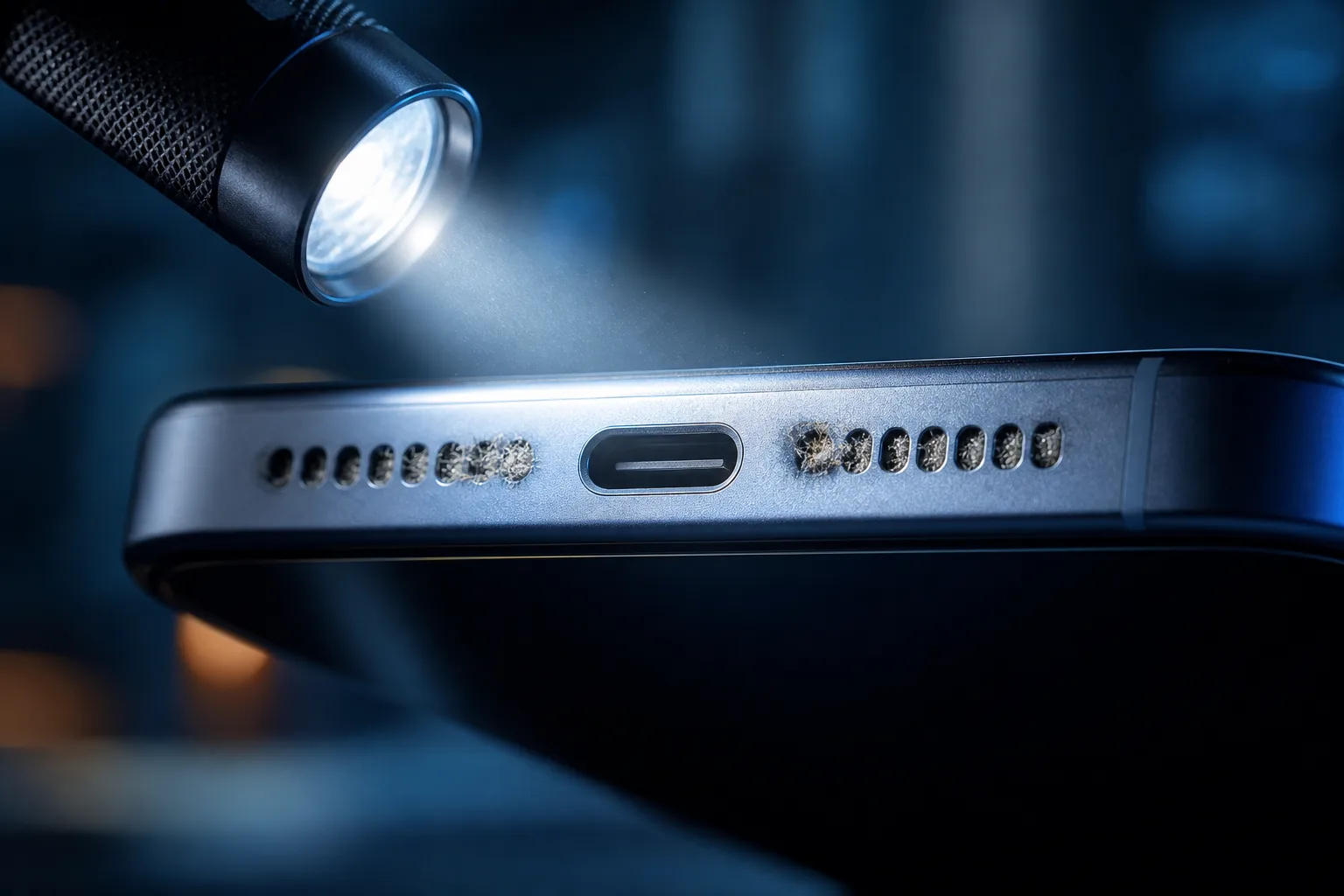
- Inspect the grille visually. Use a flashlight and look at the speaker grille mesh. If you see packed debris, use a soft dry toothbrush (not compressed air, which can push debris deeper) to gently brush across the mesh from the outside.
- Play a test tone. Use a free tone-generator app or website and play a 1 kHz sine wave at moderate volume. A clean driver produces a steady, unbroken tone. A damaged driver crackles, buzzes, or cuts in and out even on a pure tone.
- Test with headphones. Plug in wired headphones or connect Bluetooth audio. If music sounds clean through headphones but crackles through the speaker, the problem is definitely hardware-side in the speaker itself, not the audio source or file.
Decision Table
| Test Result | Most Likely Cause | Next Step |
|---|---|---|
| Crackle stops below 70% volume | Driver at its limit, possibly intact | Avoid max volume, monitor |
| Crackle gone after disabling EQ app | Software overdrive | Delete or reconfigure the app |
| Visible debris in grille | Blockage | Gentle brush cleaning |
| Crackle on pure 1 kHz tone | Driver damage | Professional repair |
| Clean audio through headphones | Speaker driver hardware issue | Professional repair |
| Crackle through headphones too | Source file, app, or audio chipset | Further software diagnosis |
When to Bring It In
If you reach step 4 or 5 and the driver is producing distortion on a clean test tone, or if headphones confirm the speaker itself is the problem, the driver needs to be replaced. This is a physical repair that involves opening the device, desoldering or unclipping the speaker module, and fitting a compatible replacement.
The Fix My PC Store team handles phone speaker repairs at the shop on Okeechobee Blvd in West Palm Beach. Initial checks are free for most standard in-store repairs, and pricing is explained before any work starts. You can book a time or drop in Monday through Friday 9 a.m. to 6 p.m. or Saturday 9 a.m. to 5 p.m.
For general mobile device repair questions, the mobile repair page has more on what the shop covers.
Cracked screen or a phone that won't hold a charge?
Bring it in. Most phone and tablet repairs are same-day, with parts that actually last.