How to Know If Your Phone Microphone Is Failing or Just Covered
TL;DR: Most muffled or silent mic problems come from something covering the pinhole, a stuck Bluetooth connection, or an app permission, not a dead microphone. Test each mic separately, with and without the case, and with Bluetooth off. If one mic stays quiet through all of that, the hardware is the likely culprit and it's time for a repair.
Here's the short answer. If your mic works in some apps but not others, or works with the case off, it's covered or misconfigured. If it's weak, crackly, or silent everywhere after you've cleared the obvious stuff, it's probably failing.
No need to panic-buy a new phone. Let's sort it out in about ten minutes.
What you need
- Your phone, charged to at least 30%
- A second phone or a friend to call (optional but useful)
- A wooden toothpick or a soft, dry, clean brush (a new toothbrush works)
- A bright light, like a flashlight
- Wired earbuds with a mic, if you have them
- Two minutes of quiet
One quick note. Phones have more than one mic. Most have a bottom mic for calls, a top or rear mic for noise cancellation, and often another near the camera for video. Exactly where they sit depends on the model, so check your manufacturer's support page if you can't spot them.
Step 1: Rule out the obvious blockers
Start with the cheap stuff. It fixes more cases than you'd think.
- Take the case off. Some cases line up poorly with the mic holes, especially cheap ones or ones made for a slightly different model.
- Check the screen protector. A badly fitted one can cover the earpiece-area mic.
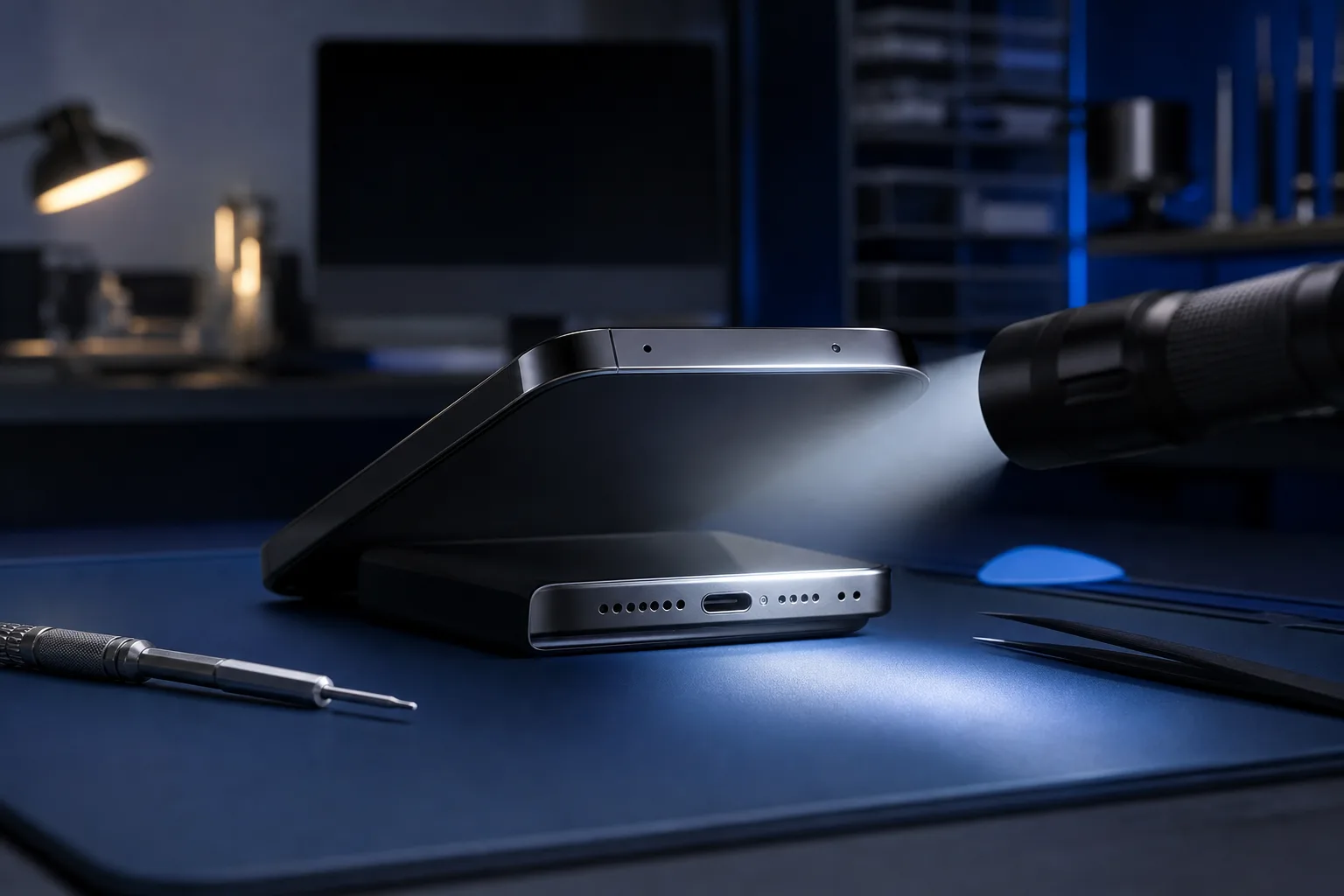
- Look at the bottom edge and the top edge with your flashlight. Pocket lint, dust, and sunscreen-flavored grime pack into those tiny holes.
- Cover check: make sure your finger or palm isn't resting on a mic when you hold the phone in your normal call grip.
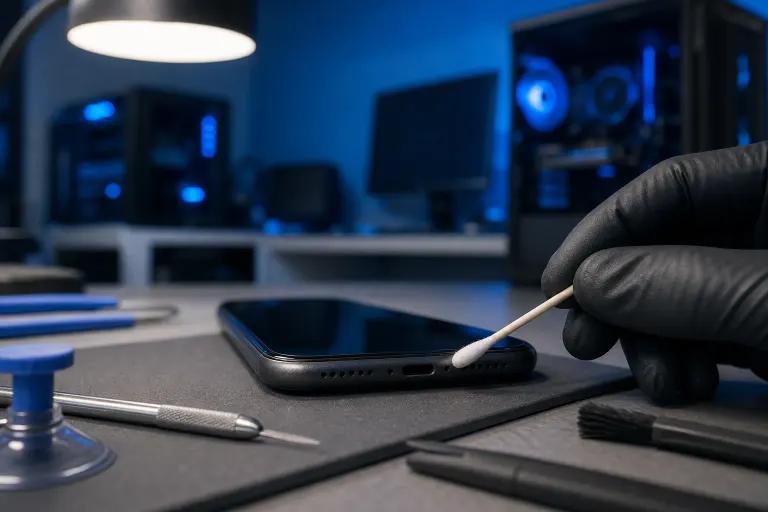
If you see debris, gently scrape it loose with a wooden toothpick or brush it out. Don't use metal pins, compressed air at close range, or liquids. A metal pin can puncture the mic membrane, and canned air can drive grit deeper. Yes, I've seen people try to fix this with a paperclip. Please don't be that person.
Step 2: Record a test with the built-in voice recorder
The voice recorder app is the cleanest test because it skips calling apps and most software layers. Turn Bluetooth off first so it records from the phone's own mic and not a connected headset.
- Open your Voice Memos (iPhone) or Recorder / Voice Recorder app (Android).
- Record yourself saying a sentence at normal volume, holding the phone like you would on a call.
- Play it back through the speaker, then through wired headphones if you have them.
What you're listening for:
- Clear and loud: The main mic is fine. The problem is likely an app, permission, or Bluetooth issue (go to Step 4).
- Quiet or muffled: Something is partly covering the mic, or it's degrading.
- Silent or only static: That mic may be dead or disconnected.
Step 3: Test each microphone separately
Remember, your phone uses different mics for different jobs. Testing them one at a time tells you which one is the problem.
| Test | Mic it usually uses | If it fails |
|---|---|---|
| Voice recorder, speaking at the bottom edge | Bottom (primary) mic | Callers can't hear you |
| Record a video with the rear camera, speak toward the back | Rear/camera mic | Video audio is weak |
| Record a selfie video, speak toward the front | Front/top mic | Selfie audio is weak |
| Speakerphone call to a friend | Often a different mic than handset mode | Only speaker mode is bad |
A pattern is your friend here. If only video audio is bad, the bottom mic is likely fine and the problem is somewhere near the camera. If only calls are bad, suspect the bottom mic or the noise-cancelling mic. Which mic serves which mode varies by model, so treat this table as a guide, not gospel.
Cracked screen or a phone that won't hold a charge? Get a repair quote
Step 4: Check Bluetooth, permissions, and software
This is where a lot of "broken mic" cases actually live.
- Turn Bluetooth off completely. Phones love to route audio to a smartwatch, earbuds case, or a car stereo you drove past hours ago. Your voice goes into a device that isn't even in the room.
- Check app permissions. In Settings, find the app, open Permissions or Privacy, and make sure Microphone is allowed. A single app being silent while everything else works almost always points here.
- Close and reopen the app, then restart the phone. Boring, effective.
- Update the app and the phone's operating system. Mic bugs do show up after updates, and they also get fixed in later ones.
- Check for a hidden mic-off toggle. Some phones have a privacy switch or quick setting that blocks mic access system-wide. A quick look at your manufacturer's support page will tell you if yours does.
Here's a little myth-busting. "My phone's mic is broken" is often really "my phone is talking to my earbuds in the other room." Android and iPhone fans can argue about a lot of things, but both will happily send your voice to the wrong device if you let them.
Step 5: Do the two-phone confirmation
If you have a second phone or a willing friend, call them. Then:
- Talk in handset mode and ask how you sound.
- Switch to speakerphone and ask again.
- Take the case off and ask again.
A change between these modes tells you which mic and which condition causes trouble. Consistent muffling in every mode points to a hardware or debris problem on the primary mic. Good in speaker mode but bad in handset mode narrows it further.
Step 6: Decide whether it's covered, misconfigured, or failing
Use this as a quick decision guide:
- Fixed after removing the case or cleaning the opening: It was covered. You're done.
- Fixed after turning off Bluetooth or granting permission: It was software or settings. You're done.
- Works in the voice recorder but not in one app: That app is the problem. Reinstall or update it.
- Weak or crackly in the voice recorder on every mic, with the case off and Bluetooth off: The mic hardware is likely degrading, or there's debris or moisture deeper in the opening.
- Completely silent on one mic and fine on the others: That mic has probably failed or lost its connection to the board.
- Problem started after a drop or water exposure: Treat it as hardware damage until proven otherwise.
A failing mic can't be fixed with a settings change. If you've worked through the steps above and one mic is still weak or dead, that's a repair job. Our mobile device repair team can look at it, and we'll confirm the cause and the cost with you before any work starts. Same-day options depend on the repair, and we'll tell you up front what applies to yours.
The shop is at 10140 Okeechobee Blvd, Suite B in West Palm Beach, open Monday through Friday 9 a.m. to 6 p.m. and Saturday 9 a.m. to 5 p.m. You can reach us at 561-819-9999 or use the contact page to ask a question first. For computers that act up with mics too, we also handle laptop repair.
Common mistakes
- Poking the hole with a metal pin or needle. It can tear the mic membrane and turn a dirty mic into a dead one.
- Blasting it with compressed air up close. This can push debris deeper or damage the membrane.
- Using liquids or alcohol in the opening. Moisture inside is worse than a little lint outside.
- Testing only in one app. If you only test in a messaging app, you won't know whether the problem is the phone or the app.
- Forgetting Bluetooth. Leftover connections to earbuds, cars, or watches cause a surprising number of "dead mic" calls.
- Assuming it's the speaker. If people can't hear you, it's the mic. If you can't hear them, that's a different problem and a different test.
- Ignoring a mic that only fails sometimes. Intermittent problems usually get worse, not better.
Bottom line
Most phone mic problems aren't failures. They're covered holes, wrong Bluetooth connections, or permission settings. Test each mic with the voice recorder, with the case off and Bluetooth off, and you'll know within minutes whether you're dealing with a blockage or real hardware trouble.
If one mic stays weak or silent after all that, stop troubleshooting and get it looked at. Poking at it further risks making a simple repair more expensive. If you'd like a human to check it, reach out to the shop and we'll walk you through the options.
Cracked screen or a phone that won't hold a charge?
Bring it in. Most phone and tablet repairs are same-day, with parts that actually last.