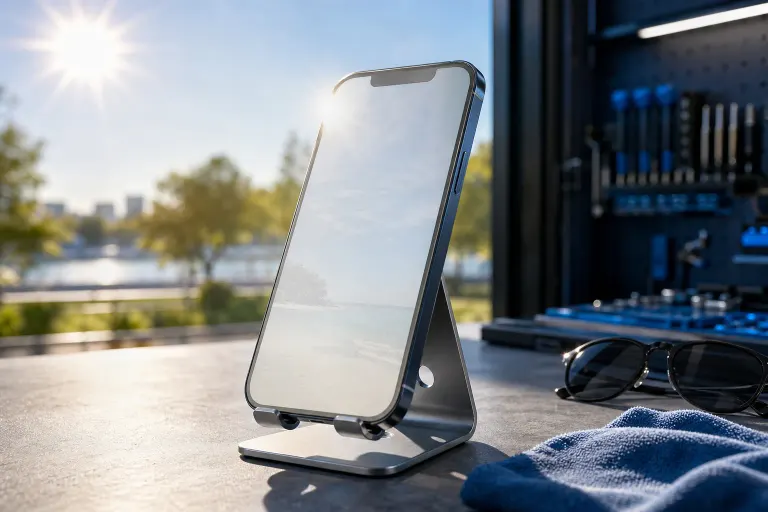
Why Does My Phone Screen Look Washed Out in Sunlight?
TL;DR: Sunlight washes out phone screens when peak brightness is too low, auto-brightness is misbehaving, or the display itself is damaged. Start with software fixes. If those fail, the screen hardware may need attention.
What You Need
- Your phone (iPhone or Android)
- About five minutes
- A shaded spot to compare results as you adjust
- Knowledge of whether the screen was ever dropped or repaired
1. Understand Why It Happens
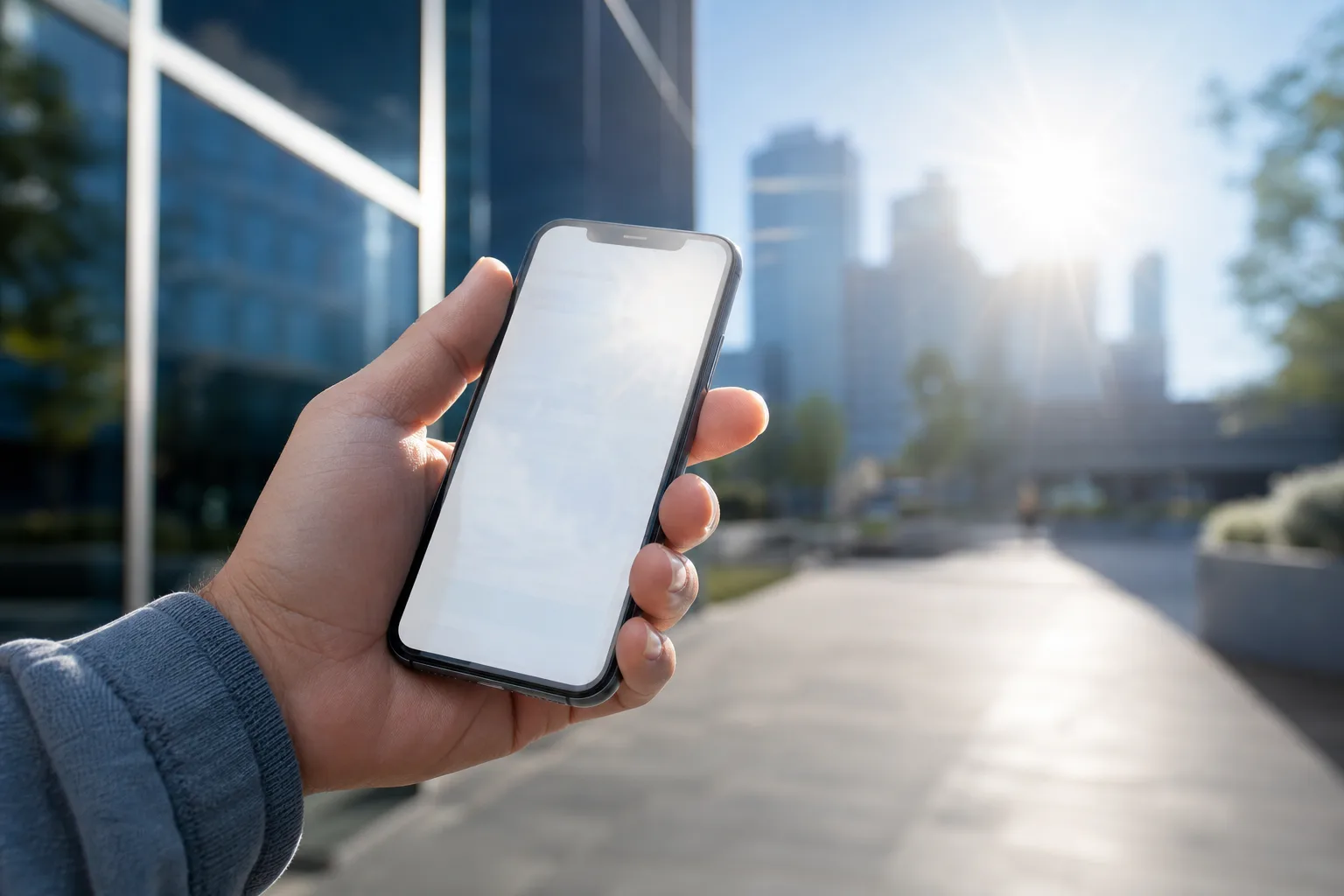
Your phone screen competes with ambient light. In direct South Florida sun, that can mean 10,000 to 100,000 lux hitting your display. Most phone screens peak somewhere between 600 and 2,000 nits of brightness. When ambient light wins, everything looks faded and low-contrast.
Three main culprits:
- Auto-brightness is capping you. The sensor reads ambient light and adjusts brightness, but sometimes it undershoots.
- Outdoor mode or adaptive display settings are off. Many phones have a high-brightness mode that only kicks in when needed.
- The display is physically damaged. A cracked or delaminated screen scatters light internally, making it look especially washed out outdoors.
2. Crank Brightness Manually First
Before anything else, drag the brightness slider all the way up. Sounds obvious. You'd be surprised how often auto-brightness quietly turns it down.
Then step into shade and compare. If the screen looks sharp and clear in shade but terrible in direct sun, you're dealing with a brightness ceiling, not a broken screen.
3. Enable Outdoor or High-Brightness Mode
On iPhone: Go to Settings, then Accessibility, then Display and Text Size, and turn on Auto-Brightness. Also check that True Tone is on. Some iPhone models boost peak brightness automatically in sunlight, but only if auto-brightness is enabled.
On Android (Samsung): Go to Settings, Display, and look for Adaptive Brightness or an Outdoor Mode toggle. Enable it. Samsung's Galaxy lineup also has a peak brightness mode that engages automatically in bright conditions.
On Android (Pixel): Settings, Display, Adaptive Brightness. Make sure it's on. Give it a day or two in real conditions to calibrate to your habits.
If you've had auto-brightness off for a while, reset it. On Pixel, you can reset the adaptive brightness learning by going to Settings, Apps, Device Health Services, Storage, and clearing data.
Cracked screen or a phone that won't hold a charge? Get a repair quote
4. Check Your Screen Protector
This one gets overlooked constantly. A thick, low-quality screen protector, especially a matte or privacy filter type, kills outdoor visibility. It scatters light before it ever reaches your eyes.
Peel it back slightly in a corner if you can, or just view the screen at an angle. If brightness suddenly looks better, the protector is your problem. Swap it for a high-transmittance tempered glass protector.
5. Adjust Display Color Mode
Some display modes prioritize warmth or saturation over brightness, which hurts outdoor readability.
iPhone: Settings, Display and Brightness. Check that Night Shift is off during daytime. Also check Display Accommodations and make sure Color Filters are off unless you need them.
Android: Settings, Display, Screen Mode. Switch to Vivid or Natural mode and compare. Vivid mode typically pushes contrast higher, which can help in sunlight.
6. Test for Hardware Damage
If you've done all of the above and the screen still looks washed out everywhere, including indoors, the display itself may be the issue.
Signs pointing to hardware:
- Uneven brightness across the screen (patches of fading)
- A grayish or milky cast that doesn't go away
- Visible lines, discoloration, or a bleed around the edges
- The phone was dropped or got wet before the problem started
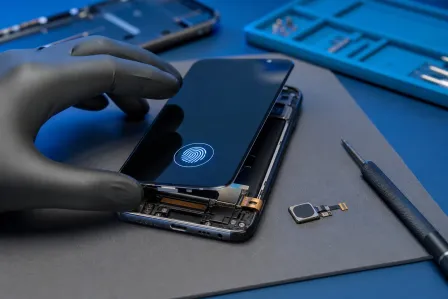
A delaminated display, a failing backlight, or a damaged OLED panel won't be fixed by any settings change. If this matches your situation, the screen needs a physical inspection.
Fix My PC Store handles iPhone and iPad screen repair from its Okeechobee Boulevard location, serving West Palm Beach, Royal Palm Beach, and Wellington. If your Android phone is the one acting up, book a diagnostic and bring it in.
Common Mistakes
- Blaming the phone when it's the protector. Matte and privacy protectors wreck outdoor visibility. Always check this first.
- Turning off auto-brightness and leaving it off. Manual brightness set indoors will always feel too dim outside.
- Assuming OLED means better sunlight visibility. OLED screens can have high peak brightness, but not all do. Budget OLED panels often struggle just as much as LCD.
- Ignoring a prior repair. If someone replaced your screen before and used a lower-quality aftermarket panel, outdoor brightness will be noticeably worse than the original. This is a real and common tradeoff with third-party screens.
Bottom Line
Start with auto-brightness and outdoor mode settings. Check your screen protector. If indoor visibility is also affected, or the screen looks patchy or milky, you're looking at a hardware issue that settings won't solve.
For South Florida users, direct sun is intense year-round, so your phone's display gets a real workout. A screen that struggles outdoors is annoying. One that's physically failing will only get worse. If you're not sure which category you're in, contact Fix My PC Store and get a proper look at it.
Cracked screen or a phone that won't hold a charge?
Bring it in. Most phone and tablet repairs are same-day, with parts that actually last.