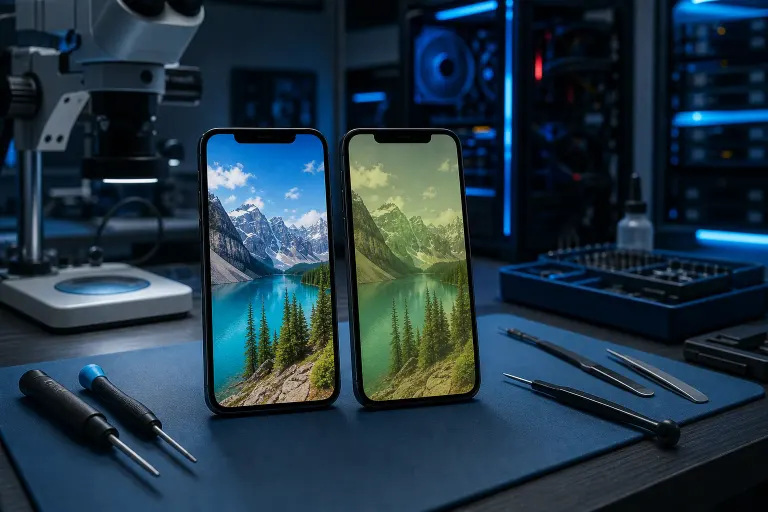
Phone Screen Repaired but Colors Look Off: What Happened and How to Fix It
TL;DR: Wrong colors after a screen repair usually mean one of three things: a lower-quality replacement panel, a loose display connector, or display calibration settings that got reset. Ruling these out takes about five minutes. If the panel itself is the problem, the screen needs to be swapped again.
What you need
- Your phone (fully charged or plugged in)
- Access to display settings
- A reference image or a second phone to compare colors
- About 5-10 minutes
Step 1: Check your display settings first
Before blaming the screen, open your display settings. On Android, look for "Display," then "Screen mode" or "Color mode." On iPhone, go to Settings > Display & Brightness and check True Tone and Night Shift.
Some repairs reset these. Night Shift turned on by accident will make everything look warm and yellowish. True Tone adjusts color temperature based on ambient light, and if it was toggled off or on without you knowing, colors will shift. Toggle both off and look again in consistent indoor lighting.
Also check Settings > Accessibility > Display & Text Size on iPhone. "Color Filters" being enabled is a silent culprit that turns your screen into a monochrome or tinted mess.
Step 2: Reboot and reseat (if the color shifts change)
If colors are inconsistent, flickering, or shift when you flex the phone slightly, that points to a loose display connector, not a bad panel.
A reboot alone won't fix a physical connection, but it tells you something useful: if the color problem disappears after a restart and then comes back, the connector is almost certainly not fully seated.
This is a job for the shop. Do not try to open your phone and push the connector yourself unless you know exactly what you're doing. Ribbon cables tear easily.
Step 3: Compare against a reference screen
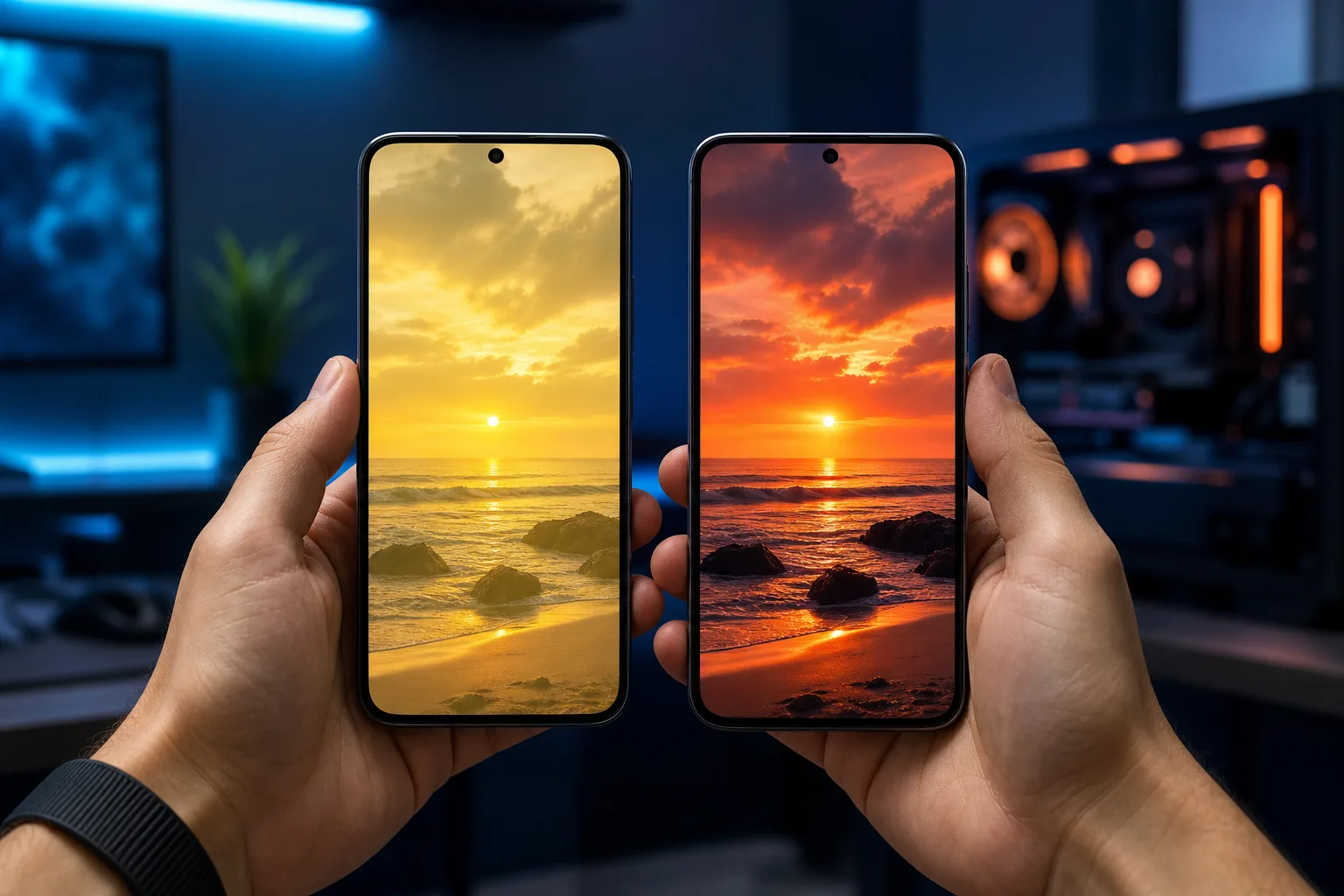
Pull up the same photo on your repaired phone and a second device. Use a well-lit, color-rich image like a sunset or a green landscape. Look for:
- Washed-out or low-contrast: The replacement panel may be LCD when your original was OLED, or it's a lower-tier LCD panel with a narrower color gamut.
- Oversaturated or punchy: Some aftermarket OLED panels are tuned aggressively and can't be corrected in software.
- Yellow or cool color cast across the whole screen: Often a panel calibration issue. A quality shop using OEM or certified panels minimizes this.
- Pinkish tint on whites: Common with certain aftermarket iPhone panels.
This comparison gives you real evidence to bring back to the shop rather than just saying "it looks weird."
Cracked screen or a phone that won't hold a charge? Get a repair quote
Step 4: Understand the panel quality tiers
Not all replacement screens are the same. This is the part most shops don't advertise clearly.
| Panel tier | What it means | Color accuracy |
|---|---|---|
| OEM / original pull | Pulled from a donor device | Matches your original exactly |
| OEM-grade / certified aftermarket | Same specs, tested quality | Very close to original |
| Budget aftermarket | Lower cost, variable specs | Often noticeably off |
If your shop used a budget panel to keep costs down, and didn't tell you, that's the conversation to have. A quality replacement may cost more but it should look right.
Step 5: Go back to the shop with specifics
Bring your reference comparison, describe exactly what you see, and ask directly: what tier of panel was used, and is the connector fully seated?
A reputable shop will check the connector at no charge and discuss a panel upgrade if the quality is the issue. If they push back or refuse to look, that tells you everything.
If you're in the West Palm Beach area and want a second opinion, Fix My PC Store on Okeechobee Boulevard handles phone and tablet screen repairs and can assess what a previous repair used.
Common mistakes
- Judging the screen immediately after repair: Adhesive and components can take an hour or so to settle. Give it a bit before panicking.
- Assuming settings are fine because you didn't change them: Repairs sometimes trip accessibility or display options, especially on Android with third-party screen tools.
- Accepting "that's just how it looks now" from a shop: A quality screen replacement should look close to your original. If it doesn't, push back.
- Trying to recalibrate with third-party apps: Display calibration apps on Android can adjust contrast and warmth slightly, but they cannot fix a bad panel or a hardware issue. They mask, not fix.
Bottom line
Wrong colors after a screen replacement are almost always traceable to one of three causes: settings that got reset, a loose connector, or a lower-quality panel. Check settings first, then compare against a reference, then bring that evidence back to whoever did the repair.
If the shop used a subpar panel or seated the connector poorly, those are fixable problems. You shouldn't have to live with a screen that looks worse than before it broke.
Need a screen repair done right, or want a second opinion on a recent repair? Book a visit or reach out to Fix My PC Store in West Palm Beach.
Cracked screen or a phone that won't hold a charge?
Bring it in. Most phone and tablet repairs are same-day, with parts that actually last.