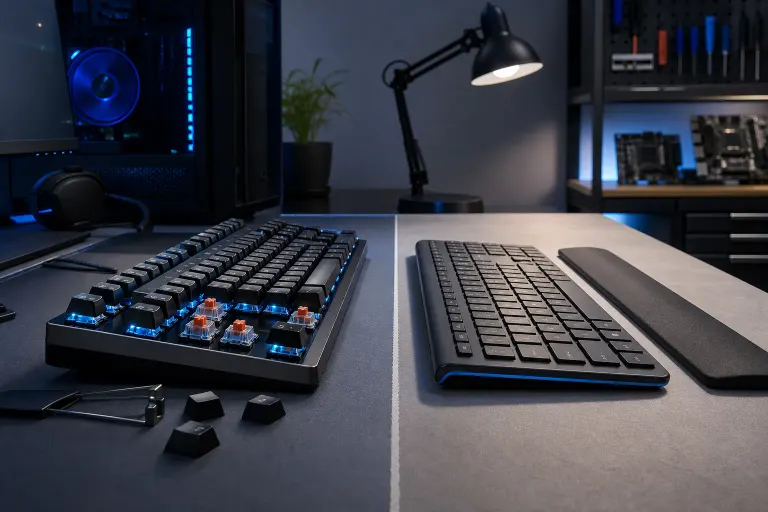
Mechanical vs. Membrane Keyboard: Which Fits Your Work Style?
TL;DR: Mechanical keyboards last longer, feel better for heavy typing, and are worth the extra money if you spend real hours at a desk. Membrane boards are quieter, cheaper, and perfectly fine for occasional use. Pick based on how you actually work, not what a YouTube reviewer told you to buy.
At a Glance
| Factor | Mechanical | Membrane |
|---|---|---|
| Typing feel | Tactile or clicky, distinct actuation | Mushy, soft, uniform |
| Noise level | Varies by switch (can be loud or quiet) | Generally quiet |
| Durability | 50-100 million keystrokes per switch (typical rating) | 5-10 million keystrokes (rough estimate) |
| Price range | $50 at the low end, up to several hundred | $10 to $80 for most office models |
| Repairability | Individual switches replaceable on many boards | Usually replace the whole unit |
| Best for | Heavy typists, coders, writers, gamers | Light office use, shared spaces, tight budgets |
That table is a starting point. The real answer depends on your setup.
How Mechanical Keyboards Actually Work
Each key sits on its own physical switch. You press it, the switch mechanism registers a click or a bump (or just smooth resistance, depending on the type), and the signal fires. The switch resets independently when you let go.
The three broad switch categories are linear (smooth travel, no bump), tactile (bump mid-press, no audible click), and clicky (bump plus an audible click). Blues are clicky. Browns are tactile and quieter. Reds are linear and popular with gamers. (There are dozens of variations. You do not need to memorize all of them.)
Because each key is its own component, a single bad switch can be replaced on many modern boards without throwing away the whole keyboard. That matters when you type for a living.
Who should use a mechanical keyboard
If you type more than a couple of hours a day, a mechanical keyboard is worth considering. Writers, coders, data entry staff, customer service reps who live in ticketing systems. The tactile feedback reduces the urge to bottom out every keystroke, which cuts down on finger fatigue over a long shift.
Gamers tend to prefer mechanicals for the fast actuation and reliable repeatability. If you are putting together a custom gaming PC build, pairing it with a decent mechanical board makes sense.
The repairability angle is real. A membrane board from a big box store will get tossed when one key goes weird. A mechanical board with a bad switch can often be fixed. (We have seen otherwise solid keyboards trashed over a single broken keycap. That is a waste.)
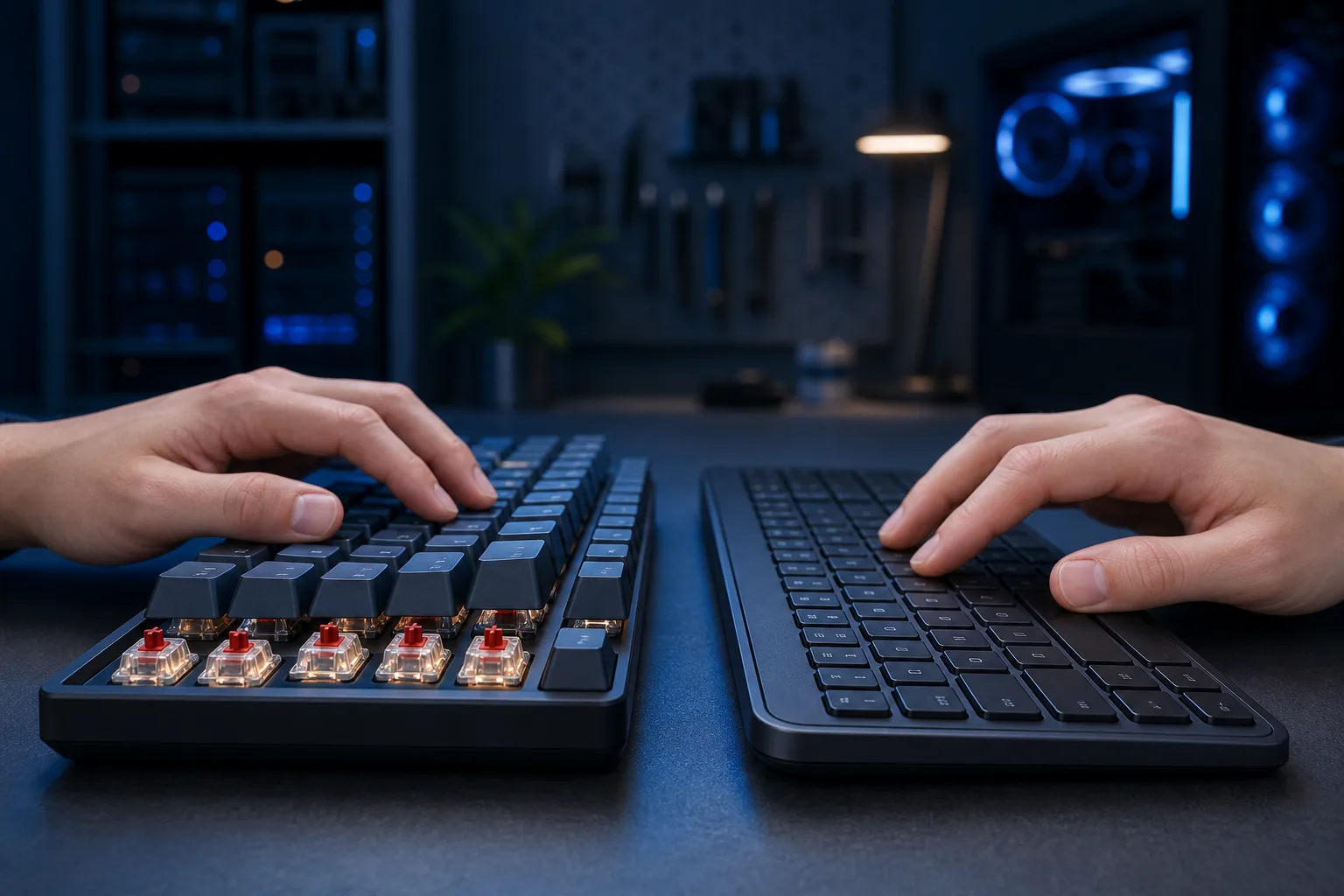
How Membrane Keyboards Actually Work
Instead of individual switches, a membrane board uses a pressure-sensitive layer under all the keys. Press a key, the pad contacts the circuit underneath, signal fires. The feel is soft and uniform. There is no tactile bump telling you the keypress registered.
They are cheaper to manufacture, which is why every budget office PC ships with one. They are also quieter out of the box, which matters in open-plan offices where you share space with other humans who would rather not hear you clatter.
Who should use a membrane keyboard
Light users. People who handle a few emails a day and mostly click around in spreadsheets. Shared workstations where no one types for hours at a stretch. Environments where noise is a real concern, like front desks and call centers that use headsets.
Also: anyone who is not ready to spend $80 or more on a keyboard and just needs something functional. There is no shame in a $25 membrane board if it fits your actual usage.
One note. Some membrane boards now try to mimic mechanical feel with rubber dome designs marketed as "tactile." Most of them are not convincing. You can feel the difference immediately. Do not pay a premium for a membrane board pretending to be mechanical.
The Noise Question
This comes up constantly. "Mechanical keyboards are too loud." Partly true, partly a myth.
Clicky switches (blues, greens) are genuinely loud. Using one in a quiet office will irritate your coworkers. That is a fair complaint.
But tactile and linear switches are significantly quieter. Silent linear switches like Gateron Silent Reds or Cherry MX Silent Reds are close to membrane noise levels. Add O-ring dampeners to any mechanical board and you reduce bottoming-out noise further.
So if noise is your concern, the answer is not automatically "get a membrane board." The answer is "pick the right switches."
For business environments, we tell clients to go tactile or silent linear if they want mechanical feel without the racket. If you manage a team and are thinking about office tech setups, it is worth a conversation with whoever handles your business IT.
Ready to build a rig that actually rips? Start your build
Durability: What the Numbers Mean
Switch manufacturers rate mechanical switches at 50 to 100 million keystrokes. Membrane ratings are lower, often cited around 5 to 10 million. (These are manufacturer estimates under test conditions. Real-world results vary.)
For context: if you type 8,000 keystrokes an hour and work 8-hour days, you hit around 20 million keystrokes a year at pace. A quality mechanical board should outlast a membrane board by years under that kind of load.
The catch is that mechanical keyboards cost more upfront. A decent entry-level mechanical runs $60 to $100. Premium boards go much higher. Membrane boards in the $15 to $40 range are disposable and expected to be replaced.
Long-term, a quality mechanical board is probably cheaper per year of actual use. But that math only works if you are actually using it heavily. If you type for 30 minutes a day, a $20 membrane board makes perfectly good financial sense.
Gaming vs. Productivity Considerations
For gaming, mechanicals are the clear choice. Fast actuation, reliable keypress registration under rapid inputs, and durability under the kind of repeated hammering that gaming involves. If you want to understand more about building a solid gaming setup, check out what goes into a custom gaming PC.
For office productivity, it splits.
Heavy typists: mechanical, tactile or silent linear. Light users in shared spaces: membrane is fine. Anyone managing a business with multiple workstations: standardize on whatever is practical for your budget and noise environment. If you are leaning on managed IT support to keep your team's hardware sorted, peripherals are part of that conversation.
What About Laptop Keyboards?
Different category entirely. Laptop keyboards use low-profile mechanisms that are neither traditional mechanical nor membrane. If your laptop keyboard is giving you trouble, that is a hardware issue worth looking at separately. Check out our laptop repair service if you are dealing with keys that are sticking, not registering, or physically damaged.
External keyboards, including mechanicals, connect to laptops just fine over USB or Bluetooth. Many laptop users add an external mechanical keyboard for desk use and just ignore the built-in one.
Common Mistakes to Avoid
Buying the wrong switch type without trying it first. If you can, try a tester board at a local store before committing. Switch preference is personal. What feels great to one person feels terrible to another.
Paying premium prices for a membrane board. Some brands charge $60 to $80 for membrane boards with RGB lighting and gaming branding. You are paying for the lights, not the keyboard quality. Do not fall for it.
Assuming expensive means mechanical. Always check the specs. "Gaming keyboard" does not automatically mean mechanical.
Ignoring keycap quality. On cheaper mechanicals, the keycaps wear through quickly. Look for PBT keycaps over ABS if longevity matters to you.
Buying for looks over function. If you need to type all day, test the feel. Ignore the RGB. The keyboard that looks best in the dark is not necessarily the one your wrists will thank you for in six months.
Verdict
Heavy typist, coder, writer, or gamer: mechanical keyboard, tactile or linear switches depending on your noise tolerance. Spend at least $60. It will outlast three cheap membrane boards.
Light office user, shared workstation, tight budget: membrane is completely acceptable. Spend $20 to $40. Replace it when it wears out.
Do not overthink it past that. A keyboard is a tool. Pick the one that fits how you actually work, not how you want to look on a desk tour video.
If you have got bigger hardware problems than a keyboard, whether it is a machine that will not boot or peripherals that are being recognized strangely, we are here to help. Drop by or reach out and we will take a look.
Ready to build a rig that actually rips?
Custom gaming PCs built and tuned by people who game. Tell us your budget and target frame rate.