In-Shop vs. Mobile PC Repair Near Me: Which Is Right for You?
TL;DR: A shop may have bench tools for hardware work; on-site service can help when the device or network needs to be evaluated where it is used. Ask each provider about scope, parts, time, and price before choosing.
At a Glance
| Factor | In-Shop Repair | Mobile/On-Site Repair |
|---|---|---|
| Diagnostic tools | Ask what bench testing is available | Ask what tools can be brought on-site |
| Parts | Ask about stock or ordering time | Ask what can be supplied on the visit |
| Timing | Depends on diagnosis and workload | Depends on travel, diagnosis, and parts |
| Cost | Request a written estimate | Ask about travel and repeat-visit charges |
| Good fit | Work needing a bench or secure data handling | Problems involving the local network or hard-to-move equipment |
| Data access | Agree on access and backup plan | Agree on access and network permissions |
Why You Are Searching "PC Repair Near Me" in the First Place
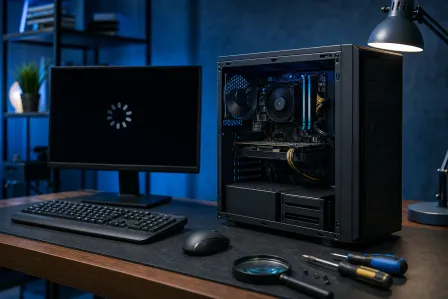
Let's be honest. Something went wrong. Maybe your laptop refuses to boot, your desktop is throwing blue screens, or your machine just feels like it is wading through wet concrete. You typed "PC repair near me" into Google and now you have two flavors of results: shops you can drive to, and mobile techs who will come to you.
Neither option is universally better. The right choice depends on what is actually wrong with your computer, how quickly you need it back, and whether the repair requires real equipment or just a keyboard and a prayer.
Here is the breakdown.
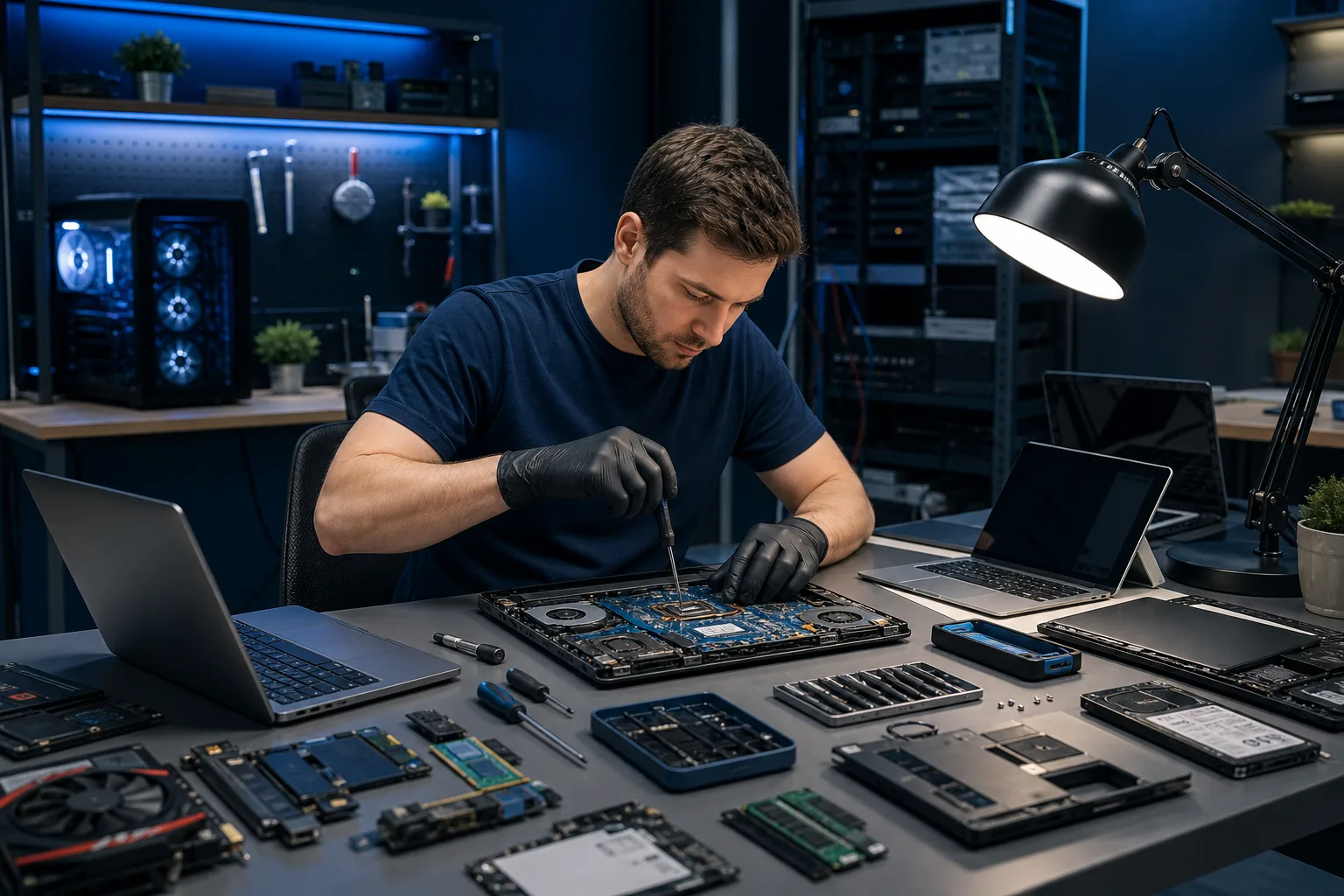
In-Shop PC Repair: What You Actually Get
Walking your machine into a shop feels old-school, but there are very good reasons it is still the standard.
The Bench Advantage
A shop may have spare components and test equipment that help isolate hardware faults. Ask which diagnostics your particular repair requires and whether the shop offers them.
For computer repair, ask the technician what tests support the diagnosis and the proposed fix. That is genuinely hard to replicate out of a backpack.
Parts Are There or Close
Parts stock and delivery time vary by shop and device. Ask whether the exact part is available and when it can arrive. A mobile tech carries what they can fit in their kit, which is not much.
If your repair needs a part that is not immediately available, a mobile appointment becomes two appointments. Now the convenience math changes.
Faster for Complex Jobs
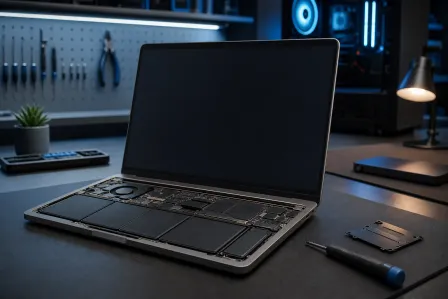
Data recovery, motherboard-level diagnostics, operating system rebuilds, virus removal with rootkit infections, hardware upgrades. Some of these jobs may require equipment or workspace best suited to a shop. A laptop repair involving a screen replacement and a failing SSD is a straightforward bench job. It is an awkward circus on your kitchen counter.
Accountability and Trust
A physical address makes drop-off and pickup straightforward. For either kind of provider, check contact details, written estimates, reviews, and warranty terms.
Fix My PC Store is local to West Palm Beach. If you want to know who is actually touching your machine, meet the team.
The Obvious Downside
You have to transport the machine. For a desktop tower, that is mildly annoying. For someone without a car, or with a workstation buried in cables, that is a real barrier.
Computer acting up? Get a real diagnosis. Book a diagnostic
Mobile PC Repair: Honest Pros and Cons
Mobile repair is a legitimate service category. It just has hard limits that get glossed over in marketing.
Where Mobile Repair Actually Works
Software issues are the sweet spot. Printer setup, network troubleshooting, software installs, Windows activation problems, basic performance tuning. A skilled tech with remote access tools and a good laptop can handle a lot of this without ever opening your case.
Speaking of which, remote support is worth considering before you book any on-site visit. If the issue is purely software, a remote session may avoid travel if the device is online and you can grant permission; compare price and timing. Seriously. This option gets overlooked constantly.
Mobile also makes sense for businesses. If you have five workstations with the same configuration issue, sending a tech on-site beats driving five computers to a shop. That is the kind of scenario where business IT support with an on-site component earns its keep.
Where Mobile Repair Falls Short
Some hardware diagnosis requires spare parts or bench tools, but an on-site technician may be equipped for other tests. If your PC is randomly shutting down, a mobile tech can look at temps, run some software diagnostics, and take an educated guess. But to properly test whether the issue is a failing PSU, bad RAM, or a motherboard fault, you need substitute components. Ask the mobile technician which substitute parts and tests are available.
Cost is another factor. Travel fees, minimum charges, and the occasional "I need to come back with the right part" visit can push mobile repair costs above what you would pay at a shop. Always ask for a full quote upfront.
And let us talk about security for a moment. Letting an unfamiliar tech into your home or office is a decision worth thinking through. For a business, agree on technician identity, access permissions, and data handling before anyone connects to the network. Business cybersecurity best practices exist for exactly this reason. Vet your tech before they plug anything in.
The Decision Framework: Which Option Fits Your Problem?
Stop thinking about convenience first. Think about the repair first.
Go in-shop if:
- Your machine will not boot or keeps crashing
- You suspect a hardware failure (drive, RAM, GPU, motherboard)
- You need data recovered from a failing drive
- You want an upgrade (more RAM, SSD swap, GPU install)
- It is a Mac repair situation, which benefits from controlled bench conditions
- You want the issue fully diagnosed, not band-aided
Mobile or remote makes sense if:
- The problem is clearly software-only
- You need help with setup, printers, or peripherals
- You are a business with multiple machines needing the same fix
- You just need someone to walk you through something
- You cannot physically transport the machine
Try remote support first if:
- Your machine turns on and connects to the internet
- The issue is Windows, drivers, software, or configuration-related
- You want a fast answer without scheduling around someone's drive time
Fix My PC Store offers remote support for exactly these cases. It is not a downgrade from in-person. For software problems, it is often the better option.
A Note for South Florida Specifically
West Palm Beach, the Treasure Coast, Palm Beach County. Independent technicians and shops vary in experience. Ask for relevant examples and written terms.
When you search for PC repair near me and get a list of mobile techs, ask the same questions you would ask a shop. How long have they been doing this? What is their diagnostic process? What happens if they cannot fix it on the first visit? Is there any warranty on the work?
Check how either provider can be reached after the job and request written service and warranty terms.
Verdict
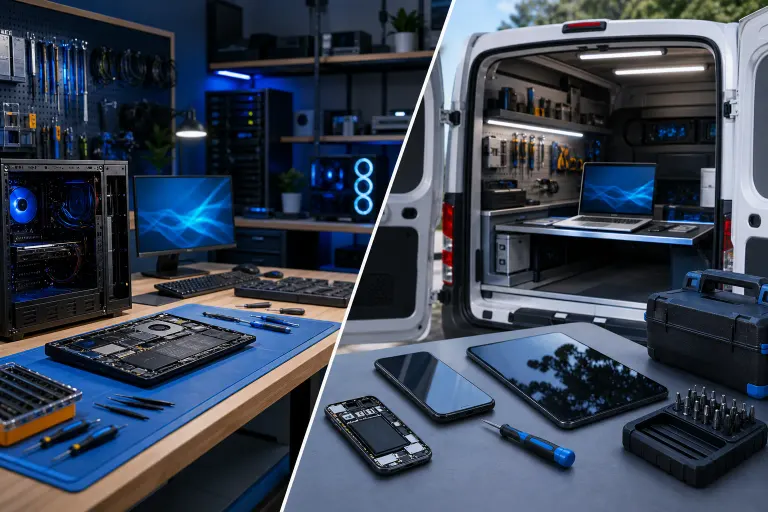
Choose a shop when the repair needs bench equipment or parts that cannot be brought to you. Choose on-site service when the device is hard to move or the problem involves your local setup. Compare the provider’s tools, estimate, access practices, and follow-up terms.
Mobile repair has a real place for software-only jobs, business deployments, and situations where transport is genuinely not an option. Remote support is underused and worth trying before you schedule any appointment.
If you are in the West Palm Beach or South Florida area and your machine is giving you trouble, book a repair or reach out to talk through your options. Ask for the diagnostic scope and estimate before approving work.
Computer acting up? Get a real diagnosis.
Fix My PC Store has repaired thousands of machines across West Palm Beach. Initial checks are free for most standard in-store repairs; ask about any advanced diagnostic fee before work begins.