How Long Does a Custom Gaming PC Build Actually Take?
TL;DR: A straightforward custom build takes 3 to 8 hours of hands-on assembly time. Add parts sourcing, shipping, and troubleshooting and you're realistically looking at 1 to 3 weeks from decision to desktop. Complex or boutique builds can run longer.
What Happened
So you've decided to pull the trigger on a custom gaming PC. First, congrats. Second, buckle up, because "how long does this take" is one of the most underestimated questions in PC building.
The assembly itself is just one slice of the timeline. Parts have to be sourced, shipped, and verified compatible. Then there's the actual build, cable management, OS installation, driver setup, and the all-important stress test before you ever load a game.
People often quote the assembly time and ignore everything around it. That's how you end up surprised when your build isn't done in a weekend.
Why It Matters
Understanding the real timeline helps you avoid two costly mistakes: ordering parts before you've locked a final component list, and expecting to game the same day your parts arrive.
Here's a phase-by-phase breakdown of what actually eats time:
Phase 1: Planning and Parts Selection
Time: 1 day to 2 weeks
This is where most first-timers burn hours they didn't budget. Choosing a CPU, motherboard, RAM, GPU, storage, case, and PSU that all work together, fit your budget, and hit your target FPS is genuinely involved. If you're unsure where to start, the custom gaming PC builder can help you configure a build matched to your goals.
Phase 2: Parts Sourcing and Shipping
Time: 2 days to 2 weeks
In-stock items from major retailers ship in 2 to 5 business days. GPUs and specialty cooling hardware sometimes show longer lead times. If you're hunting a deal or a specific SKU, this phase can stretch. Build your list before ordering anything so all parts arrive close together.
Phase 3: Physical Assembly
Time: 3 to 8 hours for a typical mid-tower build
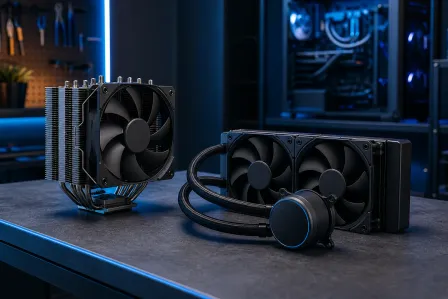
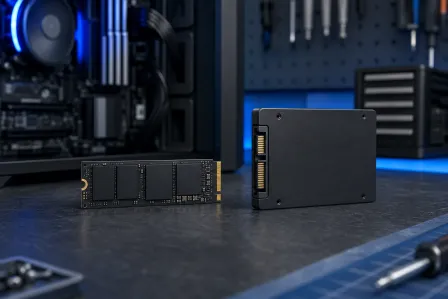
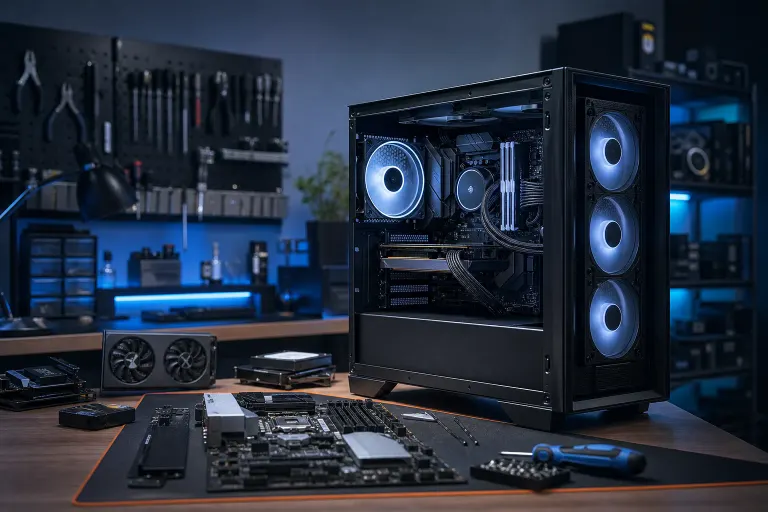
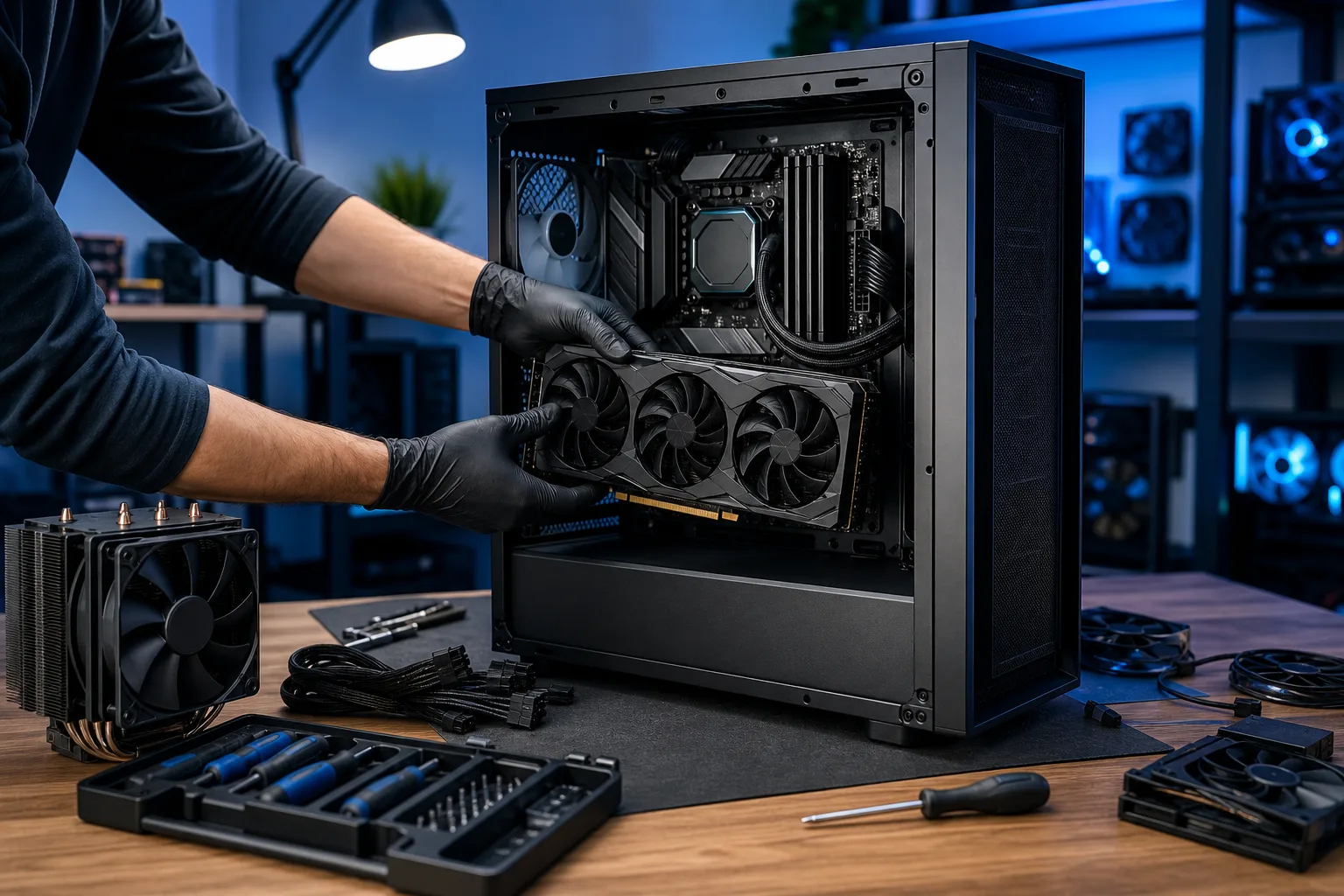
This is the part everyone pictures. CPU into socket, cooler mounted, RAM seated, GPU locked in, storage installed, cables run. A clean, organized build with good cable management takes longer than a sloppy one, and it's worth it for airflow and future maintenance.
More complex builds take more time:
| Build Type | Estimated Assembly Time |
|---|---|
| Budget mini-ITX build | 2 to 4 hours |
| Standard mid-tower ATX | 4 to 6 hours |
| High-end ATX with custom RGB | 6 to 10 hours |
| Full custom water-cooling loop | 1 to 2 full days |
Phase 4: OS Install, Drivers, and Updates
Time: 1 to 3 hours
Windows installation from USB is faster than it used to be, but driver downloads, Windows Update cycles, and GPU driver installs add up. Budget at least 90 minutes for a clean setup even if nothing goes wrong.
Phase 5: Troubleshooting (If Needed)
Time: 30 minutes to several days
This is the wildcard. A POST failure, a RAM slot that needs reseating, or a driver conflict can add hours. A dead-on-arrival component, which does happen, can add days while a replacement ships. This is where experience makes a huge difference.
Ready to build a rig that actually rips? Start your build
What We Don't Know Yet
Parts availability is never perfectly predictable. GPU supply and pricing shift, sometimes fast. Newer socket platforms occasionally have BIOS update requirements before they POST with a particular CPU, which adds an unexpected step if you didn't check compatibility notes before ordering.
Custom water-cooling loops also depend on whether your specific case and radiator combo requires any fabrication or workarounds. That varies by hardware and isn't something you can time until you're in it.
What to Do About It
If you're planning your first build, add buffer time to every phase. A realistic expectation for a first-time builder going from "I've decided" to "I'm actually gaming" is 2 to 3 weeks.
If you want the build done right without the research rabbit hole or the troubleshooting stress, a local shop like Fix My PC Store on Okeechobee Boulevard in West Palm Beach can source and assemble a custom build for you. Use the gaming PC wizard to spec out what you want, then get in touch to discuss build time and options.
For context on what pro-built machines look like, check out some real builds: the RGB monster, the Times Square gaming PC, and an Unreal Engine powerhouse.
If you're in the West Palm Beach area and want this done without the wait or the risk of a DOA part derailing your weekend, that's exactly what the shop is there for.
Ready to build a rig that actually rips?
Custom gaming PCs built and tuned by people who game. Tell us your budget and target frame rate.