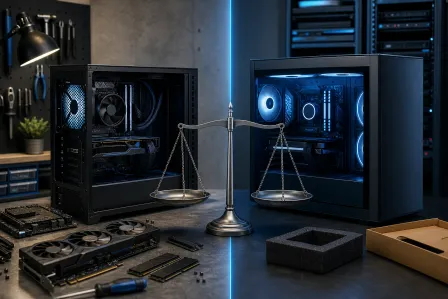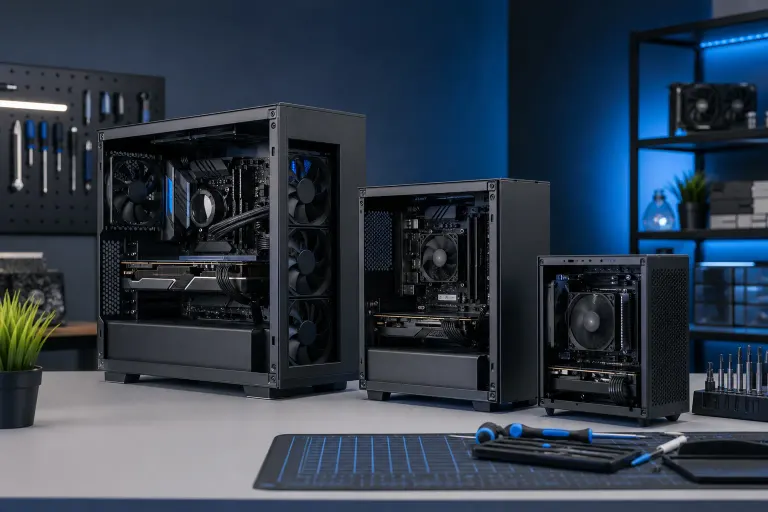
ATX vs Micro-ATX vs Mini-ITX: Which Case Size Is Right for You?
TL;DR: ATX is the most flexible and beginner-friendly form factor. Micro-ATX cuts size modestly while keeping most expansion options intact. Mini-ITX is the most compact but demands careful planning and often costs more to build well. Match the form factor to your actual use case, not the most impressive-looking chassis.
At a Glance
| Feature | ATX | Micro-ATX | Mini-ITX |
|---|---|---|---|
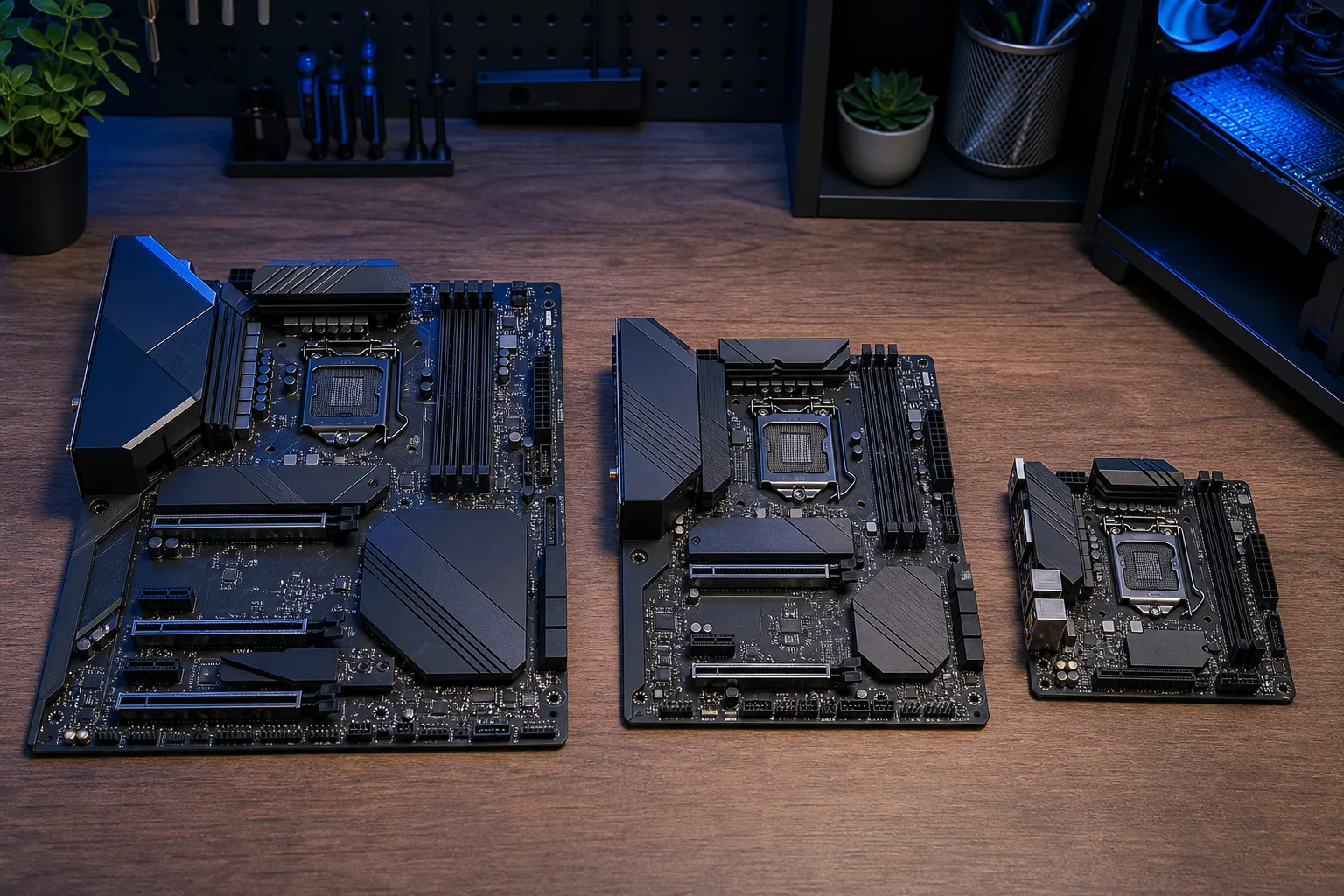
| Typical board size | 305 x 244 mm | 244 x 244 mm | 170 x 170 mm |
| PCIe expansion slots | Up to 7 | Up to 4 | 1 |
| Memory slots (typical) | 4 | 2-4 | 2 |
| Case size | Full or mid tower | Mid tower or compact | Small form factor |
| Cooling options | Most flexible | Good | Limited |
| Build difficulty | Low | Low-Medium | Medium-High |
| Relative component cost | Lowest | Low | Higher (SFF-specific parts) |
ATX: Maximum Flexibility, Easiest to Build
ATX is the standard that most tutorials, guides, and prebuilt systems are designed around. If you are picking parts for the first time, ATX motherboards give you the widest component compatibility and the most physical room to work.
Where ATX wins:
- Multiple PCIe slots let you add a dedicated GPU, capture card, sound card, or NVMe expansion card without compromise.
- Four RAM slots support dual-channel configurations and future upgrades without swapping modules.
- Larger cases mean better airflow paths, easier cable management, and more clearance for tall CPU coolers.
- Parts are widely available and motherboards at every price tier come in ATX first.
Where ATX falls short:
The cases are large. A full-tower or standard mid-tower ATX build will not fit on a small desk or inside an entertainment cabinet. If footprint matters, you are paying in space for that flexibility.
ATX is the right call for workstations, content creation rigs, multi-GPU setups (rare but still used in compute applications), and anyone who expects to expand the build over time.
Micro-ATX: The Practical Middle Ground
Micro-ATX boards are 61 mm shorter than standard ATX but use the same mounting hole pattern. Most mid-tower ATX cases will accept a Micro-ATX board, so you are not locked into a smaller chassis if you do not want one.
Where Micro-ATX wins:
- Fits in compact mid-tower cases that take less desk or floor space.
- Retains two to four PCIe slots on most boards, which is enough for a GPU plus one additional card.
- Motherboard prices are often slightly lower than equivalent ATX models because fewer layers and less PCB real estate.
- Build process is nearly identical to ATX. No specialized knowledge required.
Where Micro-ATX falls short:
Some Micro-ATX boards drop to two RAM slots to save space. Verify slot count before buying if you plan to run 64 GB or more. VRM quality can also vary more at the budget tier compared to ATX boards in the same price range, so check reviews on any board you consider.
Micro-ATX suits most home desktops, budget gaming builds, and office machines where a smaller case is preferred but you still want a standard GPU and a spare slot for future additions.
Mini-ITX: Compact by Design, Demanding by Nature
Mini-ITX boards measure 170 x 170 mm, which is less than half the area of an ATX board. The format is genuinely impressive engineering, but the tradeoffs are real and compound each other.
Where Mini-ITX wins:
- Smallest possible footprint for a full desktop PC with a discrete GPU.
- Cases like the Dan A4, NCase M1, and Lian Li A4-H2O fit in a backpack or on a cramped desk with room to spare.
- Visually clean builds with fewer components to manage.
- Entirely capable of running the same CPU and GPU as an ATX system.
Where Mini-ITX falls short:
- One PCIe slot. Your GPU takes it. No room for a dedicated capture card or additional expansion.
- Two RAM slots only. You must buy the full amount of RAM upfront or swap modules entirely to upgrade.
- Airflow is constrained. High-TDP components in a sealed SFF case require deliberate cooling choices, and temperatures run higher than equivalent ATX builds under sustained load.
- SFF-compatible coolers, power supplies, and cases carry a price premium. Compact SFX power supplies cost more than equivalent ATX units.
- Cable routing and component installation require more patience. Small cases leave little room for error when installing a CPU cooler or routing a 24-pin connector.
Mini-ITX is a good fit for a living room PC, a LAN party machine, a secondary workstation where desk space is genuinely scarce, or a builder who enjoys the challenge. It is not the best starting point if this is your first build.
Ready to build a rig that actually rips? Start your build
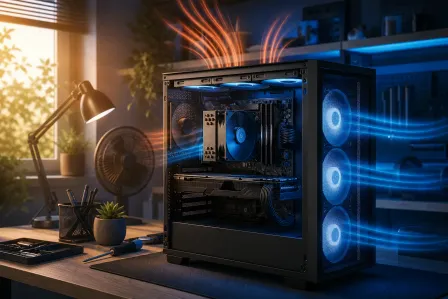
Thermal Tradeoffs: Airflow Is Not Free
Case size directly affects how well your components breathe. Larger cases allow multiple intake and exhaust fans in a push-pull arrangement with clear airflow paths. Smaller cases, especially Mini-ITX enclosures, often rely on a single fan or a very compact AIO liquid cooler.
For a 65W CPU and a mid-range GPU, Mini-ITX thermal management is manageable. For a 125W-plus CPU paired with a high-end GPU, expect to spend extra time selecting a cooler that fits and monitoring temperatures once the system is running. The physics do not change because the case looks clean.
Micro-ATX splits the difference reasonably well. Most compact Micro-ATX cases accept a 240 mm AIO and two or three case fans, which is sufficient for most consumer builds.
Cost Comparison: Size Is Not Always Cheaper
The intuitive assumption is that smaller costs less. It often does not.
- ATX motherboards start lower at each tier because supply is larger.
- Micro-ATX boards are comparable or slightly less expensive.
- Mini-ITX motherboards typically cost more than equivalent ATX or Micro-ATX boards because the engineering density is higher and production volume is lower.
- SFX power supplies (required or strongly preferred for most Mini-ITX cases) cost more than ATX units of equivalent wattage and quality.
- Compatible SFF cases from reputable builders (Lian Li, Cooler Master, Fractal) carry a premium over standard mid-towers.
A Mini-ITX build using equivalent components will often cost $50 to $150 more than the same build in a Micro-ATX or ATX case. That number is a rough illustration, not a guaranteed figure. Always price your actual parts list.
Decision Guide
Use this sequence to choose:
- How much desk or room space do you actually have? Measure before deciding anything else. If space is not a constraint, do not pay the Mini-ITX premium.
- How many expansion cards do you need? One GPU only: any form factor works. GPU plus one more: Micro-ATX or ATX. GPU plus two or more: ATX.
- How much RAM will you eventually need? 32 GB or less now and later: any form factor. 64 GB or more: ATX or four-slot Micro-ATX.
- What is your experience level? First build: ATX. Comfortable with cable management: Micro-ATX. Experienced builder who enjoys the puzzle: Mini-ITX.
- Is this a high-TDP build? Flagship CPU and GPU together: ATX or Micro-ATX. Mini-ITX is manageable but requires deliberate cooler selection.
Verdict
For most people, Micro-ATX is the underrated sweet spot. It is smaller than a standard ATX case, costs about the same to build, and covers the needs of the vast majority of gaming, home office, and light workstation users.
Choose ATX if you want maximum flexibility, plan to add cards later, or are building your first system and want the easiest possible experience.
Choose Mini-ITX if footprint is genuinely the top priority and you are comfortable with the tradeoffs in cooling, expansion, and cost.
If you want help spec'ing a custom build that matches your actual space, use case, and budget, the custom gaming PC builder is a good starting point. For builds that need professional assembly or troubleshooting after the fact, the team at Fix My PC Store on Okeechobee Blvd handles custom work and computer repair in West Palm Beach. You can also check out some build examples on the video library for real-world context.
Ready to build a rig that actually rips?
Custom gaming PCs built and tuned by people who game. Tell us your budget and target frame rate.