Wi-Fi & mesh installation
Access points or mesh systems placed for coverage where you work, stream and relax.
Router and Wi-Fi setup, mesh coverage, wired connections and network security for homes, home offices and small businesses. We recommend equipment for your space, not a one-size-fits-all box.
Directions to our West Palm Beach shopNetwork setup we handle
Homes, home offices & small businesses
We look at the layout, your devices and your internet plan before recommending equipment.
Strong passwords, current firmware and a separate guest network where it makes sense.
We check coverage and connections in the rooms you actually use.
Symptoms
Tell us what keeps dropping. We’ll find out whether it’s the equipment, the placement or the setup.
What we do
From a single router to a small office, set up and tested on site.
Access points or mesh systems placed for coverage where you work, stream and relax.
Router, modem and firewall configured with secure settings and current firmware.
Ethernet runs for desks, TVs and consoles that need a steadier connection than Wi-Fi.
Guest networks, strong passwords and remote-access options set up with your security in mind.
Switches, segmented networks and VPN access for offices that have outgrown a home router.
Printers, network storage and smart devices connected so everyone can reach them.

Behind the help desk
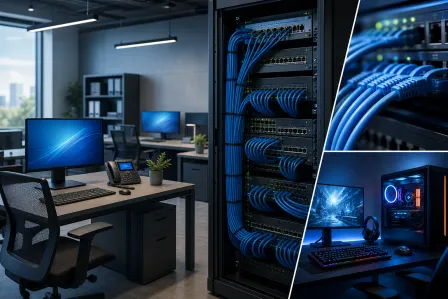
Slow access, unreliable Wi-Fi and recurring workstation issues often share infrastructure. We look at the path between users, equipment and cloud services before recommending changes.
Service illustrations · No customer devices shown
How setup works
Call or stop by and describe the space, the devices and what keeps going wrong.
We review the layout and your internet plan, then recommend equipment and placement.
You receive the proposed equipment, labor and timing before anything is installed.
We install, configure and test coverage in the rooms that matter to you.
Palm Beach County
Our three primary local markets, plus nearby Palm Beach County communities, are served from one Okeechobee Boulevard shop.
Google reviews
The newest 4- and 5-star Google reviews move continuously. Hover, focus, or use Pause whenever you want more time to read.
Good to know
Common questions about Wi-Fi and home or office networks.
Talk to a real person at our West Palm Beach shop.
Yes. Slow Wi-Fi can come from interference, router placement, outdated equipment or too many devices. We find the cause first; the fix may be a settings change, a better-placed access point or a mesh system.
Yes. We set up routers, Wi-Fi and mesh systems, wired connections and shared devices like printers, and test coverage in the rooms you use most.
Yes, for small offices: routers and firewalls, switches, segmented guest and staff networks, and VPN access. For ongoing support, see our managed IT and business networking services.
Depending on the space, a mesh node, a wired access point or an outdoor-rated access point usually works best. We look at the property and recommend the most reliable option for it.
Yes. We set strong passwords, update router firmware, separate guest Wi-Fi and review remote-access settings as part of setup. Ongoing monitoring is available through our business plans.
RemoteCare · For your home PC
For $29.95 a month, our local team keeps your PC running smoothly, helps protect against viruses and handles the updates. Something odd pops up? Just call us.
Explore RemoteCare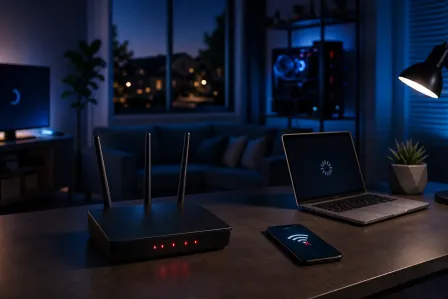
If your Wi-Fi cuts out at the exact same time every night, something is triggering it, not random signal loss. This guide walks you through the most common culprits and...
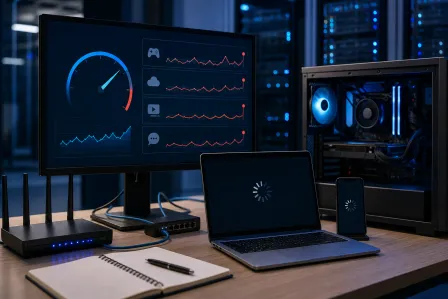
A good internet speed test only proves part of the connection works. If Microsoft 365, cloud software, VoIP, or shared files still crawl, test the office in a sensible...
Wi-Fi is convenient, but it is not the right connection for every office device or workflow. Compare wired and wireless networking, identify where cabling earns its...