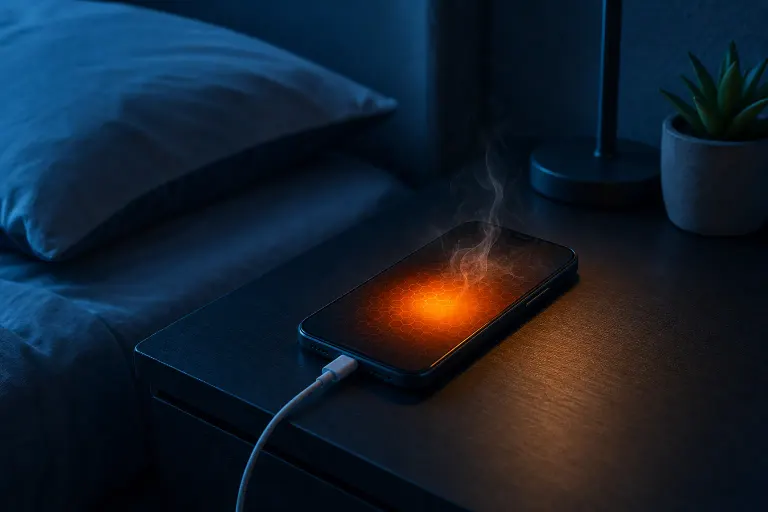
Why Is My Phone Getting Hot While Charging Overnight?
TL;DR: Some warmth during charging is normal. Sustained heat, especially heat you can feel through the phone's back, points to a specific cause you can usually isolate in a few minutes. Battery age, cheap cables, and software are the most common culprits. Physical damage to the battery requires professional attention.
What You Need
- The original or a certified charging cable and adapter
- Access to your phone's battery health setting (iOS: Settings > Battery > Battery Health; Android: varies by manufacturer)
- A few minutes to run background apps down before the next charge cycle
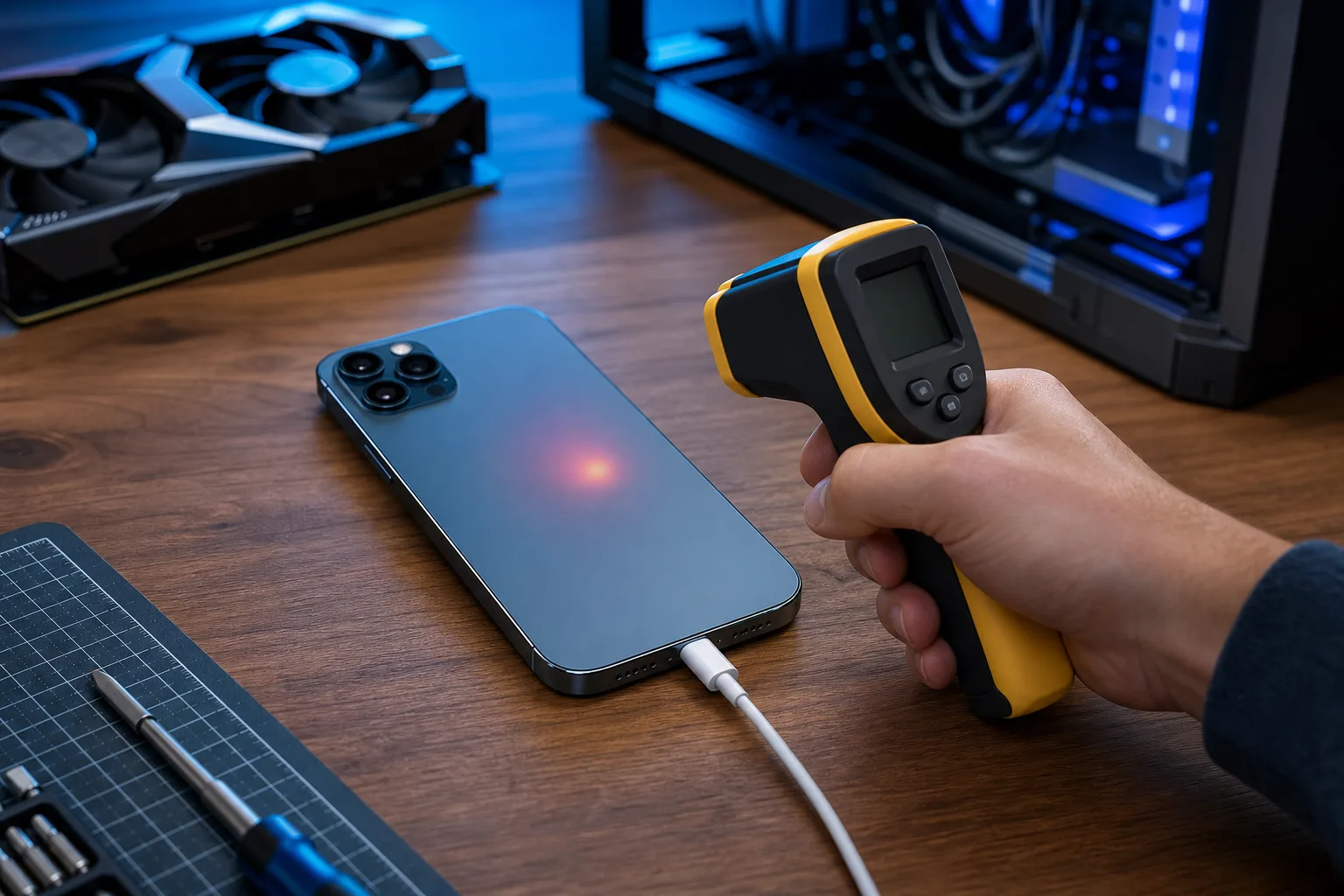
- Optional: a basic infrared thermometer if you want to measure surface temperature objectively
1. Understand What "Normal" Warmth Looks Like
A phone's processor and battery both generate heat during charging. A slight warmth on the back glass or metal chassis is expected, especially during the first hour when charging current is highest. The concern starts when the device is uncomfortable to hold or stays hot well into the night after the battery should be topped off.
A fully charged lithium-ion battery on a standard charger should largely stop drawing significant current. If it is still hot at 100%, something is keeping the processor or battery active.
2. Check What Is Running Overnight
Background processes are the most overlooked cause of overnight heat. Social apps, navigation software, and cloud backup services can keep the processor busy for hours.
Check sequence:
- Before plugging in, close all open apps manually.
- Check whether large backups are scheduled. iCloud and Google Photos backups often trigger on overnight charging.
- Disable Wi-Fi calling or background location access for any app that does not need it at night.
- Put the phone in Do Not Disturb or Airplane Mode if you do not need overnight connectivity.
If the phone runs cooler after doing this, software activity was the primary driver.
3. Inspect the Cable and Adapter
A counterfeit or damaged cable delivers inconsistent current. The phone compensates, which stresses the battery and generates excess heat.
- Swap to the original cable and adapter that shipped with the phone, or a certified replacement (USB-IF certified for Android; MFi certified for iPhone).
- Look for any fraying, bent connectors, or discoloration on the cable.
- Check the charging port on the phone itself for lint or debris. A partial connection causes the charger to cycle on and off repeatedly.
If switching cables reduces the heat noticeably, the old cable is the problem.
Cracked screen or a phone that won't hold a charge? Get a repair quote
4. Remove the Case During Overnight Charging
Thick silicone and rugged cases act as insulation. Phones are designed to shed heat through their chassis. A case blocks that path.
Charge with the case off for a night and compare. This is a particularly common issue with bulkier cases in South Florida's already warm ambient temperatures.
5. Check Battery Health
A degraded battery charges inefficiently. More energy is lost as heat rather than stored as charge.
- iPhone: Settings > Battery > Battery Health and Charging. Apple flags batteries below 80% as degraded.
- Android: Many manufacturers include a battery health readout in Settings > About Phone or within a built-in diagnostic app. Samsung, for example, includes one under Settings > Battery and Device Care.
A battery below 80% capacity that also runs hot is a strong signal that replacement will solve the problem.
6. Look for Signs of Physical Battery Damage
Stop using the phone and seek professional repair if you notice:
- The back panel or screen is visibly bulging
- The phone is hot even when not charging and powered down
- You smell something chemical or burnt
- The phone shuts off randomly and heat appears immediately after restart
These are signs of a failing or swelling battery, which is a safety issue, not a convenience issue.
Common Mistakes
Leaving a case on: Most people troubleshoot the charger and skip the case. Remove it first, it takes ten seconds.
Using fast-charge adapters that the phone does not support: Compliant USB Power Delivery (USB-PD) chargers negotiate wattage automatically between the charger and device, so a certified higher-wattage adapter (such as a 65W laptop charger) will not overstress a phone's charging circuit , the phone simply requests the power level it supports. The risk of overstress applies primarily to non-compliant or counterfeit chargers that do not follow proper negotiation protocols. When in doubt, use a certified adapter and match it to the manufacturer's recommendations.
Ignoring the location: Charging a phone face-down on a fabric surface (pillow, couch cushion) blocks the front-facing sensors and traps heat. Charge on a hard, flat surface.
Assuming heat is always a battery problem: It often is not. Background software activity is just as common and costs nothing to fix.
Bottom Line
Overnight phone heat almost always traces back to one of four things: active background software, a bad or mismatched cable, a case trapping heat, or a worn battery. Work through the steps above in order before drawing conclusions. If battery health is below 80% or you see any physical swelling, the battery needs to be replaced by someone who can do it safely.
If you are in West Palm Beach or the surrounding area and the phone is still running hot after ruling out the software and accessory causes, book a diagnostic at Fix My PC Store. Initial checks are free for most standard in-store repairs.
Cracked screen or a phone that won't hold a charge?
Bring it in. Most phone and tablet repairs are same-day, with parts that actually last.