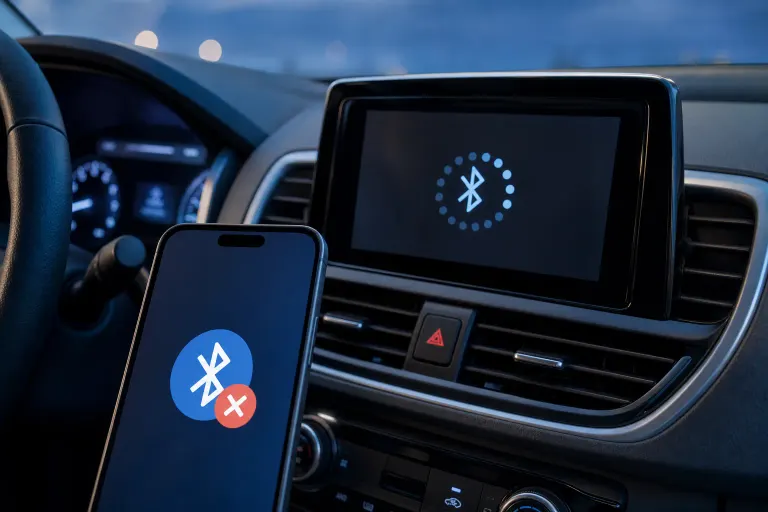
Phone Won't Connect to Bluetooth in Your Car: What to Check
TL;DR: Most car Bluetooth failures come down to a stale pairing entry, too many saved devices, or a software glitch on either the phone or the head unit. Delete the old pairing on both sides, re-pair fresh, and you'll solve it 80% of the time. If audio plays but calls drop, the fix is different.
What You Need
- Your phone (Android or iPhone) with Bluetooth turned on
- Access to your car's infotainment settings (steering wheel controls or touchscreen)
- A few minutes of patience, the head unit can be slow to respond
- Your phone's software version checked (Settings > About Phone or General > About)
Step 1: Rule Out the Obvious
Before touching any settings, run through this quick checklist:
- Airplane mode off. Airplane mode may disable Bluetooth depending on your phone and OS version. Pull down your quick-settings shade and confirm Bluetooth is still active if you've recently had Airplane mode on.
- Bluetooth actually on. Pull down your quick-settings shade and confirm. Don't just assume.
- Car is in the right state. Some head units only accept new connections after the engine is running, not just in accessory mode.
- Phone is not already connected elsewhere. If your earbuds grabbed the connection first, your car loses. Disconnect from earbuds, then try the car.
If all four check out, move to the next step.
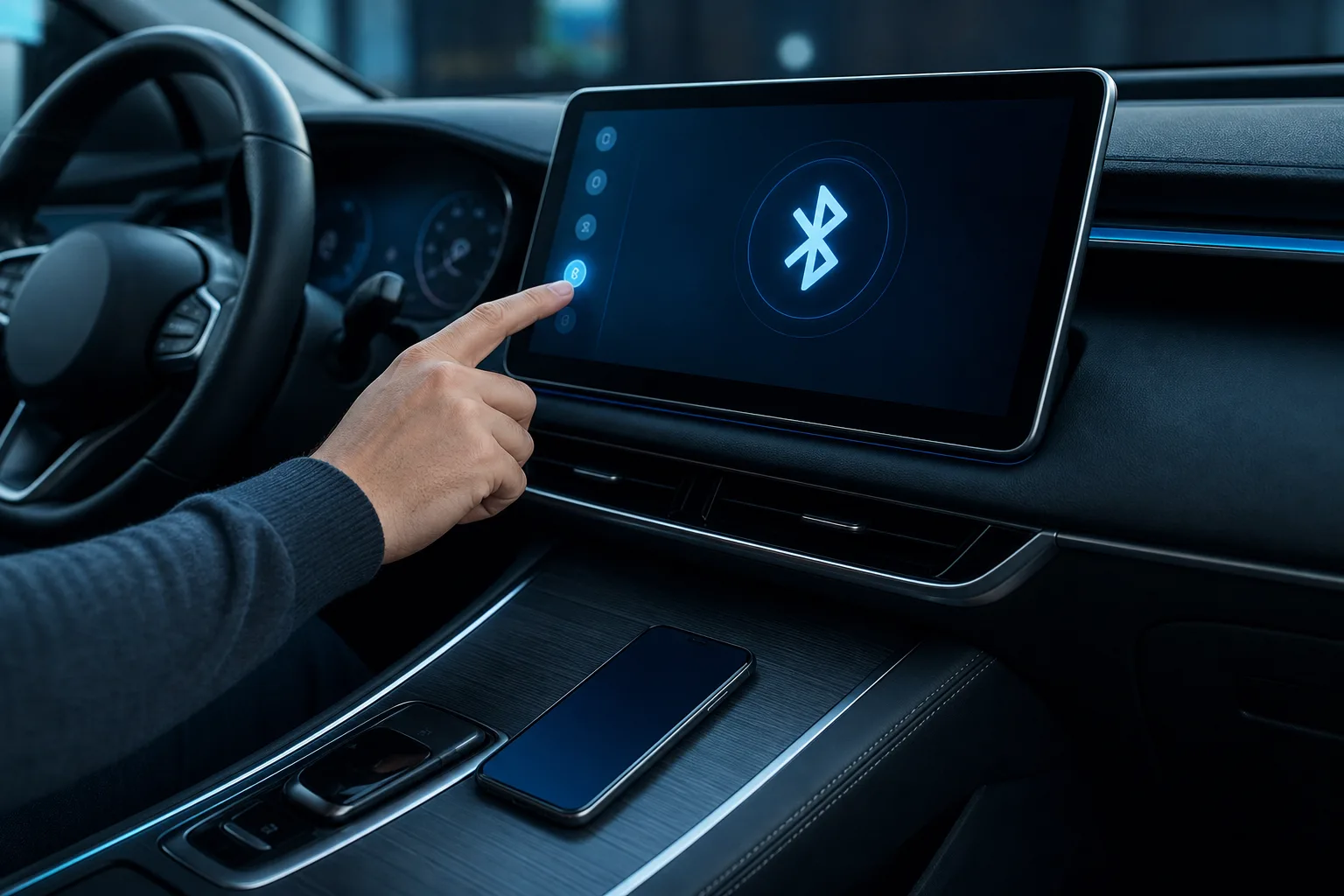
Step 2: Delete the Pairing on BOTH Sides
This is the step most people skip, and it's the one that actually works.
A Bluetooth pairing stores a cryptographic key on each device. If either side's key gets corrupted, or the phone got a software update that changed how it handles profiles, the two devices argue silently and the connection fails.
On your phone:
- Go to Settings > Bluetooth.
- Find your car's name in the list.
- Tap the info icon (iPhone) or gear icon (Android) and choose "Forget" or "Unpair."
On your car:
- Open Bluetooth settings in the infotainment menu.
- Find your phone's name.
- Delete or unpair it.
Now re-pair from scratch: put the car into pairing mode first, then initiate the connection from your phone. Confirm the PIN on both screens when prompted.
Step 3: Check the Saved Device Limit
Most car head units store between 5 and 10 paired devices. Once that list is full, the car quietly refuses new connections or drops older ones unpredictably.
Go into your car's Bluetooth device list and delete every phone or tablet you no longer use. Free up at least two empty slots. Then re-pair your phone.
Step 4: Restart Both Devices
Not just phone. Both.
- Phone: full power off and back on (not just a screen lock).
- Car head unit: turn the car fully off, open the door so the unit powers down completely, wait 30 seconds, then restart.
Some head units have a dedicated reset button behind the faceplate or in a settings menu. Check your owner's manual if the standard restart doesn't clear it.
Cracked screen or a phone that won't hold a charge? Get a repair quote
Step 5: Test Specific Bluetooth Profiles
Bluetooth uses different profiles for different jobs. A phone can connect for audio (A2DP profile) but fail for calls (HFP profile), or vice versa. This is why music plays fine but the car doesn't ring for calls, or why your contacts don't sync.
Decision table for common symptoms:
| Symptom | Likely broken profile | What to check |
|---|---|---|
| Music plays, calls don't work | HFP (Hands-Free Profile) | Re-pair; check phone permissions for microphone/contacts |
| Calls work, no media audio | A2DP (Advanced Audio) | Set car as media output in phone's Bluetooth settings |
| Connects then drops in 30 sec | Any profile | Check phone battery saver mode; it kills background Bluetooth |
| Contacts don't appear on car screen | PBAP (Phone Book Access) | Grant contacts permission to the car in phone settings |
On Android: Settings > Apps > find your car's Bluetooth app or check Bluetooth permissions. On iPhone: Settings > Privacy & Security > Contacts, and make sure your car has access.
Step 6: Update Phone Software and Head Unit Firmware
Some users reported Bluetooth connectivity regressions in Android 13 and early Android 14 builds that caused random disconnects with some car systems. Apple has patched similar issues across multiple iOS releases. If you haven't updated recently, do it now.
Phone: Settings > Software Update (Android) or Settings > General > Software Update (iPhone).
Head unit firmware: Search your car make and model plus "infotainment firmware update." Many manufacturers release updates via USB stick. This step is worth checking if you have a 2018-or-newer vehicle with an OEM screen.
Step 7: Reset Network Settings (Last Resort Before a Shop)
If nothing above has worked, a network settings reset clears all saved Wi-Fi passwords, Bluetooth pairings, and cellular APN settings on your phone. It does not delete your photos or apps.
- iPhone: Settings > General > Transfer or Reset iPhone > Reset > Reset Network Settings.
- Android: Settings > General Management > Reset > Reset Network Settings (path varies by manufacturer).
After the reset, re-pair your car Bluetooth fresh. This fixes issues where a corrupted Bluetooth stack is the root cause.
Common Mistakes
- Only deleting the pairing on the phone side. The car still remembers the old key and sends conflicting handshake data. Always forget on both ends.
- Trying to pair while the car is in accessory mode. Some head units won't accept new pairings unless the engine is running.
- Battery saver killing the connection. Aggressive battery optimization on Android can suspend Bluetooth mid-call. Check Settings > Battery > Battery Saver and exclude Bluetooth from restrictions.
- Assuming the car is the problem. Test your phone with a known-working Bluetooth speaker. If it connects fine, the phone's Bluetooth hardware is probably OK. If it fails there too, the issue is with the phone itself.
- Skipping the head unit restart. A 10-second ignition off is not enough on many vehicles. The unit needs the door to open so it fully cuts power.
Bottom Line
Ninety percent of car Bluetooth failures are software, not hardware. Delete the pairing on both ends, re-pair clean, and check battery saver settings. If audio and call profiles connect inconsistently, use the profile table above to target the exact fix.
If your phone fails to pair with multiple Bluetooth devices, not just your car, the phone's Bluetooth hardware or software stack may be at fault. That's worth a quick look by a tech. Fix My PC Store handles mobile device issues from the shop at 10140 Okeechobee Blvd, West Palm Beach, Monday through Friday 9 a.m. to 6 p.m. and Saturday 9 a.m. to 5 p.m. Initial checks are free for most standard in-store repairs. You can also reach the team at 561-819-9999 or book online.
Cracked screen or a phone that won't hold a charge?
Bring it in. Most phone and tablet repairs are same-day, with parts that actually last.