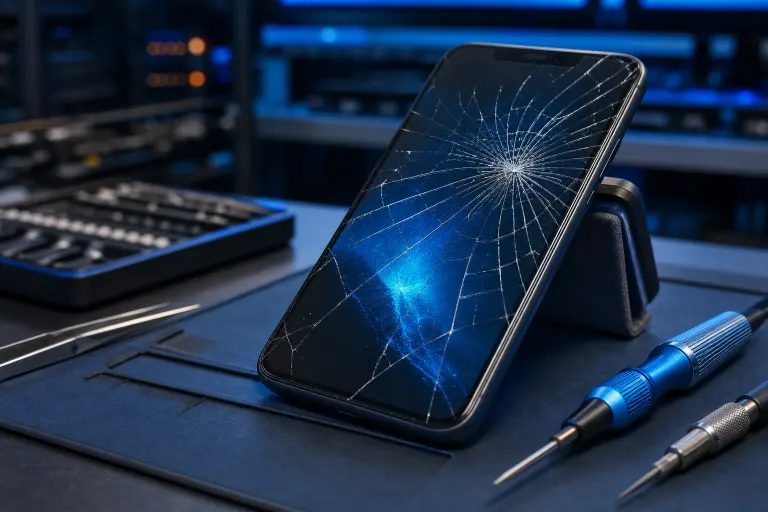
Pantalla Móvil Rota Pero Funciona: ¿Es Seguro Esperar?
TL;DR: A working cracked screen is not automatically safe to ignore. Whether you can wait depends on the crack type, where it sits, and what your phone does next. Some cracks are cosmetic. Others are a countdown to a dead display or a safety hazard.
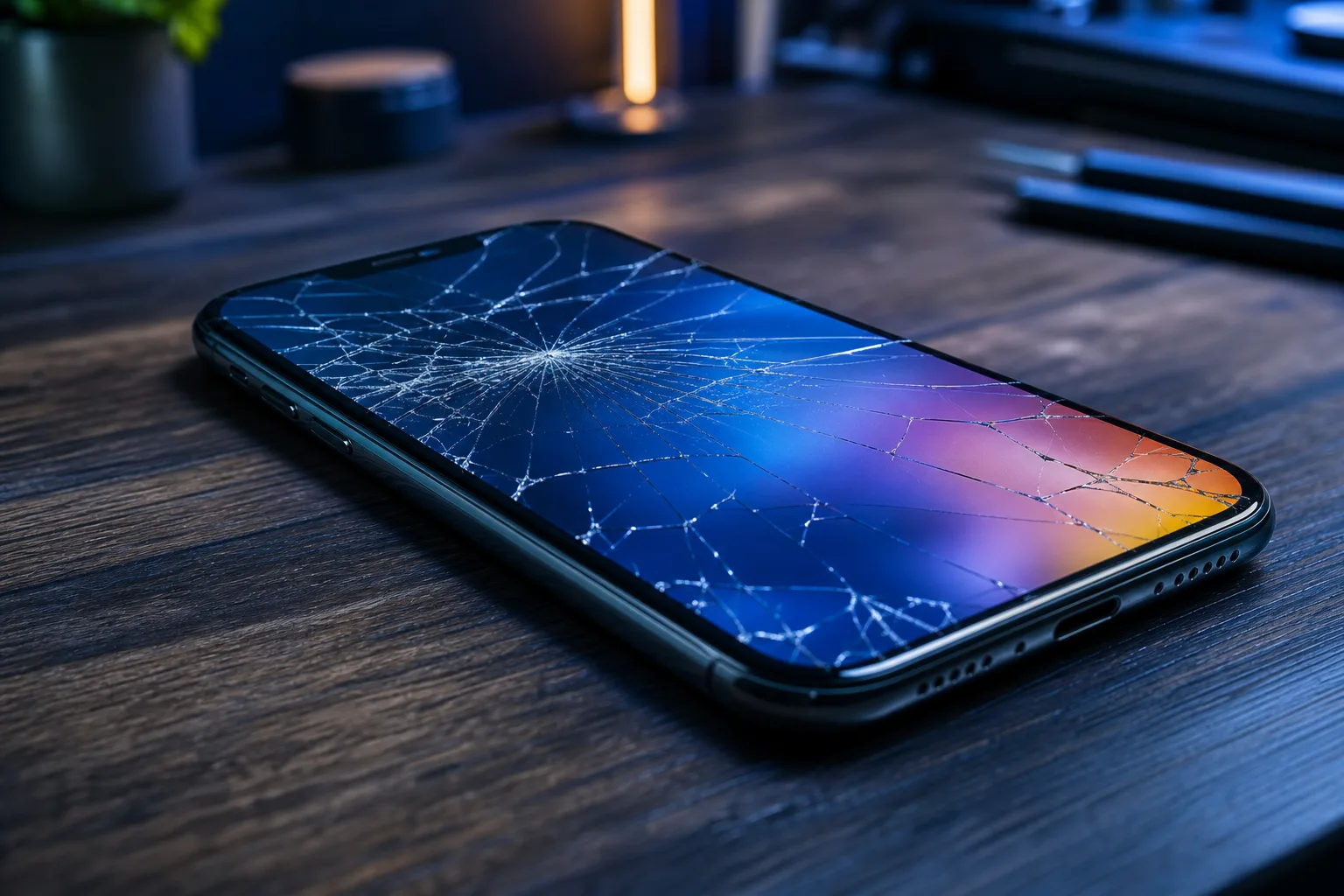
If you are searching for "pantalla móvil rota pero funciona" you already know the frustrating situation: the phone still turns on, still responds to touch, but the glass is cracked. The short answer is that a cracked screen that still works is not automatically safe to leave alone, and how long you can wait depends on the type of crack and what happens next.
What Happened
Your phone hit the ground, a counter, or maybe just the right pocket angle, and now there's a crack. But the display still lights up. Touch still works. You're tempted to call it fine and move on.
That instinct is understandable. It's also sometimes wrong.
Modern phone screens are layered systems. On top is protective glass (Gorilla Glass, Ceramic Shield, or similar). Below that sits the actual display layer, usually OLED or LCD, and below that the digitizer that reads your touches. A crack in the outer glass does not automatically mean the layers underneath are damaged. But it does mean they are now exposed.
Por Qué Una Pantalla Rota Que Funciona Sigue Siendo un Problema
Here's where the "still working" part can be misleading. The crack you can see may be hiding stress fractures you can't.
Moisture is the immediate threat. South Florida humidity is not friendly to a phone with a broken seal. Water and fine dust can work through a crack within days and reach the display or logic board. That turns a screen-only repair into something much more expensive.
Pressure spreads damage. Every time you pocket the phone or press firmly on the screen, you're applying force to a structurally compromised panel. OLED displays in particular can develop black spots or color bleeding from internal pressure, even if the glass looks no worse from the outside.
Cut risk is real. A crack that looks smooth can develop micro-shards along the edges, especially if the break runs to the corner or bezel. Running your thumb across it repeatedly is a bad idea.
Fingerprint and Face ID may degrade. Cracks over or near biometric sensors can cause authentication failures that get worse over time, not better.
Quick Decision Table
| Crack Type | Touch Still Works? | Moisture Exposure Risk | Verdict |
|---|---|---|---|
| Hairline, center of glass | Yes | Low (indoor use, dry) | Can monitor, low urgency |
| Spider web or multi-direction | Yes | High | Fix soon, within days |
| Crack reaching edge or corner | Yes | High | Fix quickly, seal is broken |
| Any crack + discoloration or dark patch | Yes (partly) | Any | Fix now, display is failing |
| Crack over front camera or biometric | Yes | Medium | Fix soon, function will degrade |
Cracked screen or a phone that won't hold a charge? Get a repair quote
What We Don't Know Yet
There's no reliable way to predict exactly when a cracked screen crosses the line from "cosmetic" to "failing." It depends on the phone model, the impact point, how you use the device, and plain luck.
What's also unclear without inspection is whether the display layer already has micro-damage that hasn't shown up visually yet. An invisible stress fracture can suddenly spread the next time the phone flexes in your back pocket.
Manufacturer repairability also varies. Some phones, especially newer iPhones and certain Samsung Galaxy models, have software locks tied to screen replacements that affect features like True Tone or display calibration if the repair isn't done through authorized channels. That's worth knowing before you choose where to get it fixed.
What to Do About It
Step 1: Assess the crack honestly. Is it a single hairline in the middle of the screen, or does it spider out and reach the edges? Edge-reaching cracks have almost certainly broken the moisture seal.
Step 2: Apply a tempered glass screen protector immediately. This is not a fix. It is a containment move. A protector holds glass fragments together, reduces cut risk, and buys you a small amount of time. It costs a few dollars and takes five minutes.
Step 3: Watch for warning signs. Check daily for new symptoms: touch dead zones, discoloration, backlight flickering, or black patches spreading from the crack. Any of these means the display layer is failing and waiting is no longer an option. (Dead zones are a separate problem covered elsewhere, but the presence of one after a crack is a clear escalation signal.)
Step 4: Back up your phone now. Not after you notice a problem. Now. If the display fails completely before repair, data recovery from a phone you can't see is painful. iCloud or Google backup takes minutes.
Step 5: Decide on timing. Hairline crack, no edge damage, no new symptoms, indoor use in a dry environment? You have a short window, maybe a week or two, to schedule a repair without high risk. Spider crack, edge damage, or any humidity exposure? Book the repair today.
The team at Fix My PC Store handles phone and tablet screen repairs from the Okeechobee Boulevard location in West Palm Beach, serving Royal Palm Beach and Wellington too. If you're unsure whether your specific crack warrants urgency, you can reach out to schedule an assessment before committing to a repair.
Self-help is appropriate for the containment steps above. Professional repair is appropriate the moment you see display symptoms, edge-reaching cracks, or any moisture exposure.
Cracked screen or a phone that won't hold a charge?
Bring it in. Most phone and tablet repairs are same-day, with parts that actually last.