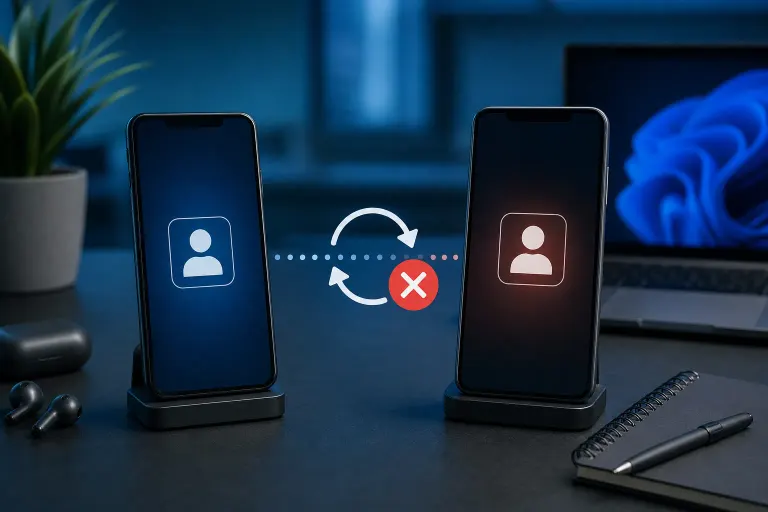
Why Is My Phone Not Syncing Contacts After Switching to a New Device?
TL;DR: Contact sync failures after a phone switch almost always trace back to one of three things: the account that holds your contacts wasn't signed in, sync was toggled off, or the backup never actually completed before you transferred. Check those three things first and you'll solve most cases fast.
What Happened
When you switch phones, your contacts don't live in the phone itself. They live in a cloud account: Google for most Android users, iCloud for iPhone users, or sometimes a Microsoft account or a third-party app.
During setup, the new phone asks you to sign in and sync. If that step was rushed, skipped, or hit a silent error, the phone has no source to pull contacts from. The result looks like contacts are gone, but they're usually still sitting in the cloud, waiting.
Common triggers:
- You signed in with a different email address than the one that actually holds the contacts
- Sync was turned off on the old phone before the switch, so the cloud copy was out of date
- The backup finished only partially, often because the old phone lost Wi-Fi or battery
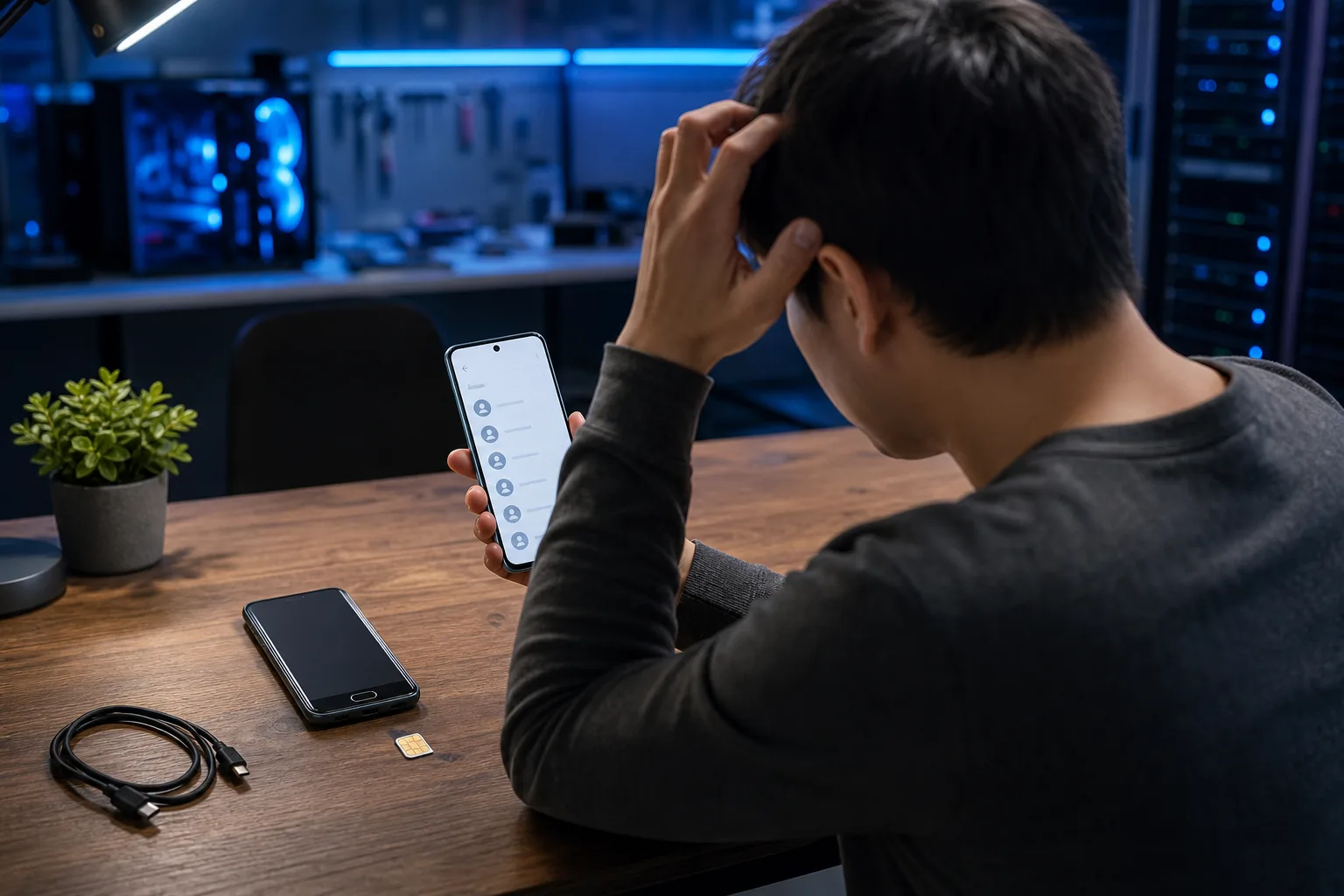
- Contacts were saved locally to the SIM or device storage rather than to a cloud account
- A fresh phone migration assistant ran but skipped the contacts permission
Why It Matters
Contacts stored only on a SIM card or in local device memory don't survive a factory reset or a hardware failure. If your old phone is gone, that data may be unrecoverable.
This is the same risk that applies to photos, app data, and documents. A sync that worked on the old phone is not proof the new phone will pick it up automatically. Each device needs to be authorized separately.
Cracked screen or a phone that won't hold a charge? Get a repair quote
What We Don't Know Yet
If you can't remember which account your contacts were saved to, the fix depends on detective work. Some phones let contacts exist in multiple places at once: Google, iCloud, SIM, and local storage can all coexist, and duplicates or gaps happen when accounts overlap.
If you used a carrier backup service (like Verizon Cloud or AT&T Mobile Backup), those follow different rules and may require a separate app to restore.
What to Do About It
Work through this sequence in order. Stop as soon as contacts appear.
Step 1. Confirm which account holds your contacts
On your old phone (if you still have it), open Contacts, tap a contact, and look for the account label. It usually shows the email address or says "Device" or "SIM."
If you only have the new phone, log in to contacts.google.com or icloud.com/contacts in a browser and check whether your contacts are there. If they show up in the browser, the data is safe and the fix is on the phone side.
Step 2. Check that sync is turned on
Android: Settings > Accounts > [your Google account] > Account sync > toggle Contacts on.
iPhone: Settings > [your name] > iCloud > toggle Contacts on. If it was already on, toggle it off, wait 10 seconds, toggle it back on.
Step 3. Force a manual sync
Android: In the same Accounts menu, tap Sync now.
iPhone: Turning iCloud Contacts off and on (Step 2) triggers a fresh pull. You can also go to Settings > General > Transfer or Reset iPhone > Reset > Reset Network Settings if the connection seems stuck. Note that this clears saved Wi-Fi passwords.
Step 4. Check for SIM or local contacts
Android: Open the Contacts app > Menu > Manage contacts > Import/Export > Import from SIM. This copies SIM contacts into your Google account.
iPhone: iPhones don't store contacts on SIM in the same way, but if you transferred from an Android, check whether a vCard (.vcf) file was created during the migration and import it via Files.
Step 5. If the cloud account is empty
If contacts.google.com or icloud.com show nothing, check whether your old phone had a local backup file. Android phones sometimes create a .vcf export; Google also keeps a 30-day "undo changes" history at contacts.google.com under More > Undo changes.
If the data appears gone and the old device is still accessible, a local extraction may still be possible before the device is wiped or traded in.
Decision Table: Where to Look First
| Situation | Most likely fix |
|---|---|
| Contacts show up at contacts.google.com | Re-enable sync on the new phone |
| Contacts show up at icloud.com | Toggle iCloud Contacts off and on |
| Signed in with wrong account | Sign out, sign in with correct account |
| Contacts were on SIM only | Import SIM contacts on new phone |
| Old phone has no account backup | Recover from old device before wiping |
| Nothing found anywhere | Professional data recovery may apply |
If you've worked through every step above and the contacts are still missing, or if the old device is damaged and may hold the only copy, that's a situation where professional help is worth considering. The team at Fix My PC Store handles data recovery and mobile device work from the shop at 10140 Okeechobee Blvd in West Palm Beach. You can reach out here to describe what you're working with before bringing anything in.
Cracked screen or a phone that won't hold a charge?
Bring it in. Most phone and tablet repairs are same-day, with parts that actually last.