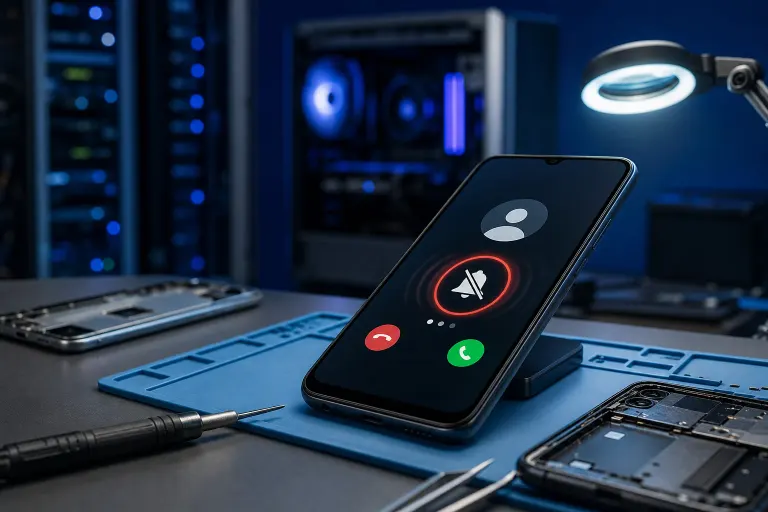
Phone Won't Ring on Incoming Calls: What's Actually Wrong
TL;DR: Most silent-ringer problems come from a setting, not broken hardware. Check Do Not Disturb, ringer volume, and notification permissions first. If calls still come in silently after that, it's worth testing the speaker itself and possibly getting a professional look.
What happened
Someone calls you. Your phone screen might light up, or you might not even notice until you see the missed call later. No ring, no buzz, nothing. Frustrating, right? You're not imagining it, this is one of the most common phone complaints out there, and the good news is it's rarely the speaker itself.
Here's what's usually going on: your phone has several layers of settings that can silence a ringer, plus software bugs and app conflicts that can override them. Let's walk through this like a checklist, from easiest fix to least likely.
Why it matters
A missed call isn't just annoying. If you rely on your phone for work, family emergencies, or appointment confirmations, a silent ringer means you're missing things you need to know about. Worse, if the cause is a software glitch rather than a setting, it can come back randomly, so you never quite trust your phone again.
Knowing whether this is a two-minute settings fix or a deeper issue also saves you from guessing. No need to jump straight to "my phone is broken" when the answer might be sitting in your Do Not Disturb schedule.
Cracked screen or a phone that won't hold a charge? Get a repair quote
What we don't know yet
Phone models and operating systems handle ringer settings differently, so exact menu names vary between iPhone and Android, and even between Android brands like Samsung, Google, and others. We also can't tell from here whether your issue is constant (every call is silent) or intermittent (only some calls, or only certain apps like WhatsApp). That distinction matters a lot for diagnosis, so pay attention to the pattern as you troubleshoot.
If you've already ruled out settings and the phone still won't ring, we don't know yet whether it's a software bug, a carrier-side issue, or an actual hardware fault in the speaker or ringer driver. That's where hands-on diagnosis helps.
What to do about it
Work through this in order. Most people solve it in the first three steps.
- Check Do Not Disturb / Focus mode. This is the number one cause. Look for a moon icon in your status bar or settings. Make sure it's off, or check if it's scheduled to turn on automatically overnight or during work hours.
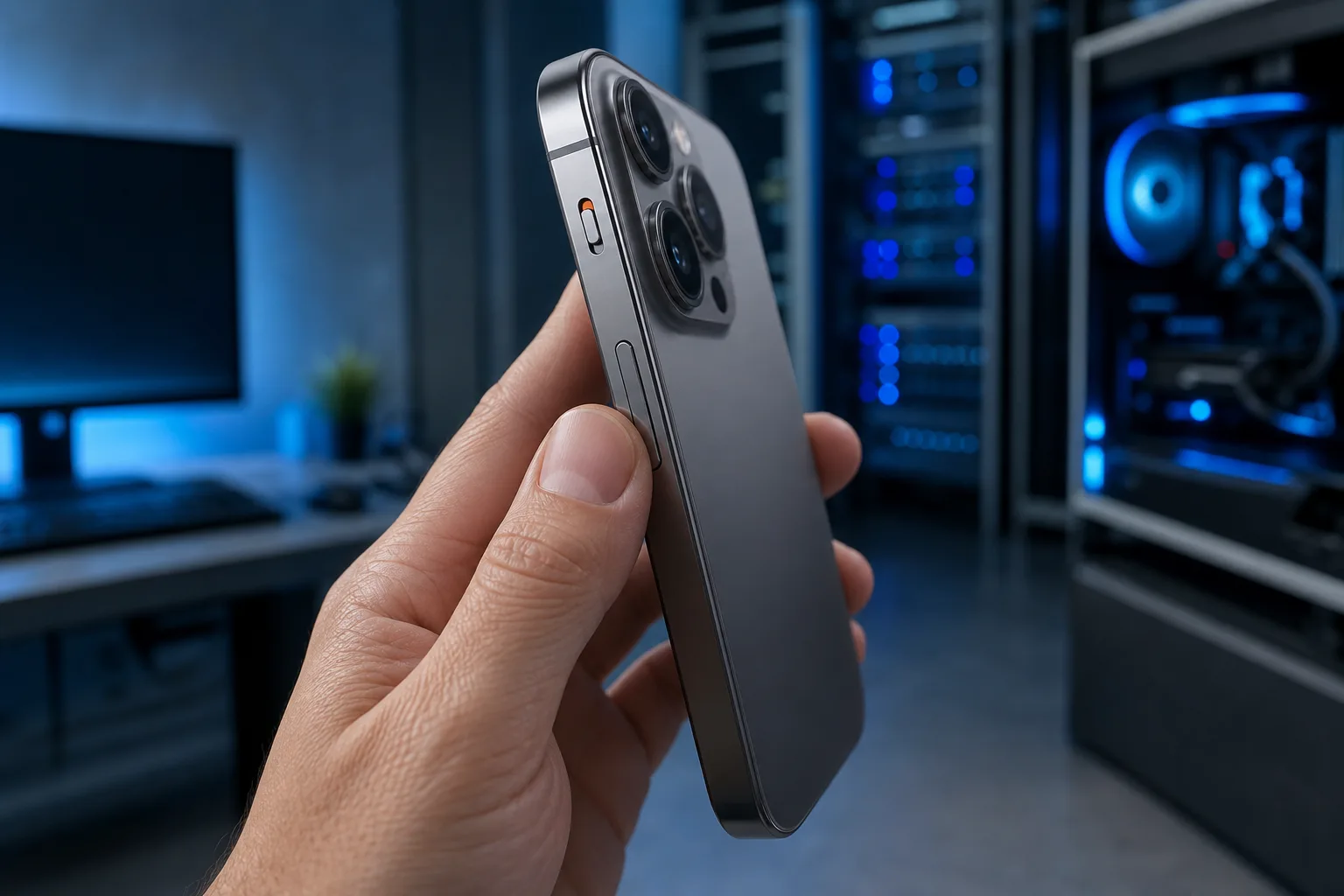
- Check the physical ringer switch (iPhone) or volume buttons (Android). iPhones have a side switch that mutes the ringer, it's easy to bump by accident. On Android, press the volume up button and confirm you're in "Ring" mode, not "Vibrate" or "Silent."
- Check ringer volume separately from media volume. Many phones have independent volume sliders for ringtone, media, and alarms. Your media volume could be fine while your ringer is turned all the way down.
- Check per-contact or per-app settings. Some phones let you silence specific contacts. Messaging apps like WhatsApp or Messenger have their own notification settings that can override the system ringer for calls made through that app.
- Restart the phone. This sounds basic, but it clears temporary software glitches that can affect how the ringer responds to incoming calls, especially after an OS update.
- Check for a stuck notification or audio profile conflict. If you were just on a call with headphones, wired or Bluetooth, your phone may still think audio should route elsewhere. Disconnect Bluetooth devices and test again.
- Check for pending software updates. Bugs in call handling do appear after OS updates and usually get patched. Check your settings for a pending update.
- Test the actual speaker. Play a video or song with sound. If you hear nothing at all, even from media, that points toward a hardware problem rather than a ringer setting.
If you've gone through all of this and the phone still won't ring, especially if media sound also fails, that's a sign of a speaker or internal hardware issue rather than a setting. At that point, a quick diagnostic from someone who repairs phones daily will save you more guessing. You can bring it in or start with iPhone and iPad repair, or check general remote support first if you want help ruling out software causes before deciding whether a physical repair is needed.
Quick decision guide
| Symptom | Likely cause | What to try |
|---|---|---|
| No ring, but vibration works | Volume or Do Not Disturb setting | Steps 1-4 above |
| Silent on some apps only (WhatsApp, FaceTime) | App-specific notification settings | Check that app's settings directly |
| Worked fine, started after an update | Software bug | Restart, check for a newer update |
| No sound at all, even media or alarms | Possible hardware fault | Professional diagnostic |
| Only happens with Bluetooth connected nearby | Audio routing conflict | Forget/reconnect the Bluetooth device |
If the pattern points to hardware, or if you've tried everything and nothing changes, it's worth having it looked at rather than living with missed calls indefinitely.
Cracked screen or a phone that won't hold a charge?
Bring it in. Most phone and tablet repairs are same-day, with parts that actually last.