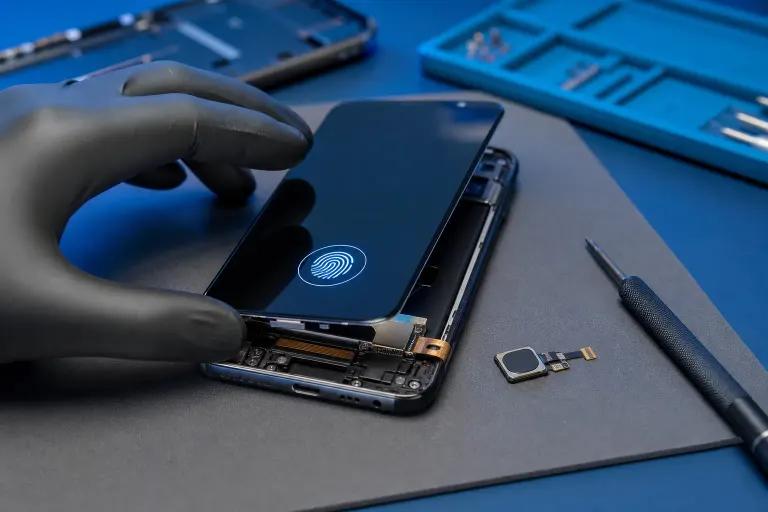
Phone Screen Replaced but Fingerprint Sensor Stopped Working: Why
TL;DR
Fingerprint sensors stop working after a screen replacement for a few predictable reasons: a pairing lockout enforced by the phone's firmware, a disconnected cable, or a non-original display that is incompatible with an in-display sensor. Which one applies to you determines whether you have a software fix, a redo-the-repair fix, or no fix at all without going back to the manufacturer.
What You Need
- The phone itself
- The model number (Settings > About Phone or About This Mac equivalent on iOS: Settings > General > About)
- The repair receipt or at least the name of the part used
- A few minutes to run through the diagnostic sequence below
Step 1: Identify What Kind of Fingerprint Sensor Your Phone Has
This matters a lot. There are three types.
Under-display optical sensor. Common on mid-range and high-end Android phones (Samsung Galaxy S and A series, OnePlus, etc.). The sensor reads your fingerprint through the screen itself. If the replacement screen is not the exact OEM-grade panel, the sensor may not work at all.
Capacitive sensor in the home button. iPhones up to the SE 3rd gen (2022), older Samsung Galaxy phones, many budget Androids. The sensor is physically separate from the display but connected to the motherboard through a cable that runs near the screen.
Side-mounted sensor. Built into the power button on some Sony, Samsung, and budget Android models. Usually unaffected by screen work unless a cable got pinched.
Know which type you have before assuming anything.
Step 2: Check the Obvious Software Fixes First
Before concluding it is a hardware problem, try these in order.
- Delete and re-enroll your fingerprint. Settings > Biometrics (Android) or Settings > Face ID & Passcode > Touch ID & Passcode (iOS). Delete all stored prints. Reboot. Enroll fresh.
- Check for a pending OS update. Some firmware updates include security patches that affect biometric handling. Install any waiting update, then try again.
- Reboot the phone cold. Hold power down fully, power off, wait 30 seconds, power back on. Not a restart. A full off-on cycle.
If re-enrollment fails immediately, the sensor is not communicating with the system at all. That is a hardware or pairing issue, not a software glitch.
Cracked screen or a phone that won't hold a charge? Get a repair quote
Step 3: Understand the Pairing Lock Problem (iPhones Especially)
Apple introduced Touch ID starting with the iPhone 5s, but the strict cryptographic pairing between the Touch ID sensor and the logic board , which prevents third-party repairs from restoring sensor function , became a significantly enforced issue from the iPhone 7 onward. If the home button is swapped, the sensor stops working permanently without Apple's proprietary calibration tool. (Samsung added a similar lock for in-display sensors on several Galaxy models.)
Here is the critical point: a good repair shop should reuse your original home button during an iPhone screen replacement. The screen itself can be third-party. The home button must be yours.
If the shop replaced or damaged your original home button and did not disclose it, that is on them. Ask directly what happened to your original button.
Step 4: Inspect for a Disconnected or Damaged Cable
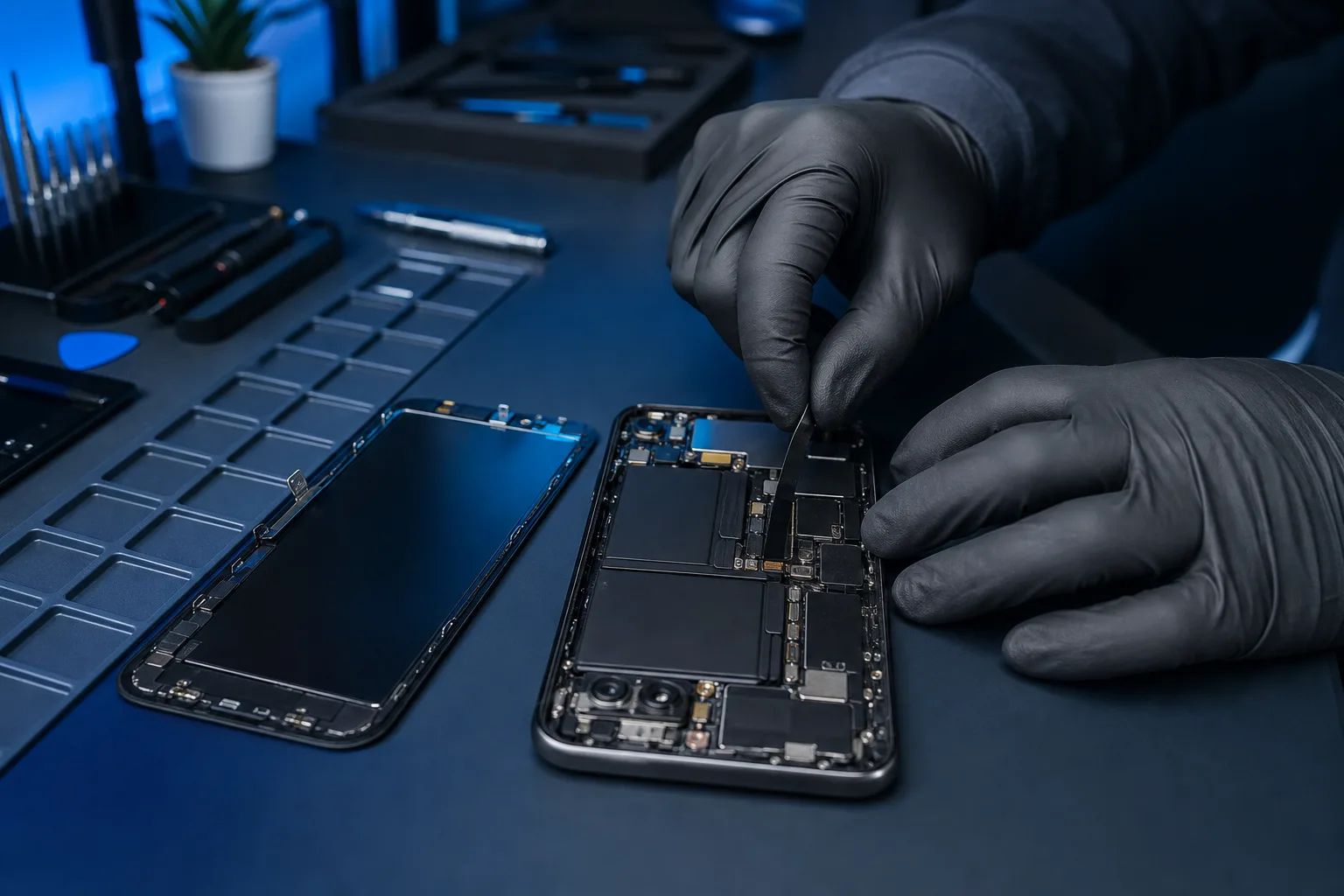
For home-button sensors and in-display sensors that used to work, a loose or torn ribbon cable is a common culprit. You will not see this yourself without opening the phone, but the symptom is a sensor that is completely unrecognized rather than one that reads but fails to match.
If a shop did the repair, take it back. A reputable place will look at the cable without charging you again if it is their workmanship in question. If they refuse, that tells you something useful.
Step 5: Assess Whether the Replacement Screen Is Compatible
For under-display sensors, screen compatibility is not optional. A generic aftermarket OLED panel on a phone with an optical fingerprint reader will almost always break the sensor. The sensor relies on the display's light diffusion properties to illuminate your fingerprint. A panel that was not engineered to that spec blocks or scatters the light wrong.
OEM panels or certified OEM-grade replacements are the only reliable option for phones with in-display sensors. If a shop put in a cheap panel on your Galaxy S or similar, the fingerprint sensor is collateral damage.
Quick decision table:
| Sensor type | Likely cause | Likely fix |
|---|---|---|
| Under-display | Wrong aftermarket panel | Replace with OEM-grade screen |
| Home button (iPhone) | Original button not reused | Only Apple can restore pairing |
| Home button (Android) | Cable disconnected or torn | Reopen and reseat or replace cable |
| Side-mounted | Cable pinched during repair | Reopen and inspect cable routing |
Common Mistakes
Blaming the wrong thing. People assume the sensor itself is dead. Usually it is a compatibility or pairing issue. The sensor hardware is often fine.
Accepting a cheap panel on a phone with an in-display sensor. The shop should have warned you this was a risk. If they did not, ask for an OEM-grade panel at no extra charge.
Trying to re-pair Touch ID at home. You cannot. Apple's pairing requires their proprietary software. Third-party tools claiming to do this on a locked phone are either useless or scams.
Not going back to the shop. If the sensor worked before and does not work now, the shop owes you an explanation at minimum. Most decent shops will make it right.
Bottom Line
A dead fingerprint sensor after a screen replacement is almost always traceable to one of three things: wrong panel for an in-display sensor, disturbed or replaced home button, or a loose cable. Two of those are fixable. The Apple pairing issue is not, without Apple's own tools.
If you are in the West Palm Beach area and the shop that did your original repair left you with a broken sensor, stop by Fix My PC Store at 10140 Okeechobee Blvd, Suite B. Initial diagnostic checks on most in-store repairs are free. We can tell you what actually happened. You can also schedule a repair visit or contact us ahead of time.
For Apple-specific issues like Touch ID pairing, the honest answer is that only Apple or an Apple Authorized Service Provider can restore that function. We will tell you that upfront rather than take your money on something we cannot fix.
Cracked screen or a phone that won't hold a charge?
Bring it in. Most phone and tablet repairs are same-day, with parts that actually last.