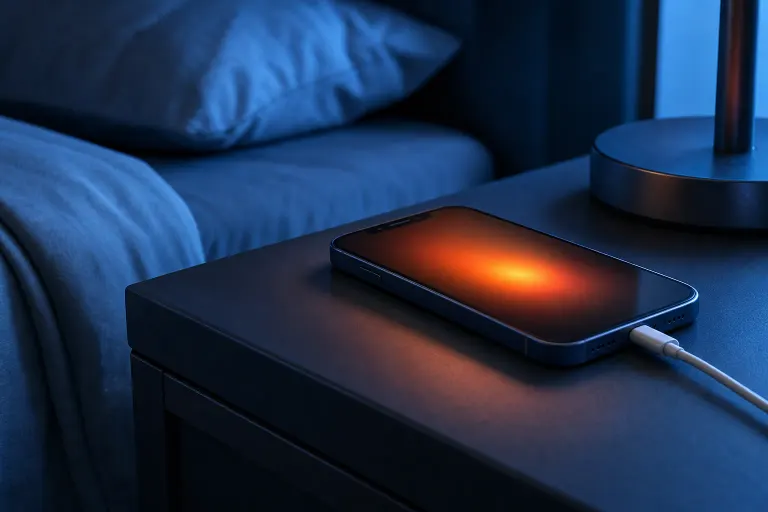
Phone Gets Hot While Charging Overnight: Is It Damaging the Battery?
TL;DR: Some warmth while charging is expected. Genuine heat, especially heat that wakes you up or makes the phone uncomfortable to touch, can accelerate battery wear over time. The fix is usually simple: change where and how you charge. If the phone runs hot even when plugged in and idle, the battery may already be degraded.
What you need
- Your phone (obviously)
- The original or a certified charger and cable
- A flat, hard surface away from fabric or pillows
- A few minutes to check your app activity and settings
1. Decide whether it's warm or actually hot
Lithium-ion batteries generate heat during charging. A slightly warm back panel is normal physics, not a problem.
The line you care about: if the phone feels hot to the touch, above roughly 95-100°F (35-38°C), that sustained temperature degrades battery capacity faster than normal use would. Most phones will throttle charging or show a temperature warning at that point.
Quick test: press the back of the phone against your cheek after a full overnight charge. Warm is fine. Noticeably hot means something is worth investigating.
2. Check what's running while you sleep
A charging phone that's also doing heavy work generates more heat. Common overnight culprits:
- Background app refresh syncing large amounts of data
- A stuck update download or OS installation
- Location services running constantly for multiple apps
- A misbehaving app caught in a processing loop
On iPhone: Settings > Privacy & Security > Location Services, then review which apps have Always On.
On Android: Settings > Battery > Battery Usage shows which apps consumed power overnight.
If one app is eating 30-40% of battery while the phone sat idle, that app is generating heat, not the charger.
3. Look at your charger and charging surface
This is the most underrated cause of overnight heat.
- Third-party fast chargers not certified for your phone can push more wattage than the battery management system expects, causing excess heat.
- Charging on a soft surface (under a pillow, on a bed, inside a case with poor ventilation) traps heat against the back panel.
- Daisy-chained extension cords or old outlets can cause voltage irregularities that stress the charging circuit.
Switch to the charger that came with your phone, or one certified by your phone's manufacturer. Lay the phone flat on a nightstand, case off if you're concerned.
Cracked screen or a phone that won't hold a charge? Get a repair quote
4. Check your battery health
A battery that has lost significant capacity works harder to hold a charge, which produces more heat.
iPhone: Settings > Battery > Battery Health & Charging. Below 80% is where degradation becomes noticeable.
Android: Battery health reporting varies by manufacturer. Samsung devices show it under Settings > Device Care > Battery. Google Pixels show it in Settings > Battery. Some older Androids require a dialer code or third-party app like AccuBattery to surface this data.
If health is already low and the phone runs hot, you're looking at a battery replacement, not a settings tweak.
5. Adjust your overnight charging habits
Modern phones have built-in tools to reduce overnight battery stress. Use them.
- iPhone Optimized Battery Charging: enabled by default in Settings > Battery > Battery Health & Charging. It learns your schedule and delays the final charge-to-100% until just before you wake up, reducing time spent at full charge under heat.
- Android Adaptive Charging (Pixel) or similar: does the same thing. Check your manufacturer's battery settings for an equivalent option.
- Charge to 80% manually if your phone lacks these features. Unplugging at 80% before bed and topping up in the morning puts less stress on the battery than holding at 100% for six hours.
The myth worth busting: leaving your phone plugged in all night will not overcharge it. Modern phones stop drawing current at 100%. The problem is the heat generated by trickle charging and background activity while it sits at full capacity, not an electrical overflow.
Common mistakes
- Charging under a pillow or on bedding. Heat has nowhere to go. This is the single fastest way to degrade a battery through overnight charging.
- Using a cheap fast charger for a phone that doesn't support that charging standard. Mismatched wattage generates heat the phone wasn't designed to manage.
- Ignoring a temperature warning on screen. If the phone is displaying a heat alert, it has already throttled itself. That is not a notification to dismiss.
- Blaming the phone when the case is the problem. Thick or poorly ventilated cases significantly trap heat during charging. Remove the case overnight if heat is a consistent issue.
Bottom line
Warm during charging is normal. Hot enough to notice is not. Start with your charger quality and charging surface, then audit overnight app activity. If battery health has already dropped and the phone runs hot even with good habits, a battery replacement is the practical fix, not a workaround.
If your phone is heating up, shutting down unexpectedly, or behaving erratically during charging, that's worth having looked at in person. You can schedule a repair or stop by the Fix My PC Store at 10140 Okeechobee Blvd in West Palm Beach. Initial checks are free for most standard in-store repairs.
Cracked screen or a phone that won't hold a charge?
Bring it in. Most phone and tablet repairs are same-day, with parts that actually last.