What Files Does Ransomware Actually Target First?
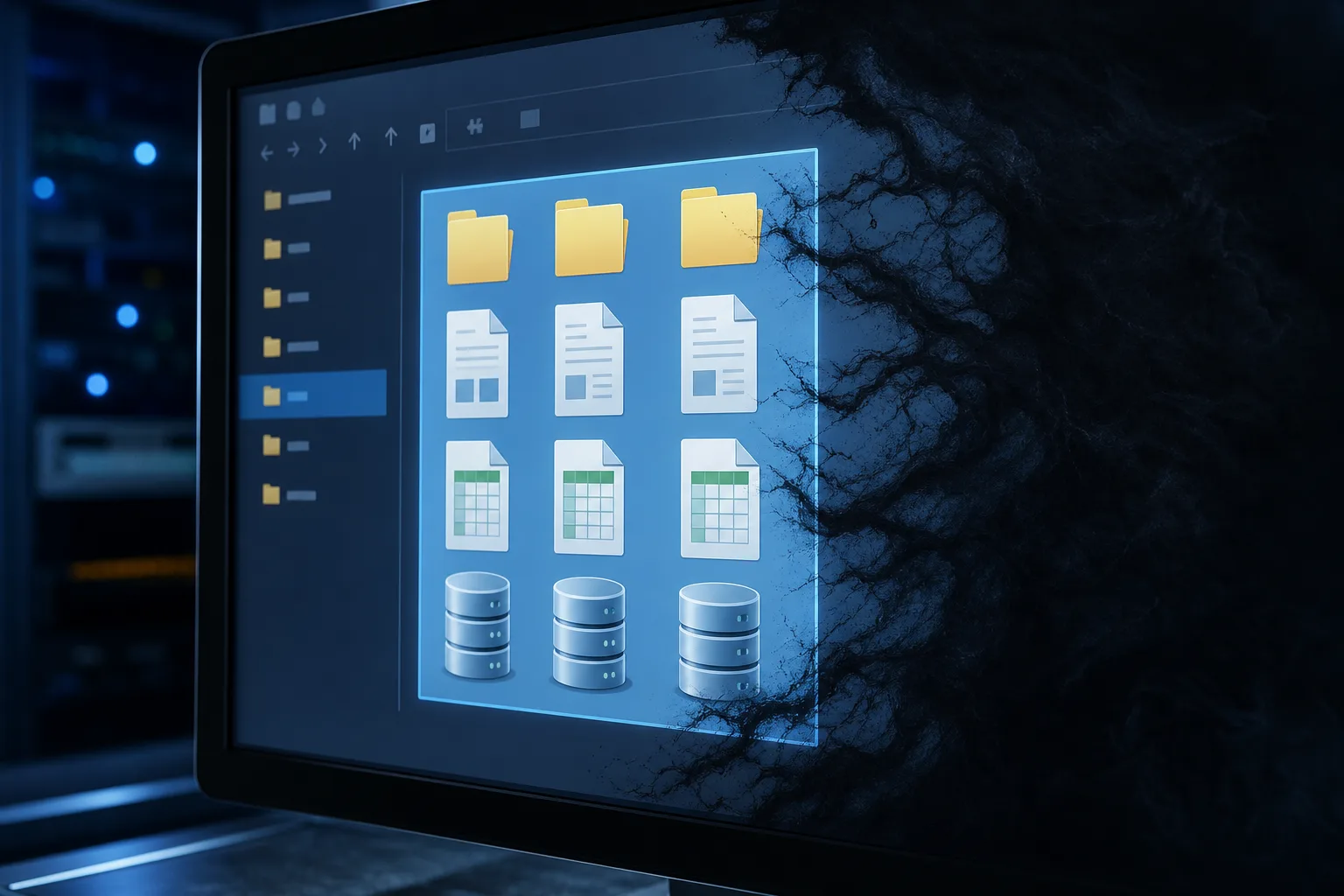
TL;DR: Ransomware doesn't encrypt your whole drive at once. It goes after documents, databases, backups, and shared network files first, the stuff that hurts most to lose, while skipping system files it needs to keep your PC running long enough to show you the ransom note. Knowing the pattern helps you understand why backups and network segmentation matter so much.
What Happened
Ransomware attacks against small and mid-size businesses have kept climbing, and Palm Beach County is not immune. Local medical offices, law firms, accounting shops, and manufacturers have all been hit in the past couple years, often through a phished email or an exposed remote desktop connection nobody remembered to lock down. In several documented South Florida cases, attackers were already sitting quietly inside the network for days or even weeks before they triggered the encryption, mapping drives, identifying the most valuable data, and sometimes exfiltrating copies before locking anything down.
What surprises a lot of people is how ransomware actually behaves once it's inside a network. It's not a smash-and-grab that scrambles every byte on the machine instantly. Modern ransomware families run a methodical process: scan the system, identify high-value file types, encrypt those first, then spread laterally to other machines and shared drives before anyone notices. The encryption itself often happens in a matter of hours, but the reconnaissance phase that precedes it can stretch across days of undetected activity.
Security researchers who've reverse-engineered strains like LockBit, Conti, and BlackCat have found consistent targeting patterns. LockBit, for example, uses a multi-threaded encryption engine specifically designed to process as many high-value files as possible in the shortest window of time, prioritizing network shares over local files in its default configuration. Conti was documented using a hardcoded list of over 160 file extensions it would seek out and encrypt, skipping anything not on that list to preserve system stability. BlackCat, written in Rust for cross-platform capability, can hit Windows, Linux, and VMware ESXi environments in a single campaign, meaning virtual machine disk files get added to the target list alongside the usual document formats.
The malware typically prioritizes:
- Office documents (.docx, .xlsx, .pptx, .pdf), contracts, proposals, financial statements, anything a business runs on daily
- Database files (.sql, .mdb, .accdb), customer records, inventory systems, practice management software for medical and dental offices
- Backup files and backup software directories, specifically targeted to eliminate your recovery options before you even know you've been hit
- Financial and accounting software data, QuickBooks company files (.qbw), Sage data directories, payroll exports
- Email archives (.pst, .ost), years of client correspondence, contracts sent via email, compliance records
- Image and design files (.psd, .ai, .dwg), devastating for architecture firms, marketing agencies, engineering shops where project files represent months of billable work
- Shared network drives and mapped drives, often targeted before the malware even touches the local machine's system folder, because that's where the most business-critical data lives
- Virtual machine disk images (.vmdk, .vhd, .vhdx), newer strains specifically hunt these because one file can contain an entire server's worth of data
Meanwhile it deliberately skips or delays hitting Windows system files, DLLs, and boot files. Why? Because the malware needs your computer to keep functioning long enough to display the ransom note and let you (hopefully) pay up or contact the attackers. A computer that won't boot can't show you a demand for Bitcoin. Some strains go further, actually whitelisting specific folders like C:\Windows\System32 and C:\Program Files to ensure the operating system stays operational throughout the encryption process.
Why It Matters
Understanding the targeting order changes how you think about defense in concrete, actionable ways.
Network segmentation becomes a priority, not an afterthought. If ransomware goes after shared network drives and mapped storage first, then a flat network where every workstation can see every file share is basically an open highway for the attack to spread. Think about a typical small law firm: the receptionist's computer, the paralegal workstations, the partner laptops, and the server with fifteen years of case files might all exist on the same network segment with no meaningful barriers between them. One phished email to the receptionist opens a door to everything. This is one of the biggest reasons business networking setups matter as much as endpoint antivirus. Segmenting your network so accounting doesn't have blanket access to HR files, or so a front-desk PC can't reach the server room's shared drive, slows an attack down and can contain the damage to one department instead of the whole company. In practice, a well-segmented network can turn a catastrophic full-company encryption event into a contained incident affecting only one department's files.
The deliberate targeting of backup directories is the detail most businesses miss. Ransomware authors understand that backups are the primary recovery tool, so modern strains specifically look for and encrypt backup files before moving on to other data. They'll target the local backup folders created by Windows Backup, the data directories used by popular backup software like Veeam or Backup Exec, and any network-attached storage device mapped as a drive letter. This is exactly why the industry mantra has shifted to the 3-2-1 backup rule: three copies of your data, on two different media types, with one copy stored completely offline or in immutable cloud storage that can't be reached by a compromised machine. An accounting firm in Boca Raton learned this the hard way when their ransomware infection encrypted not just their QuickBooks files but also the external USB drive they'd been rotating as their backup, because that drive happened to be plugged in when the attack triggered.
The file extension targeting list also tells you where to concentrate your monitoring. Endpoint detection tools that watch for mass file rename events, which is what encryption looks like at the filesystem level, can catch an in-progress attack before it completes. A workstation that suddenly starts renaming hundreds of .xlsx and .docx files in rapid succession is behaving abnormally, and modern endpoint detection and response (EDR) tools can flag that behavior, isolate the machine, and alert an administrator within minutes. That kind of behavioral detection is increasingly important because signature-based antivirus alone won't catch novel ransomware variants or fileless attacks that never write a traditional executable to disk.
Understanding dwell time changes your incident response posture. Because ransomware operators often spend days or weeks inside a network before triggering encryption, simply restoring from backup isn't always enough. If your backup was taken while the attacker was already present, you may be restoring a compromised environment. A proper incident response process includes forensic analysis to determine when the initial access occurred, what the attacker touched, and whether any data was exfiltrated before the encryption event. For regulated industries like healthcare and financial services in Florida, that analysis also determines whether you have a reportable breach under HIPAA or state data protection statutes, a separate and serious obligation that exists independently of whether you recover your files.
Least-privilege access policies directly limit blast radius. Because ransomware encrypts whatever the infected user account has permission to access, a front-desk employee whose Windows account has read and write access to every shared folder on the server creates far more exposure than one whose account can only reach the files relevant to their job. Implementing least-privilege access, where users and service accounts only have the minimum permissions needed to do their work, is one of the highest-return security investments a small business can make. It costs nothing beyond the time to configure it correctly and can be the difference between losing one department's files and losing everything.
The bottom line is that ransomware is engineered to cause maximum pain as efficiently as possible. Its targeting priorities aren't random; they reflect a clear-eyed understanding of what businesses can't afford to lose. Matching your defenses to that reality, segmented networks, immutable backups, least-privilege access, and behavioral monitoring, gives you a fighting chance to either stop the attack before it completes or recover from it without paying a ransom that offers no guarantee of actually getting your files back.
Worried your business is one click from a breach?
Get a straight-talk security review from a local team that has cleaned up the aftermath more times than we'd like.