

At-Home Computer Repair: What Techs Can Fix On-Site
At-home computer repair is more capable than most people realize. From slow machines and virus removal to hardware swaps and Wi-Fi issues, a skilled tech can handle a surprising amount without you ever leaving your couch.
TL;DR: At-home computer repair covers a wide range of real problems, including slowdowns, malware, hardware failures, networking headaches, and data recovery. Not everything requires a bench visit. Knowing what's fixable on-site helps you decide the fastest path to a working machine.
If you've ever typed "at home computer repair" into Google at 10 p.m. because your laptop just died and you need it working by morning, you're in the right place. The good news: more problems than you'd expect can be diagnosed and resolved right at your kitchen table or home office desk. Let's walk through exactly what that looks like.
1. Slow Performance and Software Clutter
This is the number-one reason people search for at-home computer repair. The machine works, it's just painfully sluggish.
A tech coming to your home can run diagnostics on-site to pinpoint the cause. Is it a failing hard drive? Too many startup programs? Thermal throttling because the fan is caked with dust? Outdated drivers? All of that is diagnosable and often fixable in a single visit.
Common on-site fixes include:
- Clearing startup bloat and disabling unnecessary background processes
- Cleaning dust from cooling systems (a compressed-air service call is surprisingly effective)
- Upgrading RAM if the machine supports it
- Replacing a spinning hard drive with an SSD, which is the single biggest speed boost most older computers can get
If you want to know what software steps you can try yourself first, check the free guides on this site. But if you've already tried and the machine is still crawling, an on-site visit gets it sorted fast.
2. Virus and Malware Removal
Malware removal is one of the most common at-home computer repair calls. You notice pop-ups, browser redirects, ransom messages, or the machine just acting strange.
A tech can bring the tools needed to scan, isolate, and remove infections on-site. Most consumer-grade malware is fully removable without wiping the machine. More aggressive infections, like rootkits or ransomware, may require a deeper process, but even then, data recovery is often possible before any reinstall happens.
What the visit typically includes:
- Running specialized removal tools beyond what Windows Defender offers
- Checking browser extensions and startup entries for persistent threats
- Verifying the machine is clean before leaving
- A quick conversation about how it happened and how to avoid it next time
If you're worried about ongoing protection, our business cybersecurity page covers layered defenses for small offices, but even home users benefit from the same thinking: good habits plus good tools.
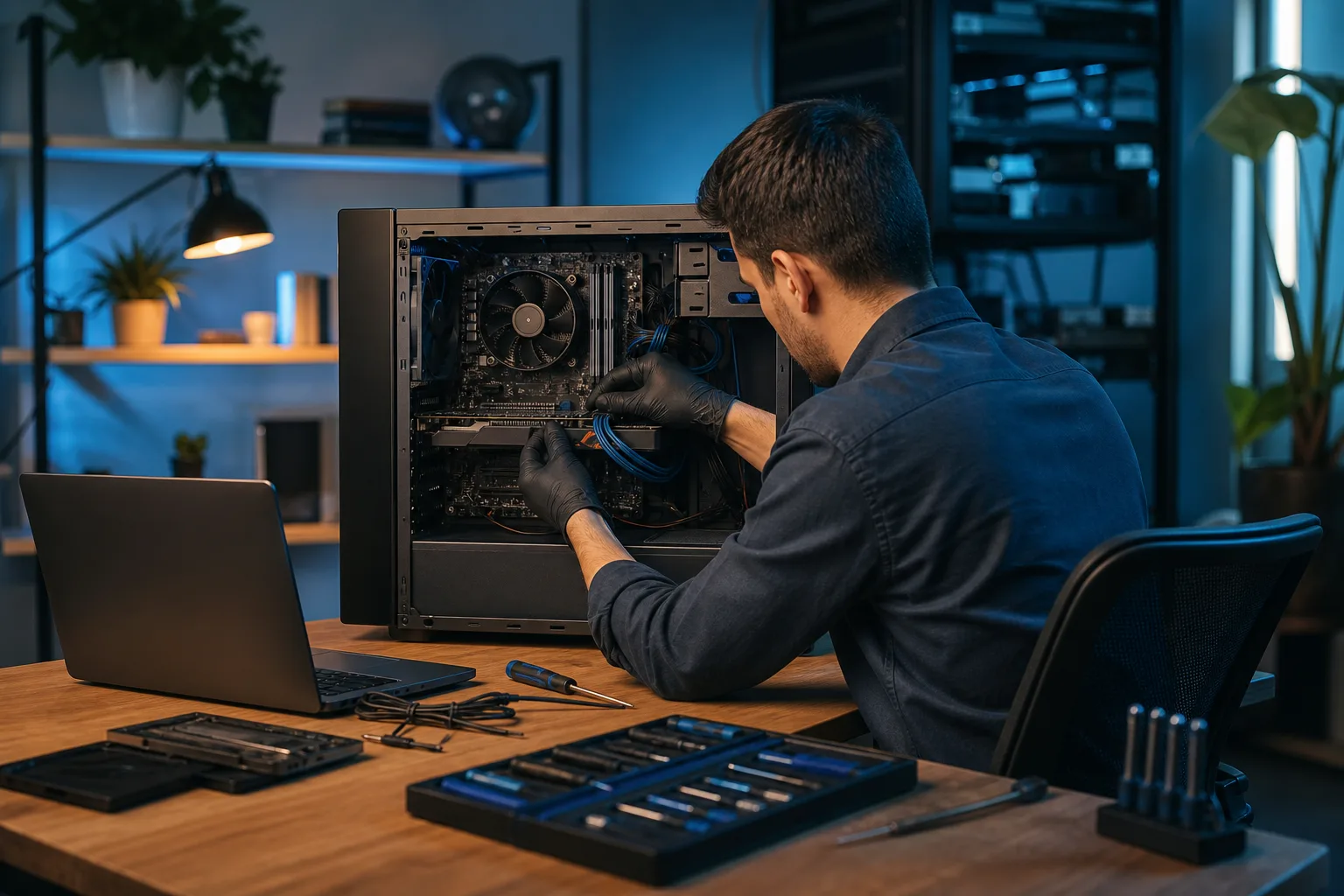
3. Hardware Repairs and Upgrades
Not all hardware work needs a shop bench. A surprising amount can be done right at your desk.
What's typically on-site-friendly:
- RAM upgrades and replacements
- SSD and hard drive swaps (including cloning your existing drive so you keep everything)
- Power supply replacements in desktop towers
- GPU swaps in desktops
- External peripheral troubleshooting (monitors, keyboards, docking stations)
- Basic port and connection diagnostics
What usually requires a shop visit:
- Soldered components on modern laptops (RAM, storage chips on the motherboard)
- Screen replacements that need a clean environment and specific tools
- Motherboard-level repairs or micro-soldering
For laptop-specific hardware issues, our laptop repair page explains the process in detail. Mac users can find similar information on the Mac repair page.
4. Wi-Fi and Home Networking Problems
"My internet is slow" is one of the most frustrating tech complaints because there are so many possible causes. A tech visiting your home can actually walk the space, check signal strength at different points, inspect your router and modem setup, and trace the real problem.
Common on-site networking fixes:
- Diagnosing whether the issue is the ISP, the router, or the device
- Reconfiguring router settings for better performance and security
- Identifying dead zones and recommending or installing a mesh system
- Securing your Wi-Fi network (default passwords and outdated firmware are extremely common)
- Setting up network-attached storage or shared printers
If your home doubles as a workspace and you need something more structured, take a look at business networking. Those same principles apply at a home office level.
Computer acting up? Get a real diagnosis. Book a free diagnostic
5. Software Setup and Configuration
Sometimes the hardware is fine but everything is just set up wrong. Printers that won't connect, email clients that keep crashing, software that won't activate, Windows updates stuck in a loop. These are all solvable on-site.
A tech can handle:
- Fresh Windows or macOS installations (if needed and your data is backed up)
- Printer and peripheral setup
- Email configuration (including Microsoft 365 and Google Workspace accounts)
- Transferring files from an old machine to a new one
- Setting up automatic backups so this never becomes a crisis again
Speaking of backups: if your data isn't backed up right now, that's the most important thing to fix before anything else. Our backups and disaster recovery page explains the approach we use, and the same logic applies to home users.
6. Data Recovery (Before It Gets Worse)
If a drive is failing or a machine won't boot, time matters. The longer a failing drive runs, the worse the recovery odds get. An on-site tech can assess the situation quickly.
On-site data recovery options include:
- Cloning a failing drive before it gets worse
- Recovering files from a machine that won't boot into Windows
- Pulling data off a machine with a failed OS but a healthy drive
If the drive has physically failed (clicking, grinding, or completely undetected), that typically requires specialized clean-room recovery services that no on-site visit can replicate. A tech can tell you quickly which situation you're in and give you honest options.
7. Remote Support: The Fastest Kind of At-Home Repair
This one surprises people. A lot of at-home computer repair doesn't require anyone to show up at all.
Remote support lets a tech connect to your machine securely over the internet, see exactly what you're seeing, and fix it in real time. It works well for:
- Software issues and configurations
- Malware removal (in most cases)
- Email and account setup
- Performance tuning
- Explaining what's wrong and walking you through it
It's faster than scheduling a house call, and you're there watching the whole time. Nothing happens on your machine that you can't see. Our remote support page has the details on how to get connected.
For problems that are clearly hardware-related (machine won't power on, screen is cracked, drive is making noise), you'll need either an on-site visit or a drop-off. But for the majority of software and configuration issues, remote is the quickest path.
8. Setting Up New Devices the Right Way
New computer, new phone, new tablet. Setup sounds simple until you're two hours in and nothing is syncing right. An on-site tech can set up a new machine properly from the start.
This includes:
- Transferring data and settings from the old machine
- Installing and activating software
- Configuring security (antivirus, firewall, strong passwords, two-factor authentication)
- Making sure your files are backed up to a second location
- Showing you how everything works before they leave
If you're setting up a new machine for a small business, managed IT or a one-time setup call through business IT services might make more sense than a consumer house call.
Bottom Line
At-home computer repair covers more than most people expect. Slowdowns, malware, hardware upgrades, networking problems, software configuration, data recovery prep, and full device setup are all fair game for an on-site visit or a remote support session.
The honest answer to "can this be fixed at home?" is: usually yes, for the most common problems. The exceptions are physical damage that needs a clean shop environment, failed storage that needs professional recovery equipment, and component-level repairs on tightly packed modern laptops.
If you're in West Palm Beach or anywhere in South Florida and you're not sure which situation you're in, the fastest move is to reach out and describe what's happening. A quick conversation usually makes the path forward obvious, and there's no obligation to figure it out alone.
Computer acting up? Get a real diagnosis.
Fix My PC Store has repaired thousands of machines across West Palm Beach. Free diagnostics, honest pricing, no upsell games.
Frequently asked questions
What kinds of computer problems can be fixed at home without a shop visit?
Most software issues, slowdowns, malware infections, Wi-Fi problems, and hardware upgrades like RAM or SSD swaps can be handled on-site. Remote support sessions also cover a wide range of software and configuration problems without anyone coming to your door. Physical damage, screen replacements, and motherboard-level repairs usually need a shop environment.
Is remote computer repair safe? Can the tech see my personal files?
Remote support uses encrypted connections and requires your permission to start every session. You can see everything the tech does on your screen in real time, and the session ends the moment you close it. A reputable tech won't access anything unrelated to the problem being fixed.
How long does an at-home computer repair visit typically take?
It depends on the problem. Performance tune-ups, malware removal, and software setup often take one to two hours. Hardware swaps like an SSD upgrade with data cloning can take two to three hours. A tech can usually give you a time estimate once they know what the issue is.
Do I need to back up my data before a tech visits?
Ideally yes, especially if the issue involves a failing drive or a potential OS reinstall. If you don't have a backup, tell the tech before they start and ask them to help you create one first. Skipping this step is the most common reason people lose files during repairs.
Can a tech fix a Mac at home, or only Windows PCs?
Most experienced repair techs can work on both Macs and Windows machines on-site. macOS has its own diagnostic tools and repair considerations, but software issues, slow performance, and hardware upgrades on compatible Mac models are all doable in a home visit. Check the Mac repair page for specifics on what's supported.
What should I have ready before a tech comes to my home?
Know your Wi-Fi password, have your computer login credentials handy, and try to write down exactly what the problem is and when it started. If you have any error messages or screenshots, those help a lot. The more specific you can be, the faster the visit goes.