
Cracked Phone Screen: Repair, Replace, or Live With It
A cracked screen isn't automatically a death sentence for your phone, but ignoring it can turn a cheap fix into an expensive disaster. Here's how to figure out your best move before you waste money on the wrong one.
TL;DR: A small crack you can live with. A shattered screen with touch issues or bleeding pixels needs a repair, fast. If the phone is already old and broken inside, replacement might be the smarter dollar. Here's how to tell which situation you're in.
What You Need
Before you decide anything, gather this information. Don't skip it. People come into the shop every week having already paid for something they didn't need.
- The phone model and age. Knowing your exact model matters because repair costs vary wildly.
- A working backup. If you don't have one, stop everything and make one right now. A cracked screen can fail completely without warning.
- Your carrier or manufacturer warranty status. Check it. Some people have coverage they forgot about.
- A rough idea of what the phone is worth used. Look it up on eBay, sold listings. Be honest with yourself.
- Time to actually assess the damage. Five minutes of looking carefully beats an hour of regret later.
Step 1: Assess the Actual Damage Honestly
Not all cracked screens are the same animal. There's a big difference between a hairline crack in one corner and a phone that looks like it lost a fight with a parking lot.
Category A: Surface crack only. The glass has a crack but the display underneath is fine. Colors look normal. Touch still works everywhere. No black spots, no pink lines, no flickering. This is the best-case scenario.
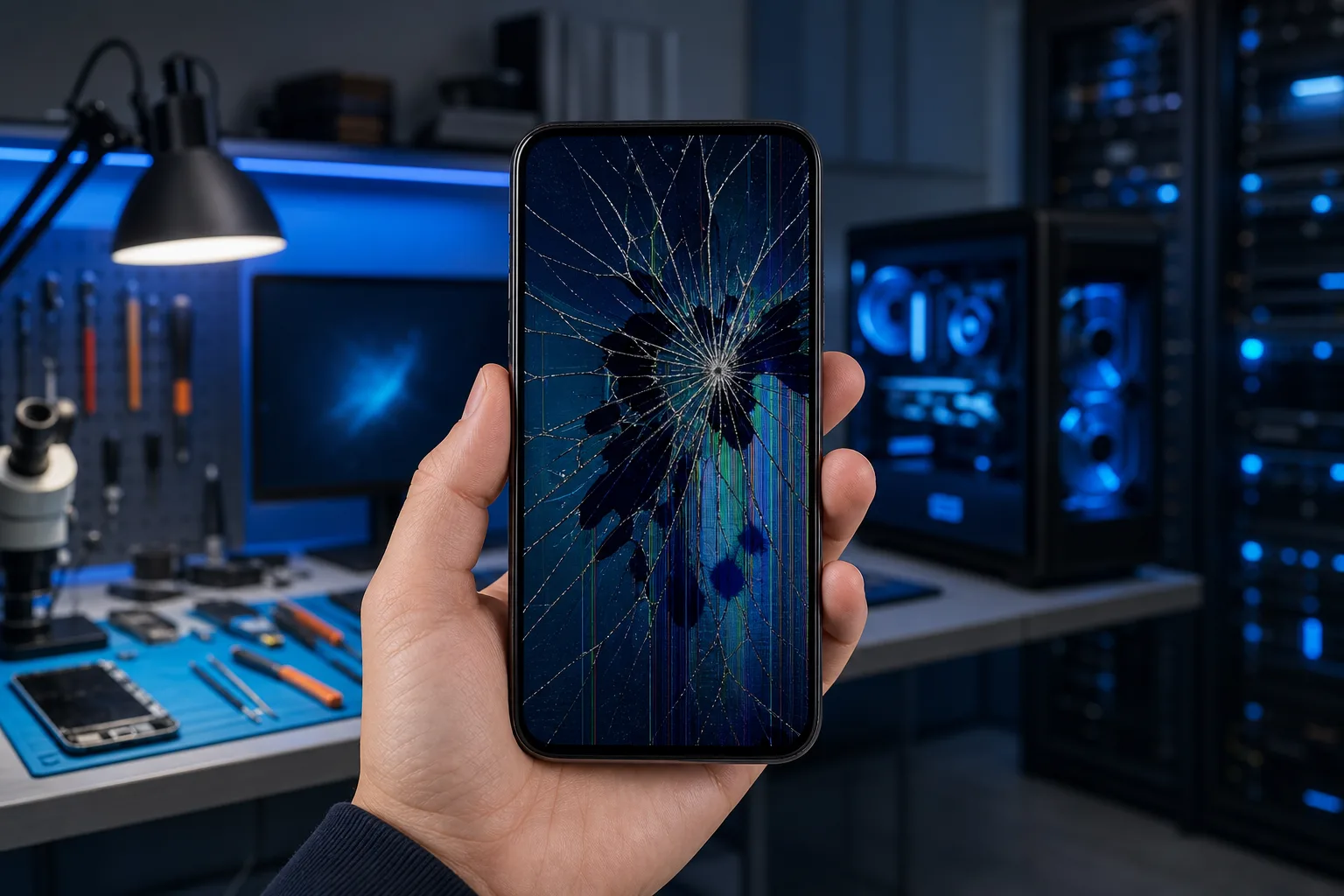
Category B: Damaged digitizer or display. Touch stops working in spots. The screen has dead zones. Colors look washed out, there's a black ink bleed spreading from the crack, or you see pink or green lines. This is a functional problem, not just a cosmetic one. It will get worse.
Category C: Phone took additional damage. The phone bounced. It got wet afterward. The back glass is also cracked. The frame is bent. Now you're not just dealing with a screen, you're dealing with a phone that may have internal damage too.
Be honest about which category you're in. (I've seen people convince themselves they're in Category A when they're clearly in Category C. The phone doesn't care about your optimism.)
Step 2: Back Up the Phone Before You Do Anything Else
Seriously. Right now. Before you read the next sentence.
If the screen still works well enough to operate the phone, back up everything to iCloud, Google Photos, or your computer. A cracked screen can go from "annoying" to "completely unresponsive" the next time it gets bumped. If that happens before you back up, recovering your data gets complicated and expensive.
This applies especially if you're heading to get it repaired or considering a trade-in. Shops and carriers are not responsible for your data. That's on you.
If the screen is already unresponsive and you can't back up normally, bring it in. There are ways to work around it but it depends on the device and situation.
Step 3: Get a Real Repair Quote First
Do not make a decision without knowing what the repair actually costs. People either assume it's too expensive without checking, or they assume it's cheap and get surprised.
For iPhones, Apple's out-of-warranty screen repair prices are published and tend to be the most reliable option for newer models. Older iPhones are often cheaper to fix at a reputable independent shop. For Android phones, it varies enormously depending on the brand. A Samsung Galaxy S series screen replacement is not the same price or complexity as a budget Android phone.
Get a quote from a real repair shop. Not a mall kiosk staffed by someone who learned off YouTube last Tuesday. (No offense to YouTube. Some offense to that specific kiosk.)
A trustworthy shop will tell you upfront what the repair costs, what parts they use, and whether there are any other problems worth knowing about. If someone quotes you a price over the phone without asking what model you have, that's already a bad sign.
You can schedule a repair here if you want us to take a look.
Cracked screen or a phone that won't hold a charge? Get a repair quote
Step 4: Compare the Repair Cost Against the Phone's Value
Here's the math that matters.
Take the used value of your phone in good condition (eBay sold listings, Swappa, whatever). If the repair cost is less than 50% of that number, repair is usually the right call. If the repair cost is pushing 70-80% or more of what the phone is worth, you're in replacement territory.
Example: Your phone is worth $300 used in good shape. Screen repair is $120. Repair it. Easy.
Example: Your phone is worth $150 used. Screen repair is $160. Buy a different phone.
There are exceptions. If the phone is two years old and otherwise in great condition, repairing it and keeping it another two years makes sense even if the math is close. If the phone was already struggling before the screen cracked, that's a different story.
Step 5: Factor in the Phone's Age and Condition
A cracked screen on a two-year-old phone in otherwise good shape: repair it.
A cracked screen on a five-year-old phone that also has a dying battery, slow performance, and doesn't get security updates anymore: this is the phone telling you it's done. Don't throw repair money at it.
Security updates matter more than people realize. If your phone hasn't gotten a software update in over a year, it's increasingly exposed to known vulnerabilities. That's not fearmongering, that's just how software security works. (If you want to understand why this matters beyond your phone, the same logic applies to any device on your network. Our business cybersecurity page gets into it for the business side of things.)
For the average person in West Palm Beach or the Treasure Coast: if your phone is over four years old and needs a significant repair, the money is usually better spent toward a replacement.
Step 6: Decide Whether You Can Actually Live With It
For a surface crack in a corner that doesn't affect function, yes, you can live with it. Slap a screen protector over it to keep the crack from spreading and the glass from flaking. Done.
Do not attempt to live with:
- A spreading crack near the edges. It will reach the display.
- Touch dead zones. You'll miss calls, fail to type passwords, and generally be annoyed until you cave.
- Pixel bleed or discoloration. That's the display dying slowly. It won't stop on its own.
- Exposed glass edges. South Florida heat and humidity will accelerate damage, and sharp glass edges are a genuine cut hazard.
If you're using a cracked phone for business, there's also the embarrassment factor. (Clients notice. I'm just saying.)
Common Mistakes
Using packing tape or screen protectors to hold a shattered screen together long-term. This is a temporary measure for one day, not a repair strategy.
Buying a cheap screen repair from someone without a warranty on their work. If the replacement screen fails in two weeks, where do you go? Nowhere. Get a warranty in writing.
Assuming manufacturer repair is always the best option. Sometimes it is. Sometimes a reputable independent shop does the same quality work for significantly less. Ask both.
Waiting too long. A small crack grows. Moisture gets in. The digitizer starts failing. What was a $100-150 fix becomes a more involved and expensive one. South Florida humidity is not your phone's friend.
Not checking AppleCare or insurance first. If you have AppleCare+, a cracked screen costs a flat fee, not full replacement price. Same with phone insurance through your carrier. Check before you pay out of pocket.
Trading in or selling a cracked phone without disclosing it. This is dishonest and the buyer will notice. It also often makes more sense to repair before trade-in if the repair cost is less than the trade-in value hit you'd take.
For anything that's not a phone, including tablets, laptops, and desktops, the same principles apply. You can read more about how we approach those decisions on our laptop repair page.
Bottom Line
A cracked screen is a decision, not an emergency, as long as you treat it that way and don't let it sit until it becomes one.
Assess the damage honestly. Back up the phone before anything else. Get a real quote from a shop that will tell you the truth. Run the numbers against the phone's actual value and age. Then decide.
If the phone is worth fixing, we fix phones at Fix My PC Store. If it's not worth fixing, we'll tell you that too. (We'd rather you walk out with good advice than a repaired phone that dies in six months anyway.)
If you've got questions or want us to take a look before you commit to anything, get in touch. We're in West Palm Beach and we've seen every version of this situation. Bring it in.
Cracked screen or a phone that won't hold a charge?
Bring it in. Most phone and tablet repairs are same-day, with parts that actually last.
Frequently asked questions
Is it safe to keep using a phone with a cracked screen?
It depends on the damage. A small surface crack away from the display is usually fine short-term. If the touch stops working in spots, you see pixel bleed or dark spots spreading, or there are exposed sharp glass edges, stop using it as-is and get it looked at. South Florida humidity will make existing damage worse faster than you'd expect.
How much does phone screen repair cost in West Palm Beach?
It varies by device. Older iPhones and budget Android phones tend to run less than flagship models. Newer Samsung Galaxy screens and current iPhone Pro models are more expensive to source and replace. The only way to get an accurate number is to bring it in or call with your exact model. Anyone who quotes you a firm price without knowing the model is guessing.
Should I check my AppleCare or phone insurance before paying for a repair?
Yes, always check this first. AppleCare+ covers cracked screens for a flat service fee that is typically much lower than the out-of-warranty repair price. Many carrier insurance plans also cover screen damage with a deductible. Pull up your plan details before you pay anything out of pocket.
Can a cracked screen make my phone less secure?
Indirectly, yes. If the crack damages the Face ID sensor or fingerprint reader, those security features may stop working reliably, leaving you relying on a PIN alone. A severely cracked screen can also behave erratically, occasionally registering phantom touches, which is a problem if something sensitive is on screen. Fix functional damage promptly.
Will a screen protector stop a crack from spreading?
A tempered glass screen protector applied over a small existing crack can help hold things together and slow the spread, but it is not a repair. It buys you time. If the crack is already near the edges of the display or you have any functional issues, a protector will not fix those. It is a temporary measure, not a solution.
What if my phone screen is cracked and the phone won't turn on?
That suggests you may have more going on than just a cracked screen, possibly battery damage or internal damage from the same impact. Bring it in for a diagnosis before assuming the worst. Sometimes it is a coincidence and sometimes the drop caused multiple problems. A proper diagnosis tells you what you are actually dealing with before you spend any money.