
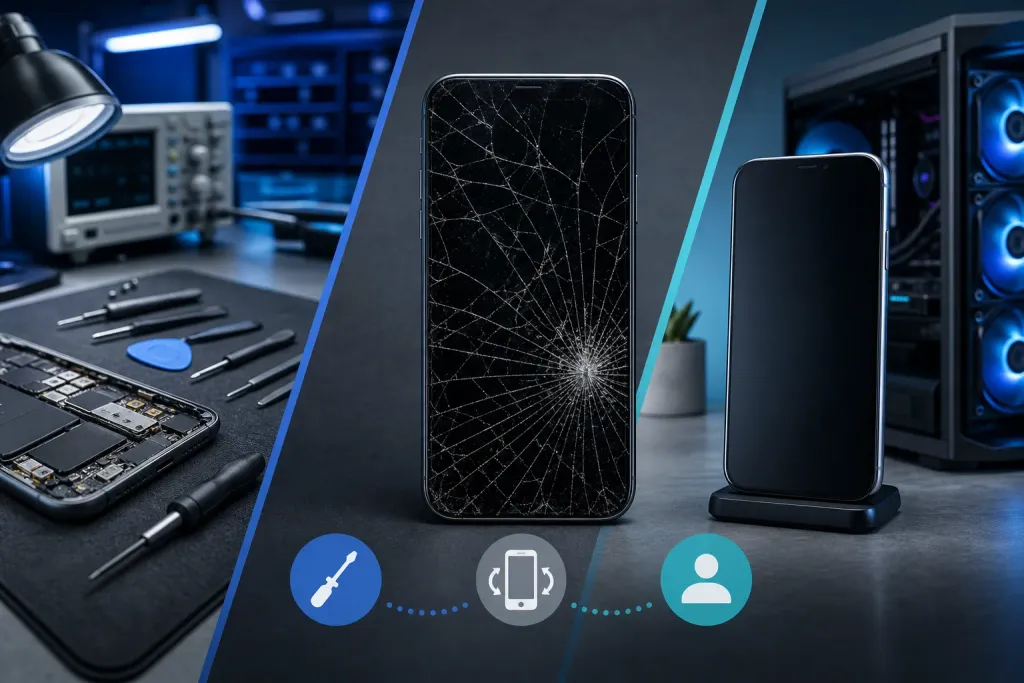
Cracked Phone Screen: Repair, Replace, or Live With It
A cracked screen doesn't always mean a trip to the repair shop right away, but sometimes it does. This guide walks you through exactly how to assess the damage, weigh your options, and make the smartest call for your phone and your budget.
TL;DR: A hairline crack on the glass alone is often fine to monitor. A shattered display, unresponsive touch, or damaged edges can hurt your fingers and your data. Run through this checklist before spending a dime or signing up for a new phone contract.
What You Need
Before you decide anything, grab these items:
- Good lighting (a lamp or bright window works great)
- A clean microfiber cloth
- A piece of clear packing tape (temporary, just for the assessment)
- 5 to 10 minutes of focused attention
- Your phone's model name (find it in Settings > About Phone or About This iPhone)
You do not need any tools yet. This is purely a damage assessment phase.
Step 1: Figure Out Exactly What Broke
Not all cracks are equal. A phone screen is actually two or three layers stacked together, and which layer broke changes everything.
The outer glass (digitizer glass). This is the hard protective layer on top. Cracks here look spidery or sharp. The display underneath may still look perfect.
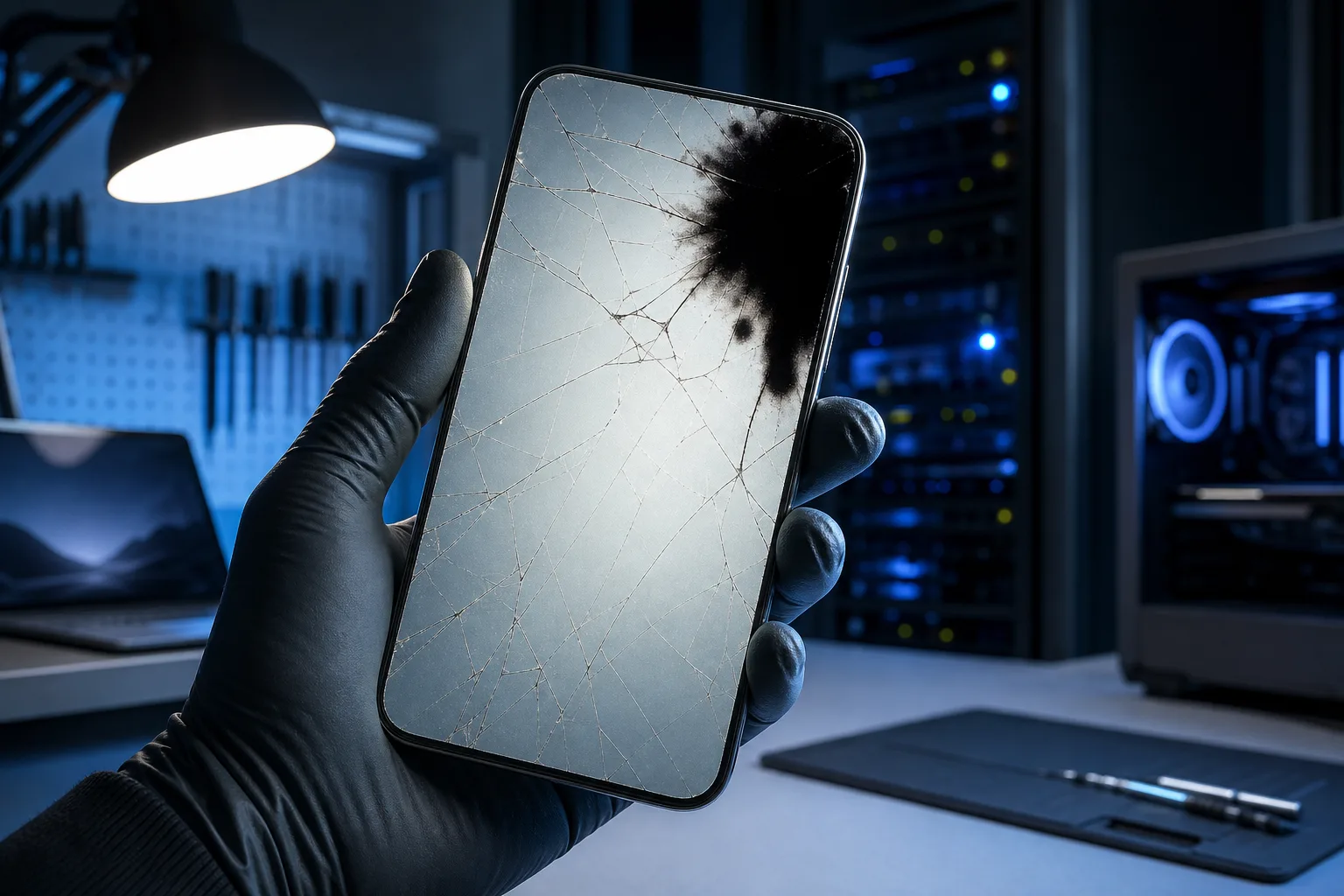
The LCD or OLED display panel. This lives just below the glass. If you see black spots, blotchy color, bleeding ink-like patches, or dead zones, this layer is damaged.
The touch sensor. This can fail independently. Tap a few different areas of the screen. Does it respond everywhere, or are some spots dead?
Hold the phone up to light at an angle. Look at the crack closely. Is the screen still bright and clear, with only surface damage? Or do you see discoloration and dark patches spreading from the crack?
Write down what you see. You will need this information in every step that follows.
Step 2: Check for Hidden Dangers
Some cracked screens create risks you might not notice right away. Check each of these:
Sharp edges. Run a fingernail gently along the crack. If glass is lifting or spiking up, cover it with clear packing tape right now. Exposed glass edges cause cuts, and small glass fragments can work their way into your fingertips or face over time.
Moisture entry points. Most modern phones have some level of water resistance, but a cracked screen breaks that seal instantly. In South Florida, where humidity is high and afternoon rain is basically a daily event, a cracked screen becomes a water intrusion risk almost immediately.
Battery swelling. A drop hard enough to crack a screen can also stress the battery. Look at the back of the phone. Does it bow outward even slightly? Press lightly on the center of the back panel. Any flex or sponginess is a warning sign. A swollen battery is a fire hazard. Stop using the phone and get it looked at.
Camera and speaker functionality. Open the camera app and take a test photo. Make a quick voice memo or call and check audio. Damage from a bad drop can reach beyond the screen.
Step 3: Rate the Damage on a Simple Scale
Use this three-level framework to guide your decision:
Level 1: Surface crack only
The display looks fine. Touch works everywhere. No sharp edges. No bleeding or dead spots.
You can likely live with this for a while with a good screen protector applied on top. A quality tempered-glass protector can stabilize minor cracks and prevent them from spreading. This is the one situation where waiting is genuinely reasonable.
Level 2: Display damage or partial touch failure
You see discoloration, dark spots, or some screen areas not responding. The phone still turns on and you can access most functions.
This is repair territory. The longer you wait, the worse the damage can spread, especially with heat and pressure from daily use in a warm climate like South Florida. A display replacement is almost always cheaper than a new phone.
Level 3: Major structural damage, black screen, or safety concerns
The phone won't turn on, the screen is completely black, glass is lifting dangerously, or the battery seems swollen.
This needs professional attention today. Do not charge a phone with a damaged battery. Back up your data immediately if the phone still partially functions. You can find options for iPhone and iPad screen repair rather than jumping straight to a replacement.
Cracked screen or a phone that won't hold a charge? Get a repair quote
Step 4: Get a Real Repair Estimate Before Deciding
Do this before you do anything else financially. Repair costs vary widely depending on:
- Phone brand and model (newer flagship screens cost more)
- Whether it is just the glass or the full display assembly
- Who does the repair (manufacturer, local shop, or mail-in service)
A local repair shop will usually give you a free or low-cost estimate with no obligation. That number changes everything about your decision.
Here is a rough mental framework:
- If the repair costs less than 30 to 40 percent of what the phone is worth, repair is almost always the smarter move.
- If the repair approaches or exceeds the phone's value, replacement becomes worth considering.
- If you were already thinking about upgrading, a cracked screen is a reasonable nudge, but do not let the urgency push you into a bad deal.
Also ask about turnaround time. A good local shop in West Palm Beach should be able to give you a same-day or next-business-day estimate for most popular models.
Step 5: Back Up Your Data Right Now
Seriuosly, do this before anything else. Before any repair. Before any store visit. Before you decide anything.
Why? Screens can fail completely during repair if the display was already compromised internally. It is rare, but it happens. A technician opening a phone is not the cause, the underlying damage was already there.
On iPhone: Go to Settings > [Your Name] > iCloud > iCloud Backup > Back Up Now. Connect to Wi-Fi first.
On Android: Settings > Google > Backup > Back Up Now is the standard path, though it varies by manufacturer.
If the screen is too damaged to navigate, this is urgent. Bring it to a repair shop and explain the situation before any work begins. Ask them if data recovery is possible first. You can also ask about remote support options for walking through a backup if your screen still partially functions.
For guidance on why backups matter even for personal devices, Google's support page on Android backup and Apple's iCloud backup documentation are both worth a quick read.
Step 6: Apply a Temporary Protector If You Are Waiting
If you have decided to wait a few days before getting the repair done, protect the screen now.
Clean the surface gently with a dry microfiber cloth. Apply a tempered-glass screen protector over the crack. This does two things: it prevents the crack from spreading under daily finger pressure, and it keeps glass fragments in place so they do not cut you.
Avoid liquid screen protectors on a cracked screen. They can seep into the cracks and damage the display layer underneath.
Keep the phone out of direct sun and hot cars. Heat accelerates display damage, and South Florida summers make this especially relevant.
Common Mistakes
Waiting too long on a Level 2 crack. What starts as a cracked display can become a completely dead screen within weeks of normal use. The repair cost usually goes up, not down, the longer you wait.
Skipping the backup. This one gets people every time. If something goes wrong during repair, and it is rare but possible, you want your contacts, photos, and apps safely stored somewhere else.
Assuming the manufacturer is the only option. Apple and Samsung authorized repairs are solid, but a reputable local shop often costs less and turns around faster. The key word is reputable. Check Google reviews and ask about warranty on parts.
Trying a DIY repair without experience. Phone screens are precise, fragile assemblies. A wrong tool or wrong angle can damage the display, the battery connector, or the face ID sensor permanently. DIY kits exist, but the margin for error is thin on modern devices.
Not asking about the warranty on parts. Any repair shop worth trusting should warranty their work. Ask specifically: how long is the warranty, and what does it cover if the screen fails again?
Ignoring a swollen battery. If you see any back panel bulging, stop using the phone immediately. A swollen lithium battery can rupture. This is not a wait-and-see situation.
Bottom Line
A cracked screen is not automatically a crisis, but it is not something to ignore either. The answer really does depend on which layer broke, what your phone is worth, and what a repair actually costs.
Run through the steps above and you will have a clear picture in about ten minutes. If you are in the West Palm Beach or South Florida area and want an honest, no-pressure assessment, book a time with the team at Fix My PC Store. We handle everything from quick screen evaluations to full display replacements, and we will tell you straight whether repair makes sense or not.
Not sure if it is worth a trip in? You can also start with a remote support session to talk through what you are seeing and get an idea of your options before you leave the house.
Cracked screen or a phone that won't hold a charge?
Bring it in. Most phone and tablet repairs are same-day, with parts that actually last.
Frequently asked questions
Is it safe to keep using a phone with a cracked screen?
It depends on the type of crack. A hairline surface crack with no display damage or sharp edges is usually safe short-term with a screen protector on top. If glass is lifting, the touch is failing, or you see display bleeding, stop using it without protection and get it assessed soon.
How much does a cracked phone screen repair typically cost?
Costs vary significantly by model and damage level. A basic Android display replacement might run much less than an iPhone Pro display assembly. Getting a free or low-cost estimate from a local repair shop before committing is the best way to get an accurate number for your specific phone.
Can a cracked screen spread or get worse on its own?
Yes. Daily pressure from typing, temperature changes, and humidity can all cause a crack to spread. In a warm, humid climate like South Florida, this happens faster than people expect. A tempered-glass screen protector slows the spread, but it does not stop it permanently.
Will my data be safe during a screen repair?
A professional repair shop should not need to access your personal data to replace a screen. That said, always back up your phone before any repair as a precaution. If the display was already internally compromised, there is a small chance it could fail completely during the process.
Does a cracked screen void my phone's warranty?
Physical damage like a cracked screen typically voids the manufacturer's warranty for that specific damage. It does not necessarily void warranty coverage for unrelated hardware defects, though policies vary. AppleCare+ and some carrier plans do cover accidental damage for a fee.
How do I know if my phone's LCD or OLED panel is damaged, not just the outer glass?
Look for dark spots, blotchy or washed-out color, ink-like patches spreading from the crack, or lines across the display. These are signs the panel itself is damaged, not just the surface glass. Surface-only cracks leave the display looking bright and clear with no color distortion.