Laptop performance service

    Laptop RAM & SSD Upgrades in West Palm Beach

    Get a model-specific upgrade plan before spending money on parts that may not fit, work, or solve the real slowdown.

    Service details reviewed July 2026

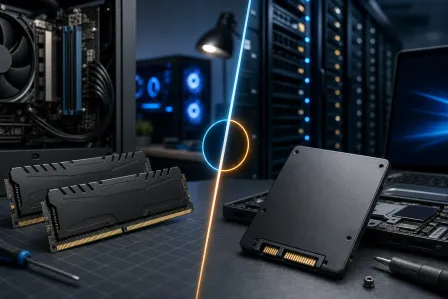
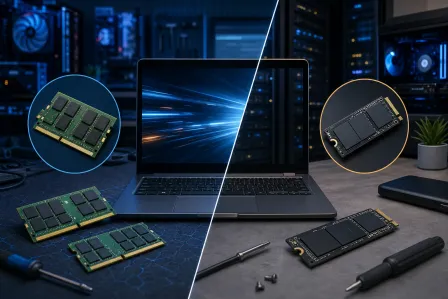
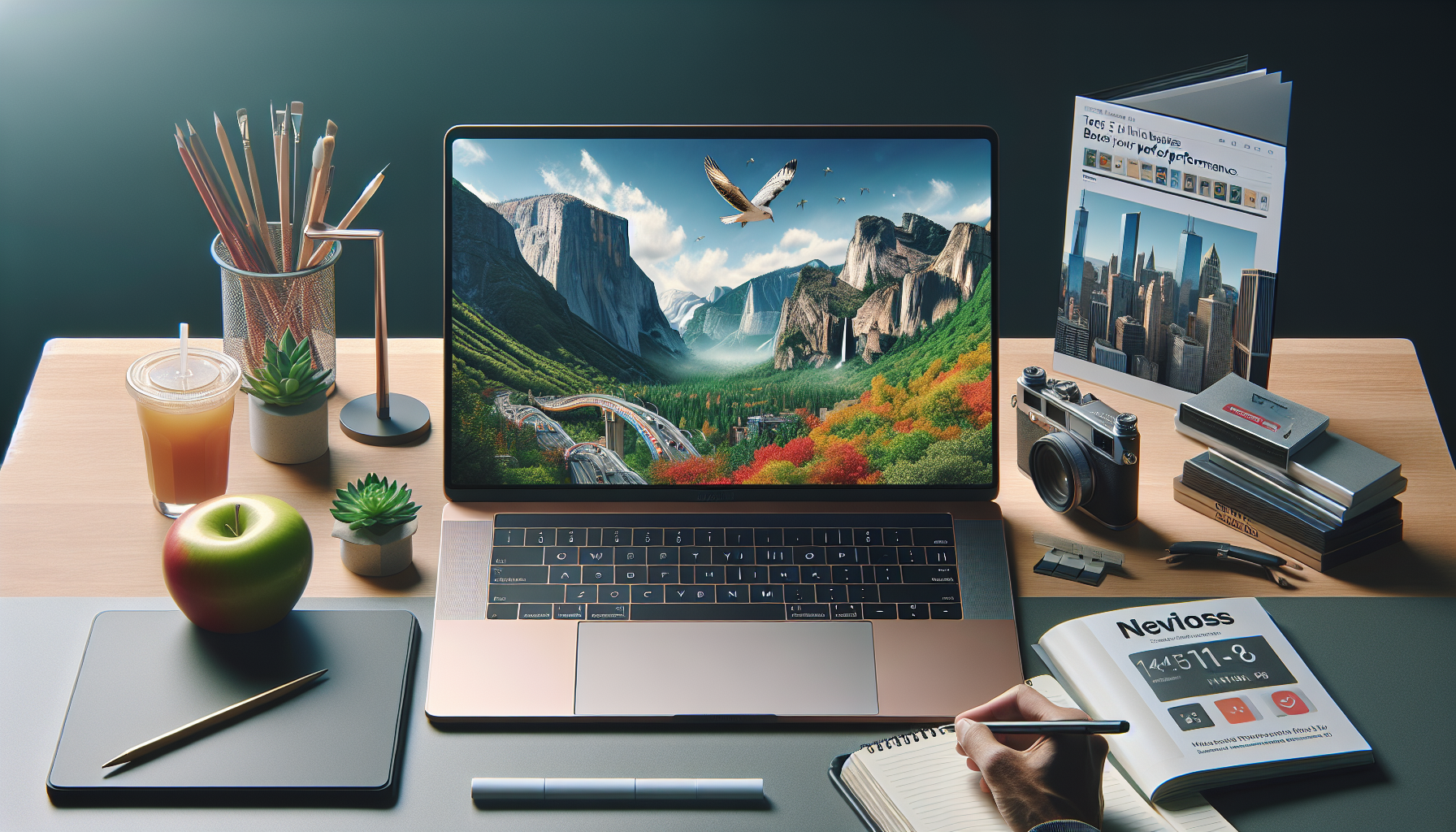
    Open unbranded laptop with a compatible memory module and NVMe solid-state drive on a repair mat
    Service illustration: compatibility is checked before a laptop is opened or parts are ordered. Original service illustration; no customer equipment is shown.

    Quick answer

    Fix My PC Store evaluates laptop RAM and SSD upgrades in West Palm Beach and Palm Beach County. We check model compatibility, storage health, memory use, cloning options, and expected benefit before quoting parts. Some thin laptops have soldered memory or storage, so we confirm what is actually serviceable first.

    Laptop performance service

    Signs an upgrade may be worth evaluating

    Slow does not always mean underpowered. We separate upgrade opportunities from software faults, failing hardware, and systems that are better replaced.

    Request service

    Frequent memory warnings or slow multitasking

    Long startup and application-loading times on a mechanical hard drive

    Not enough storage for photos, work files, or updates

    A healthy laptop that still meets your needs but feels constrained

    A drive that should be cloned before reliability gets worse

    Uncertainty about soldered RAM, M.2 sizes, interfaces, or capacity limits

    Scope before promises

    A careful laptop upgrade workflow

    The work is based on the exact model and current condition—not a one-size-fits-all parts list.

    1

    Compatibility assessment

    We identify the model, available slots, memory generation, drive interface, physical size, firmware, and realistic capacity options.

    2

    RAM installation

    For upgradeable laptops, we install compatible memory and run stability checks so a bad module or mismatch is caught before handoff.

    3

    SSD installation or cloning

    We can install a supported SATA or NVMe SSD and discuss clean setup versus cloning the existing system, subject to drive health and encryption.

    4

    Post-upgrade testing

    We verify boot, storage visibility, memory detection, updates, and the functions needed to confirm the approved work.

    Upgrade, repair, or replace the laptop?

    A RAM upgrade helps when memory pressure is the bottleneck. An SSD helps storage-bound startup and loading. Neither fixes a failing processor, damaged board, malware, thermal problem, unsupported operating system, or internet slowdown.

    We consider age, battery and hinge condition, supported operating systems, total repair cost, and how the laptop is used. On an older or heavily damaged system, putting the same budget toward a replacement may be the more responsible recommendation.

    What to know before data cloning

    Cloning can preserve the familiar Windows setup, applications, and files, but it also copies existing software problems. A failing or encrypted drive may require a different migration or recovery path. Back up irreplaceable files before any hardware service whenever possible.

    Parts are quoted after compatibility is confirmed. Bring the laptop and power adapter; if you already purchased memory or storage, bring the packaging and exact specifications. Customer-supplied parts are tested but may have different warranty terms.

    What to expect

    A clear path from symptom to next step

    We confirm the equipment, risk, and approved scope before making changes.

    1. Tell us the goal

      Call or request service with the model, symptoms, and the outcome you want.

    2. Bring it in or plan onsite

      We confirm whether the equipment should come to the shop or needs an onsite visit.

    3. Review the recommendation

      We explain findings, limits, parts or accounts needed, pricing, and likely timing.

    4. Approve and verify

      Only approved work proceeds, followed by testing and a practical handoff.

    Local help

    One West Palm Beach shop serving Palm Beach County

    Visit our storefront for evaluation or ask whether an onsite visit is appropriate. Availability, travel charges, equipment access, parts, and serviceability are confirmed for each request.

    10140 Okeechobee Blvd, Suite B
    West Palm Beach, FL 33411

    Monday–Friday 9 AM–6 PM · Saturday 9 AM–5 PM · Sunday closed

    Continue your research

    Related services with a different scope

    Questions people ask before booking

    Straight answers about scope, compatibility, cost factors, and realistic outcomes.

    Ready for a clear recommendation?

    Call the West Palm Beach shop or send the service request. We will confirm the right intake path and what to bring before you make the trip.