
Water-Damaged Phone: What to Do in the First Hour
TL;DR: Cut the power immediately, do not charge it or press buttons obsessively, and get it dry from the outside fast. The first hour is about stopping further damage, not fixing anything. If it does not power on cleanly after drying, bring it in before corrosion sets in permanently.
Your phone just went for a swim. Maybe it slipped into the pool. Maybe you fumbled it into the sink. Maybe a Florida afternoon storm ambushed you and your bag. Whatever happened, panic is understandable but unhelpful. What you do in the next 60 minutes matters more than anything a repair shop can do later.
Let's walk through it step by step.
What You Need
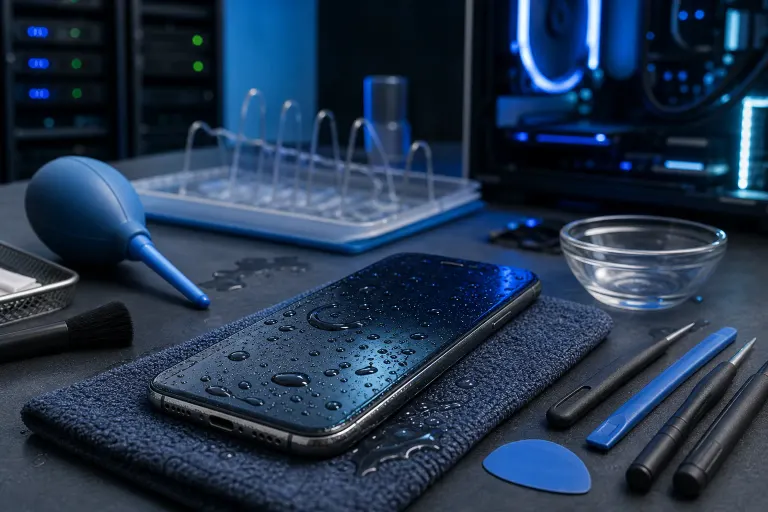
You probably have most of this already:
- A clean, dry lint-free cloth or paper towels
- A small container of 90%+ isopropyl alcohol (optional but helpful for port cleaning)
- A fan or air-moving device, NOT a hair dryer
- A small bowl of plain dry rice is NOT on this list (more on that below)
- Silica gel packets if you happen to have them, from a shoe box or supplement bottle
- A calm attitude and about 48 hours of patience
Step 1: Get It Out of the Water and Power It Off Immediately
Every second it stays submerged adds risk. Pull it out now.
If the screen is still on, power it off. Do not swipe around, do not try to save your last text, do not check if the camera still works. Just power it off.
Why? Because water conducts electricity. When your phone is powered on and wet internally, electricity follows the water and shorts out components that might otherwise survive just fine if they dried out. Keeping it on is how a salvageable situation becomes a paperweight.
On an iPhone, hold the side button and either volume button, then slide to power off. On Android, it varies by model, but most have a power button hold that brings up the shutdown option.
If it is already off when you find it, leave it off. Do not turn it on to check if it survived. That is the number-one mistake that kills otherwise recoverable phones.
Step 2: Remove Everything You Can
Pop off the case immediately. Cases trap water against the phone body and slow evaporation.
If your phone has a removable SIM tray, pop it out with the ejector tool or a paperclip. This opens a small path for air circulation and lets any trapped moisture near that port escape. Same goes for a removable battery if you happen to have an older Android model, though most modern phones do not.
Do not try to open the phone yourself unless you actually know what you are doing. Cracking the back to get at the internals without the right tools creates more problems than it solves.
If you have a microSD card slot, eject the card too. Cards can be damaged by moisture just like the phone itself, and your photos or data on that card may be your priority.
Step 3: Dry the Outside Properly
Grab your lint-free cloth and gently pat, not rub, the entire exterior. Get into the charging port, the headphone jack if your phone still has one, the speaker grilles, and the SIM tray slot.
Shake the phone gently with the ports facing down to encourage water to run out rather than sit inside.
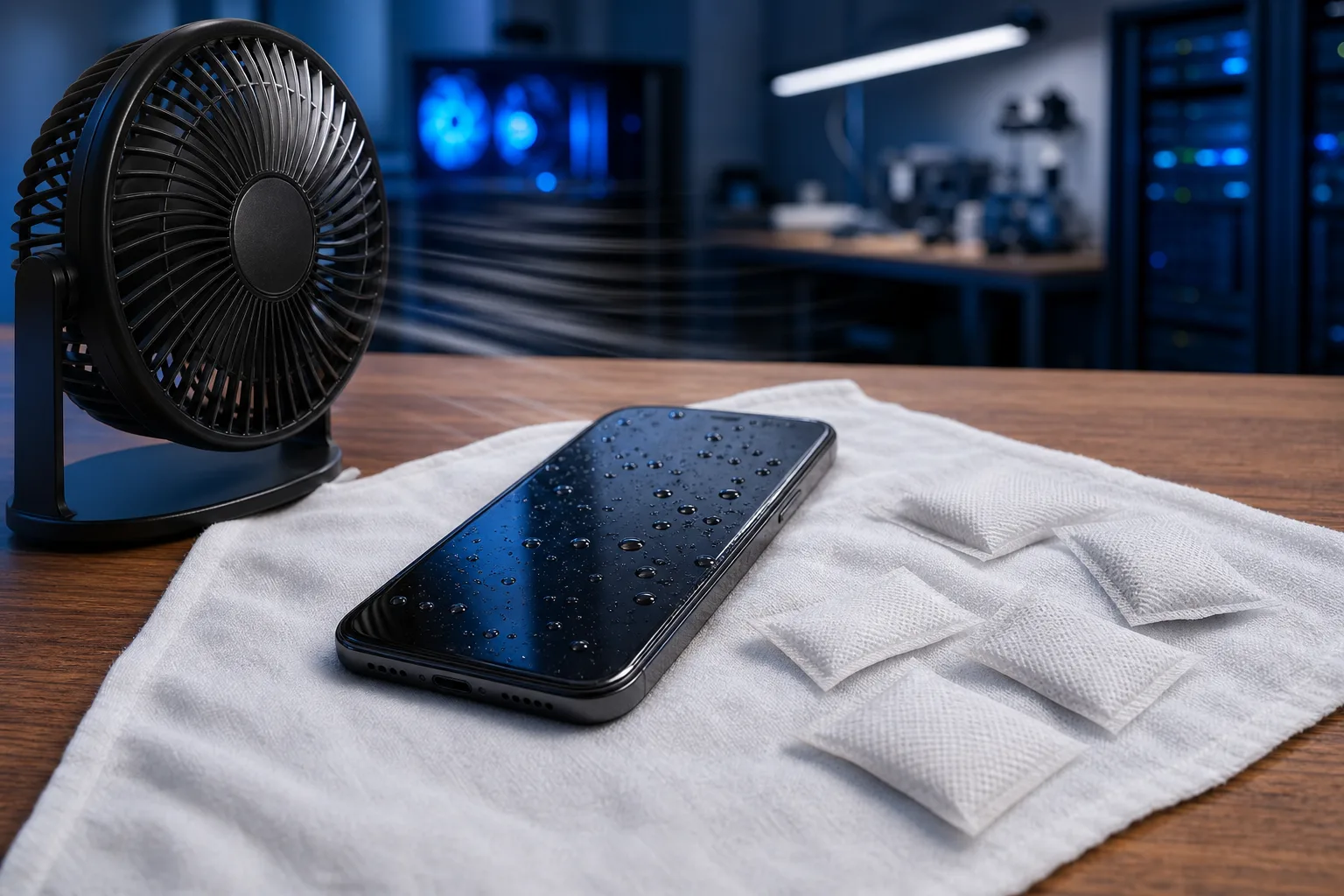
Then set it face-down on a dry cloth in front of a fan. Not a hair dryer. Not the oven. Not in a sealed Ziploc bag with rice. A fan. Moving air at room temperature is your best friend right now.
Hair dryers push heat into the device and can warp components or push water deeper inside. Rice is a myth we need to kill completely.
Cracked screen or a phone that won't hold a charge? Get a repair quote
Step 4: Skip the Rice. Use This Instead.
The rice trick is one of the most durable pieces of bad tech advice on the internet. Rice has mediocre absorbency at best. It does nothing to pull moisture out of sealed internal components, and it can leave starch dust in your ports.
What actually works better: silica gel packets. The kind that come in shoe boxes, vitamin bottles, and beef jerky bags. Toss a handful of them in a sealed container with your phone for 24 to 48 hours. Silica gel is a real desiccant, it was literally engineered to absorb moisture.
No silica gel on hand? The moving-air method still beats rice. Set the phone in a warm, dry room with a fan blowing across it and leave it alone.
Wait at least 48 hours before attempting to power it back on. Seriously. Most people wait two hours, get impatient, turn it on, and cause the short they were trying to avoid.
Step 5: Check the Liquid Damage Indicator
This is useful information for both you and any repair tech you bring it to.
iPhone: The LDI (Liquid Contact Indicator) is inside the SIM card slot. Pull the tray and shine a flashlight in there. It should be white or silver. If it is red or pink, water got in and triggered it.
Android: Placement varies by manufacturer. Many Samsung models have the indicator in the SIM tray slot as well. Check your model's documentation or search the model name plus "liquid damage indicator location."
Knowing whether the indicator has tripped does not change what you do in the next 48 hours, but it helps set expectations. A tripped indicator means water made it past the seals. That does not automatically mean the phone is dead, but it does mean internal damage is possible.
Step 6: Power On Carefully After 48 Hours
If you have waited the full 48 hours and the phone feels completely dry, plug it in briefly to give it a bit of charge (do not charge it while it is still potentially wet inside), then attempt to power it on.
Watch for these warning signs:
- Screen discoloration or lines where none existed before
- Distorted or muffled audio from speakers
- Touch screen that does not respond accurately
- Overheating with normal use
- Any smell of burning
If it powers on and seems fine, you are not necessarily in the clear. Corrosion builds slowly on circuit boards exposed to water, especially salt water or pool water which is chlorinated. Keep an eye on it for the next week.
If it does not power on at all, or any of those warning signs show up, stop and bring it in. Do not keep trying to turn it on. Repeated power attempts into a damaged board accelerate corrosion.
Our iPhone and iPad repair service covers water damage assessment, and we can often tell you within minutes whether a board repair or component replacement makes financial sense versus replacement.
Common Mistakes
Charging it immediately. We covered this, but it bears repeating. Power and water are enemies. Wait until it is genuinely dry inside.
Pressing every button to test it. Each button press can push water further into the device. Minimize interaction until it is dry.
Using a hair dryer or putting it in the oven. Heat warps components and pushes water inward. Room temperature moving air is the correct approach.
The rice container trick. Rice is not a desiccant. You are wasting 48 hours on a myth while actual damage progresses.
Waiting too long to bring it to a repair shop. Water damage is progressive. Corrosion on circuit boards worsens over days and weeks. A phone that might have been fixable Monday can be a loss by Friday. If it is not working after the drying period, do not sit on it.
Assuming IP68 means waterproof. IP ratings describe resistance under controlled lab conditions. Real-world drops into pools, sinks, or the ocean involve pressure, temperature variation, and often salt or chlorine that degrade seals over time. Your "waterproof" phone can absolutely be water-damaged.
If you had important data on the device and it is not recovering, do not forget that remote support options exist for pulling cloud-synced backups to a replacement device while your phone is being evaluated.
For business users, a single lost phone can expose sensitive email, files, or client data. If you are running a small business and a team member's device goes down, our business IT services team can help assess the exposure and get things back online quickly. It is also worth talking to us about backups and disaster recovery planning so a wet phone is an inconvenience, not a crisis.
Bottom Line
The first hour after water damage is about one thing: stopping active harm. Power off, dry the outside, pull the case and SIM tray, and put it somewhere with moving air. Skip the rice. Wait 48 hours before you even think about turning it back on.
If it comes back to life cleanly, great. Watch it for a week. If it does not, the sooner you bring it in, the better your odds. Corrosion does not wait around.
We are in West Palm Beach and work on iPhones, iPads, and Android devices. If your phone just took a swim, schedule a repair or stop by. Bring it in before corrosion makes the decision for you.
Cracked screen or a phone that won't hold a charge?
Bring it in. Most phone and tablet repairs are same-day, with parts that actually last.