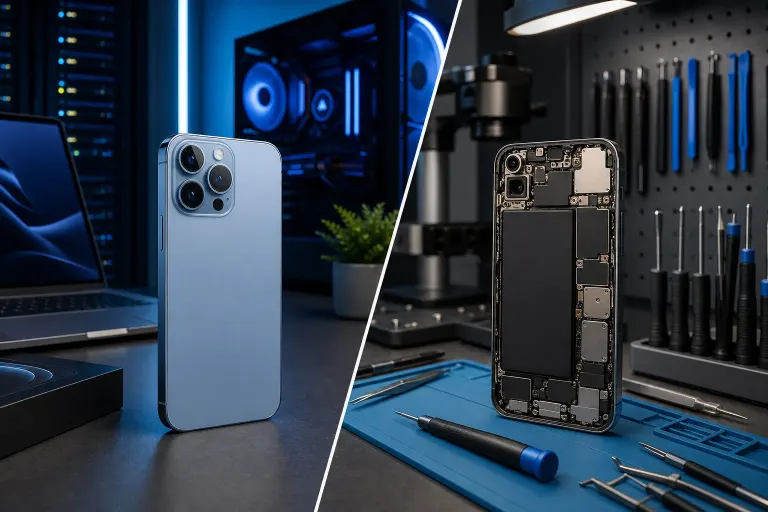
Upgrade to a New iPhone or Repair Your Current One?
TL;DR: Before replacing an iPhone, get a model-specific repair estimate and compare it with the full cost and benefits of a new device. The cases where upgrading wins are real but narrower than Apple's marketing suggests.
What You Need
- Your current iPhone (obviously)
- Your monthly phone bill or carrier upgrade details
- A rough idea of what's actually wrong with your phone
- About 10 minutes to work through this honestly
No special tools. No apps. Just a clear head and a willingness to be real with yourself about whether you "need" that new phone or just want it. Both are valid, but they lead to different decisions.
Step 1: Identify What Is Actually Wrong With Your Phone
Seriously. Write it down.
Is the screen cracked but functional? That's a repair job, not a replacement reason. Is the battery dying by 2 PM? Also a repair. Is the camera physically broken or just blurry because of a smudged lens? (Clean the lens first. You'd be surprised.)
Common fixable problems people mistake for "time to upgrade" signals:
- Battery draining fast. Battery service is available for many models; compare the current estimate with replacement cost.
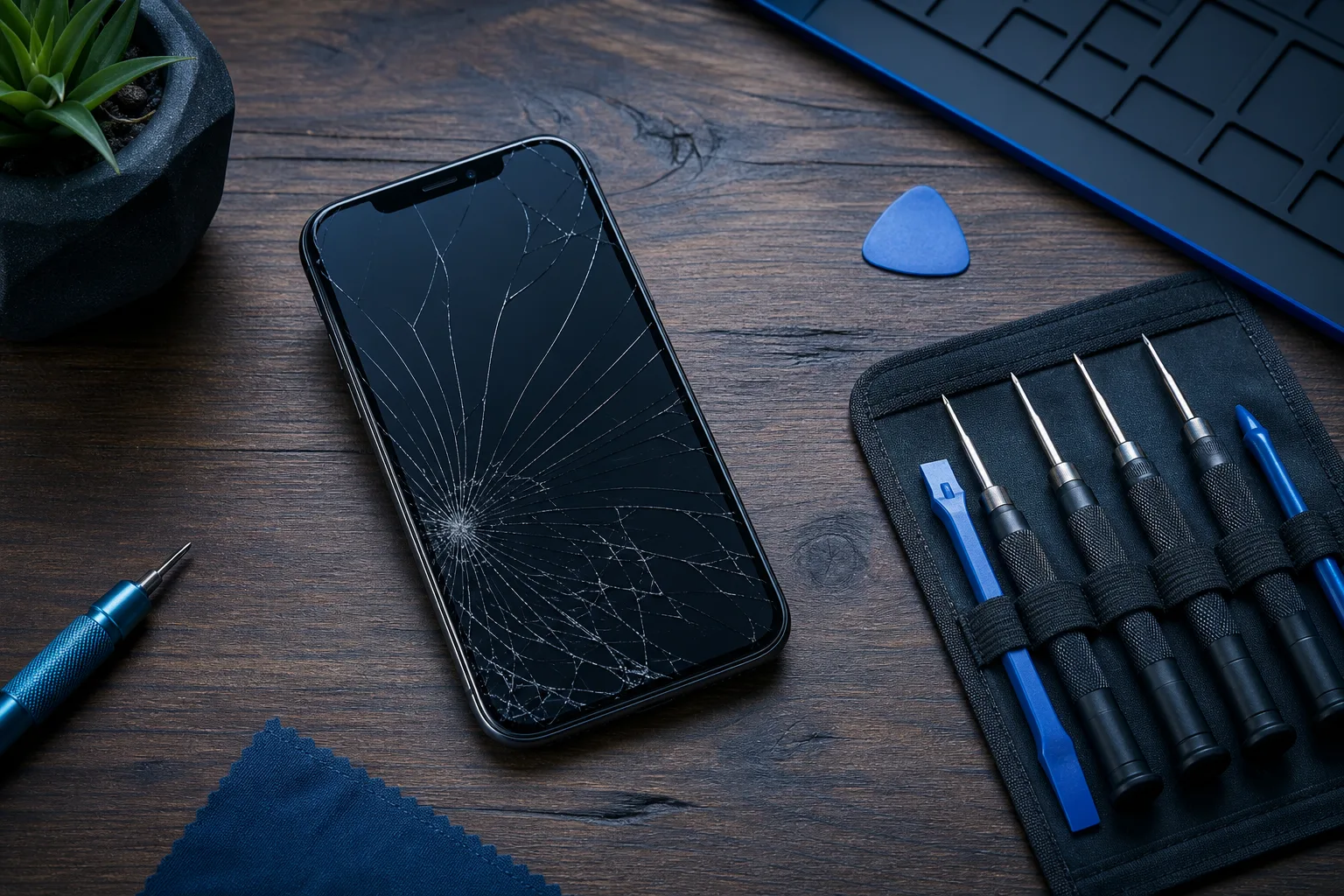
- Cracked screen. Screen replacements are one of the most routine mobile repairs in the shop. Even on newer models.
- Charging port not working. Possible causes include debris, cable, battery, or port faults; diagnosis determines the fix.
- Slow performance. Could involve battery health, storage, an app, software, or hardware; test before deciding. Not always a hardware death sentence.
- Speaker or microphone issues. Replaceable components on most models.
If your problem is on that list, you probably have a repair on your hands, not a reason to buy new. Check out our iPhone and iPad repair page to get a sense of what those fixes actually look like.
Step 2: Look Up What Your Repair Would Actually Cost
Don't guess. Get a number.
Apple publishes model-specific service estimates. Ask Fix My PC Store for its current quote and compare the two, including coverage, parts, and warranty terms. The point isn't to pick a shop right now. The point is to get a real dollar figure before you compare it to the cost of upgrading.
Battery and screen repair prices vary by model, parts, provider, and coverage. Get current written estimates before comparing with a new phone.
If you're not sure what's wrong and want a diagnosis before committing to anything, schedule a repair and we'll tell you straight what it'll take.
Step 3: Calculate the True Cost of Upgrading
This is where people fool themselves most.
The carrier monthly payment looks small. $35 a month sounds fine until you realize that's $840 over two years, and the financing terms may include interest or promotional conditions; read the agreement. Add activation fees, the cost of a new case, and possibly a new charging cable if your accessories are incompatible, and you're well past the sticker price.
And if you're trading in your current phone, get an actual trade-in quote from multiple sources. Compare trade-in offers and any conditions tied to carrier credits.
Do the math honestly:
- New phone total cost over 24 months (including financing charges, accessories, taxes)
- Minus trade-in value from the best offer you can find
- Versus repair cost today, one time, done
The lower-cost choice depends on your quote, trade-in, financing, and useful life. The question is whether the upgrade offers something your current phone genuinely cannot.
Cracked screen or a phone that won't hold a charge? Get a repair quote
Step 4: Check Whether Your Current iPhone Can Run the Latest iOS
This one matters and people overlook it.
Apple stops supporting older devices for iOS updates after a certain point. When a phone cannot install the newest iOS, it may lose some features or app compatibility. Apple sometimes releases security updates for older iOS versions, so check current security support separately. That is a legitimate reason to consider upgrading, not just a marketing nudge.
Apple publishes which devices support the current iOS version. Look it up. If it still receives updates, consider the other repair, performance, and feature factors too.
If it no longer receives security updates and you store sensitive data on it (banking apps, work email, anything personal), the security angle is real. Unpatched vulnerabilities on a phone that's out of the update cycle is not a theoretical risk. If you want to understand what that exposure looks like, our business cybersecurity page has context that applies to personal devices too.
Step 5: Be Honest About What the New Phone Actually Offers You
List the features of the new iPhone that you would actually use. Not theoretically. Actually.
Better camera? Do you shoot a lot of video or work where image quality matters? Legitimate.
Faster processor? Performance depends on the model, battery, storage, network, and apps; test the actual complaint before assuming a new chip is needed.
ProMotion display? Satellite connectivity? MagSafe improvements? These are real features. Whether their current total cost is worthwhile is a personal call, but be honest about it.
The upgrade makes clear sense if:
- Your phone is beyond economical repair (bent frame, water damage throughout, logic board failure)
- It no longer receives iOS updates and you rely on it for sensitive tasks
- The camera or a specific feature is central to your work and the new model offers a meaningful improvement
- Multiple components are failing and repair costs approach replacement
The repair makes clear sense if:
- One specific thing is broken and everything else works fine
- The phone still receives appropriate security updates
- Repair plus remaining financing costs less than changing plans
- You just... don't want to deal with setting up a new phone (valid, honestly)
Step 6: If You Decide to Repair, Back Up First
Always. Before any repair.
Back up to iCloud or to your computer via Finder on macOS Catalina or later (or iTunes on macOS Mojave or earlier). Screen replacements and battery swaps are generally low-risk, but data loss during any repair is not zero risk, and there is no reason to find that out the hard way.
If you're thinking about backups for work devices too, our backups and disaster recovery page covers the bigger picture for business data.
Once you've backed up, contact us or walk in. We're in West Palm Beach and we work on iPhones, iPads, and Android devices.
Common Mistakes
Assuming newer means faster for everything you do. App load times, browsing speed, and battery life depend on a lot of factors. Battery and storage health affect performance; compare the devices you actually have.
Forgetting about the setup tax. Restoring from backup is fine but never perfect. You'll spend hours re-logging into apps, resetting preferences, and redoing two-factor authentication. That time has value.
Getting repair quotes only from the manufacturer. Apple's official repair pricing is not always the best option. Compare local and Apple estimates along with parts, coverage, and warranty.
Deciding based on one symptom without diagnosing the real issue. Slow phone could be battery, storage, a rogue app, or something else entirely. Get a diagnosis before deciding the phone is done.
Upgrading right before a new model drops. If you're going to buy new anyway, at least check whether a new model is a few months out. Prices and promotions may change, so check current offers before buying.
Ignoring Android entirely. I know, I know. But if you're spending $1,000+ on an iPhone and you're not deep in the Apple ecosystem, it is worth one honest look at the alternative. The Android side has excellent hardware at multiple price points. That's all I'll say.
Bottom Line
A repair can be worthwhile when the quote is favorable and the device meets your needs. Not because new iPhones aren't good, they are, but because the math rarely adds up the way it looks in the carrier store.
If one thing is broken and everything else works, fix the one thing. If your phone is years old, off the update cycle, and multiple things are failing, that's a different story and upgrading probably makes sense.
When you're ready to get a real answer about your specific phone, book a repair or reach out to us directly. We're local, we're straight with you about what's worth fixing, and we won't tell you to buy a new phone just to sell you a screen replacement. That's not how we work.
Cracked screen or a phone that won't hold a charge?
Bring it in. Ask for the current repair-time estimate and part warranty for your device.