PC Repair in West Palm Beach: Prices, Services & More
TL;DR: PC repair in West Palm Beach covers everything from slow machines and cracked screens to virus removal and data recovery. Prices depend on the fault, parts, and labor; get an individual quote before authorizing work. Fix My PC Store handles it all in-shop, remotely, or on-site for businesses.
What Is PC Repair in West Palm Beach, Really?
When someone searches "pc repair west palm beach," they usually have one of three problems: their computer stopped working, it's slow enough to make them want to throw it out a window, or something specific broke and they have no idea what it is.
All three are worth diagnosing before you decide whether to repair or replace the machine. And knowing what you're dealing with, before you walk into any shop, saves you time and money.
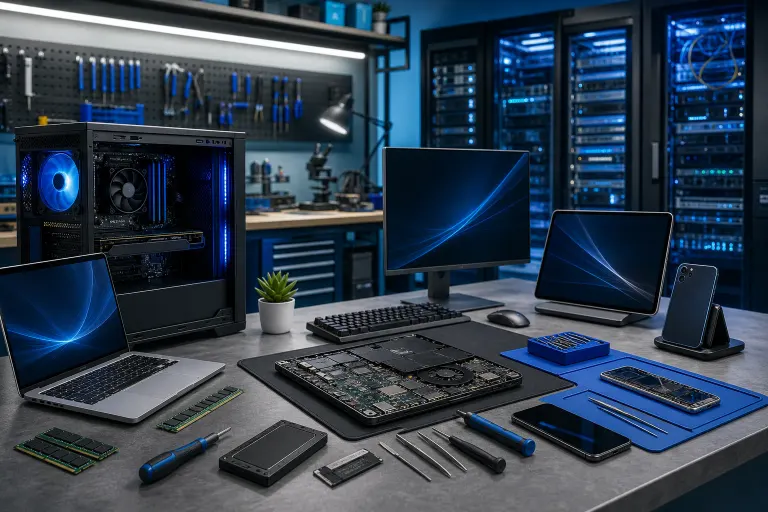
Fix My PC Store is a local repair shop at 10140 Okeechobee Blvd, Suite B, in West Palm Beach. They work on PCs and Macs, personal laptops, business workstations, gaming rigs, and mobile devices. No appointment factories, no big-box store runaround. You talk to the same technician who actually touches your machine.
If you just want to see what they handle, start at the computer repair page.
What Happened: The Most Common PC Problems People Bring In
Most repairs fall into a handful of predictable categories. Here's what shows up at the counter most often.
Slow Performance
This is the number one complaint. Your PC takes five minutes to boot. Programs freeze. The browser lags even with one tab open.
Age alone does not identify the cause. It's usually a combination of: too many startup programs, a hard drive that needs replacing with an SSD, malware running quietly in the background, or not enough RAM for what you're asking Windows to do.
Many of those problems can be repaired; the cost depends on the diagnosis and parts.
Virus and Malware Removal
Pop-ups, browser redirects, a fake "Windows support" warning that won't close. These are classic signs your machine picked something up.
Malware removal is a hands-on job. It requires more than running one antivirus scan and rebooting. A tech needs to check startup entries, scheduled tasks, browser extensions, and sometimes boot into a recovery environment to clean things properly.
If you're not near the shop, this is also something that can often be handled through remote support depending on how severe the infection is.
Hardware Failures
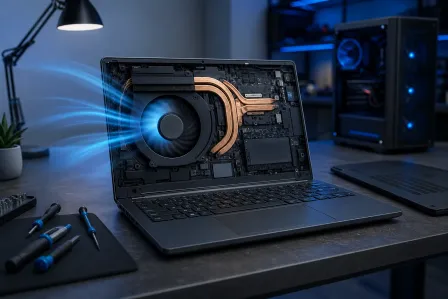
Failing hard drives, dead power supplies, overheating CPUs, and bad RAM are all common. They each have telltale signs.
Clicking noises or SMART warnings can point to a failing hard drive. A computer that will not power on, shuts down under load, or shows blue screens needs diagnosis: power, cooling, memory, storage, and other faults can cause overlapping symptoms.
If your machine has any of those symptoms, don't wait. Hard drive failures especially can take your data with them.
Screen and Physical Damage
Cracked laptop screens, broken hinges, ports that no longer hold a charger. These are physical repairs that vary a lot in cost depending on the part.
Laptop screens in particular have gotten more affordable to replace than most people expect. A laptop repair appointment is worth it before you write off a machine that's otherwise perfectly good.
Data Recovery
This one is its own category because it requires a different mindset. If a drive has failed and you need files back, do not keep running the machine. Every power cycle on a failing drive can make recovery harder or impossible.
Bring it in. Continuing to use a failing drive can make recovery harder, so stop using it and seek an assessment.
Computer acting up? Get a real diagnosis. Book a free diagnostic
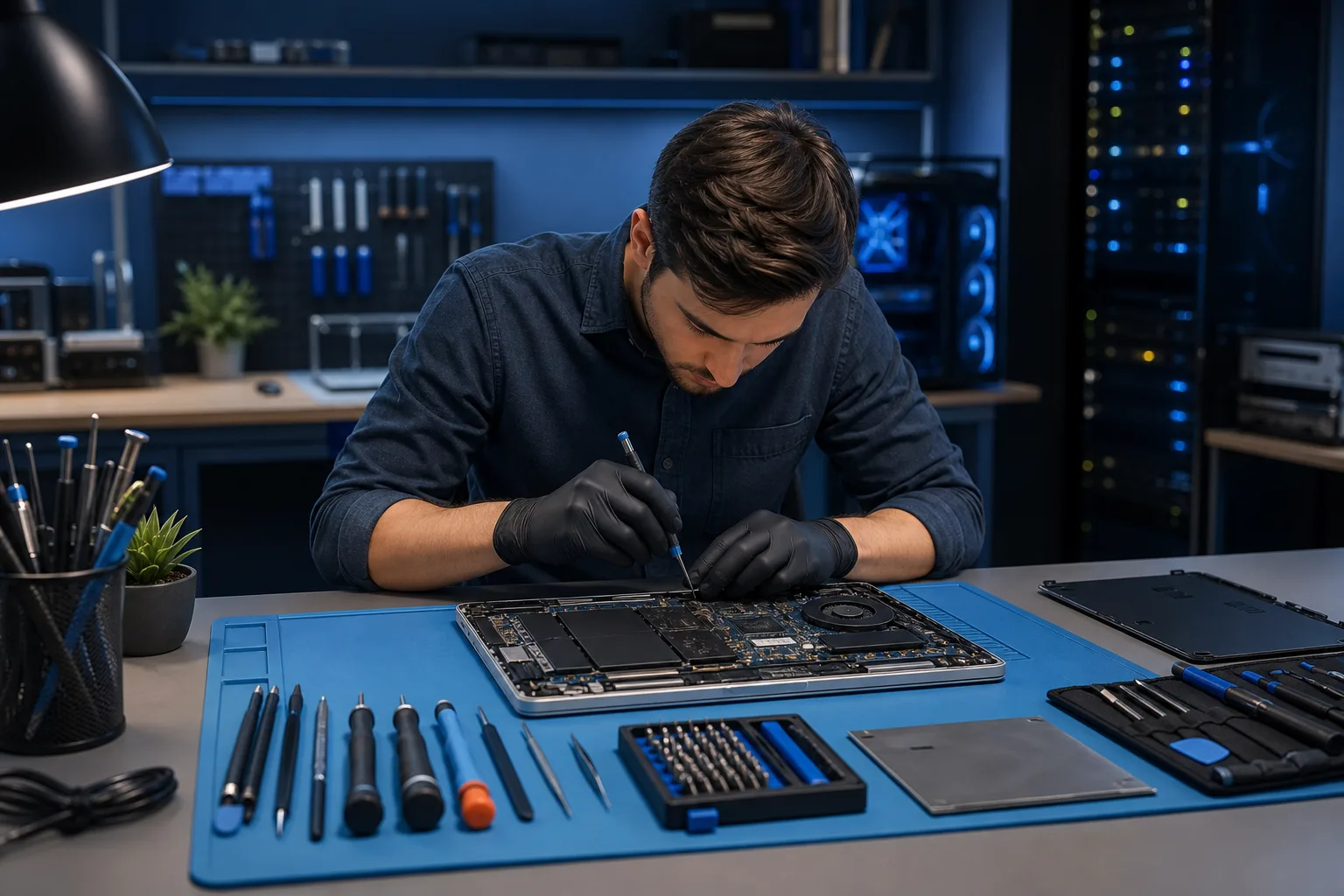
Why It Matters: What You're Actually Paying For
Prices for PC repair in West Palm Beach vary by shop, and honestly by how clearly you explain the problem. The scope of work drives the price. Ask for a written, itemized quote after diagnosis; the examples below explain what can affect it.
Diagnostic: Fix My PC Store says initial checks are free for most standard in-store repairs. Advanced diagnostics and data-recovery work may carry a fee disclosed before work begins.
Virus and malware removal: The work depends on the infection and whether the system or files also need recovery. Ask for a quote after an initial assessment.
SSD upgrade (replacing an old hard drive): Parts and labor depend on drive capacity, the machine, and whether data migration is needed. The speed difference is dramatic. This single upgrade fixes "slow PC" complaints more reliably than almost anything else.
RAM upgrade: The price depends on compatible memory and installation. Eight gigabytes can handle everyday Windows 11 work, but demanding apps or heavy multitasking may benefit from more RAM; check actual memory use first.
Screen replacement (laptop): The model and screen type affect parts cost. Get a model-specific quote before deciding whether to repair.
Operating system reinstall: A clean reinstall may be appropriate for persistent software problems after important data is protected. Ask whether data backup and application setup are included in the quote.
Data recovery: The diagnosis determines the options and price. Physical drive damage can require specialist equipment; avoid further use and ask about the recovery plan before authorizing work.
These are realistic ranges, not guarantees. Any shop should give you a specific quote after looking at the machine.
What We Don't Know Yet: When the Diagnosis Surprises You
Sometimes you bring in a machine for one thing and discover something else.
A laptop that won't charge might have a bad charging port, a bad battery, or a bad charging controller on the motherboard. The repair options and costs differ; a charging-circuit problem calls for a model-specific repair-versus-replace quote.
A machine that's "running slow" might have a failing drive that's only showing early warning signs. Catching it during the diagnostic is actually the best possible outcome, even if it means a higher repair bill than you expected.
A virus cleanup might reveal that Windows itself is damaged and needs a reinstall to work properly again.
None of this means a shop is trying to upsell you. It means computers are systems, and a problem in one component puts stress on others. A good technician tells you what they found, explains your options, and lets you decide. If a shop jumps straight to "you need a new computer" before running any diagnostics, that's worth questioning.
For businesses especially, an undiagnosed problem on one machine can affect the whole network. That's part of why managed IT exists. Proactive monitoring catches these things before they become emergencies.
What to Do About It: Your Next Step for PC Repair in West Palm Beach
Here's the simple version.
Step 1: Figure out what category your problem is in. Is it slow? Is it broken (won't turn on, screen cracked, port damaged)? Is it infected? Is it a data problem? You don't need to know the exact cause. Just knowing the symptom helps.
Step 2: Back up what you can. If your machine still turns on, copy your important files to an external drive or cloud storage before bringing it in. This is especially important if you suspect a hardware failure. It's not that shops lose data, it's that hardware can fail further during repair and some risks are worth eliminating beforehand.
Step 3: Bring it in or book remote support. For physical repairs, screen damage, hardware failures, and data recovery, in-shop is the right call. You can schedule a repair or just walk in.
For software issues, virus removal, and troubleshooting that doesn't require hands on the hardware, remote support can often solve your problem the same day without you leaving your house.
Step 4: For businesses, think bigger than one machine. If you're a small business in Palm Beach County or the Treasure Coast and one PC is acting up, it's worth asking whether your other machines and your network are properly protected. Fix My PC Store offers business IT services including cybersecurity and backup and disaster recovery. One compromised machine on a shared network is a business problem, not just a tech problem.
Step 5: Ask questions. A good shop welcomes them. If a tech can't explain what they found and what they recommend in plain English, that's a red flag. You're allowed to ask "what happens if I don't fix this" and "what are my options."
You can reach Fix My PC Store directly at the contact page. They serve West Palm Beach, Palm Beach Gardens, Boca Raton, Wellington, Lake Worth, and throughout the Treasure Coast.
Computer acting up? Get a real diagnosis.
Fix My PC Store has repaired thousands of machines across West Palm Beach. Free diagnostics, honest pricing, no upsell games.