Laptop Repair: What Affects Cost and Timing
TL;DR: Laptop repair cost and timing depend on the model, fault, parts, data needs, and shop capacity; get a written estimate after diagnosis. Water damage and motherboard issues are the wild cards. Know what you're dealing with before you decide to repair or replace.
A prior quote may leave important questions unanswered. Ask any repair provider what was tested, what fault it found, and what the next step would cost.
Laptop repair doesn't have to be a mystery. The price and the timeline depend almost entirely on three things: what broke, what brand and model you have, and whether parts are sitting on a shelf or have to be ordered. Let me walk you through it the way I'd explain it across the counter.
What You Need Before You Walk Into a Shop
Before you haul your laptop anywhere for laptop repair, gather this information. It saves time and keeps you from getting talked into unnecessary work.
- The make, model, and year. Flip the laptop over. There's usually a sticker. If not, check the original box or your purchase receipt.
- A clear description of the symptom. Not "it's broken." When did it start? Did it drop? Is it making noise? Won't turn on at all, or turns on but acts wrong?
- Whether your data is backed up. If it isn't, say so. Any honest tech will ask anyway. (Backups matter more than most people realize.)
- Your budget ceiling and replacement threshold. Know roughly what you'd spend on a new laptop. If the repair quote gets close to that number, the conversation changes.
That's it. You don't need to diagnose it yourself. That's our job.
Step 1: Diagnose Before You Agree to Anything
A real diagnosis comes first. Always. Any shop that quotes you a price without looking at the machine is guessing, and you're the one paying for the guess.
At Fix My PC Store, initial checks are free for most standard in-store repairs; advanced diagnostics and data recovery may have a disclosed fee. Other shops set their own policies. Ask upfront. If they won't tell you, walk.
Diagnostic timing depends on the fault, device access, and current workload. Some problems are obvious in five minutes. A cracked screen is a cracked screen. But "it won't turn on" could be a dead battery, a failed power jack, a bad charging board, a corrupted OS, or a fried motherboard. You don't know until someone opens it up and tests it.
Remote diagnosis has limits here. For software problems, slowness, viruses, or a frozen OS, remote support may help with some software issues after access and scope are confirmed without you leaving the house. For anything physical, the machine has to come in.
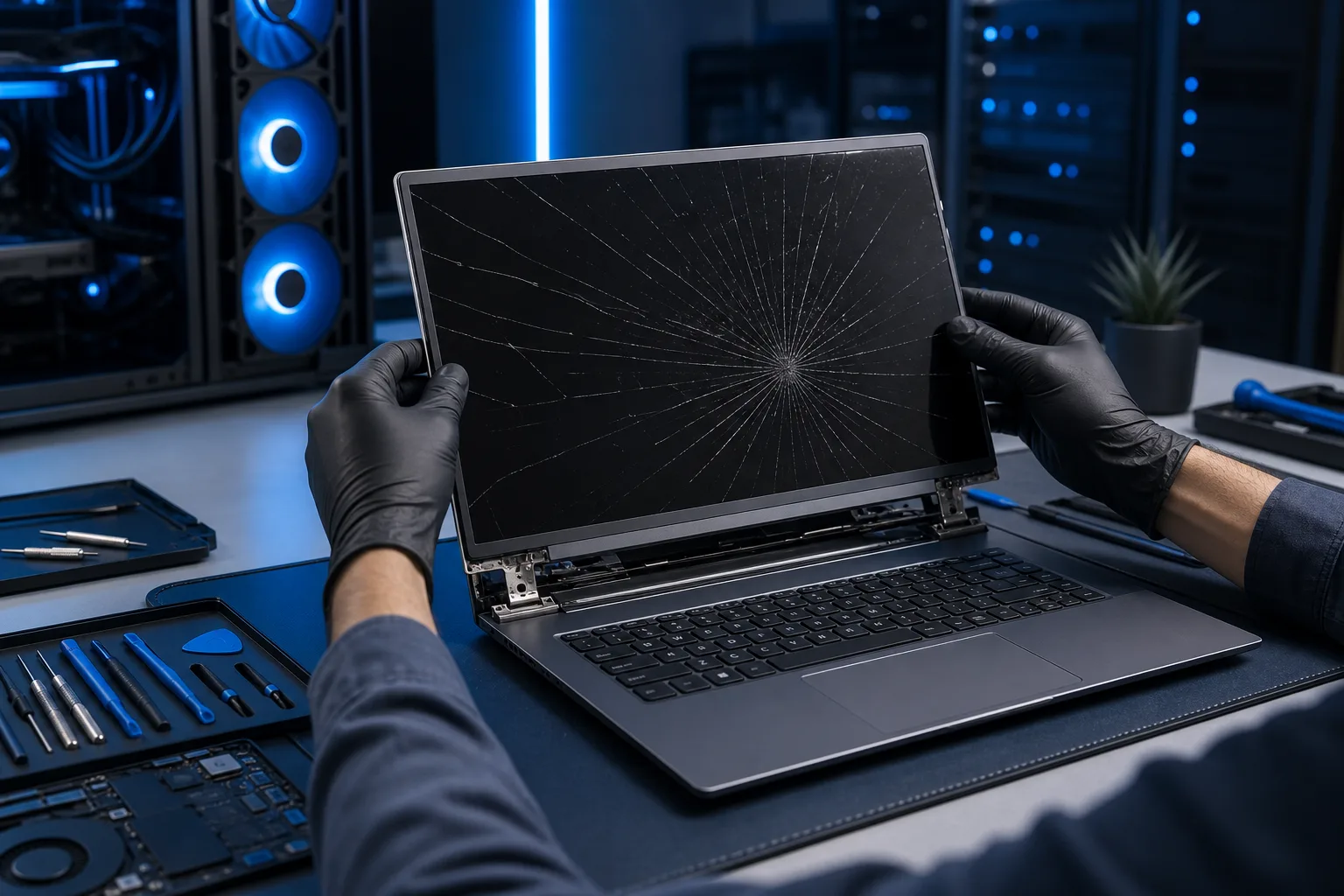
Step 2: Compare the Cost and Timing Drivers for Common Repairs
A useful quote depends on the exact model, part number, availability, diagnostic findings, labor, and data needs. We cannot give a reliable West Palm Beach price or completion date for every laptop from a category label. Ask the shop for a written model-specific estimate and parts timeline.
Screen and keyboard work
An ordinary display panel, a touch display, and a complete lid assembly are different repairs. A keyboard may be a separate part or integrated into a larger top-case assembly. Ask which part is being replaced, whether it is new or refurbished, and what warranty applies. Parts may be in stock or require an order; the technician should explain the expected schedule after identifying the model.
Battery and charging work
Poor battery life does not prove the battery is defective. A charger, cable, port, charging circuit, settings, or battery could be involved. Some batteries are straightforward to replace; others require more disassembly. Request a diagnosis before authorizing a battery or charging-port replacement.
Storage and data
A failing drive deserves prompt attention. If files are important, stop unnecessary use and tell the technician about your backup before attempting a reinstall, clone, or recovery. Replacing a drive, transferring readable data, and recovering data from a damaged drive are different services with different costs and timelines. Get a separate authorization for recovery work.
Liquid damage and board faults
The extent of corrosion or board damage may be unclear until inspection. Ask what the proposed work covers, what risks remain, and whether the shop expects a repair to be economical. No responsible estimate should promise a guaranteed outcome before the fault is confirmed.
For every category, ask whether parts must be ordered, what diagnostic work is included, and when the shop will contact you if the scope changes. A current written quote is more useful than a generic price table.
Step 3: Get the Repair Authorized in Writing
Before any work starts, you should get a written estimate that spells out what they're fixing, what parts they're using, and what the labor cost is. Not a verbal quote. Written.
Ask whether they use OEM parts, aftermarket, or refurbished components. OEM (original manufacturer parts) is ideal when available. Quality aftermarket is usually fine. Rock-bottom refurbished parts on a three-year-old laptop is a gamble that might not pay off.
Ask about the warranty on the repair. Ask for the specific written parts and labor warranty; terms vary by repair and provider.
For Mac owners specifically, our Mac repair work follows the same principle: straight estimate, no surprises.
Computer acting up? Get a real diagnosis. Ask about a diagnostic
Step 4: Back Up Your Data Before You Leave It
I'll say this every time someone stands at this counter. Every time.
If there's any data on that laptop you care about, back it up before you hand the machine over. Most repairs don't touch your data. But drives fail during repairs sometimes. Techs make mistakes occasionally. Shops burn down (rarely, but it happens). You don't want to find out the hard way.
If you don't have a backup solution at all, that's a separate conversation worth having. For businesses especially, not having a backup and disaster recovery plan isn't a minor oversight. It's a liability.
Step 5: Evaluate Repair vs. Replace Honestly
Nobody wants to hear that their laptop isn't worth fixing. I get that. But I'd rather tell you the truth than take your money for a repair that doesn't make sense.
Compare the written repair cost with a suitable replacement, expected useful life, software support, and data-transfer cost; no single percentage or age decides every case. You're putting new tires on a car with 200,000 miles.
For business users running Windows with Microsoft 365, sometimes the right answer is a new machine, a fresh setup, and a conversation about managed IT support so this doesn't keep happening. For personal users, an SSD upgrade and appropriate software support may extend useful service, depending on the device. It depends on the specific situation.
Come in, get the diagnosis, then make the call with real information in front of you.
Common Mistakes People Make Before and During Laptop Repair
Waiting too long after something goes wrong. A failing drive that's clicking? Every day you use it is a day closer to total data loss. A laptop that's overheating? Continued use can worsen some heat-related faults; stop if the machine repeatedly shuts down and ask for diagnosis.
Paying a chain store for a "diagnosis" with no actionable result. If you walk out without knowing specifically what's wrong and what it will cost to fix, you didn't get a diagnosis. You got a receipt.
Letting a manufacturer's warranty lull you into bad decisions. Manufacturer warranties rarely cover physical damage, liquid damage, or wear. Know what your warranty actually covers before you assume you're protected.
Not asking about data before authorizing work. Always ask: "Will this repair risk my data?" A good tech will tell you honestly.
Trying to fix it yourself based on a YouTube video. Some repairs, RAM swaps, battery replacements on older machines, are genuinely DIY-friendly. Others are not. Laptop screens, motherboards, and keyboards on modern thin-and-light machines have tiny ribbon cables and brittle connectors. One wrong move and you've added to the repair bill.
Shipping it to an online mail-in repair service to save money. Mail-in and local repair each have tradeoffs. Ask about shipping risk, turnaround, communication, warranty, and data handling before choosing. You can schedule a repair or reach us directly if you're in the West Palm Beach or South Florida area.
Bottom Line
Laptop repair is mostly predictable once someone who knows what they're doing looks at it. Screens, batteries, keyboards, and drives have real price ranges and real timelines. Water damage and motherboard problems are the exceptions that need honest evaluation.
Get a written estimate. Back up your data. Understand what you're authorizing before you sign off. Ask what a diagnostic fee covers and whether you will receive clear findings before paying or authorizing work.
We do computer repair and laptop repair out of West Palm Beach. If you're local or anywhere on the Treasure Coast or Palm Beach County, come in or get in touch. We'll tell you straight what it is, what it costs, and whether it's worth fixing.
Computer acting up? Get a real diagnosis.
Fix My PC Store serves West Palm Beach and nearby communities. Initial checks are free for most standard in-store repairs; ask about advanced diagnostic fees before work begins.