Cheap PC vs. Quality Build: What You Actually Pay
TL;DR: A low purchase price does not tell you the total cost of a PC. Compare the processor, memory, storage, power supply, warranty, repair options, and the work you need to do. A budget PC can be a good value for light tasks; a more capable or easier-to-service machine can be worth the extra cost for demanding work. Neither category has a guaranteed lifespan.
Compare the job before comparing prices
A computer for email, web browsing, and video calls does not need the same hardware as one used for large spreadsheets, video editing, engineering software, or gaming. Make a short list of the applications you use and check their current requirements. Then compare actual model specifications rather than relying on “budget” or “premium” labels.
Microsoft's Windows 11 minimum includes 4 GB of memory and 64 GB of storage, but Microsoft notes that some apps and features require more. Meeting the operating system minimum does not guarantee that your workload will feel fast. Ask whether a machine has enough memory, storage space, and ports for the applications and accessories you plan to use.
What to examine inside a desktop PC
Storage. An SSD is often a sensible system drive for responsive startup and application use. Compare usable capacity and the type of drive in the actual product listing. An HDD can still be useful for bulk storage; its presence alone does not make a PC defective. Keep backups regardless of the drive type.
Memory. Check the installed amount, the number of occupied slots, and whether the manufacturer supports an upgrade. Two modules may improve performance in some configurations, but the result depends on the processor and workload. Do not assume an inexpensive PC has only one module or that adding one always solves slow performance.
Power supply and cooling. For a custom desktop, choose a power supply that meets the component load and has appropriate protections and efficiency. Intel's PSU guide explains why wattage and efficiency both matter. Also check that the case has adequate airflow for the processor and graphics card you plan to use. A low price by itself does not prove a fire hazard or an imminent component failure.
Compatibility and service. If you expect to upgrade later, verify the motherboard, case, power connectors, BIOS support, and warranty for the exact model. Some systems use standard parts; some use model-specific ones. Do not assume every brand-name or inexpensive PC is a dead end, or that every custom build will accept future processors.
Calculate total cost without invented averages
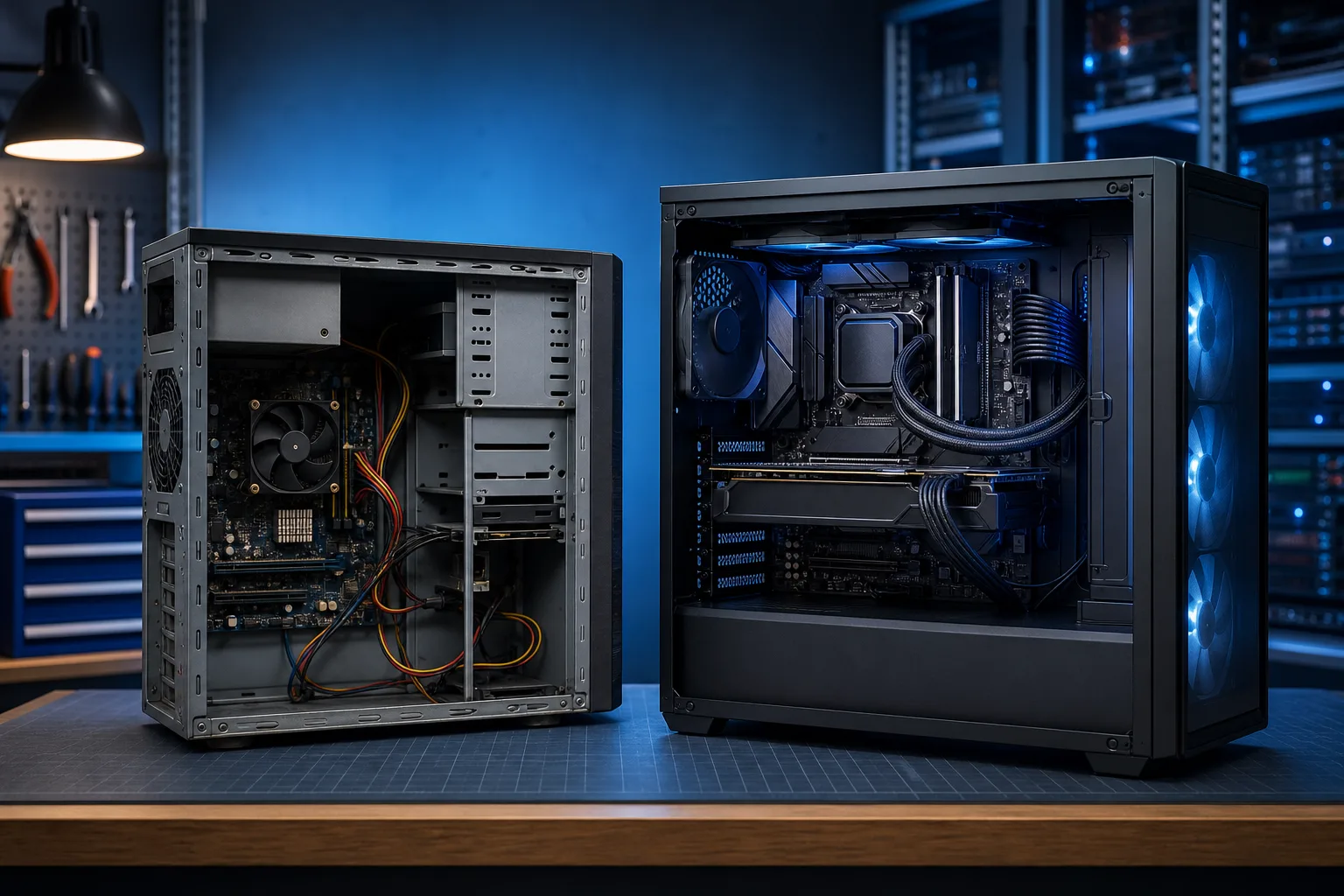
The useful comparison is the purchase price plus expected support and operating costs over the period you plan to own the machine. The U.S. Department of Energy's life-cycle cost approach considers purchase, energy, maintenance, and replacement costs together. For your own decision, include a realistic repair quote only when a specific repair is needed. Add any warranty or support plan you would actually buy, and the likely cost of being without the computer if it is essential for work.
Avoid fixed stories such as “three cheap PCs in five years” or a promised five-to-eight-year life. Reliability varies by exact model, component, maintenance, usage, and luck. A higher-priced PC can fail early, and a budget system can serve light work for years. The right question is whether the extra features, warranty, and support justify their cost for you.
If you are choosing between repairing a current PC and replacing it, get a diagnosis first. A storage or memory upgrade may be worthwhile on a compatible machine, while a major board failure may change the calculation. Ask for a written quote and compare it with the price of a replacement that meets your needs. There is no universal “replace if repair exceeds half the price” rule; remaining useful life and data migration matter too.
For a business, compare the full workflow
A company should consider how each PC supports the work that must happen on it. List required applications, security and device-management needs, warranty response, and how employees will work if a machine is down. Standardizing on a few supported models can simplify parts and support, but it does not guarantee zero downtime or make every inexpensive PC unsuitable.
Backups should be part of the plan at every price point. An expensive workstation can fail or be lost just like a cheap one. Keep an independent backup of important files and test that you can restore them. If your team needs help with a device standard, business IT support can review the workload and support options. Ask what any managed IT plan actually includes before assuming monitoring, replacement, or a particular response time.
Questions to ask before buying
- What applications must this computer run, and what do those vendors recommend beyond Windows' minimum requirements?
- How much memory and usable storage does this specific model have? Can they be upgraded, and does doing so affect warranty coverage?
- What power supply, cooling, and graphics capability are appropriate for the workload?
- What are the written warranty terms, parts availability, and repair options?
- If this is for work, what is the cost of downtime and what is the backup or spare-device plan?
A salesperson or builder should be able to answer these with model-specific information. If the details are unavailable, compare another machine before buying.
When a budget PC is enough
A modest computer may be a smart choice when your tasks are light, the machine meets your app requirements, the warranty is acceptable, and the savings matter more than future upgrades. A refurbished business desktop can also be worth considering if you verify its condition, support, and compatibility. Spend more when a faster machine or longer support plan serves a clear need; do not buy RGB lights, extra cores, or a dedicated GPU for work that will never use them.
If your current computer is slow, Fix My PC Store can assess whether a repair, upgrade, or replacement is more practical. The initial check is free for most standard in-store repairs; advanced diagnostics may have a disclosed fee. Contact the shop for current terms and a device-specific estimate.
Computer acting up? Ask about an initial check