BIOS Corruption Explained: Causes, Risks, and Fixes
TL;DR: A failed BIOS/UEFI update can prevent a PC from starting, but a black screen alone does not prove firmware corruption. Check the model-specific recovery options before changing settings or flashing firmware. Recovery is possible, but you need to know your options before you start pushing buttons.
What Is BIOS Corruption and Why Should You Care?
BIOS corruption is the kind of problem that makes even experienced builders do a double-take. You press the power button, the fans spin up, and then... nothing. No POST screen, no boot logo, no Windows. Just a black screen staring back at you.
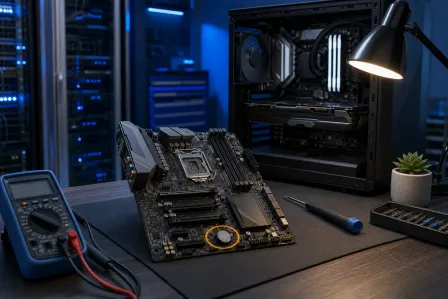
BIOS stands for Basic Input/Output System (or UEFI on modern boards, which is the updated version of the same idea). It's the firmware that lives on a small chip on your motherboard. Before your OS loads, before your GPU fires up, before anything else happens, the BIOS runs. It initializes your hardware, checks that everything is connected, and hands off control to your boot drive.
Damaged firmware can prevent startup, although power, display, memory, and storage faults can look similar. It doesn't matter if you have the fastest CPU on the market or a fresh Windows install. A corrupted BIOS stops everything cold.
This is not a software problem you can fix from inside Windows. That's what makes it genuinely scary.
What Causes BIOS Corruption?
There are several real-world causes, and some of them are more common than you'd think.
Power Loss During a BIOS Update
This is one possible cause. When you flash a new BIOS version, the chip gets partially erased and rewritten. If power cuts out mid-write, even for a fraction of a second, you can end up with an incomplete firmware image. An interrupted write may leave an unusable firmware image; some models provide a recovery method.
A surge protector does not supply backup power during an outage. Schedule firmware updates when power is stable; a properly sized UPS can help a desktop complete an update during a brief outage.
Bad or Failing Hardware
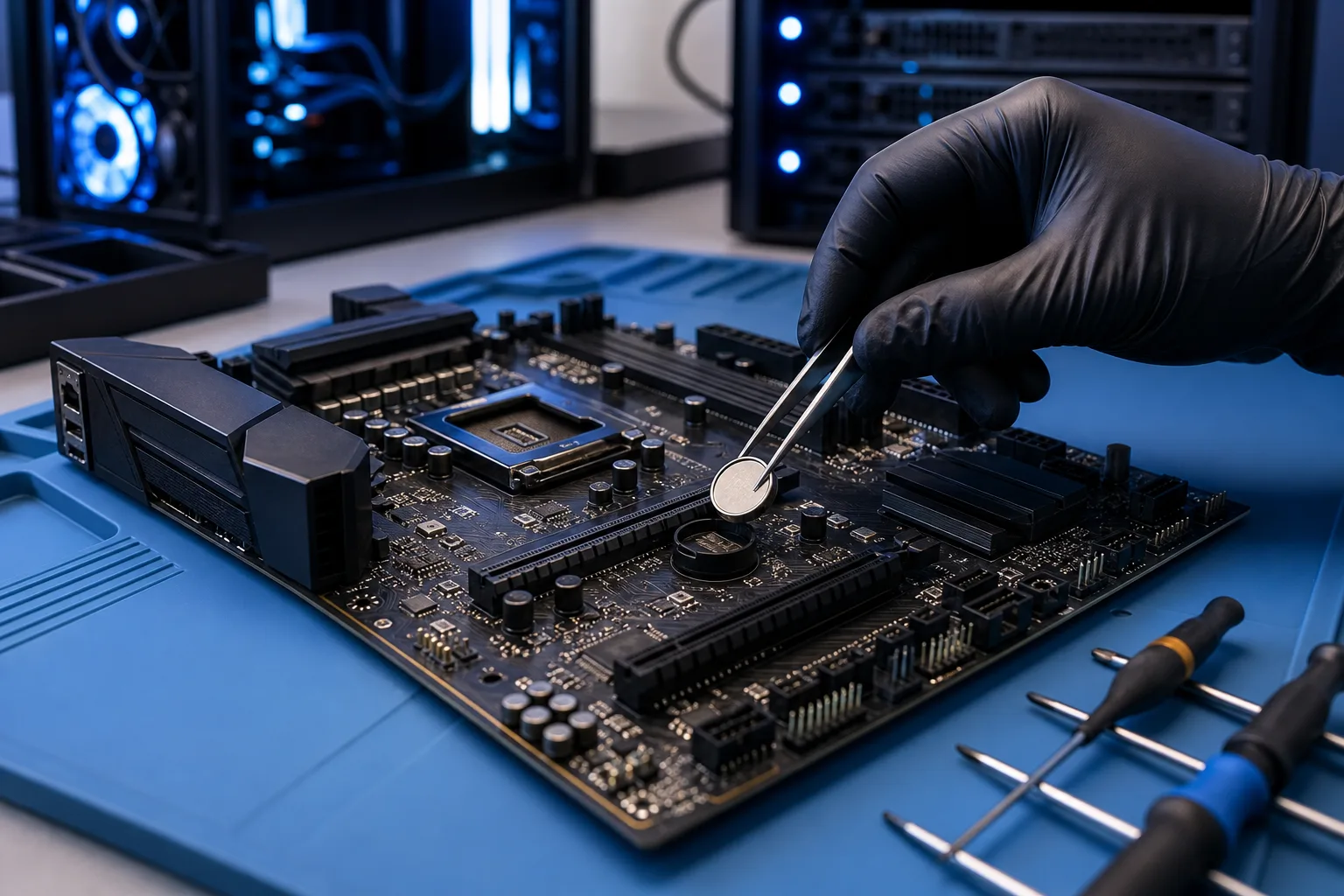
A weak CMOS battery may cause settings or the clock to reset on some boards. That is different from corrupted firmware code; check the device manual and symptoms before replacing parts.
Faulty RAM can cause startup failures that resemble firmware trouble, but it is not evidence that firmware has been corrupted. Memory diagnosis is a separate step.
Overclocking gone wrong falls here too. Unstable overclock settings can prevent POST. Restore the manufacturer defaults according to the board manual before concluding the firmware image is damaged. RGB is innocent in this scenario. Bad overclocking settings are not.
Malware
Firmware threats exist, but a routine no-boot symptom does not establish an attack. A class of malware called bootkits or firmware rootkits specifically targets UEFI/BIOS because it's an incredibly persistent place to hide. A genuine UEFI implant can persist outside the operating system. Microsoft describes firmware scanning for enterprise endpoints; investigation requires evidence rather than symptoms alone.
This is not merely theoretical: documented UEFI threats exist, although a startup failure alone does not point to one. See Microsoft's UEFI security guidance. If you suspect firmware-level compromise on a business machine, that needs immediate professional attention. For a business device with credible compromise indicators, contact your security team or a qualified incident-response provider; business cybersecurity support can help plan next steps.
Flashing the Wrong BIOS Version
Every motherboard has a specific BIOS version tied to its revision number and chipset. Flashing firmware built for a different board, even a close variant, can render the chip unreadable. Manufacturer websites sometimes host multiple files with similar names. Always triple-check the exact model and revision before you flash anything.
Static Discharge or Physical Damage
ESD (electrostatic discharge) during a build or repair can damage the BIOS chip directly. Physical damage from a power surge, liquid, or rough handling can do the same. Follow the manufacturer's ESD handling instructions before touching internal components.
Computer acting up? Get a real diagnosis. Ask about a diagnostic
Why BIOS Corruption Matters Beyond "PC Won't Boot"
Obviously, a PC that won't POST is a dead PC. But the risks go deeper.
The PC may not boot, but the drive may still contain your files. Avoid repeated risky recovery attempts if data matters. Encryption can require a recovery key when firmware or hardware changes. This is exactly why off-site backups matter so much. Our backups and disaster recovery service exists for this specific scenario.
It can mask other damage. BIOS corruption sometimes happens alongside physical damage from the same event, like a power surge. You might fix the firmware only to discover the motherboard, GPU, or storage has also taken a hit.
On business systems, downtime is money. A workstation or server that can't boot means an employee who can't work. A managed IT plan can establish diagnosis, spare-device, and backup procedures before a failure; timing depends on the device and parts.
UEFI-level malware is nearly invisible. If evidence points to a UEFI implant, isolate the device and involve a qualified incident responder before returning it to service.
What We Don't Know Yet (The Uncertain Parts)
Here's where I'll be straight with you, because this stuff genuinely varies.
Not every board recovers the same way. Some boards and PCs have dual-firmware or recovery features; others do not. Check the exact model's service guide rather than inferring recovery options from its price or age.
The recoverability of a specific board depends on the manufacturer's recovery tools, whether the chip is socketed or soldered, and sometimes just luck. Intel's and AMD's platform documentation and your board manufacturer's support pages are the authoritative sources here. We always check the specific board before committing to a repair path.
It's also not always clear-cut whether a failure is BIOS corruption or a different hardware fault. A dead motherboard and a corrupted BIOS can look identical from the outside. Diagnosis sometimes requires swapping components or using specialized equipment.
What to Do About BIOS Corruption
Okay, here's the actual fix roadmap. What you can try depends on what you're working with.
Step 1: Don't Panic and Don't Keep Pressing Power
Avoid repeated unplanned recovery attempts, especially if the storage device makes unusual noises or the data is not backed up. Note what you're seeing: any beep codes, any LED indicators, any error messages on a debug display if your board has one.
Step 2: Try the CMOS Clear
This is the first move for scrambled settings (as opposed to fully corrupted firmware). Follow your exact device manual for a supported settings reset. This does not rewrite a damaged firmware image. Record custom boot or storage settings first, and locate any BitLocker recovery key before changing firmware settings.
Step 3: Check for a Dual BIOS or BIOS Flashback Feature
Recovery features differ by exact board and revision. Some support a USB-based update without normal startup; others need working components or service. Dell documents model-specific BIOS recovery methods.
Check your board's manual. If your model supports it and your data and encryption keys are protected, a documented recovery feature may be an option. Download the correct BIOS file directly from the manufacturer's official support page, rename it exactly as instructed, and follow the process carefully.
Step 4: Professional Reflash or Chip Replacement
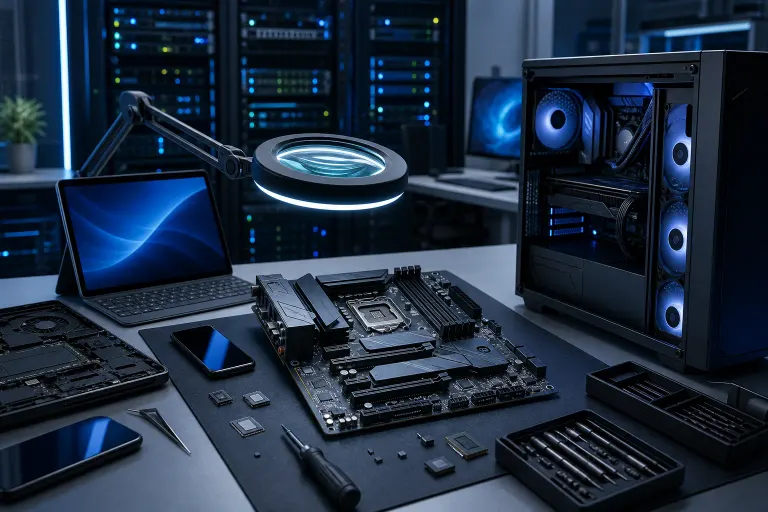
If the board has no recovery features and the chip is corrupted, you're looking at either professional-grade reflashing using a BIOS programmer tool, or in some cases, sourcing and soldering a replacement chip.
This is hardware-level work. If you're not comfortable with it, or if the machine is a laptop (where component access and service options depend on the exact model), get a professional involved. Ask a computer repair provider whether it supports your exact model and recovery method before authorizing work; laptop repair options vary by device.
Step 5: Rule Out Malware Before You Put the Machine Back Into Service
If there's any chance the corruption was caused by a firmware rootkit rather than a power event or update failure, a clean reflash might not be enough. A suspicious link alone is not evidence of a firmware rootkit. If a business device has credible compromise indicators, preserve evidence and consult the IT or incident-response team.
For DIY Custom Builders
If you built the machine yourself and want to dig into the prevention side, check out our custom gaming PC builder resource. When choosing a board, compare documented recovery features and use stable power for updates.
Also, for a visual take on what high-end builds look like when they're done right (and what can go wrong during the build process), the Ryzen 9 9950x RGB Monster build video is worth your time.
Can't Be Onsite? Use Remote Support
If your system is posting but behaving strangely, or if you need help identifying whether what you're dealing with is firmware-related before pulling the machine, we offer remote support that can help triage the situation fast.
Some firmware failures are recoverable; others may need manufacturer service or board replacement. But it's not always a DIY situation. Know your board, know your options, and don't try to rush through a BIOS flash on a storm night in Florida.
Computer acting up? Get a real diagnosis.
Fix My PC Store serves West Palm Beach. Initial checks are free for most standard in-store repairs; ask about advanced diagnostic fees before work begins.