Why Your Phone Battery Dies So Fast (And How to Fix It)
TL;DR: Fast battery drain can come from app activity, poor signal, heat, settings, or battery wear. Check usage and battery health before choosing a fix. Work through this guide in order before you spend money on a replacement. If you do need a battery swap, we can handle that for you.
What You Need
- Your phone (obviously)
- Access to Settings
- About 20 minutes
- A charger nearby in case the battery is already low
- No special tools or apps required
Android and iOS handle most of these settings differently. Where the menus differ, I'll call both out. No judgment on which one you're using. (Okay, maybe a little.)
Step 1: Check Which Apps Are Actually Killing Your Battery
Before you change anything, find out what's actually draining your battery. You might be surprised.
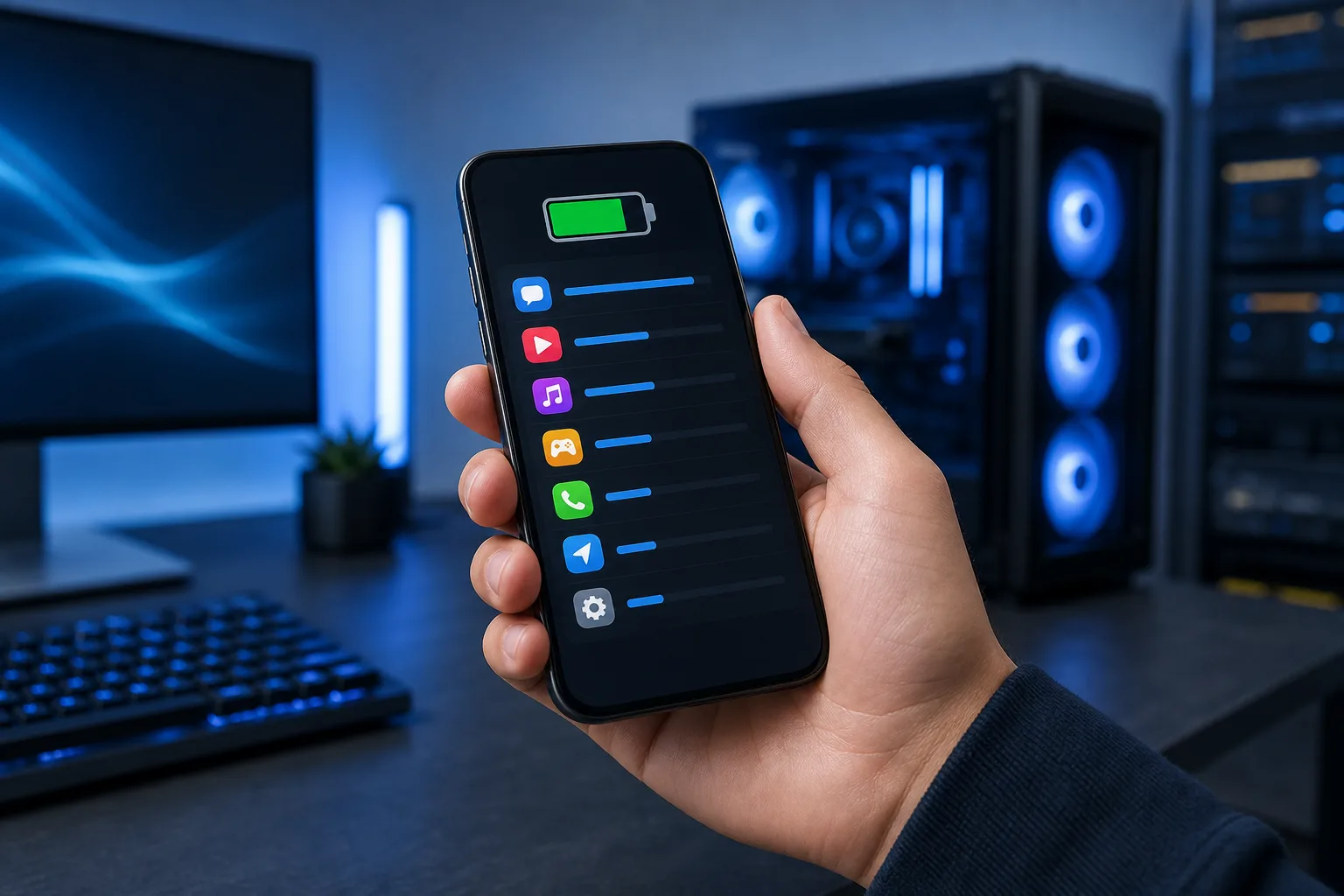
On iPhone: Go to Settings, Battery. Scroll down to Battery Usage by App. Review the available usage period and an app’s screen and background time. A percentage alone does not prove a fault.
On Android: Go to Settings, Battery, Battery Usage. Menus vary by manufacturer and software version; use the device’s search function if needed.
Look for:
- Apps with high background activity
- Social media apps running constantly (Instagram and TikTok are notorious for this)
- Navigation apps like Google Maps or Waze left running after your trip ended
- Email apps set to sync every few minutes
Write down the top three offenders. You'll deal with them in the next steps.
Step 2: Kill Background App Refresh and Location Access
This is worth checking if the usage report shows heavy background activity.
Apps love to run in the background, fetching data you don't need right now. Background App Refresh can contribute to drain, but the cause varies by phone. On Android, unrestricted background activity does the same thing.
On iPhone: Settings, General, Background App Refresh. You can turn it off entirely or go app by app. Turn it off for social media, news, and shopping apps. Keep it on for things like messaging or calendar if you want real-time updates.
On Android: Go to Settings, Apps, select an app, Battery. Set non-essential apps to "Restricted" rather than "Unrestricted." Do this for your top five drain offenders.
While you're in there, fix location access. This one surprises people.
On iPhone: Settings, Privacy and Security, Location Services. Any app set to "Always" that doesn't genuinely need it, change to "While Using" or "Never." Weather apps, food delivery apps, random games with no reason to know where you are. All of them.
On Android: Settings, Location, App Permissions. Same idea. "Allow only while using" for most apps.
Location polling is a silent battery killer. An app checking your GPS every few minutes adds up fast, especially in South Florida where half a dozen apps are fighting to serve you ads based on whether you're in West Palm or Boca.
Step 3: Adjust Screen Settings
The screen can use substantial power, especially at high brightness. Most people have it set way brighter than necessary.
Brightness: Reduce brightness to a comfortable level; automatic brightness may help by adjusting to conditions. In the Florida sun you'll need to bump it, but let it drop when you're inside.
Screen timeout: Set your screen to lock after 30 seconds, not 2 minutes. Every time you put your phone down and the screen stays on, you're burning battery for no reason.
Always-On Display: If you have an Android phone with an always-on display feature, turn it off unless you genuinely use it. It's a nice feature that costs real battery life.
Refresh rate: Many newer Android phones default to 120Hz. It's smooth and it's also hungry. If your phone lets you switch to 60Hz in settings, try it for a few days. You may not even notice the difference in daily use.
iOS handles refresh rate automatically and does a decent job. Android gives you the manual control, which is great if you remember to actually use it.
Cracked screen or a phone that won't hold a charge? Get a repair quote
Step 4: Audit Your Notifications and Push Settings
Frequent notifications can wake the display and use power. Check battery usage before treating them as the main cause.
On iPhone: Settings, Notifications. Go through every app and turn off notifications for anything that doesn't genuinely need to alert you in real time. Shopping apps, games, random services you signed up for once. All of them can wait.
On Android: Settings, Notifications, App Notifications. Same audit. Be ruthless.
Also check your email sync frequency. If mail activity is a measurable drain, review fetch options and work requirements before changing delivery. Most emails can wait fifteen minutes.
If your business email setup is part of the drain, and you're running Microsoft 365 through a small business, your IT configuration might actually be the issue. That's worth looking at separately, and it's something our Microsoft 365 support team handles regularly.
Step 5: Check for Rogue Software Updates or Misbehaving Apps
Sometimes a single app update rolls out broken and starts consuming battery like crazy. This is more common than manufacturers like to admit.
If drain began after an update, it is one clue; temporary post-update processing and other changes can also matter.
What to do:
- Check the App Store or Google Play for pending updates on your top drain apps. Developers often push quick fixes within days.
- If one app is clearly the problem, delete and reinstall it. This clears any corrupted cache or settings.
- Restart your phone. Sounds basic. Works more often than it should.
Also check your OS version. Buggy software releases from both Apple and Google have caused widespread battery drain issues at launch. Check your update history. If drain started right after a major iOS or Android update, search online to see if others are reporting the same thing. Check the manufacturer’s support guidance; fix timing is not predictable.
Step 6: Check Actual Battery Health
Okay, now we check the battery itself. Check battery condition alongside the usage report; it need not be the last step. But if you've done all of the above and you're still draining fast, battery health matters.
On iPhone: The menu varies by model: iPhone 15 and later use Settings > Battery > Battery Health; older models may show Battery Health & Charging. If iOS shows Service, consider replacement. Maximum capacity is one clue, not an automatic repair order.
On Android: This varies a lot by manufacturer. Samsung offers battery diagnostics through the Samsung Members app; paths vary by model. For other Android phones, there's no universal spot. Use your manufacturer’s supported diagnostics rather than assuming a hidden dialer code works.
If battery health is poor and runtime no longer meets your needs, ask whether replacement is practical for that model. An iPhone or iPad battery replacement is straightforward if you get it done by someone who knows what they're doing. Using low-quality replacement cells is where phones get damaged, so don't go bargain hunting on that one.
Common Mistakes
Myth: Closing all your apps saves battery. Do not routinely force-close apps solely to save power; close an app if it is unresponsive or clearly misbehaving. It's busywork.
Myth: Charging overnight destroys your battery. Modern phones manage charging. Optional optimized charging or charge limits can reduce battery wear; you do not have to keep the phone strictly between 20% and 80%. Both platforms now have optimized charging features that learn your schedule.
Mistake: Ignoring Wi-Fi and Bluetooth. If you're driving around Palm Beach County with Bluetooth scanning on and jumping between cell towers, your phone is working hard. Turning off Bluetooth when you're not using it is a small but real gain.
Mistake: Using cheap third-party chargers. Inconsistent voltage from a no-name charger stresses your battery over time. This is actually worth spending money on. Stick to the manufacturer's cable and adapter, or a reputable third-party brand.
Mistake: Running a case that traps heat. South Florida heat is already brutal on phone batteries. Lithium batteries hate heat. If your phone gets warm while charging, take it out of the case. Heat during charging is one of the fastest ways to degrade a battery over time.
If you're also dealing with device issues beyond just battery drain, like a cracked screen, charging port problems, or software that won't behave, our team offers remote support for software issues and in-person repair for hardware.
Bottom Line
Your usage report and battery-health information can help distinguish settings from wear.
Work through these steps in order. Background and location settings may help if those features account for the drain. If you do all six steps and you're still sitting at 20% by noon, check battery health. If the device reports service or low capacity and runtime is poor, compare a repair quote with your phone’s condition and replacement cost.
Don't buy a new phone because of a battery. That's exactly what the manufacturers are hoping you'll do.
If you're in West Palm Beach or anywhere on the Treasure Coast and want someone to look at it, book a repair or drop by. We'll tell you honestly whether it's the battery or something else.
Cracked screen or a phone that won't hold a charge?
Bring it in. Same-day options and warranty coverage depend on the device, part, and repair. Confirm them with the shop.